Misfits
I wanted to share this series from my concert archives for Halloween. Hope you enjoy it.
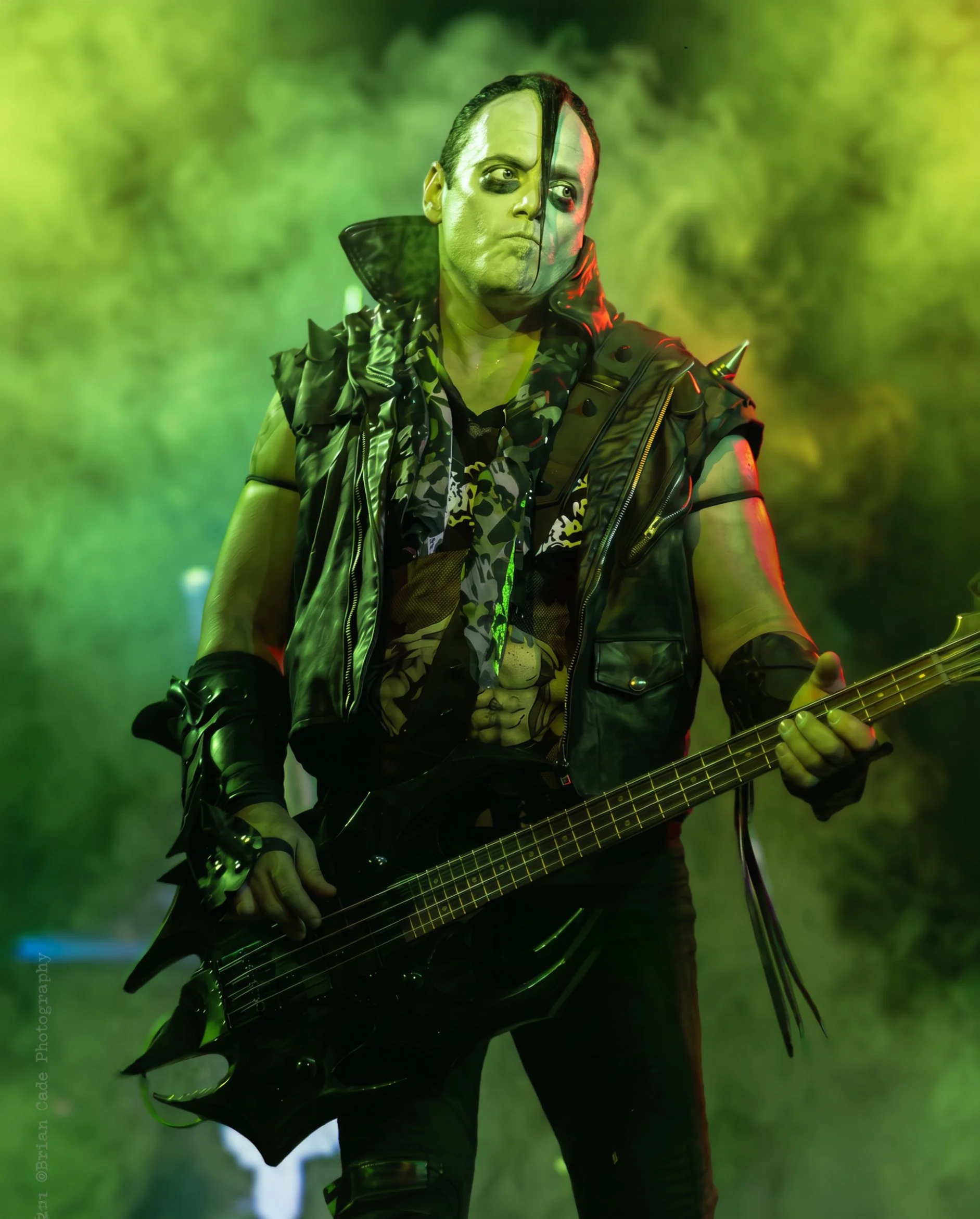
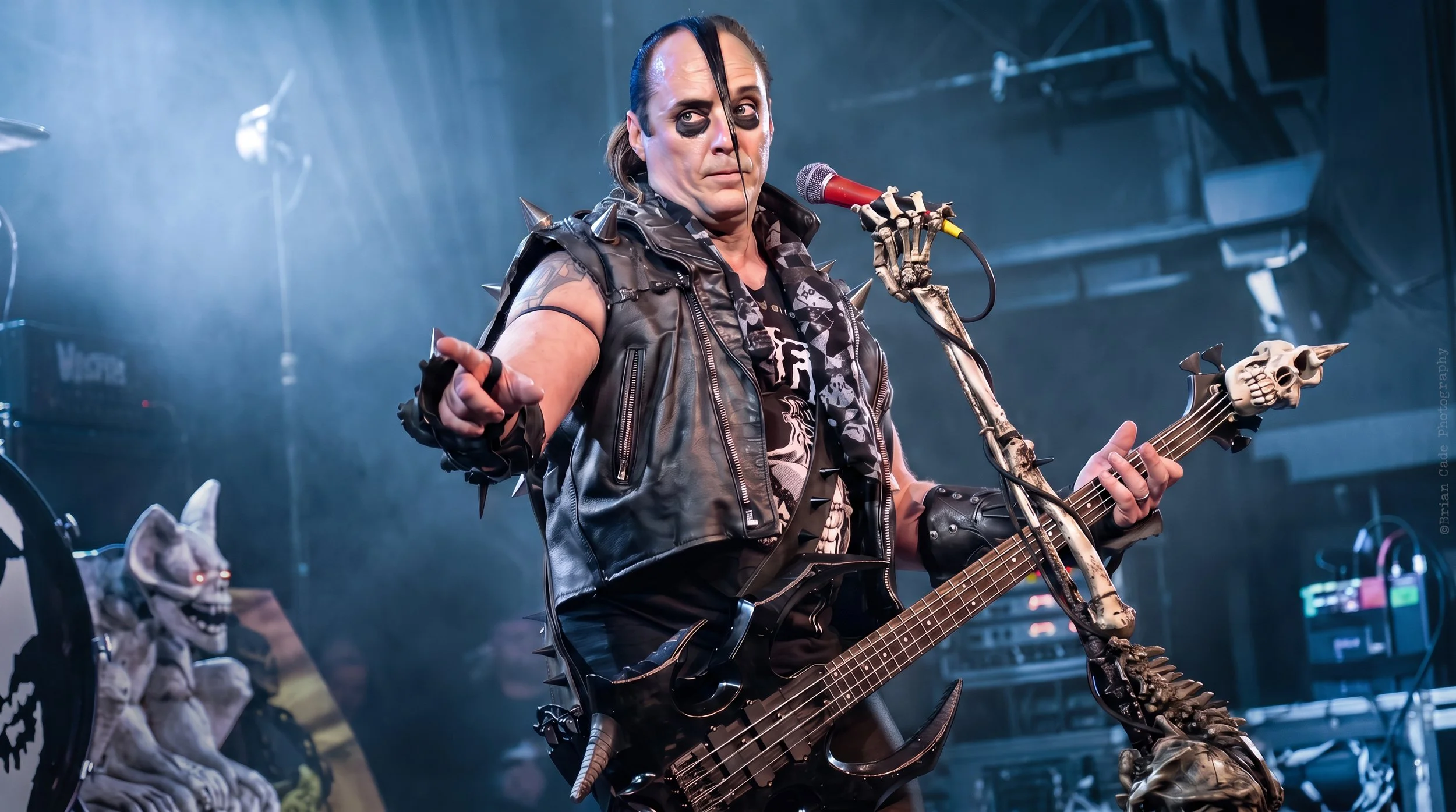
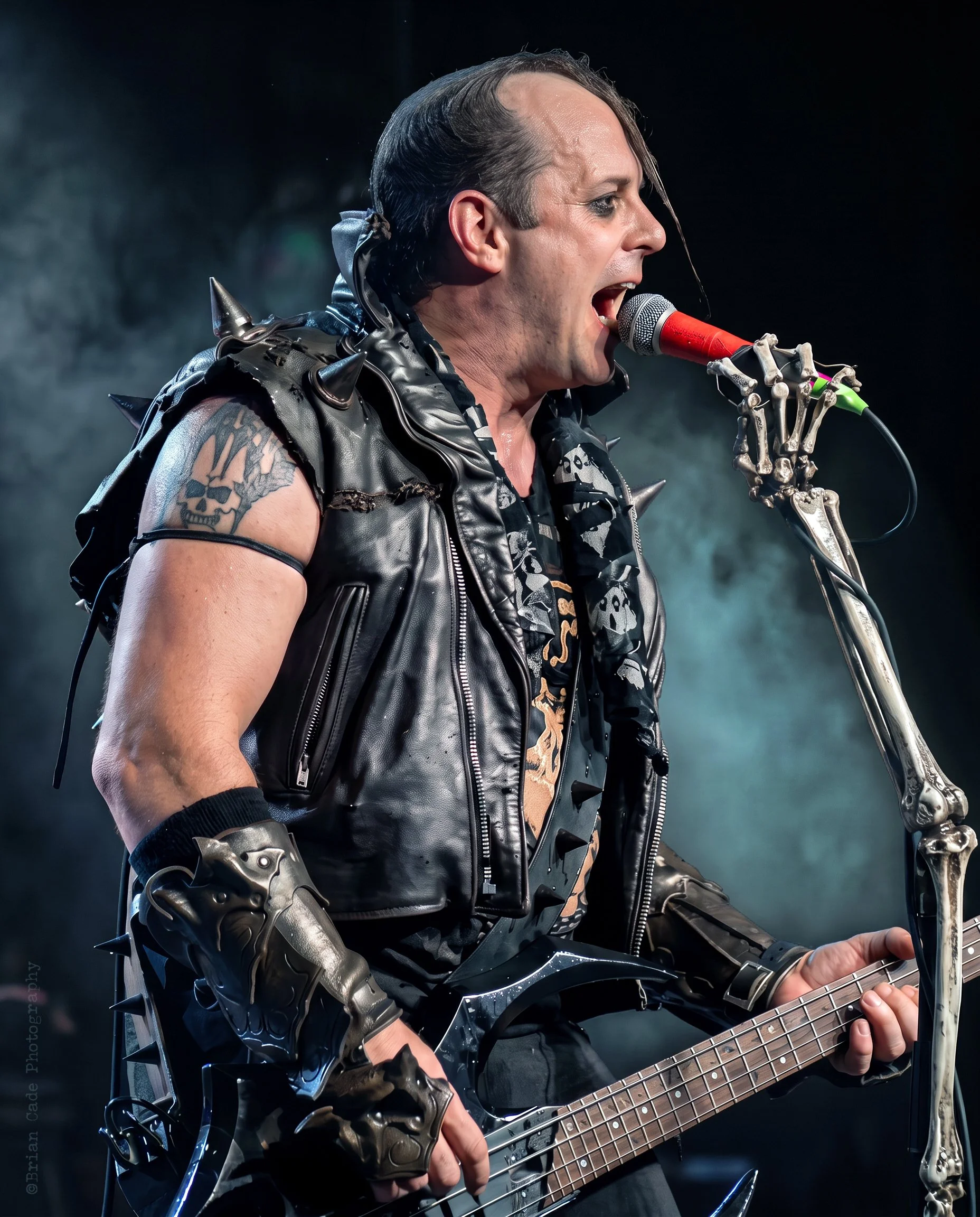
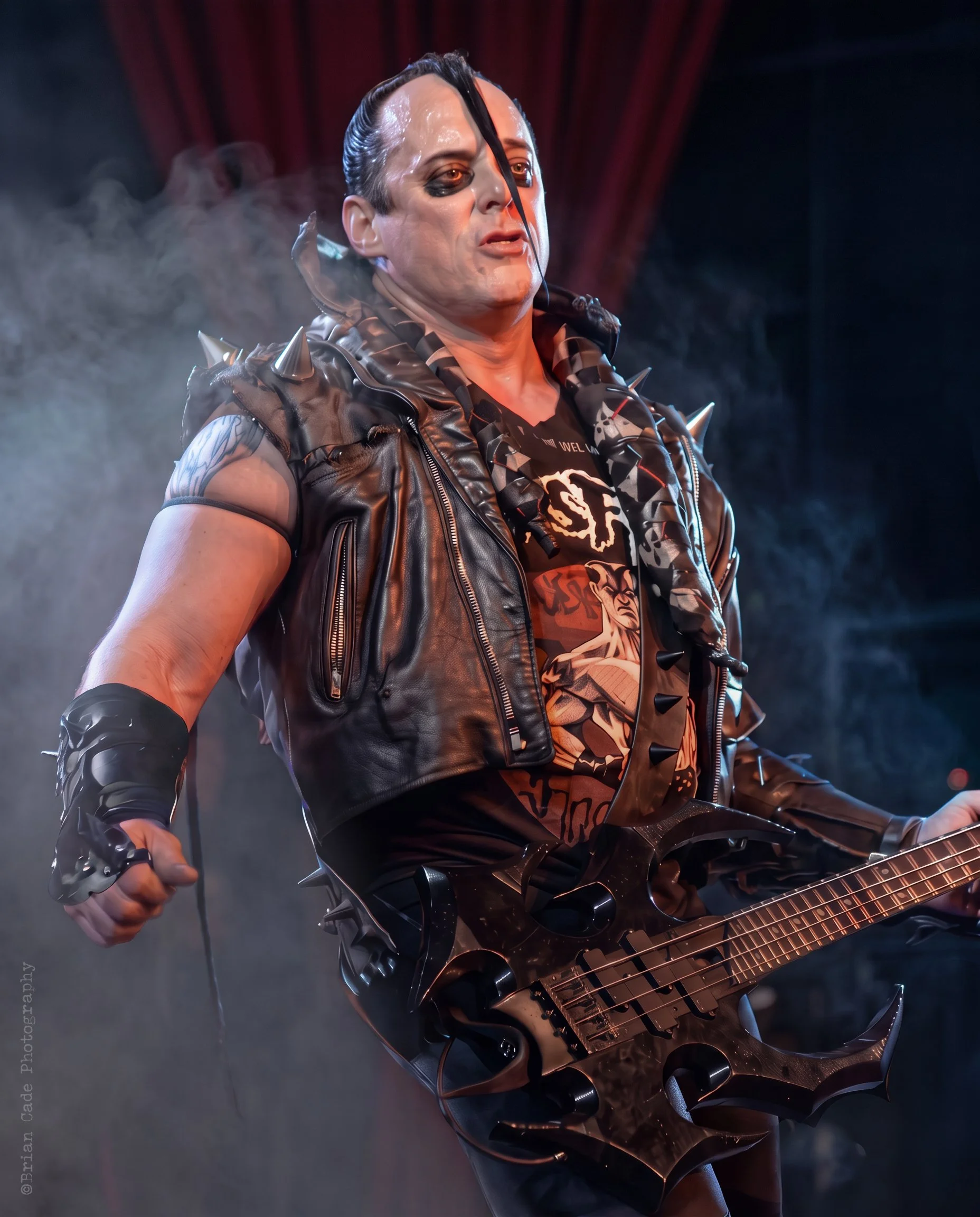
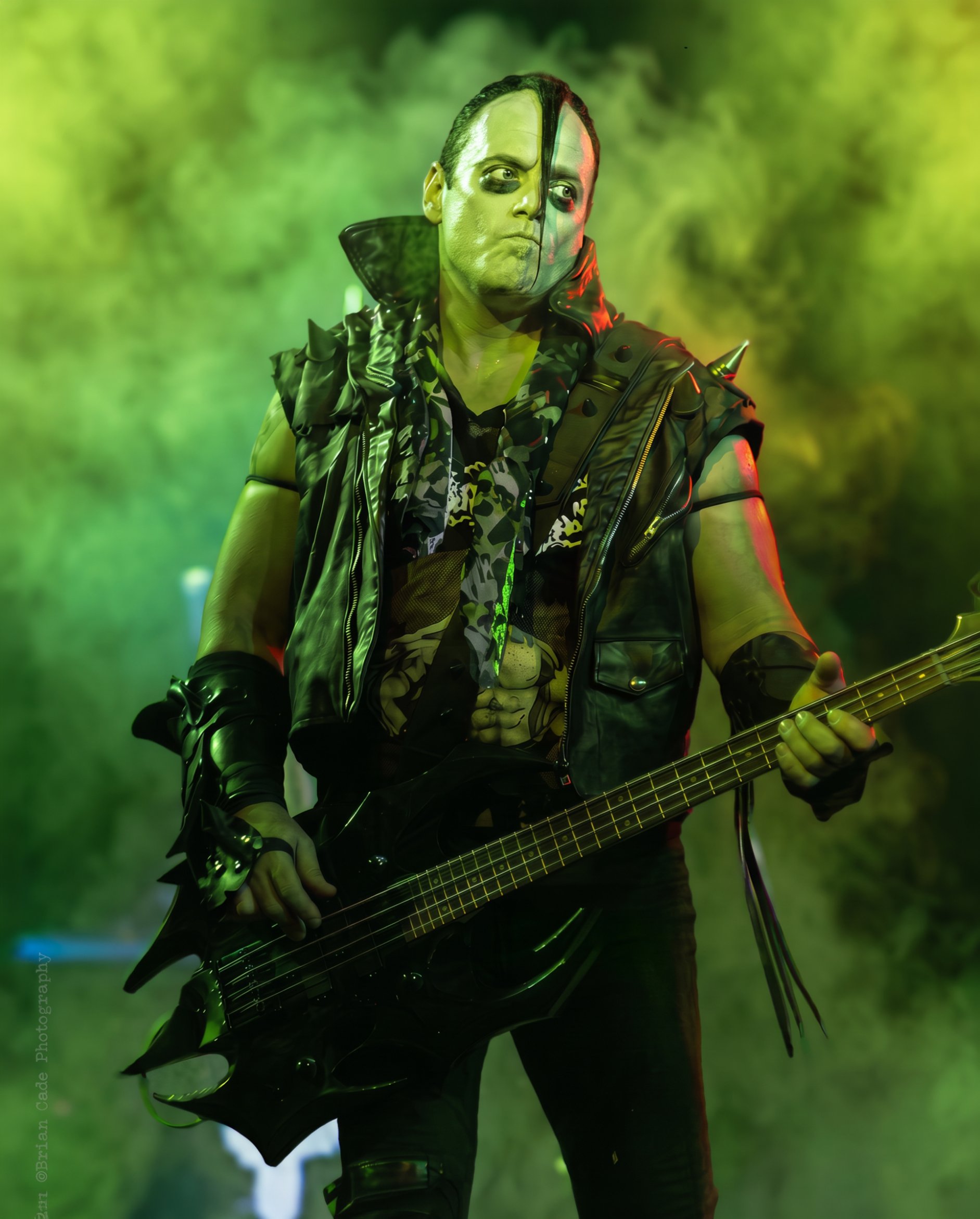
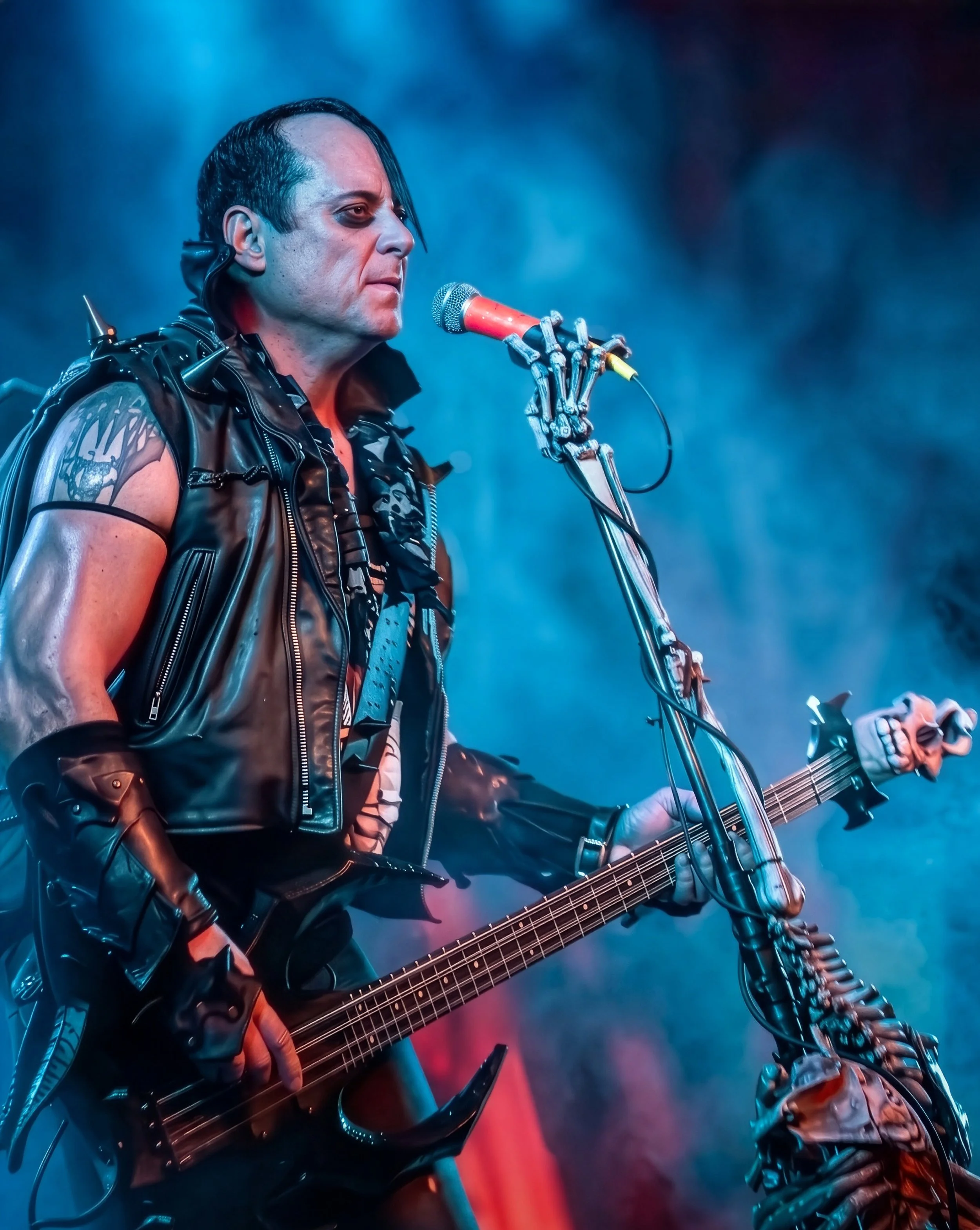
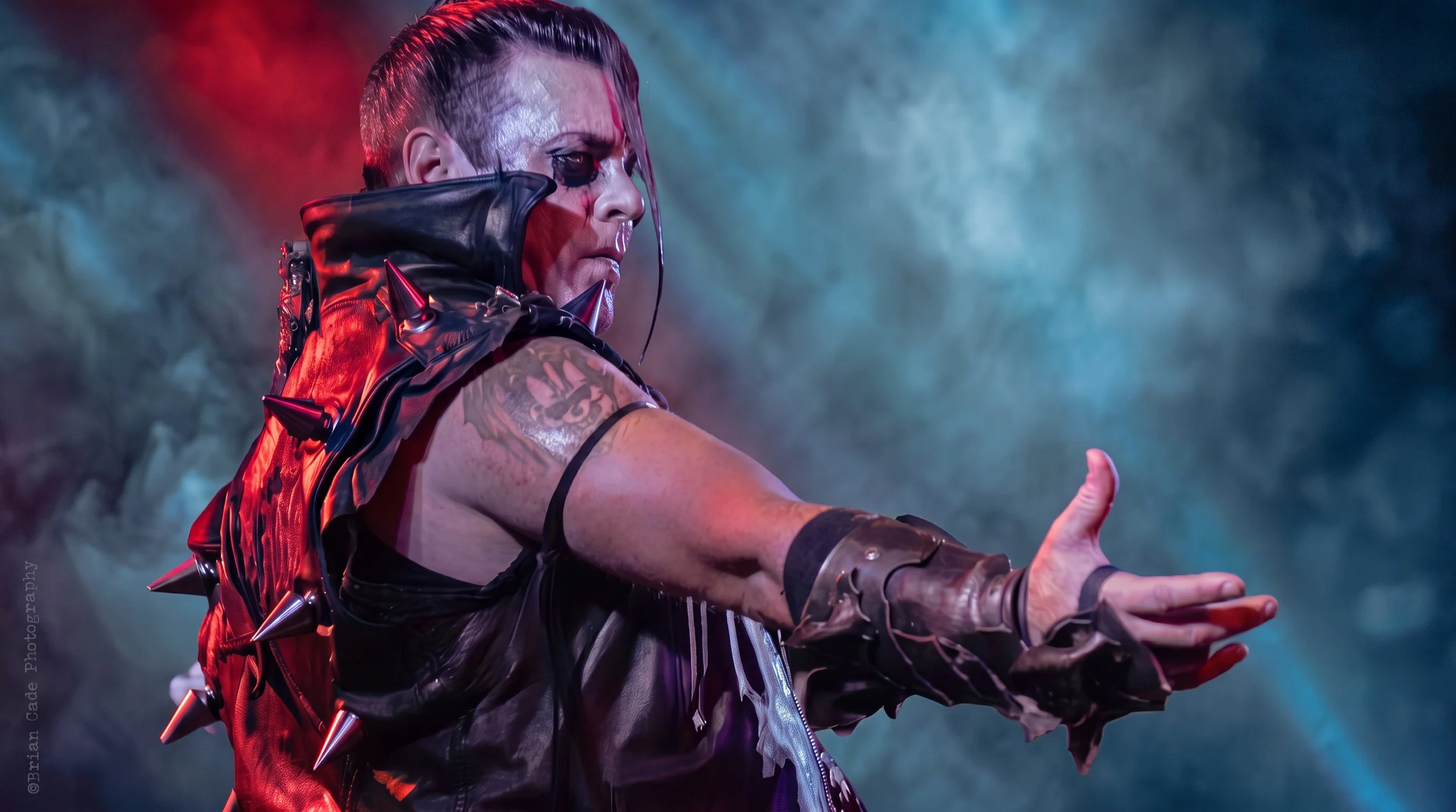
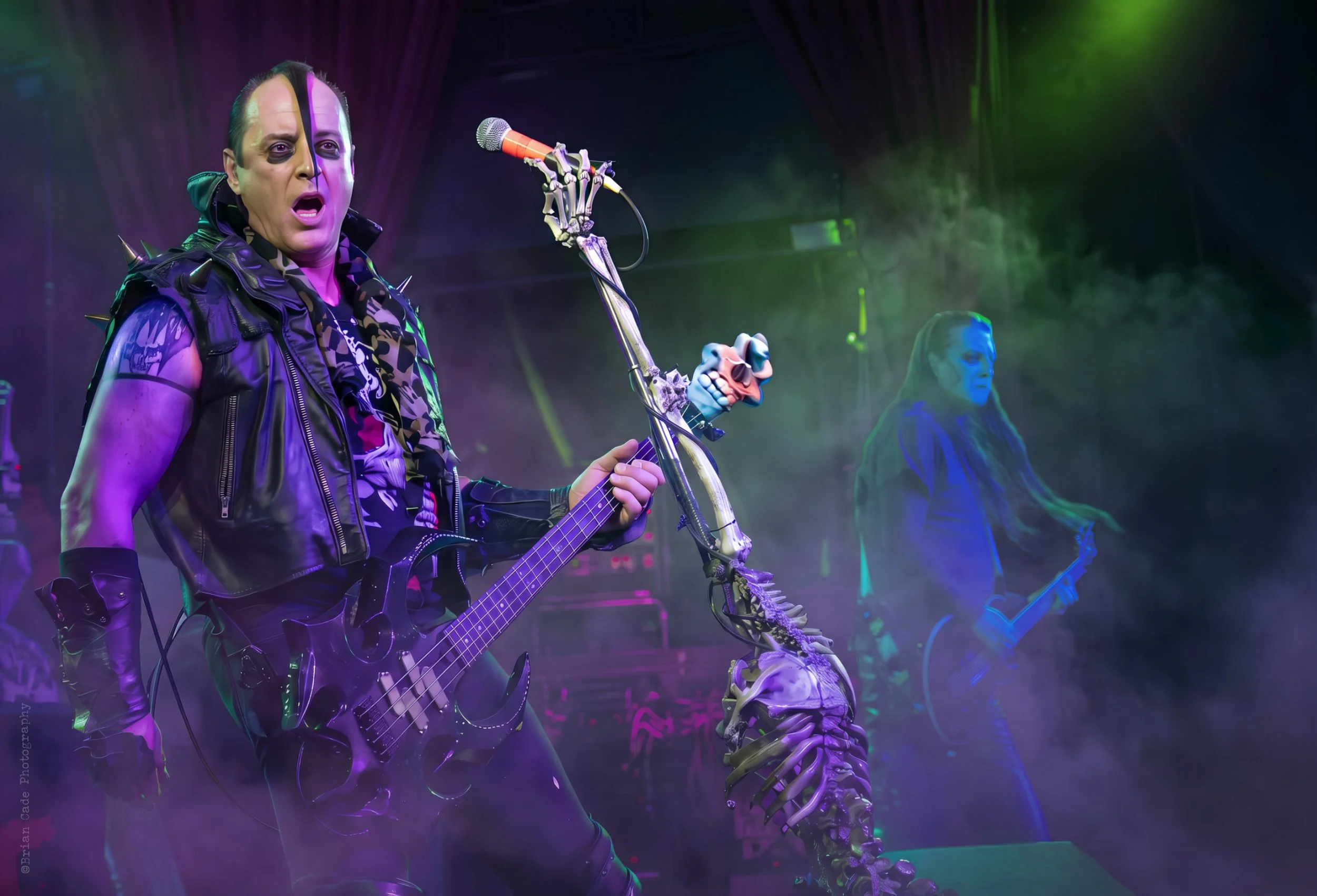
As a photographer and artist, I had one band left on my short bucket list. On December 3, 2008, I finally saw the Misfits perform at The Valarium in Knoxville, Tennessee, with local artist The American Plague opening.
**Please note that we will add more images for this series as time permits.
Connections:
I wanted to share this series from my concert archives for Halloween. Hope you enjoy it.
As a photographer and artist, I had one band left on my short bucket list. On December 3, 2008, I finally saw the Misfits perform at The Valarium in Knoxville, Tennessee, with local artist The American Plague opening. The lineup featured original member Jerry Only on bass because of a rift between the brothers, so Doyle wasn’t on this tour. As a bonus, Jerry Only brought Black Flag legend Dez Cadena on guitar and Roko on drums. The Misfits have always mixed punk rock with B-movie horror, focusing on intensity over polish, and they delivered.
The venue wasn’t as crowded as I expected. No photo pit and no three-songs-and-out rule; this meant the floor stayed open the whole show. Even though I could shoot from any angle, I stuck to my usual spots—stage right or center. Ok, I did wander over for a few snaps stage left. After the show, most people had left, but Jerry hung around and talked with the few who stayed. I wasn’t sure if Dez or Robo did the same.
I saw Jerry talking to a couple of young fans. I tried to capture this private moment with my camera, and just then, Jerry looked right at me and made a playful gesture like a B-movie vampire—hissing at the sight of a cross. It was priceless. Unfortunately, my camera jammed, so I missed the shot. That’s why you should always have a backup, a lesson I should’ve learned back in 1998.
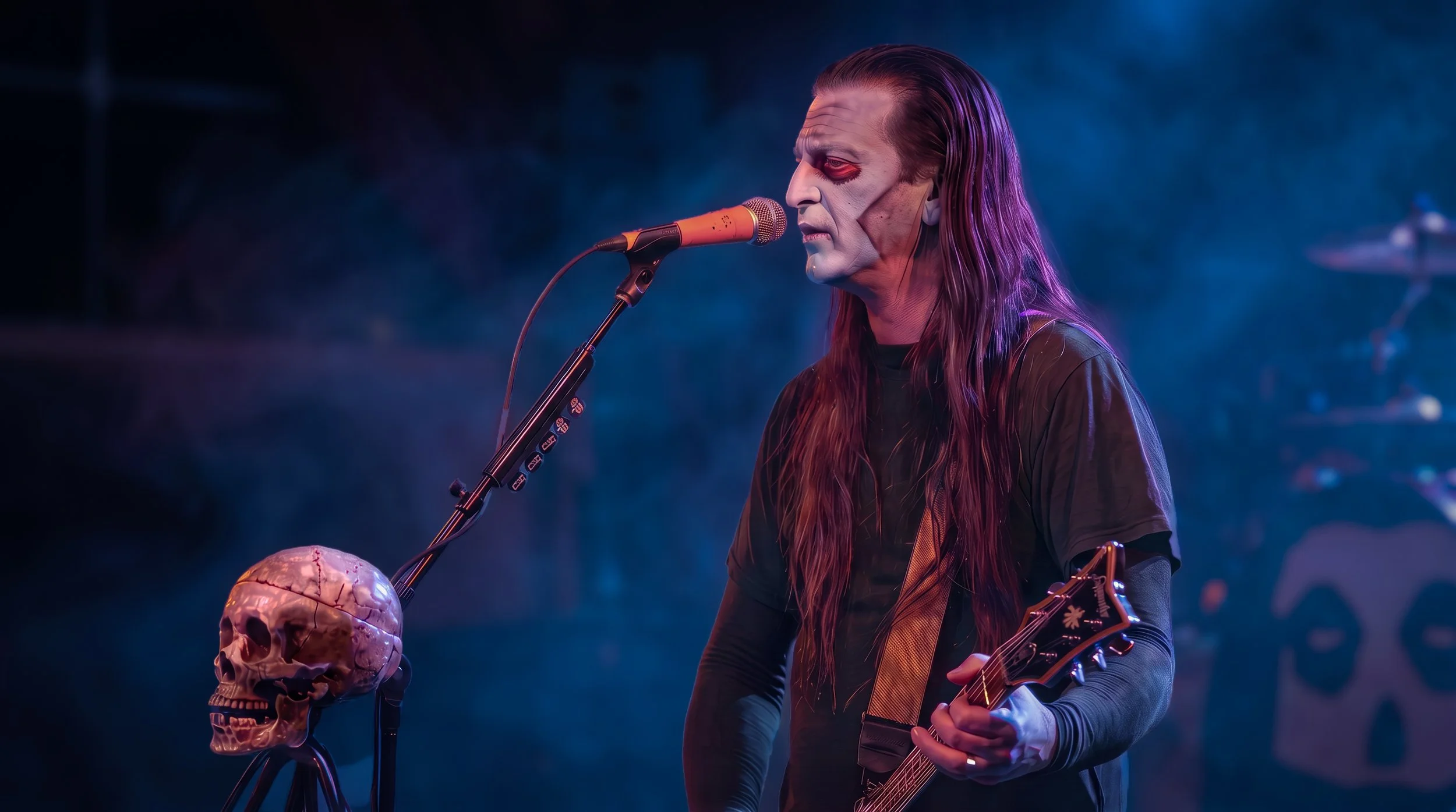
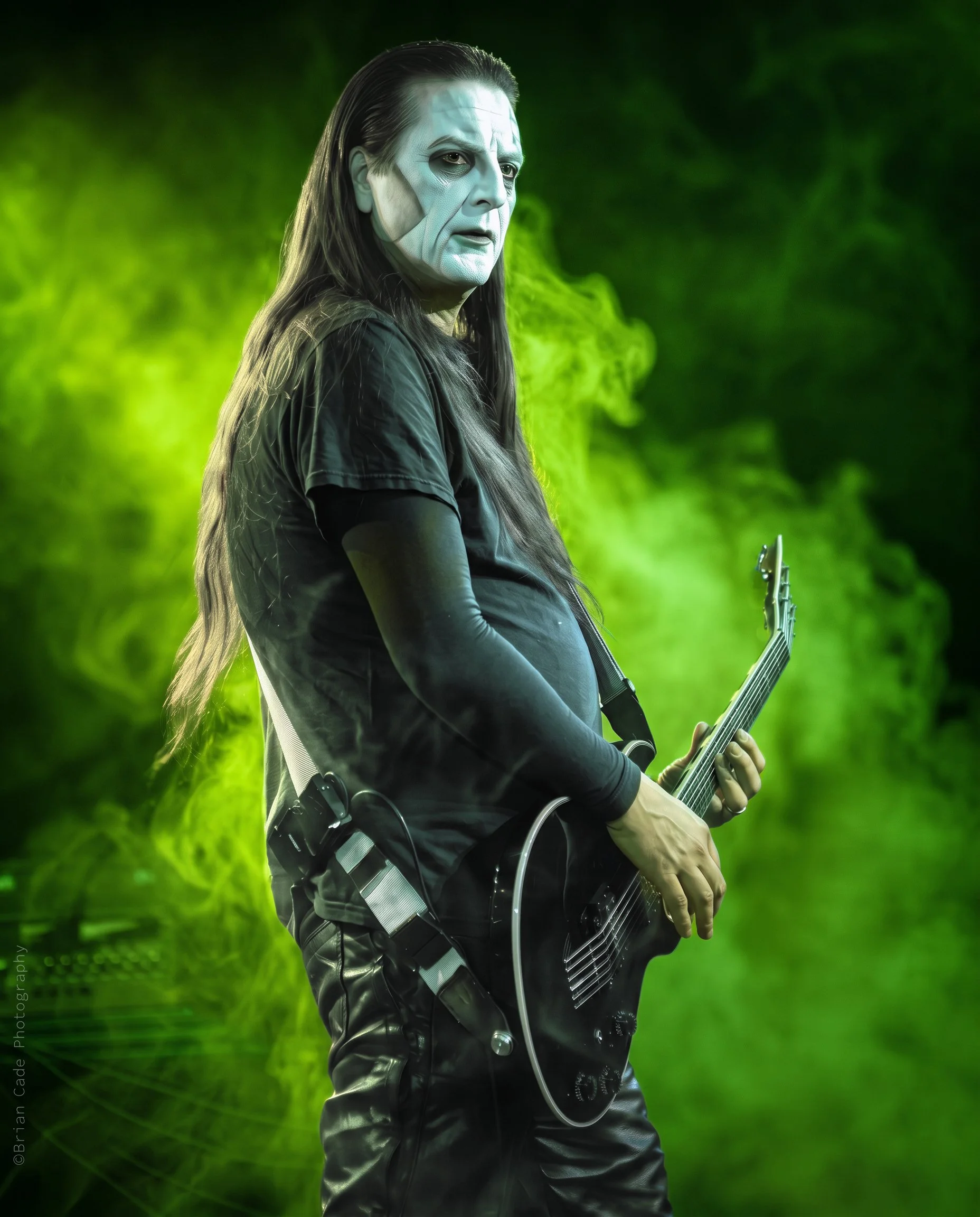
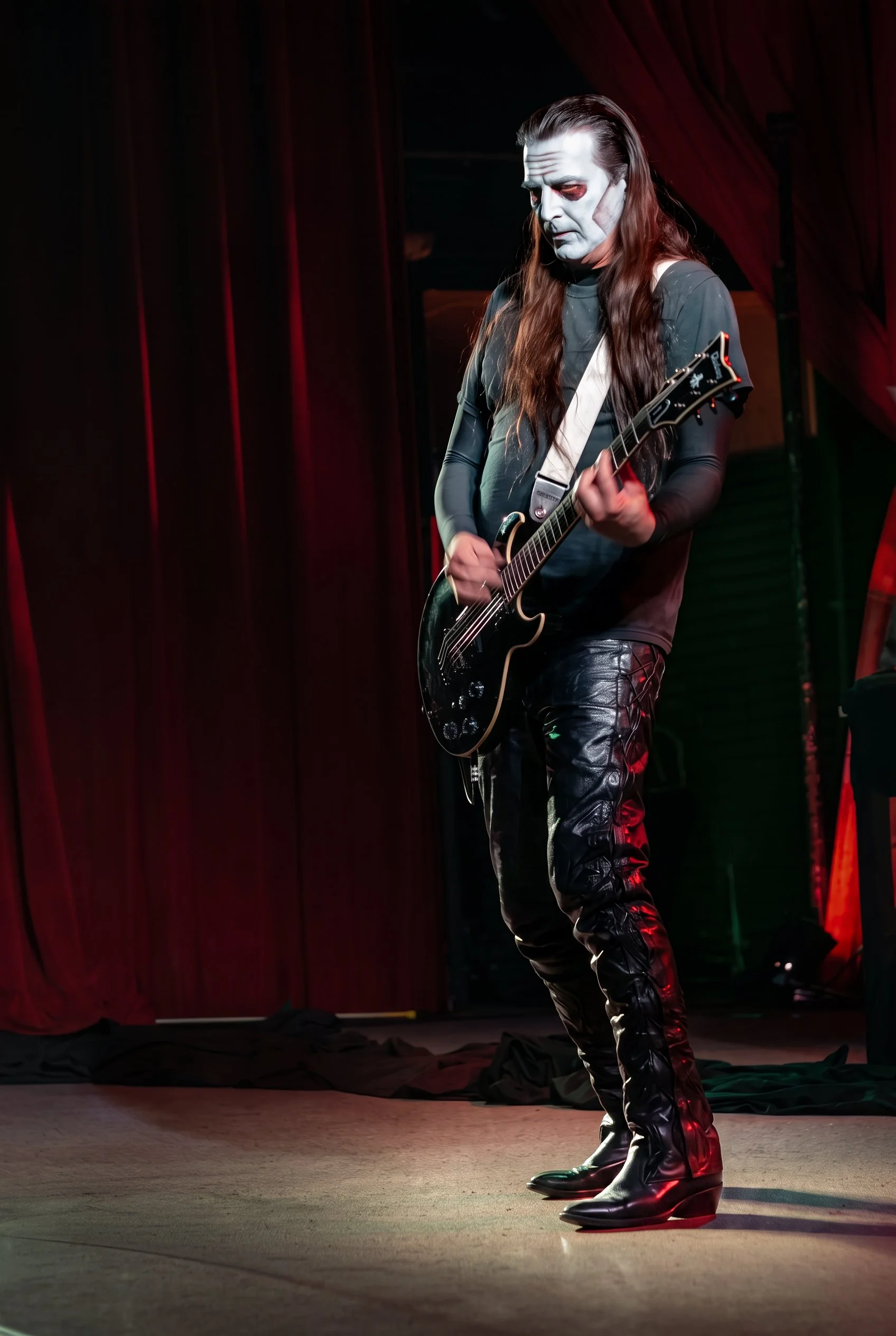


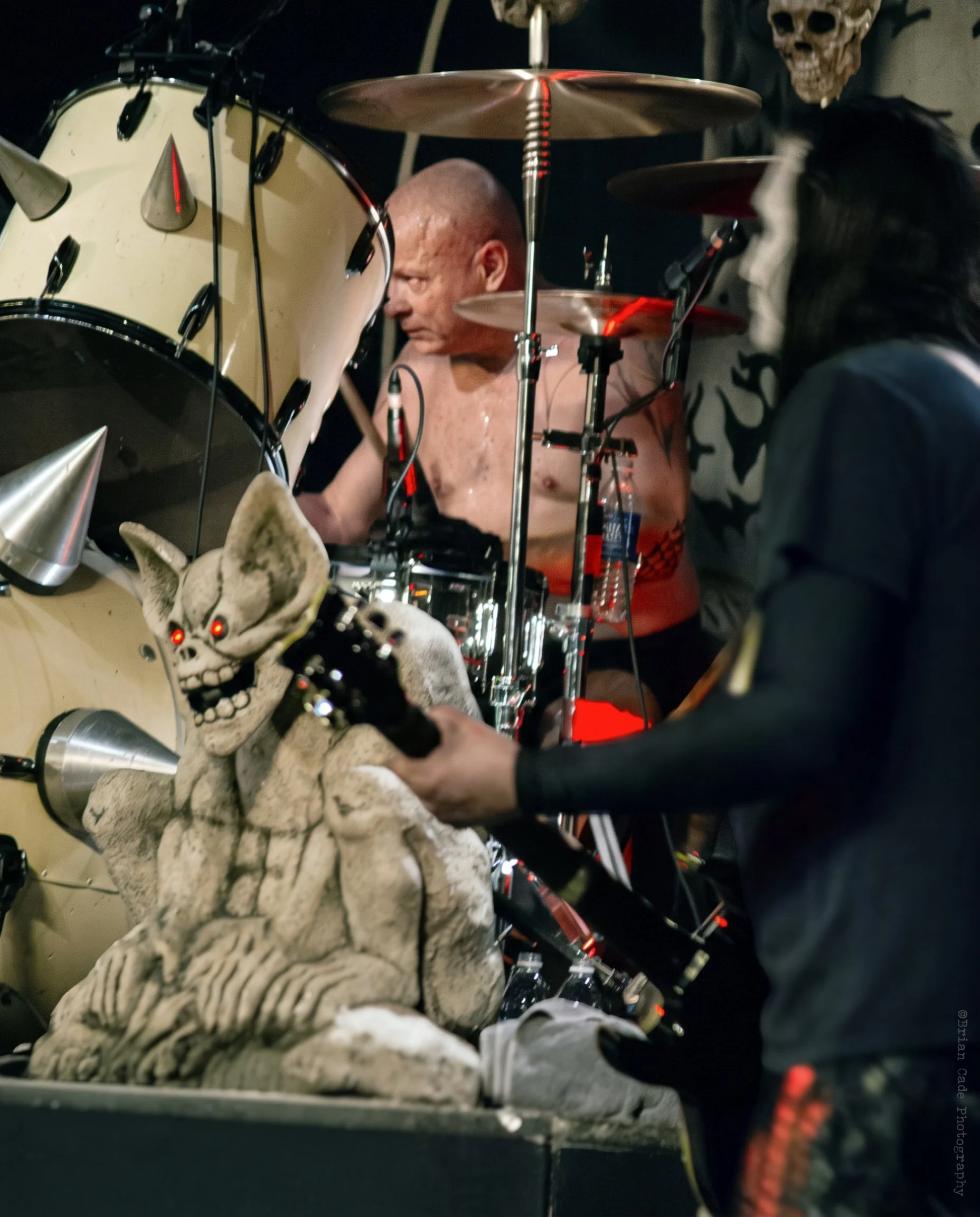

Flyer supplied by Jesse Capps of Rock Confidential Magazine.
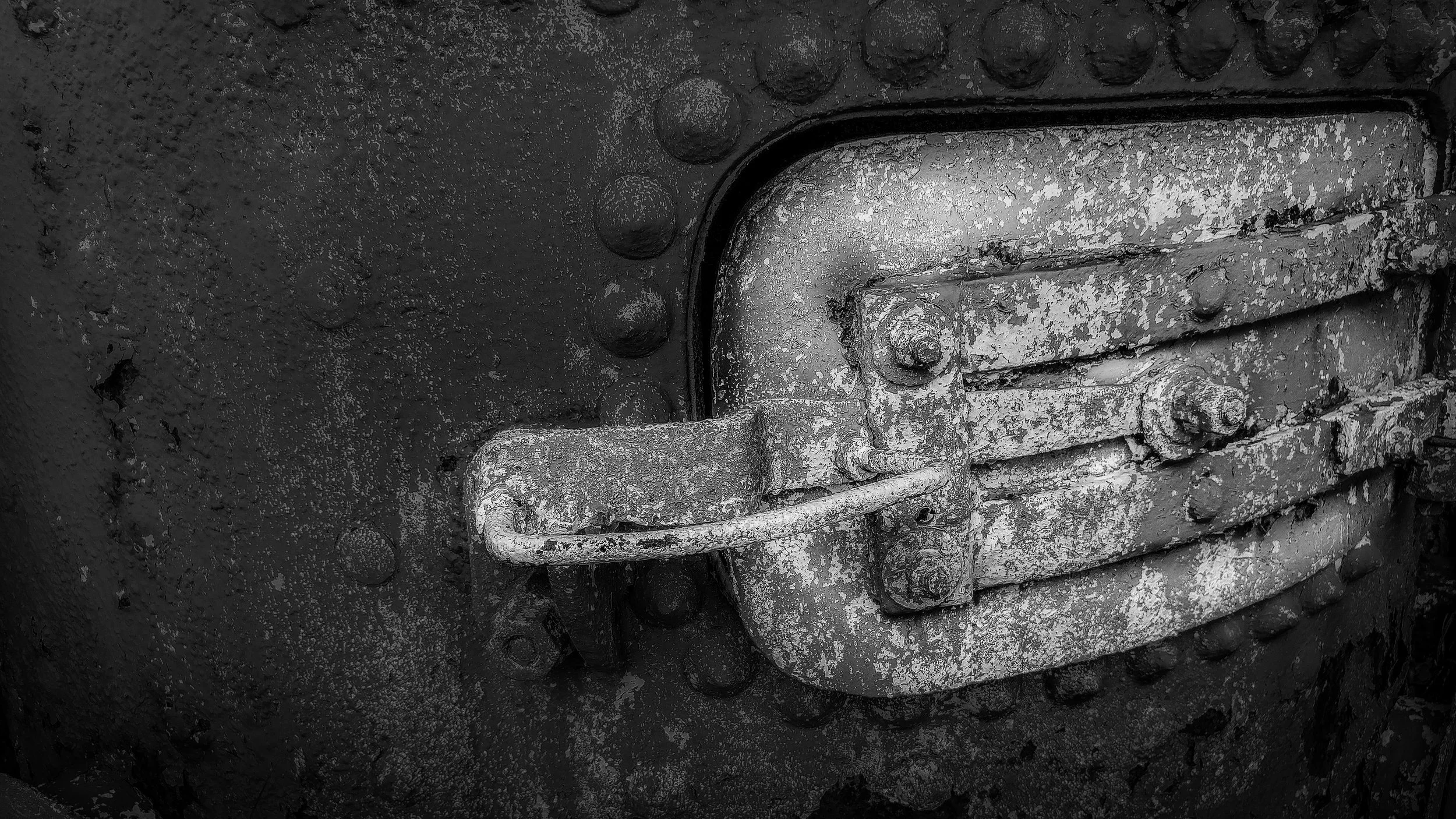
Places: Cass, West Virginia
**Please note that we will add more images for this series as time permits.
**Please note that we will add more images for this series as time permits.
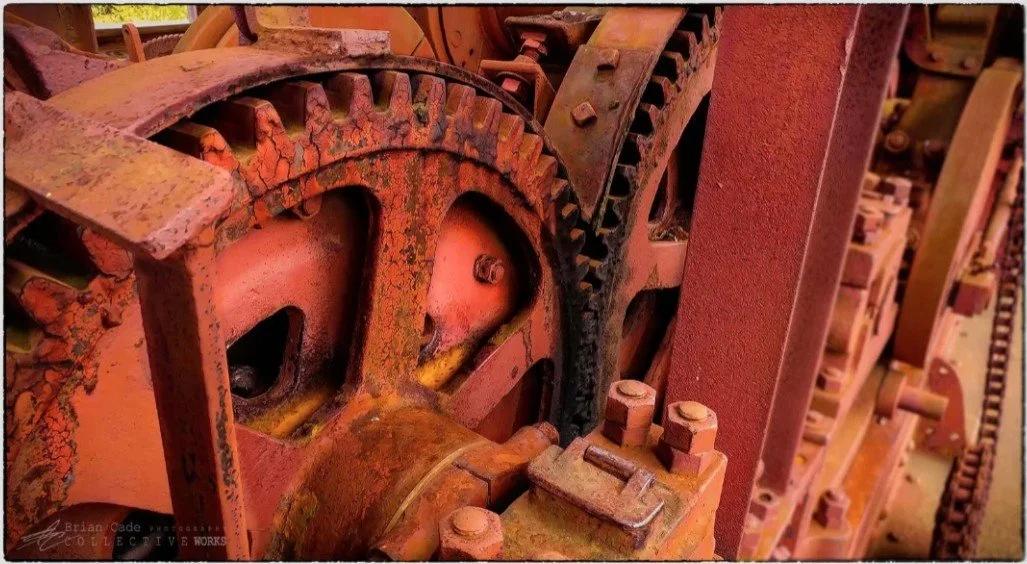
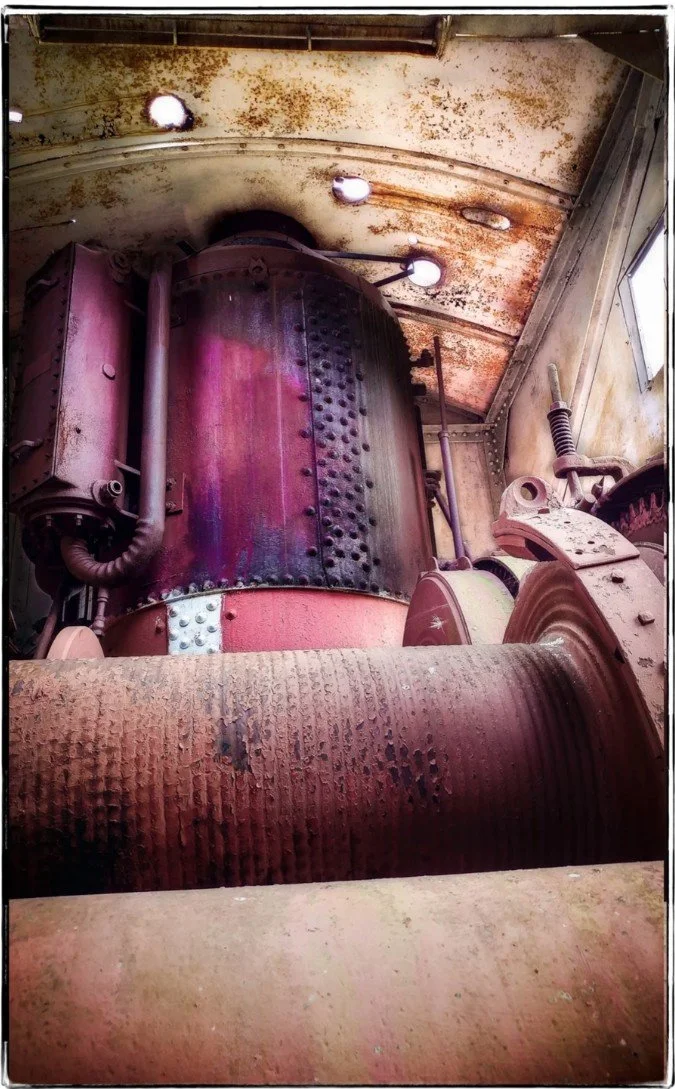

Places: Babcock State Park, West Virginia
**Please note that we will add more images from this show as time permits.


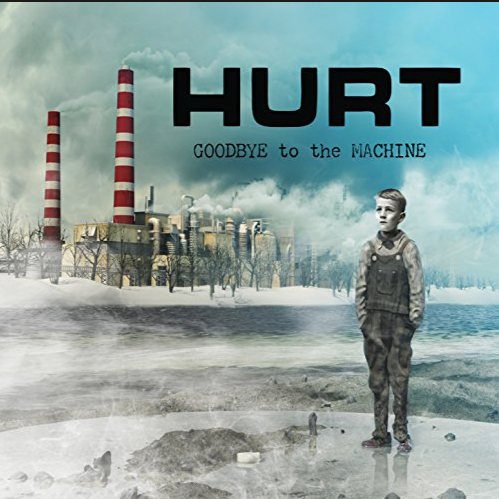
HURT
**Please note that we will add more images from this show as time permits.
I should have been in Louisville, Kentucky, this night, reporting on my good friends in Stereoside (there’s an interesting story associated with that as well); instead, my friend and fellow shutterbug, Shannon Lindsay from MUEN Magazine, asked whether I would like to cover a band from Virginia called Hurt; of course, I seized the opportunity, we were heading to Johnson City, TN, to a club called Capone’s.
**Please note that we will add more images from this show as time permits.
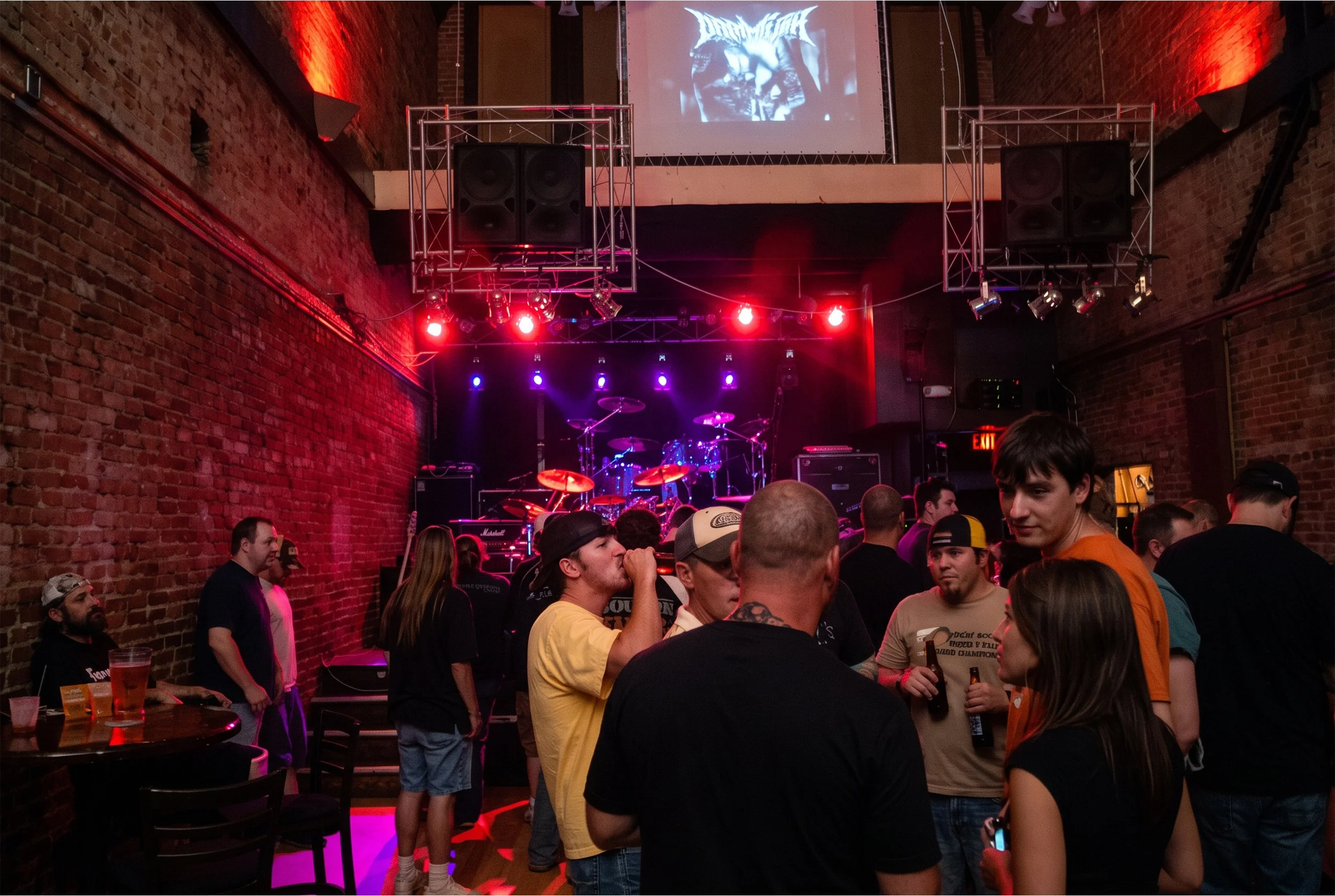
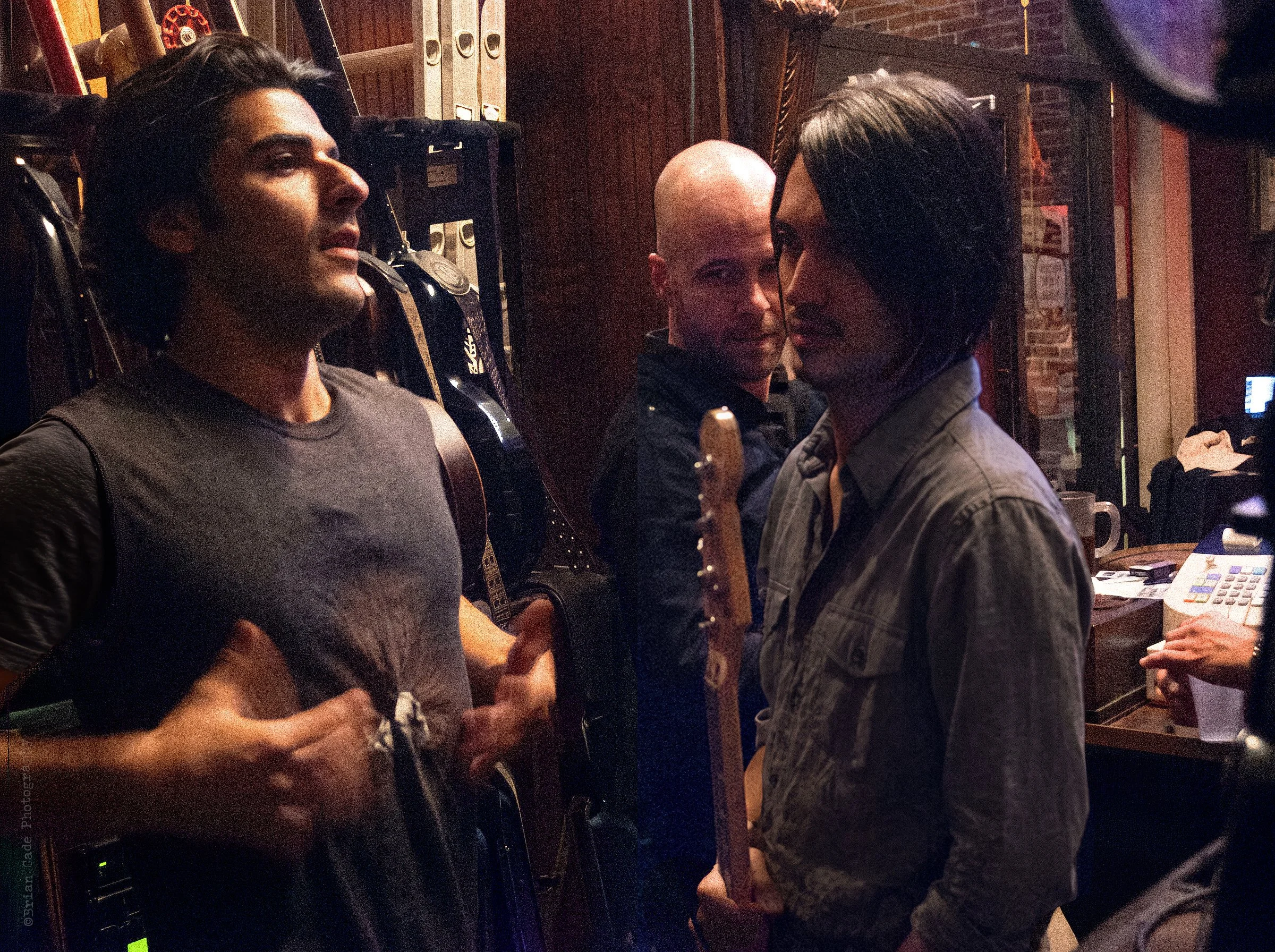
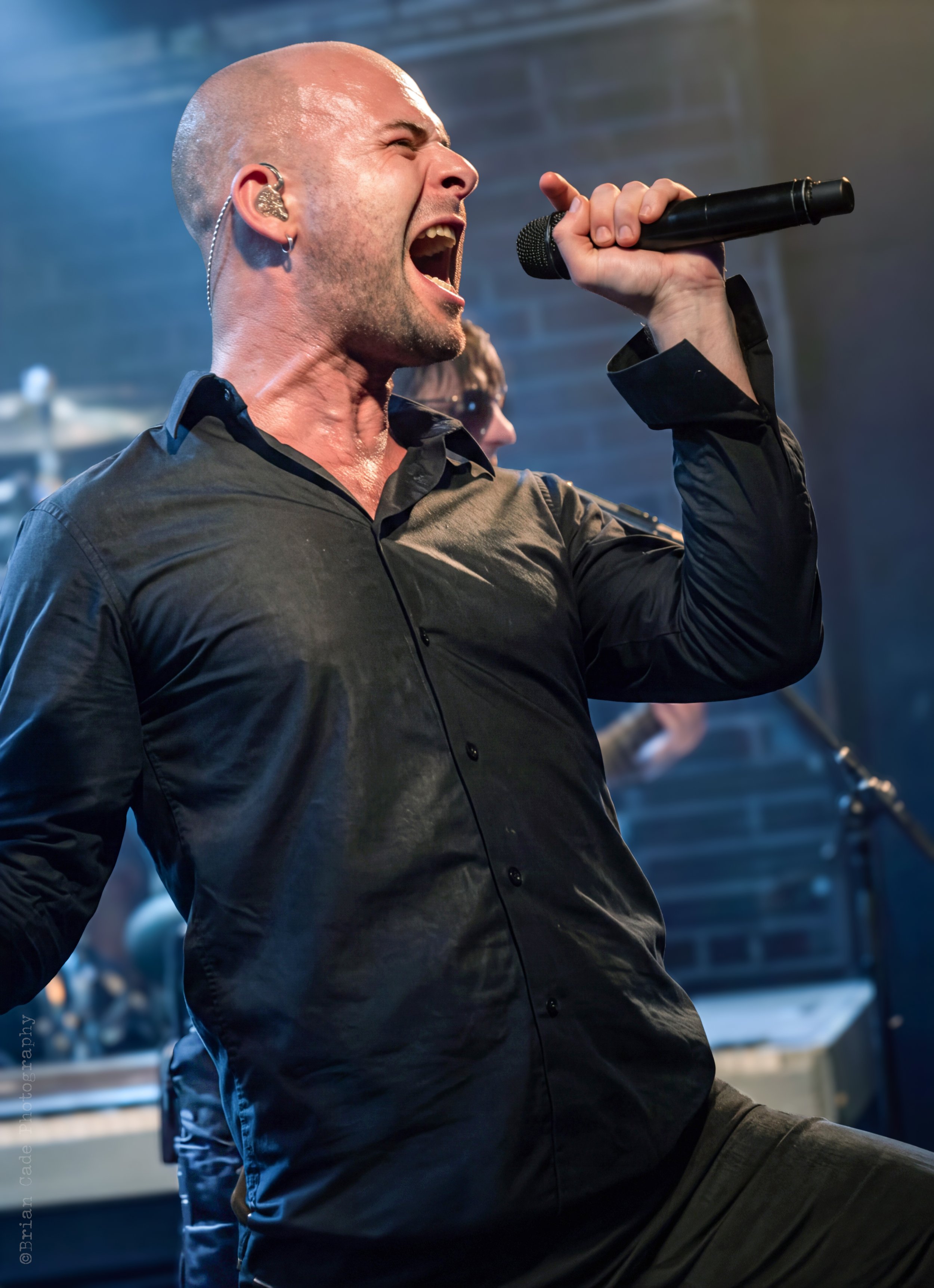
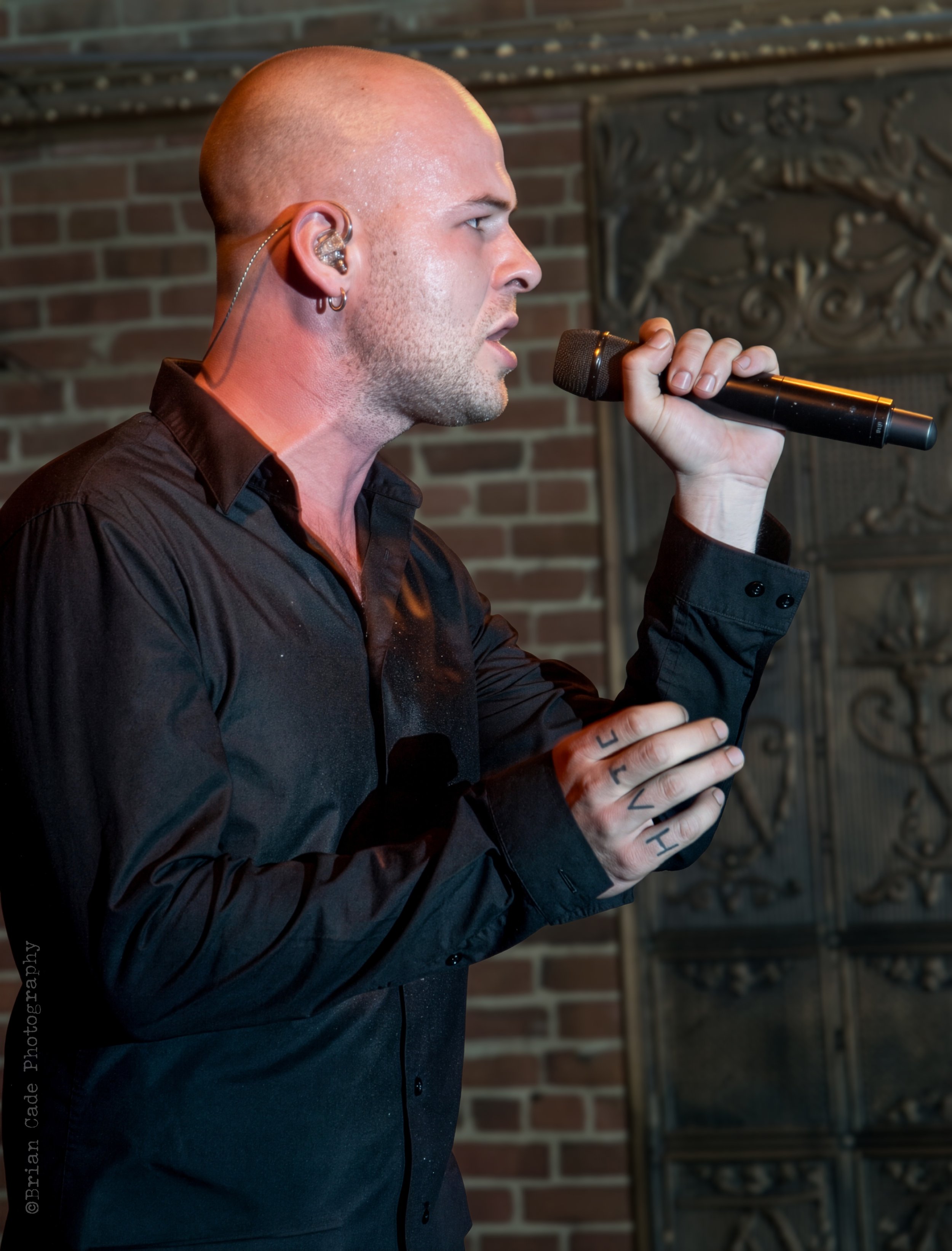
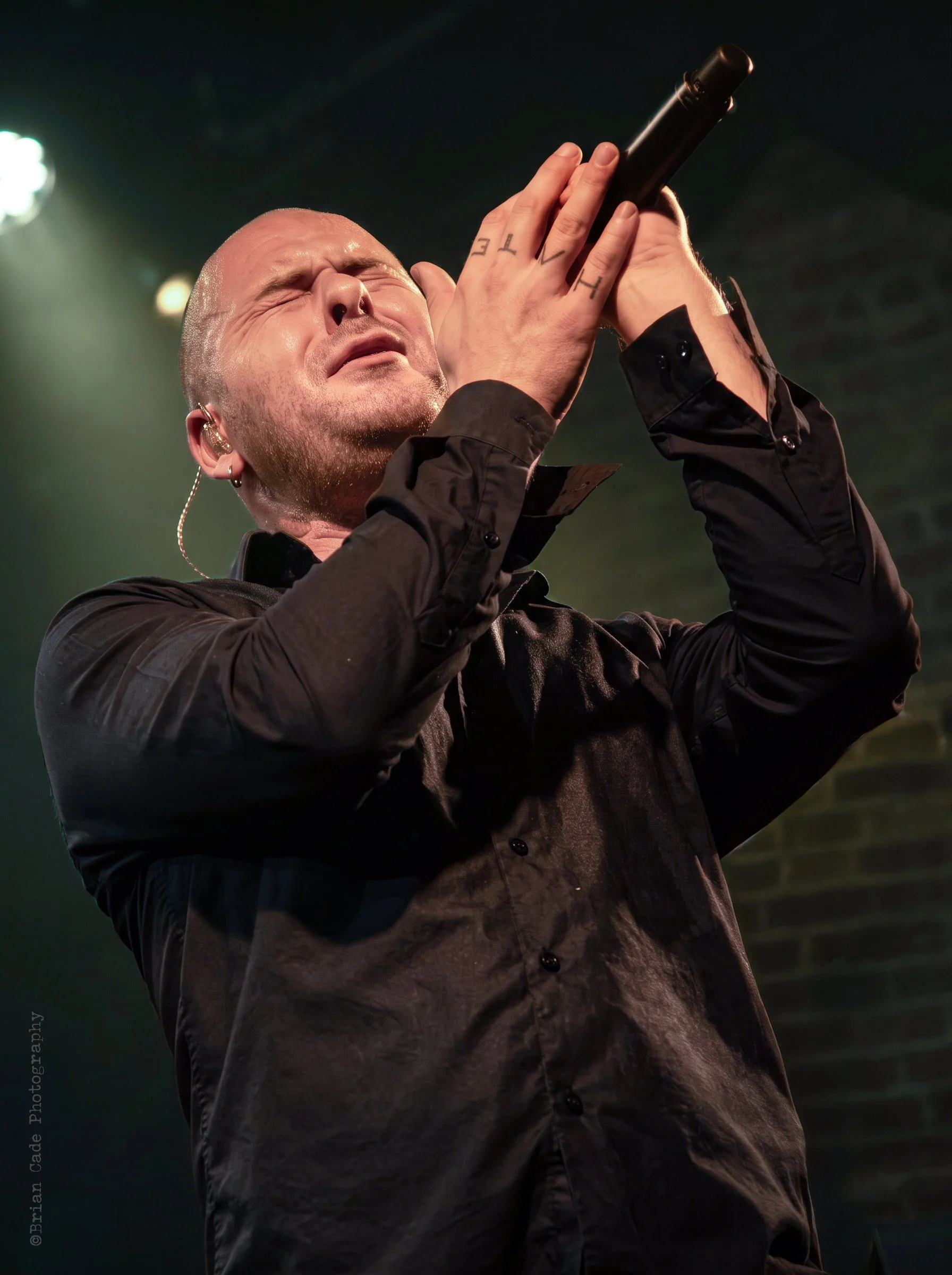
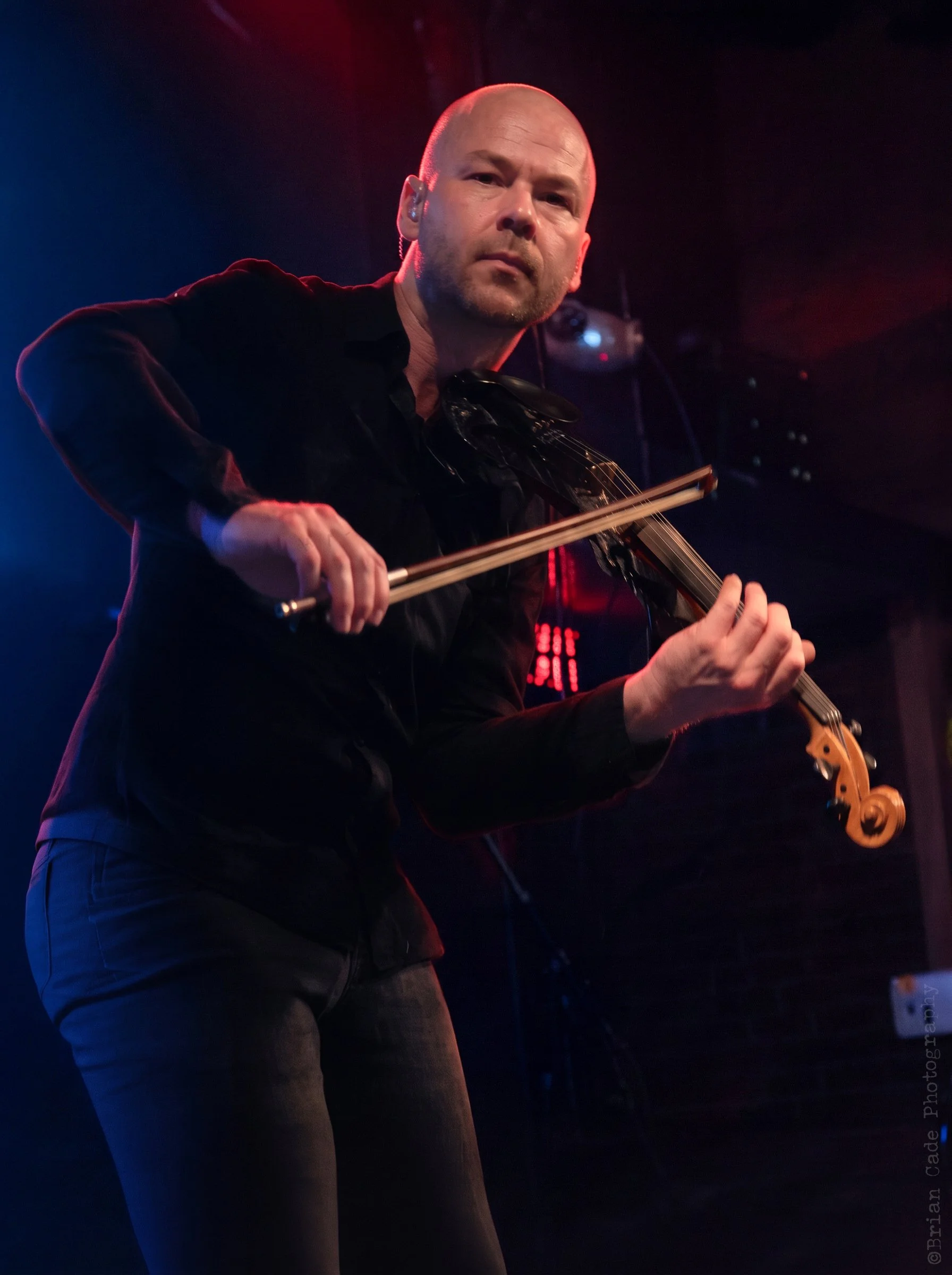
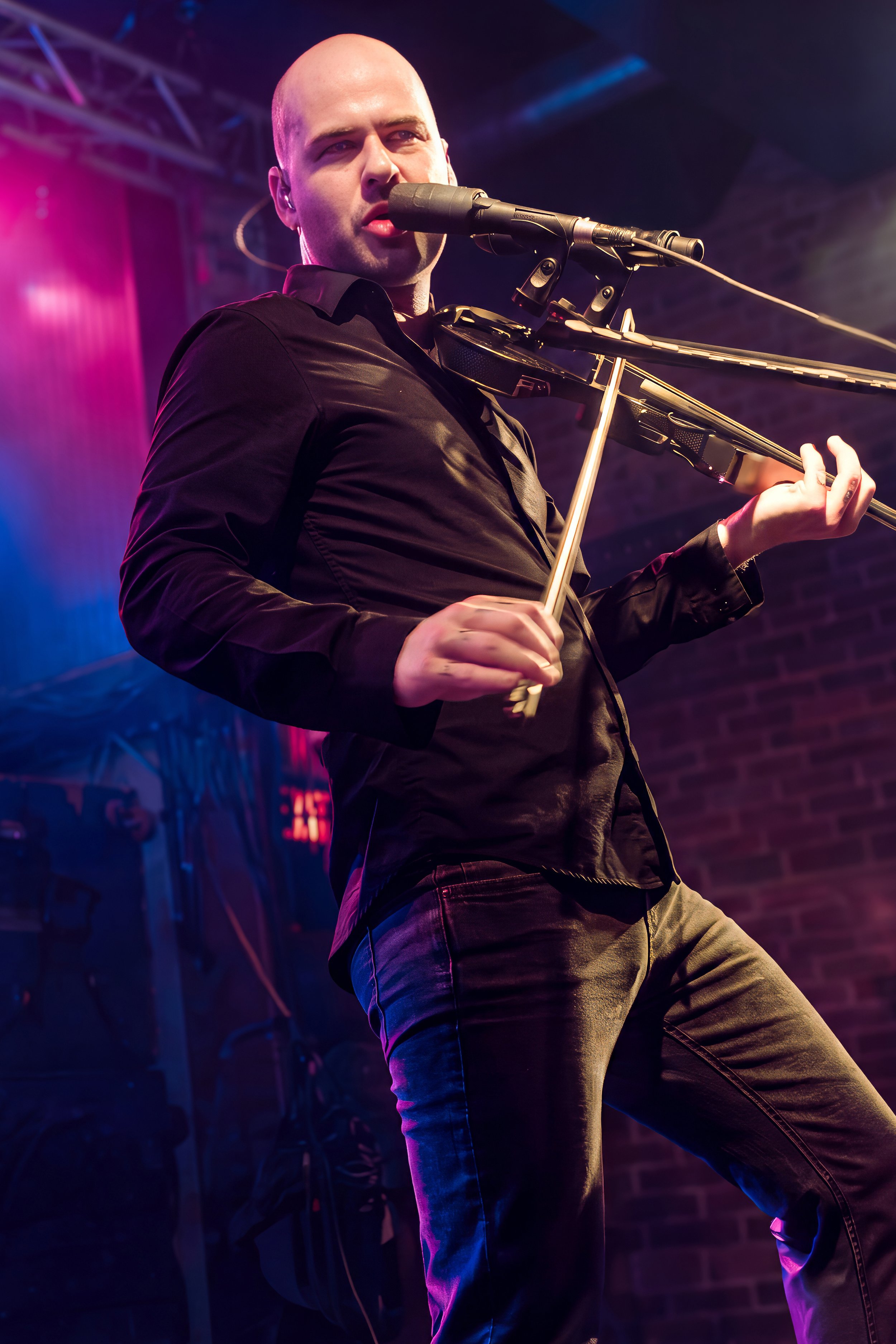
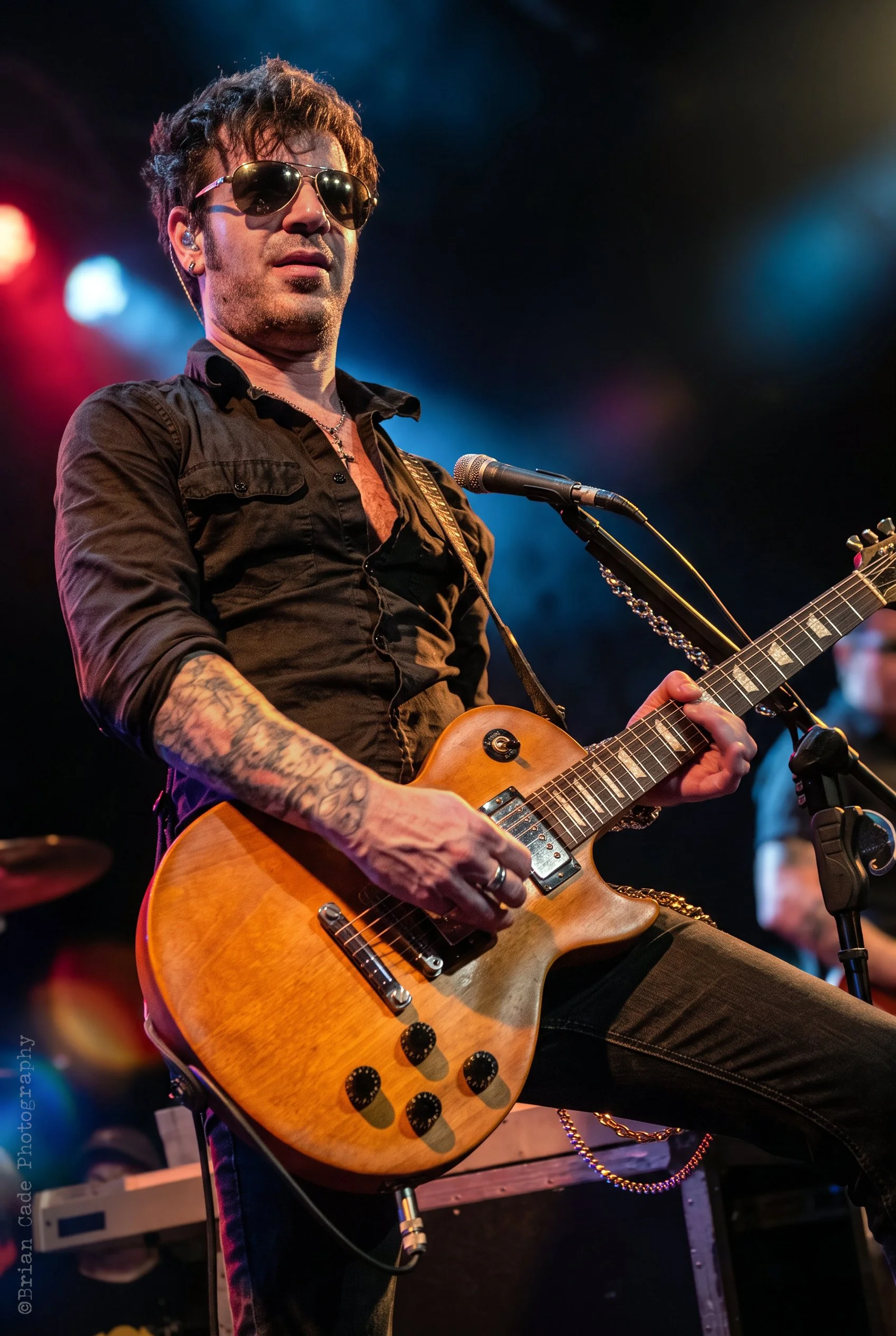
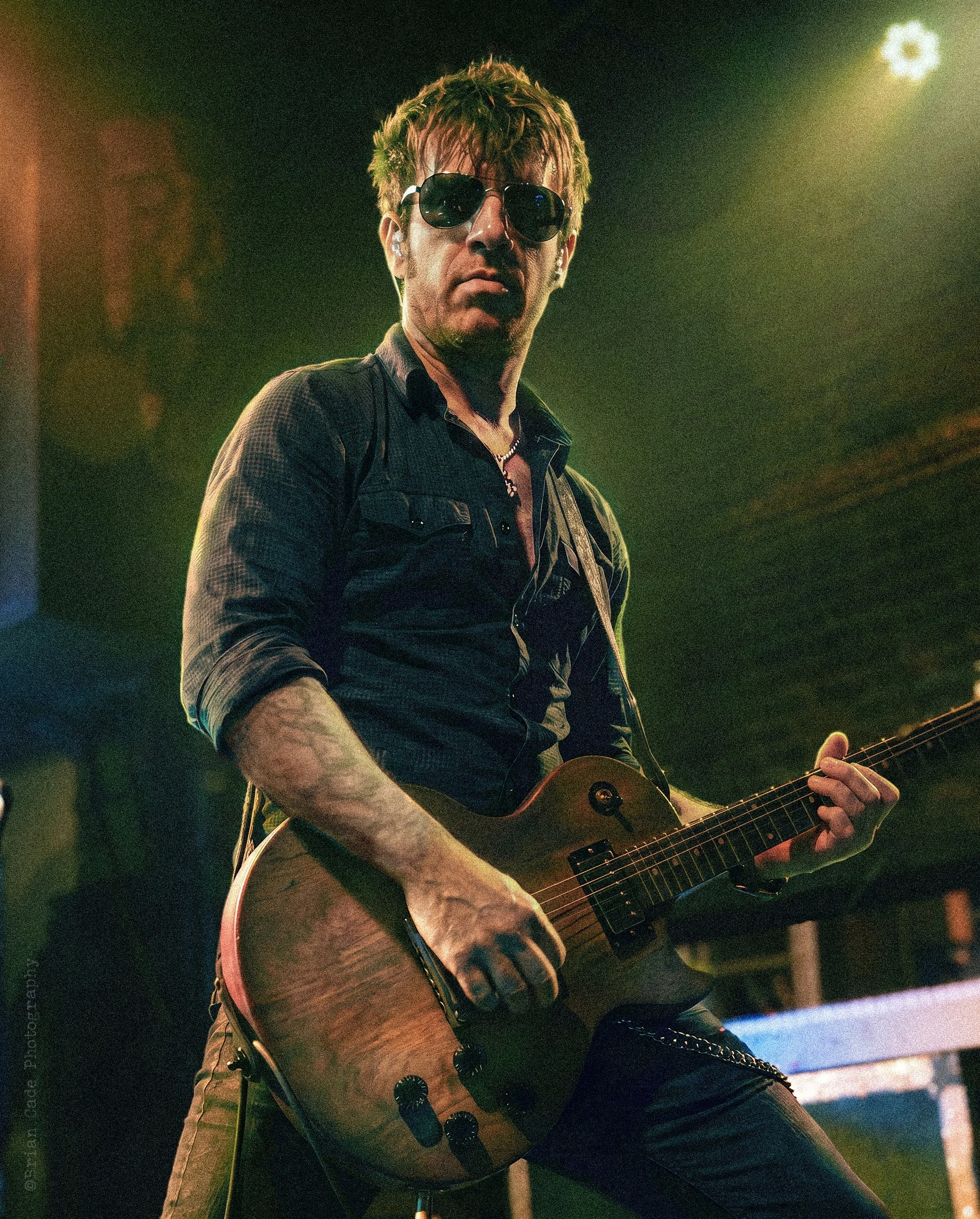
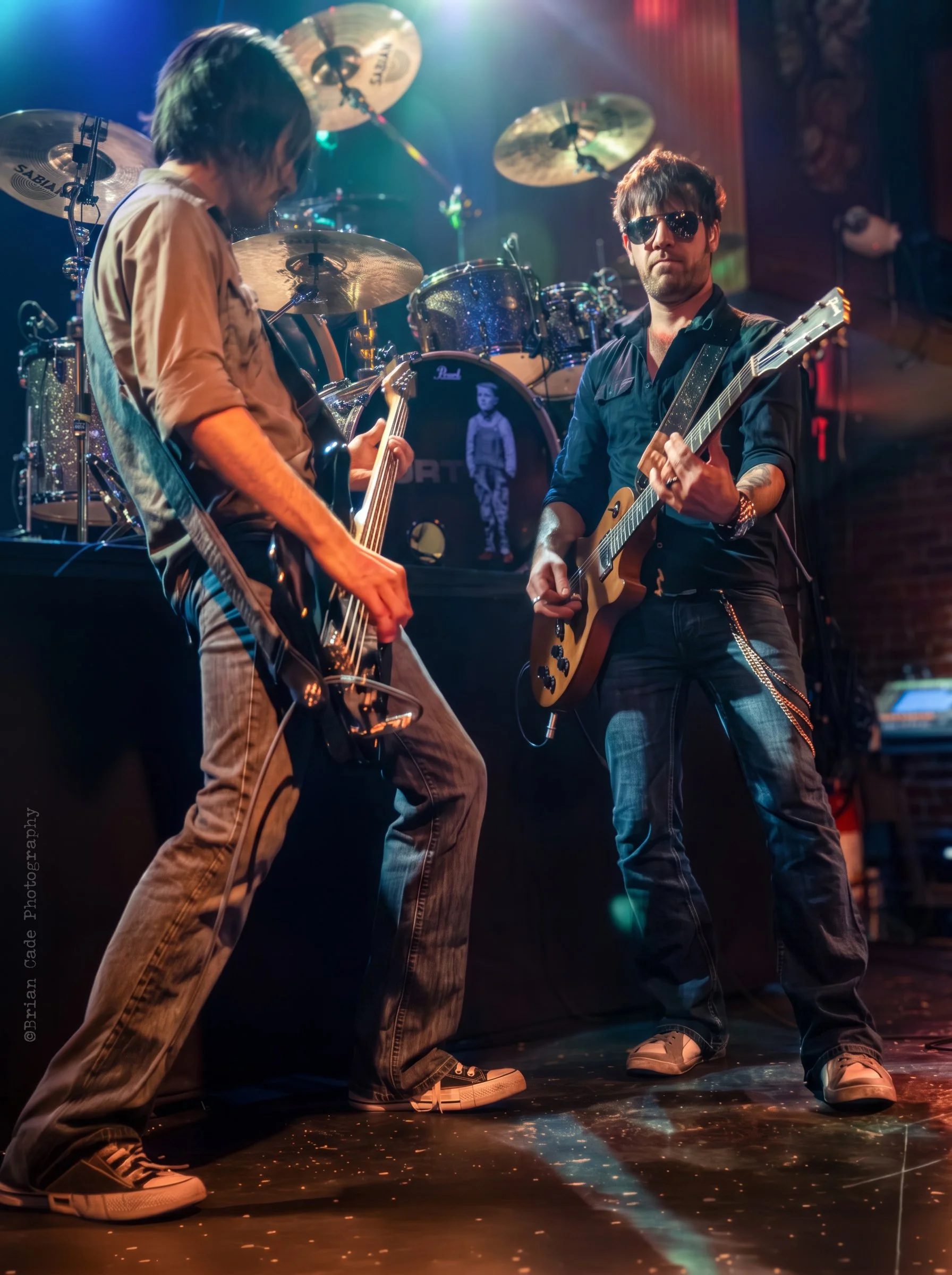
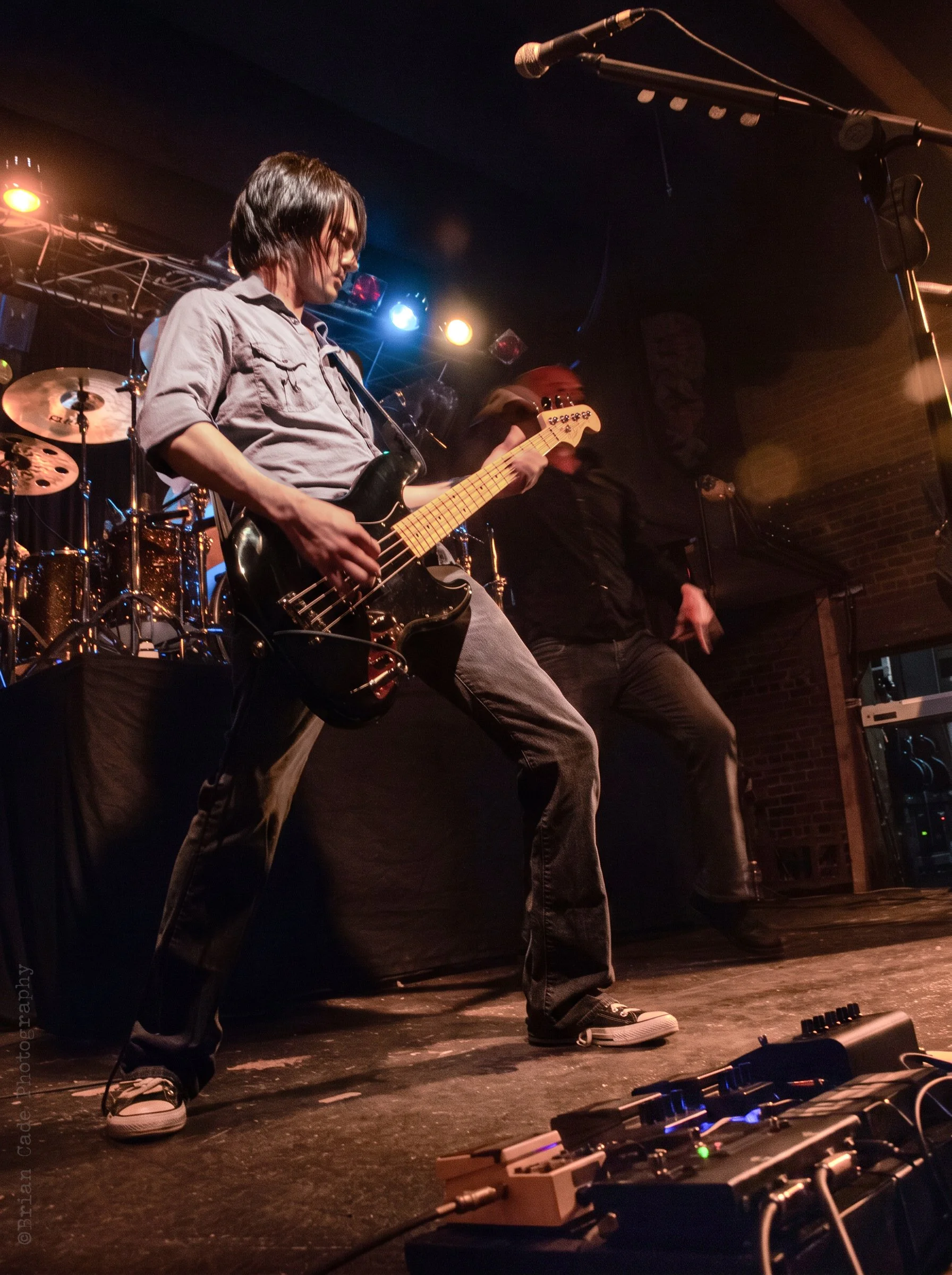
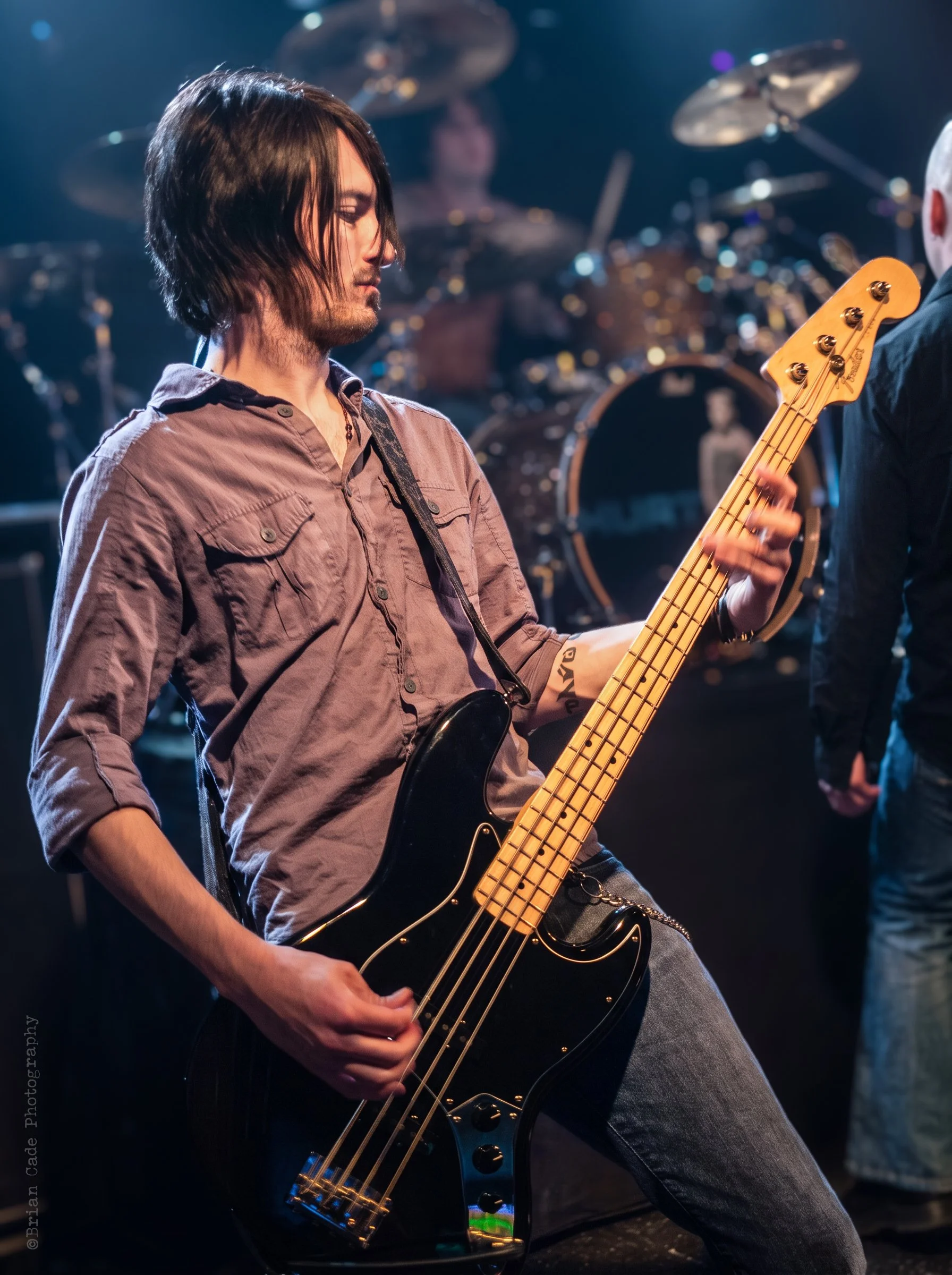
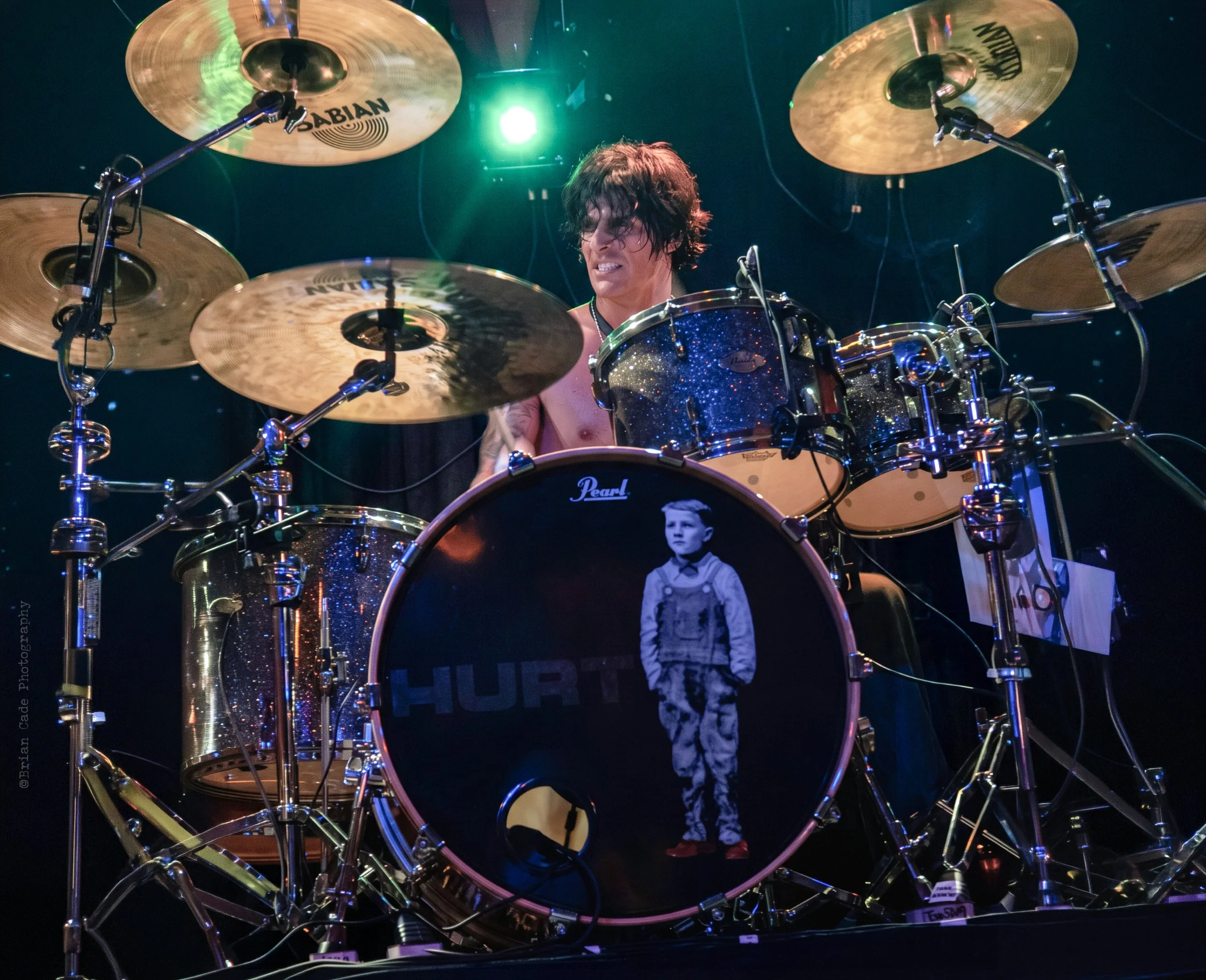
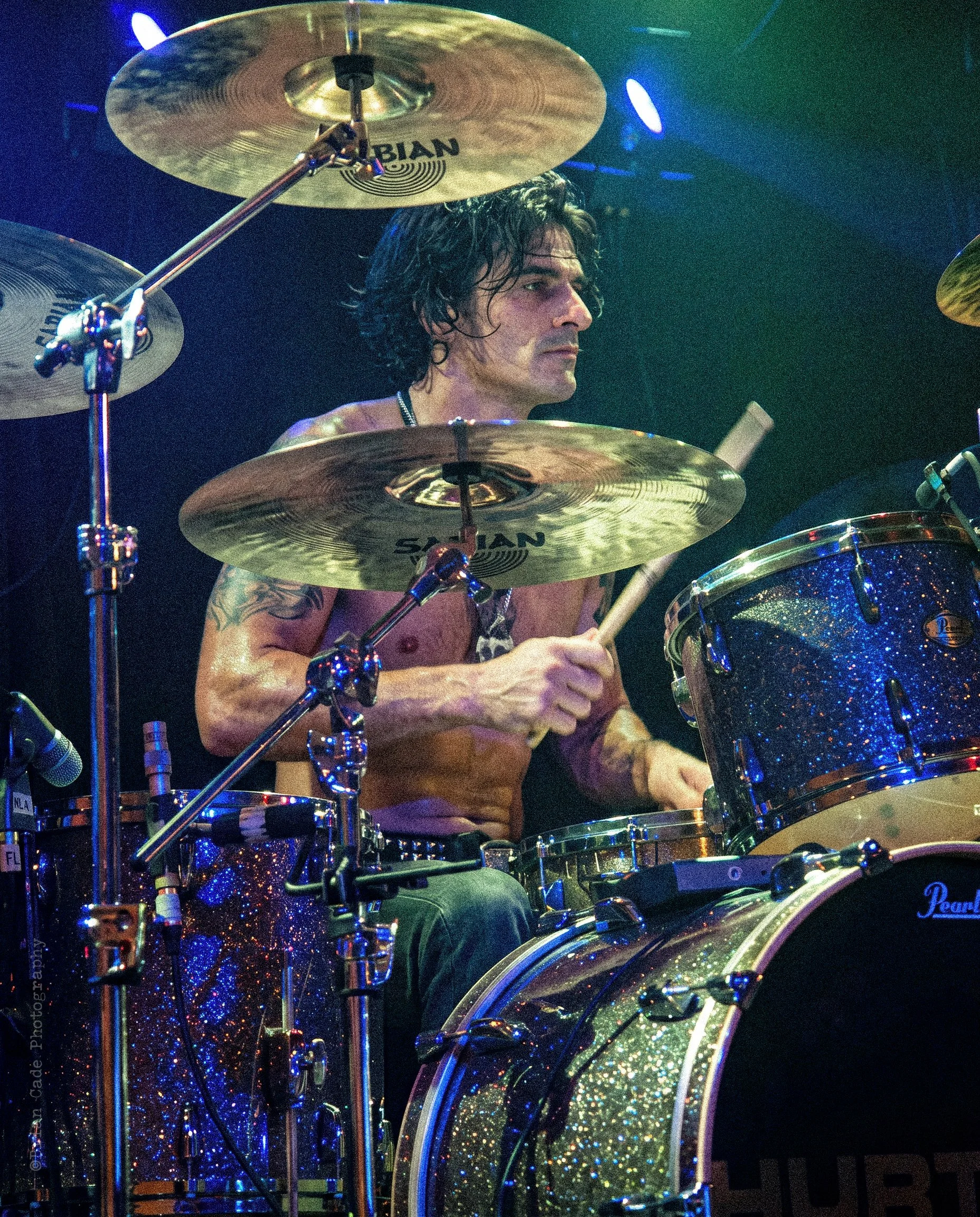
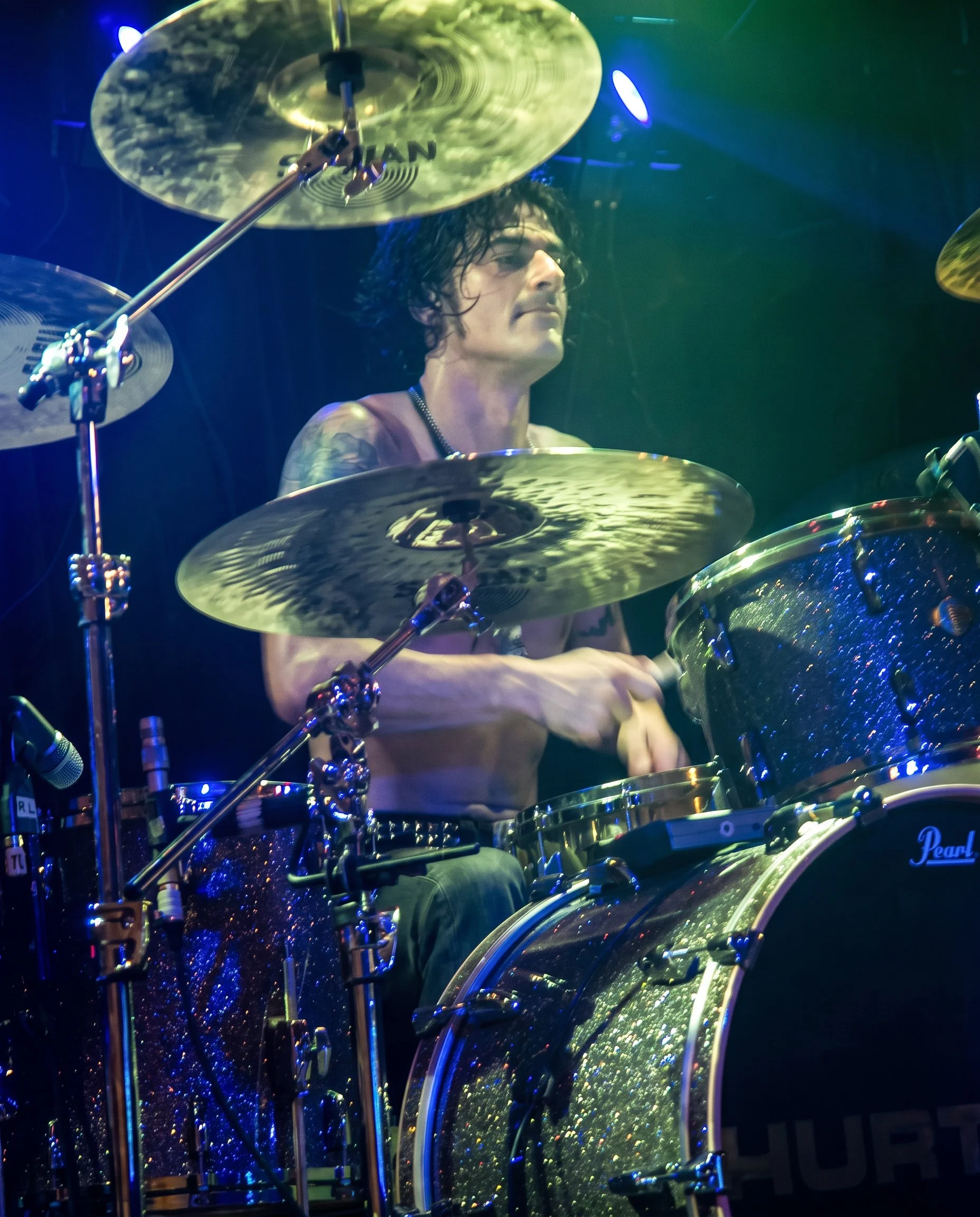

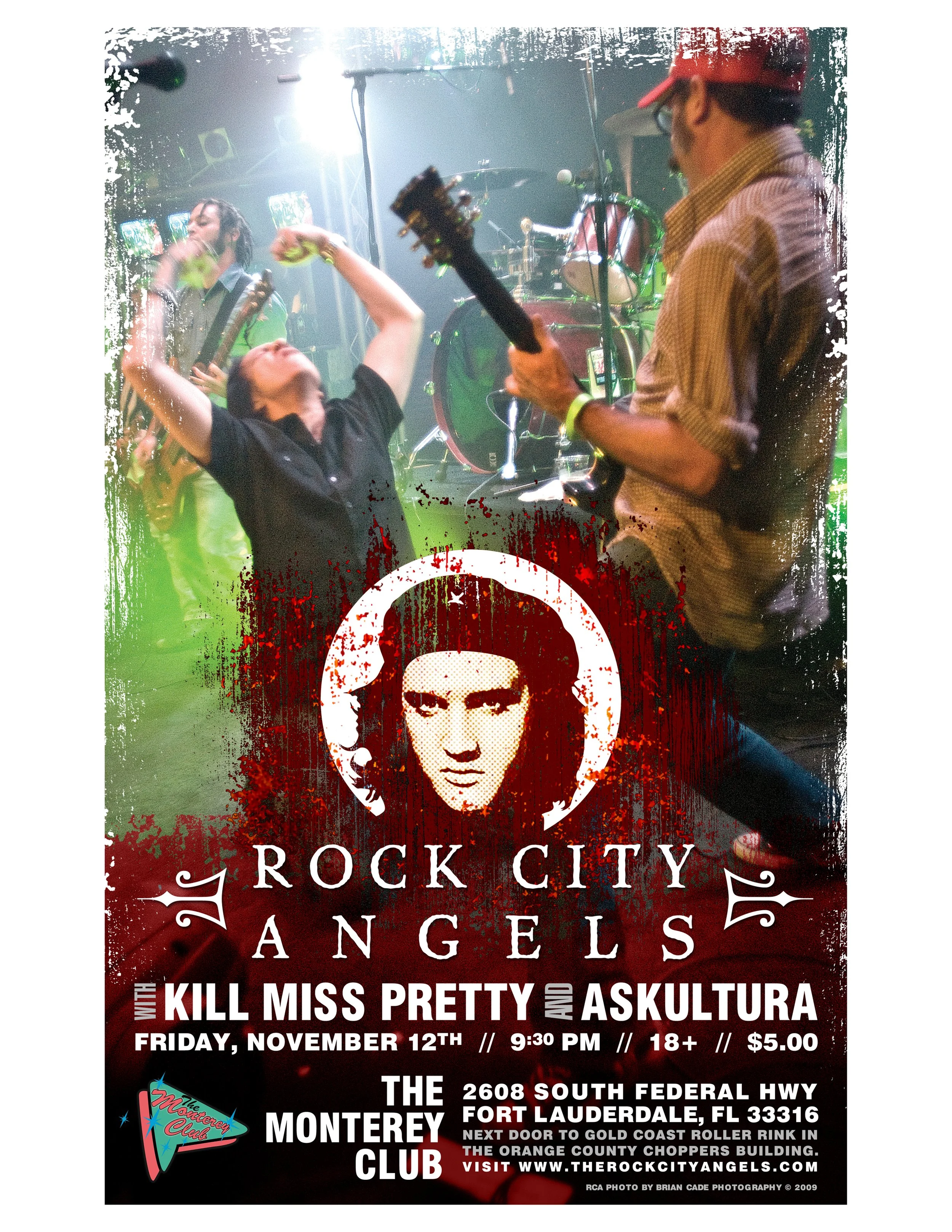
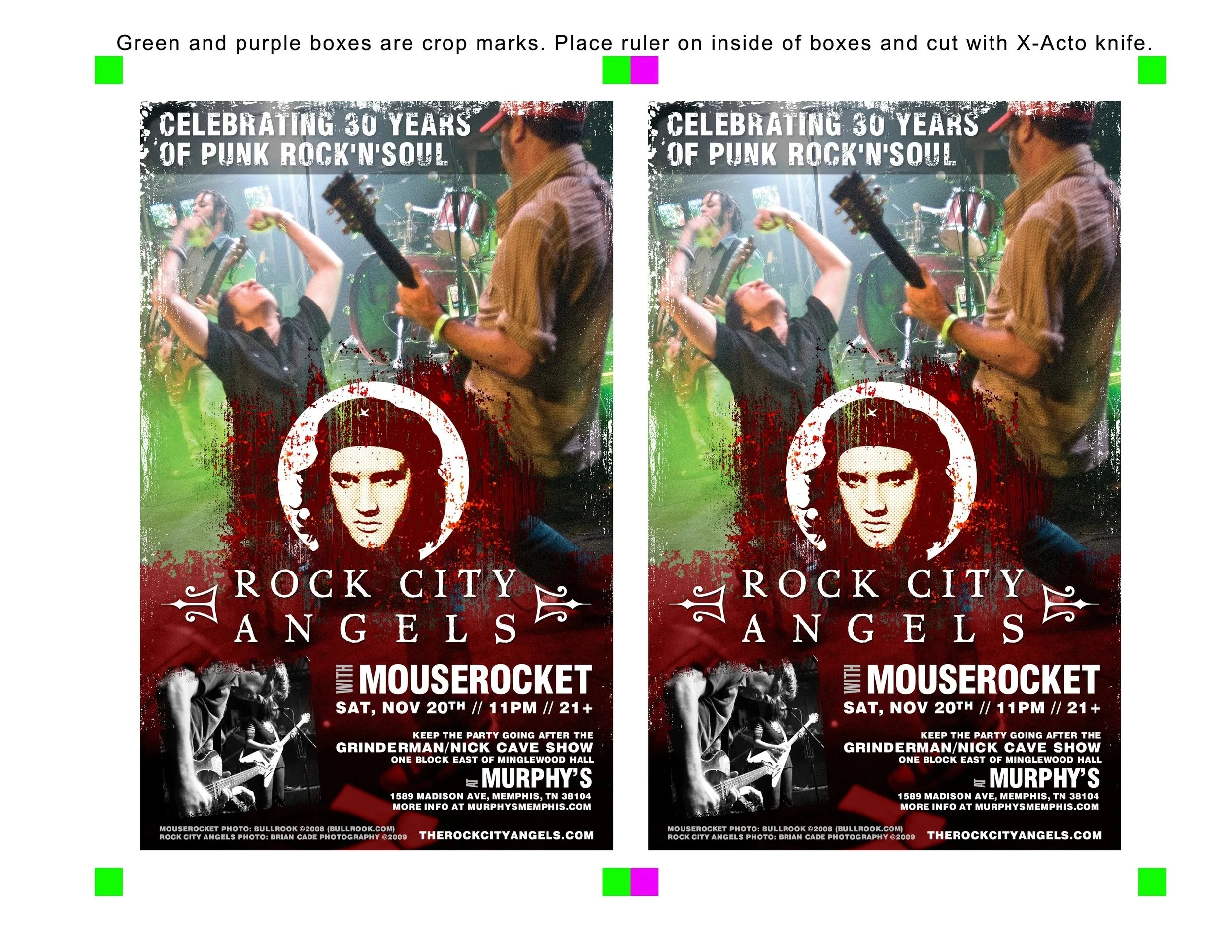
Rock City Angels: Seymour, Tn. 2009
The show was at a strange little karaoke bar that looked like a Hard Rock Cafe crossbred with a Chuck E. Cheese — silly, tacky, and hardly the most dignified backdrop for a bunch of rock bands trying to look cool onstage
Guest Writer: Larry Poccia Photographs by: Brian Cade
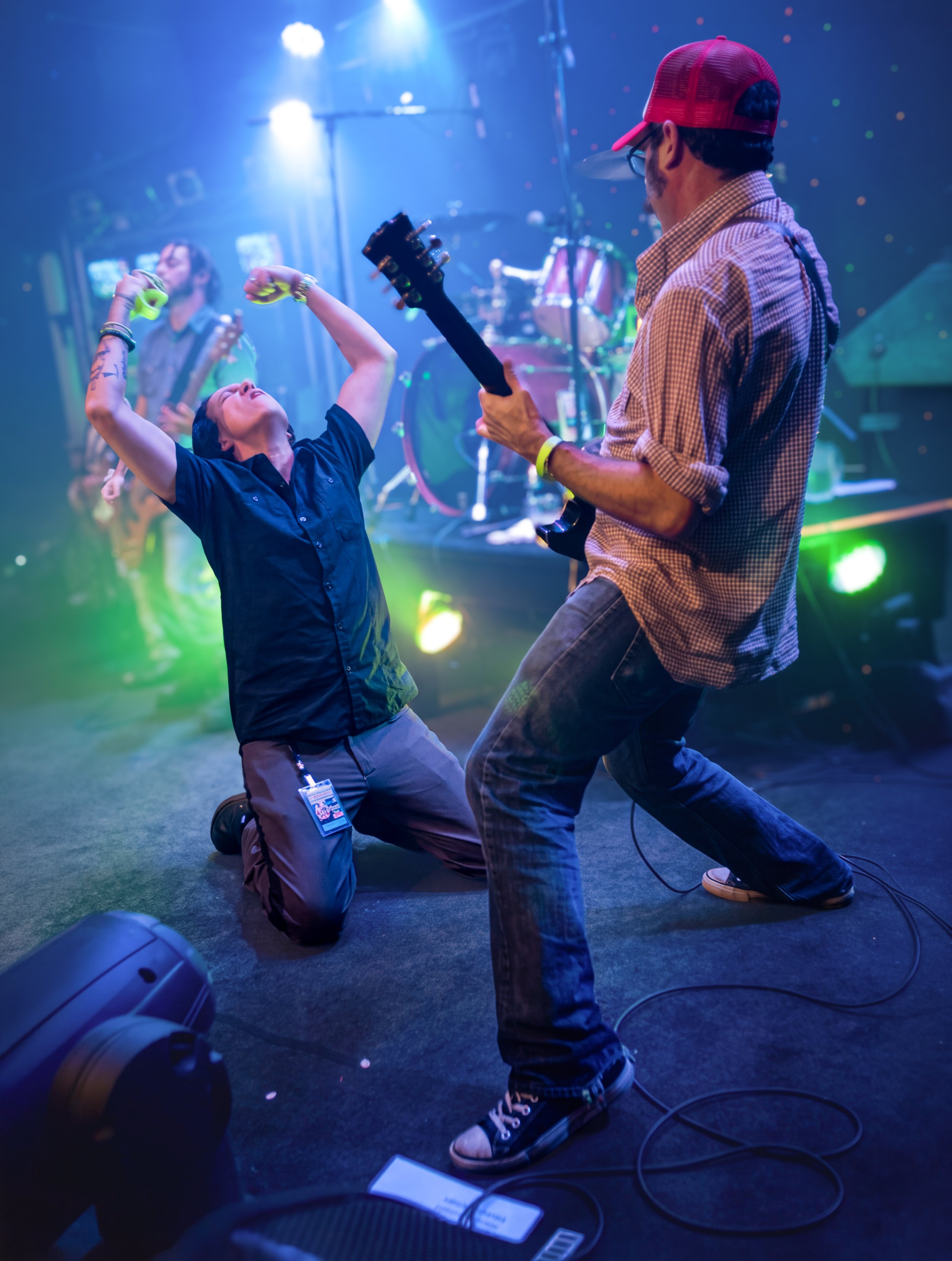
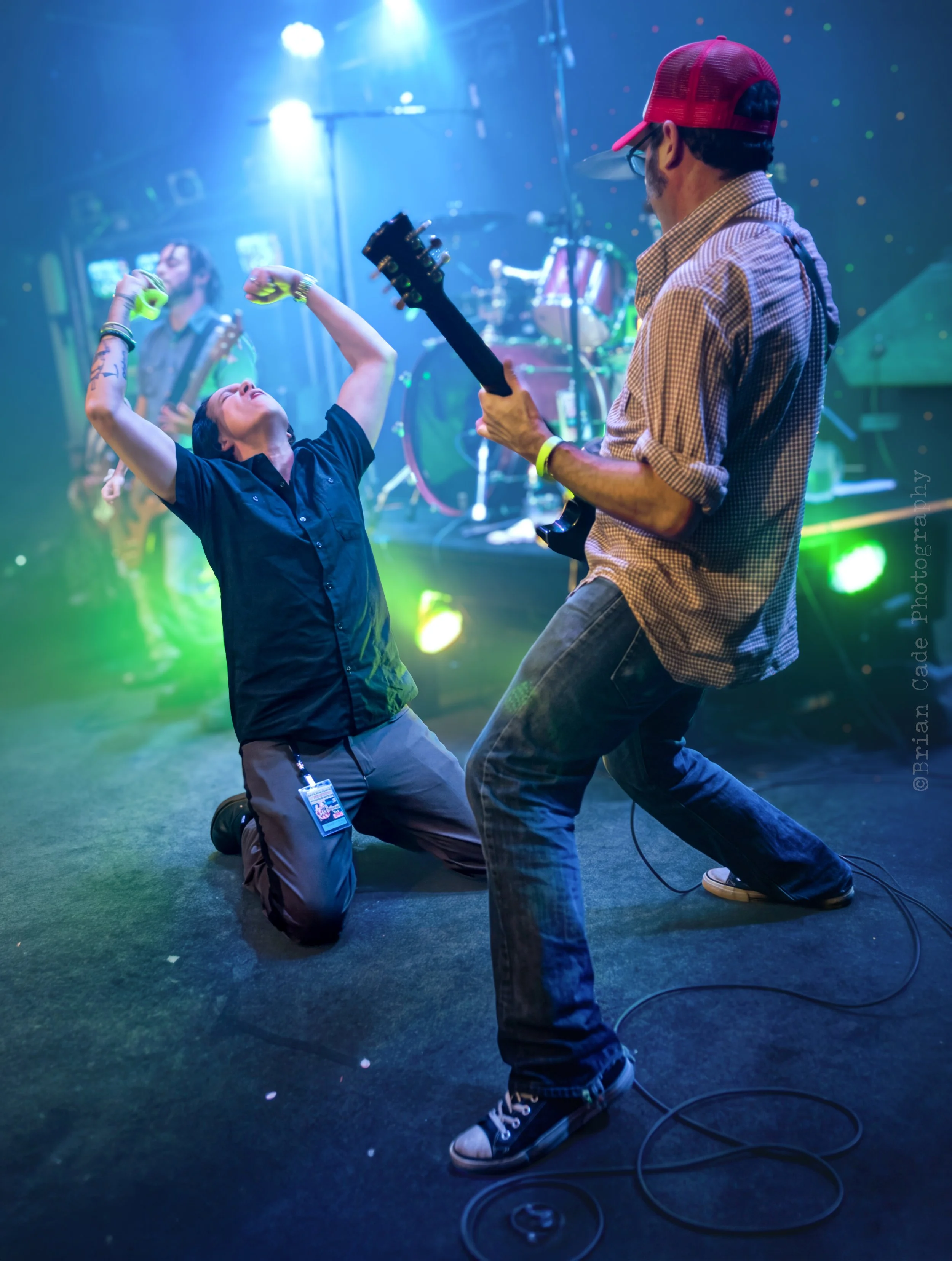
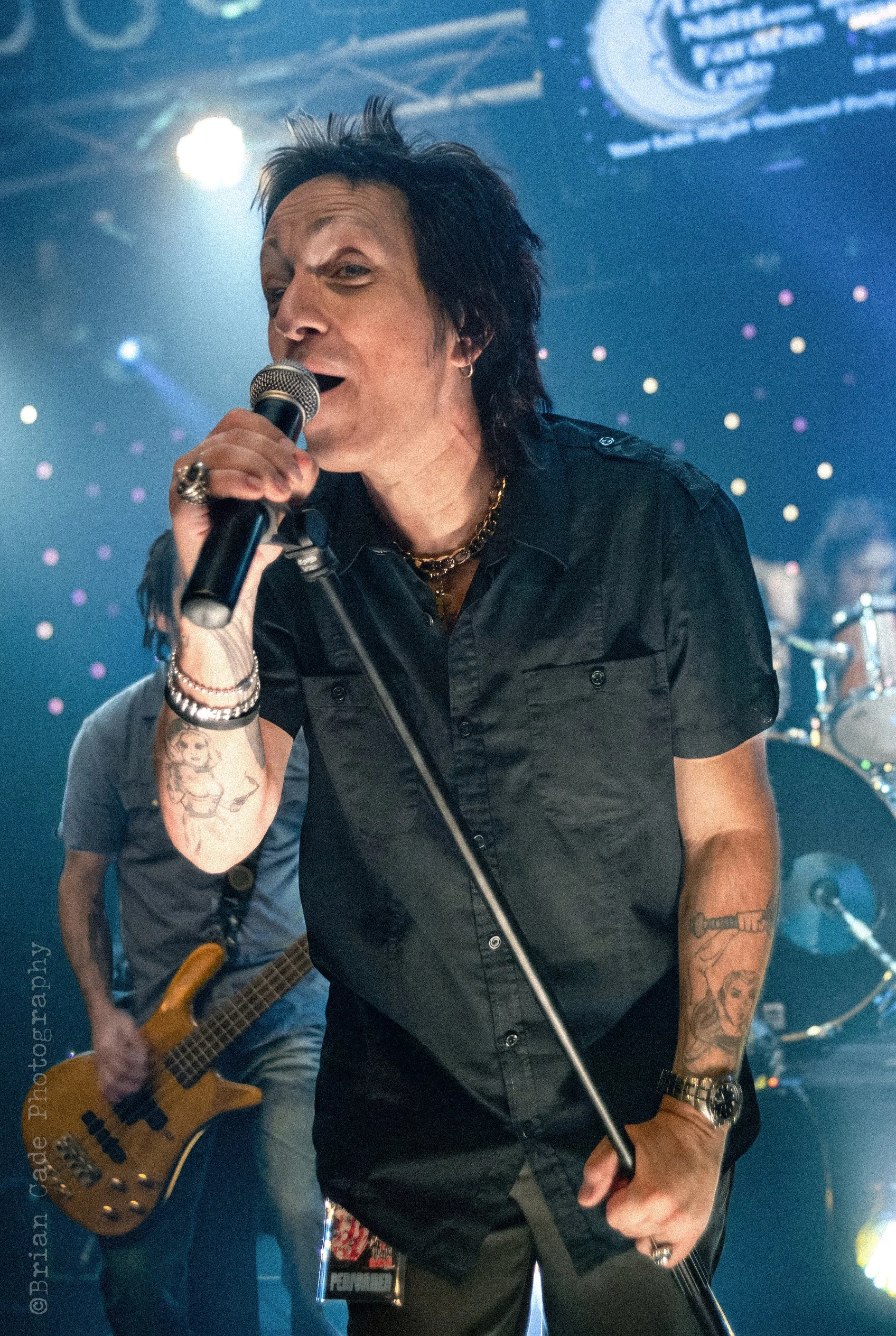
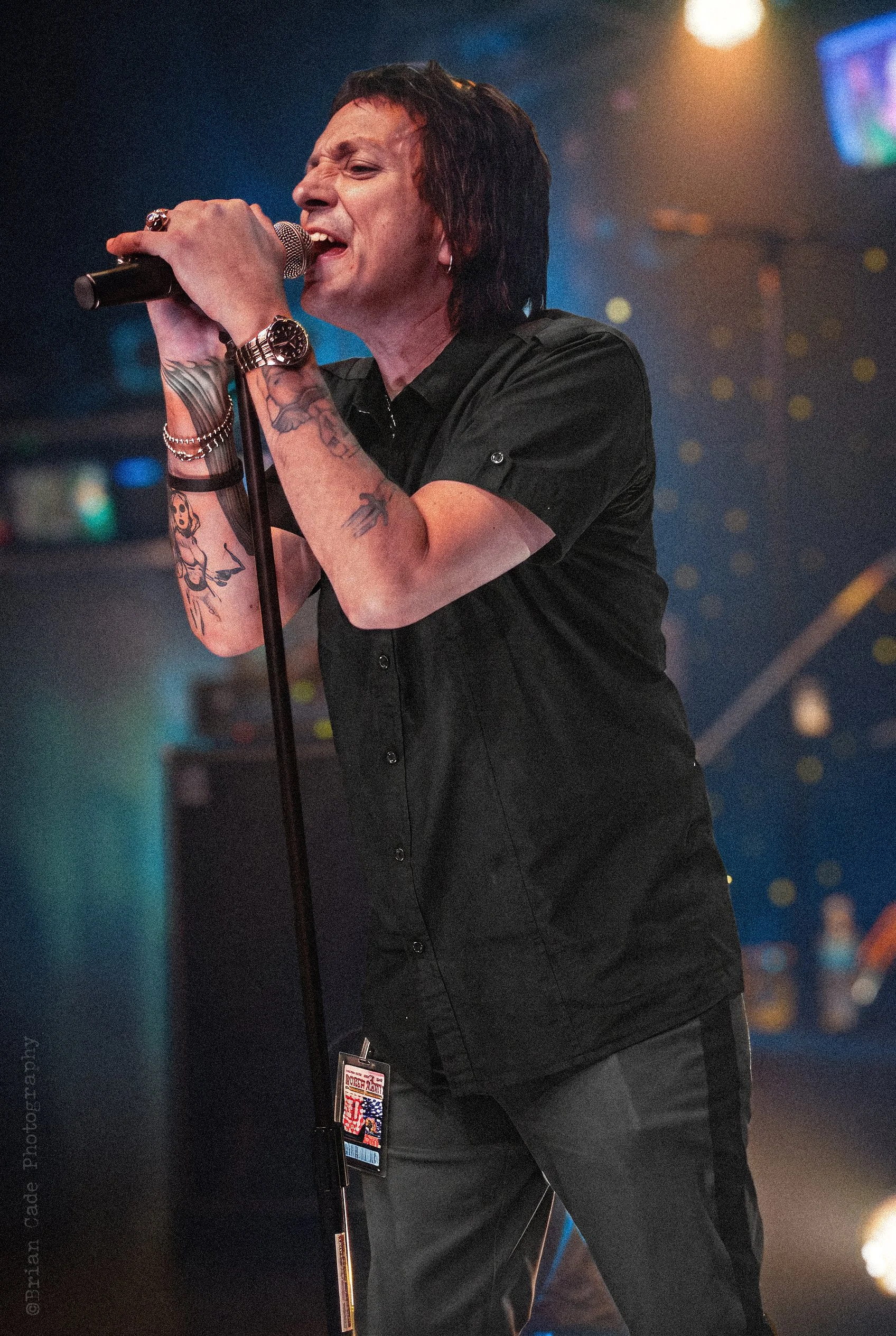
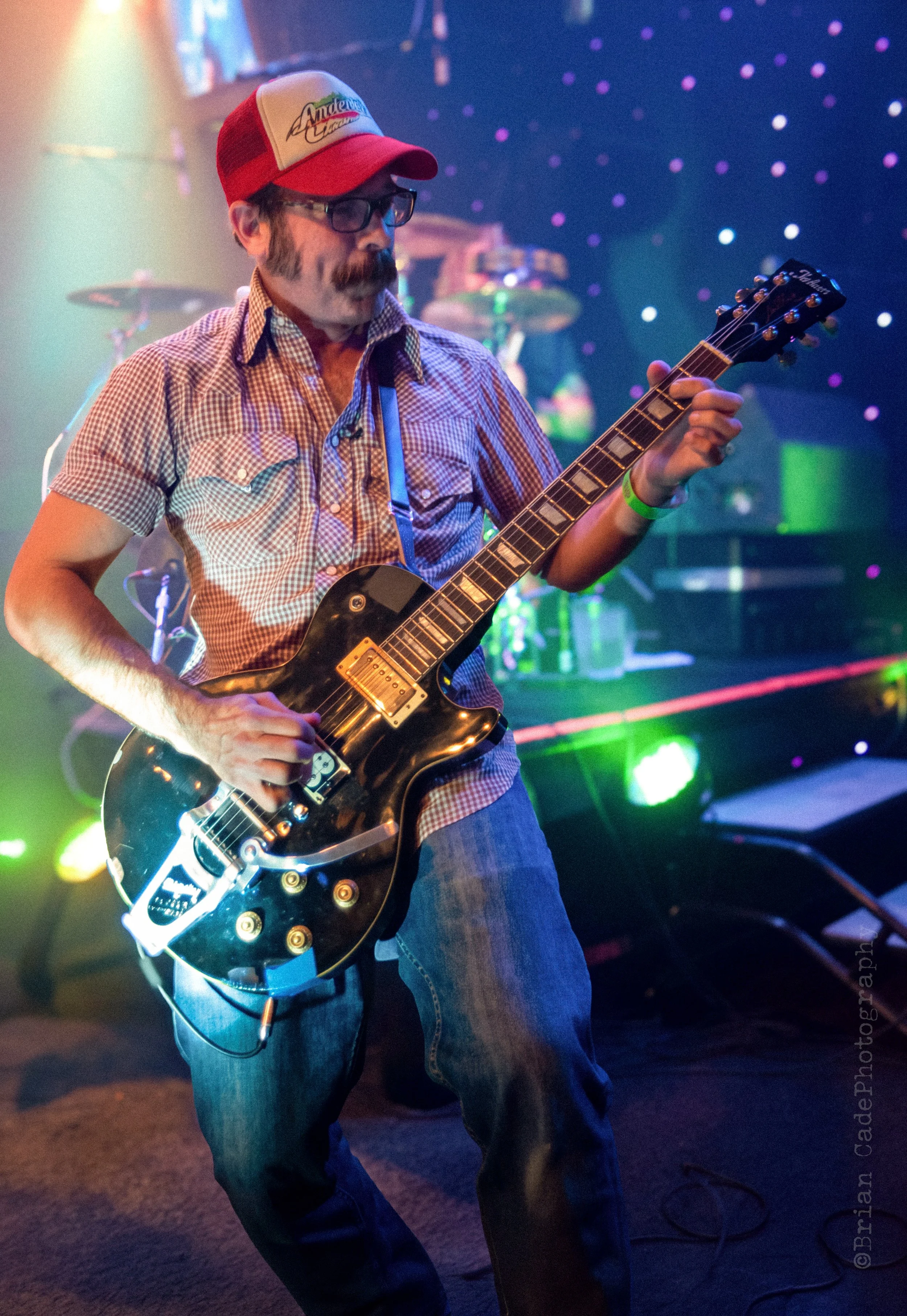
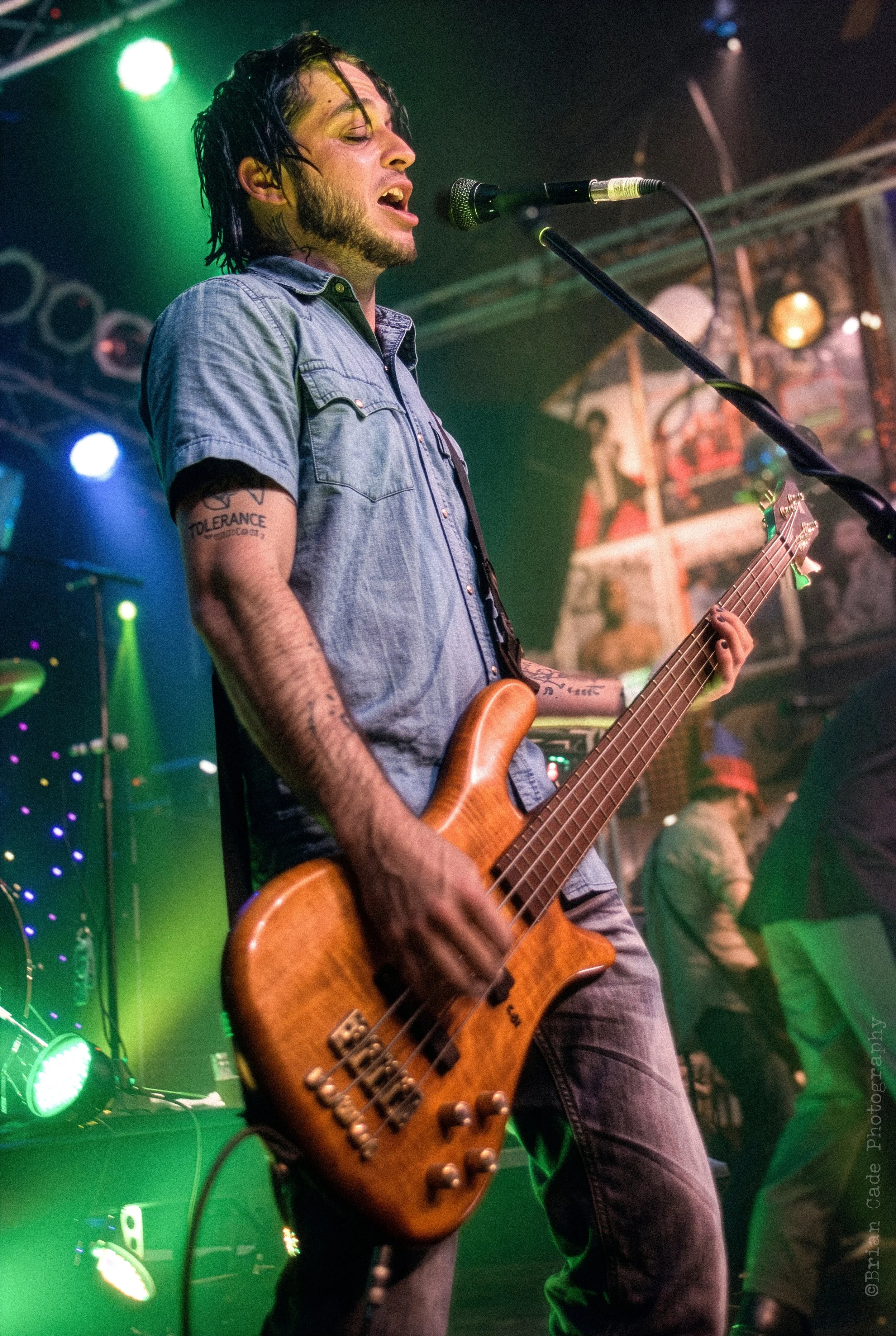
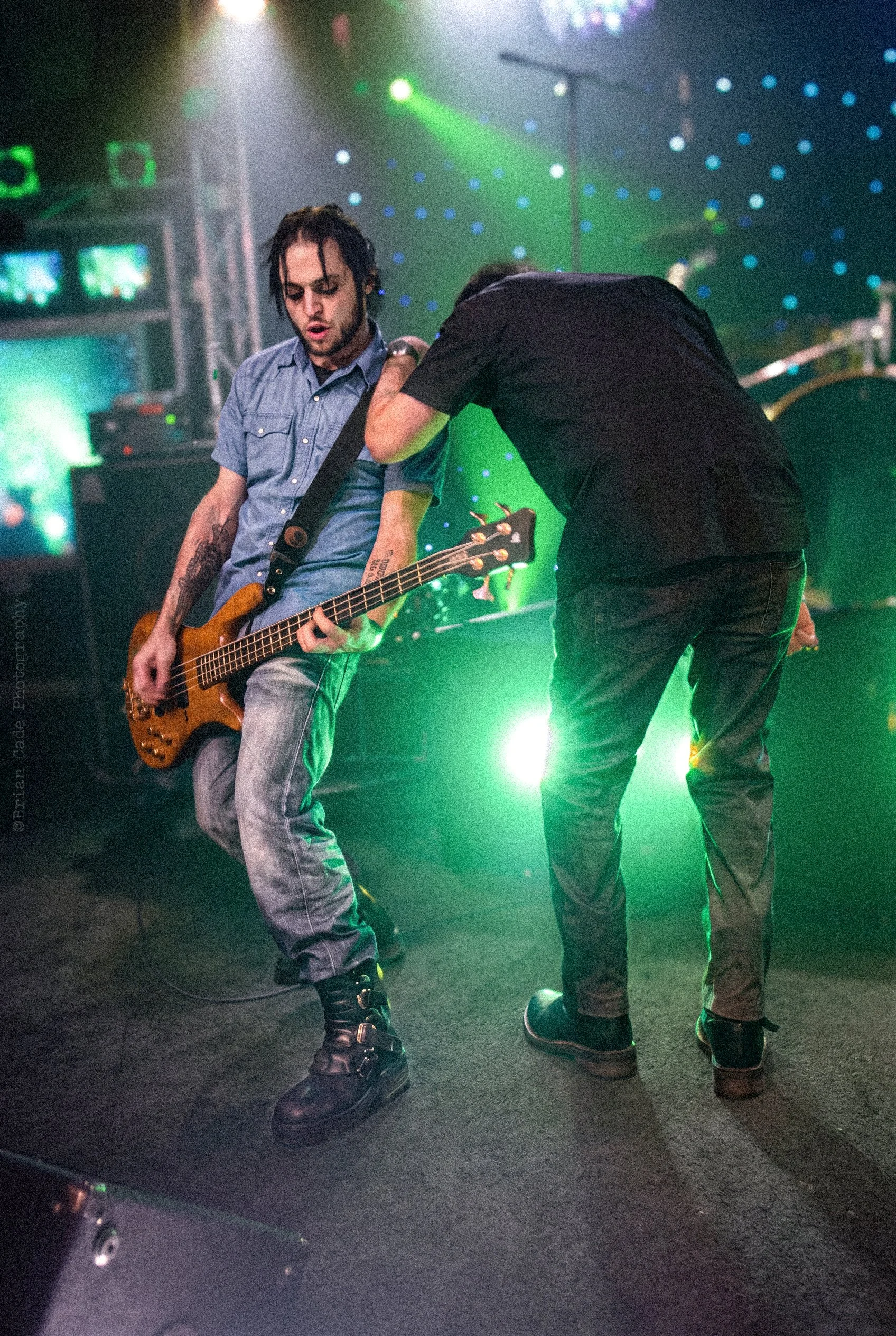
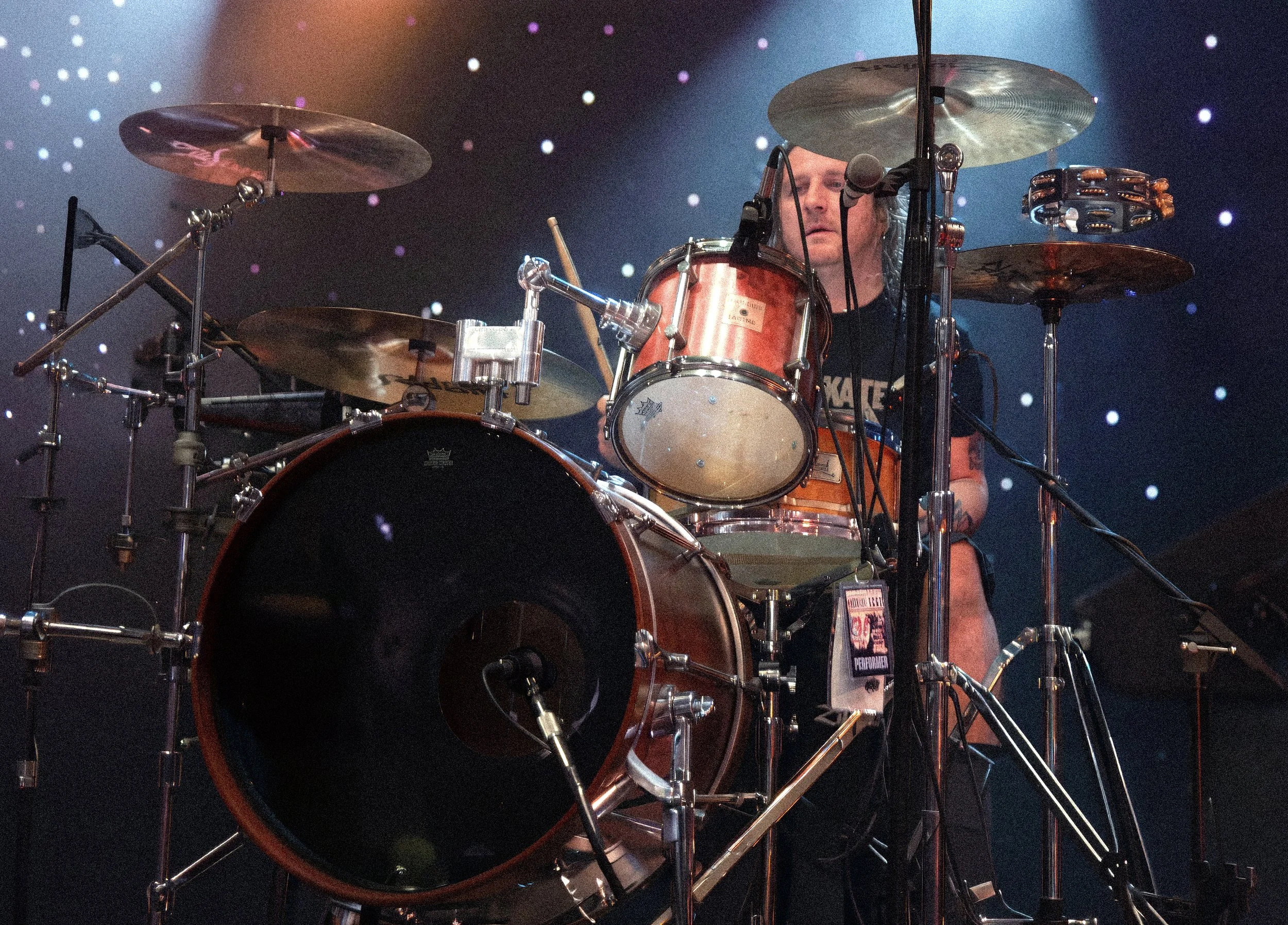
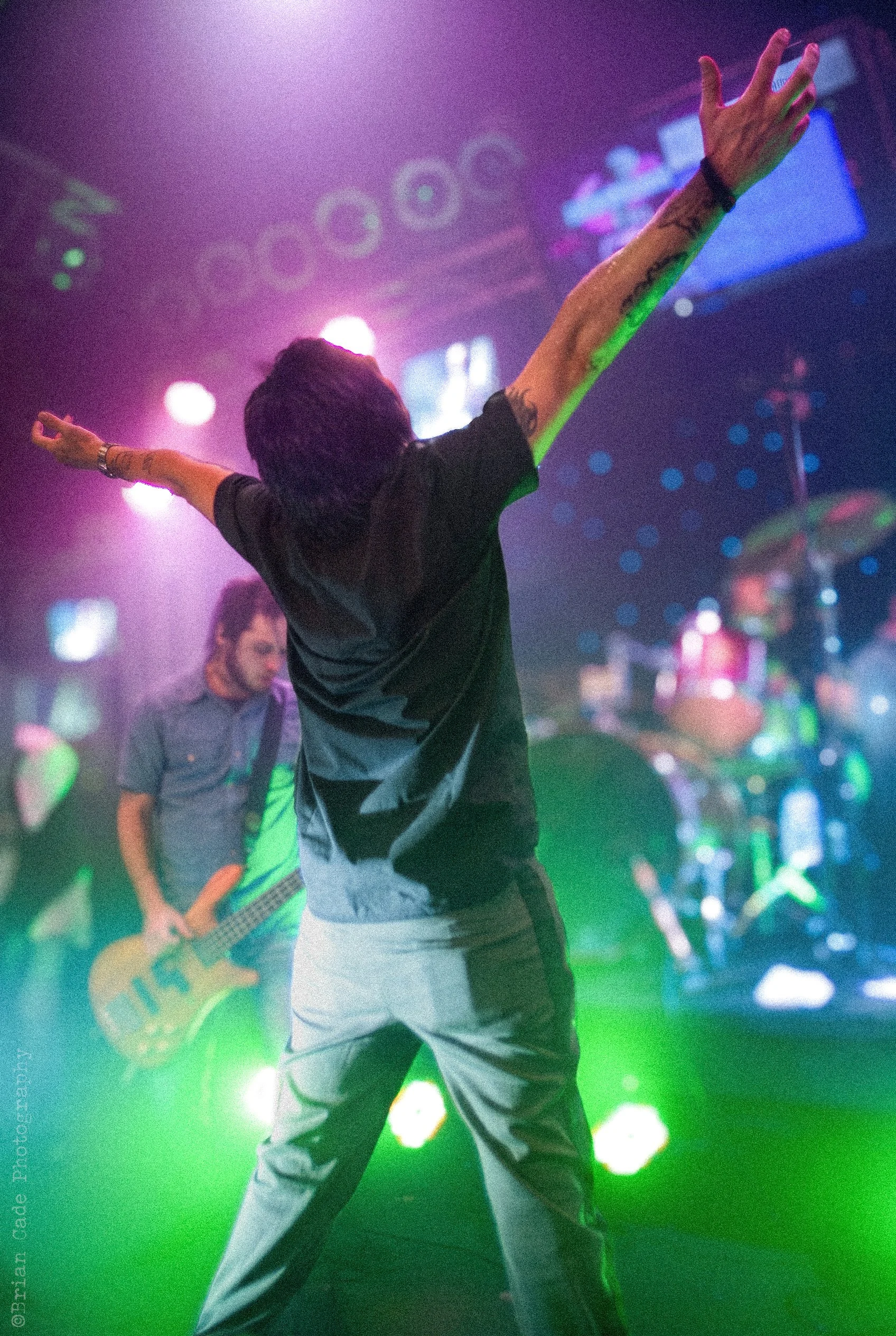
Anyone who has played in a band and toured clubs knows that the quality of the venues is a roll of the dice. Case in point: when the Rock City Angels had the opportunity to open for L.A. Guns, we jumped at the chance. The caveat? The show was at a strange little karaoke bar that looked like a Hard Rock Cafe crossbred with a Chuck E. Cheese — silly, tacky, and hardly the most dignified backdrop for a bunch of rock bands trying to look cool onstage. We figured we’d have a good show, but any photos from the gig probably wouldn’t be much use as promotional material. Little did we know, Brian Cade was in the house. We didn’t know him before the show, but we sure did afterward!
Brian proceeded to take some of the most amazing shots of our performance, capturing perfect moments and the interplay among our members onstage. Most impressive of all, through his talent and understanding of lighting and composition, he managed to make a rinky-dink, Mickey Mouse-looking club look like we were playing Madison Square Garden! Needless to say, we used the hell out of his photos in our press kit and concert posters.
To this day, we are grateful for the images that Brian captured that night and for his generosity in allowing us to use them to promote our band. Those memories are especially cherished because our lead singer, Bobby Durango, is no longer with us. Bobby loved these photos, and we’re so grateful that these wonderful memories of him and the band were captured so perfectly by Brian. Thank you again, Mr. Cade!
Links:
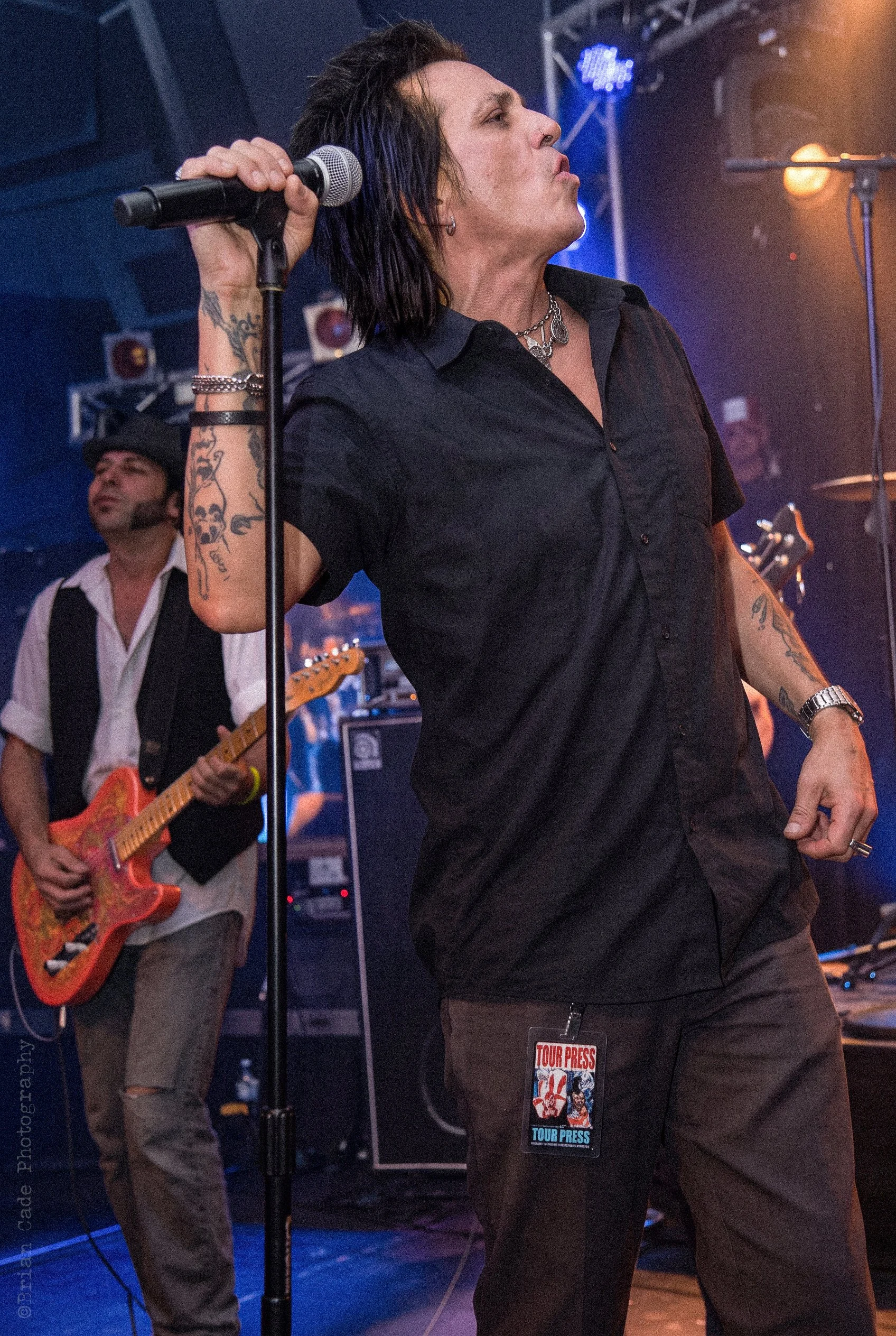
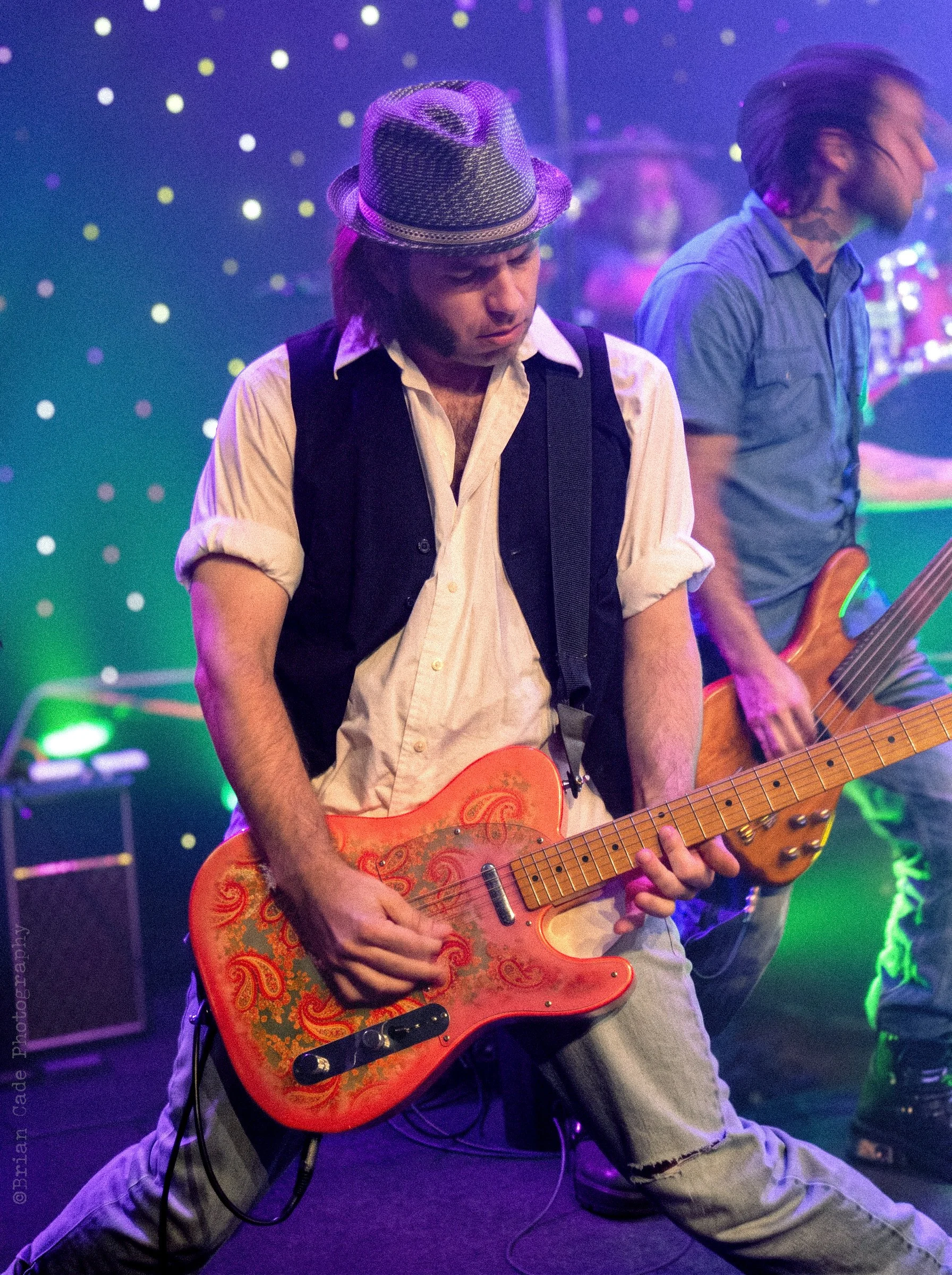
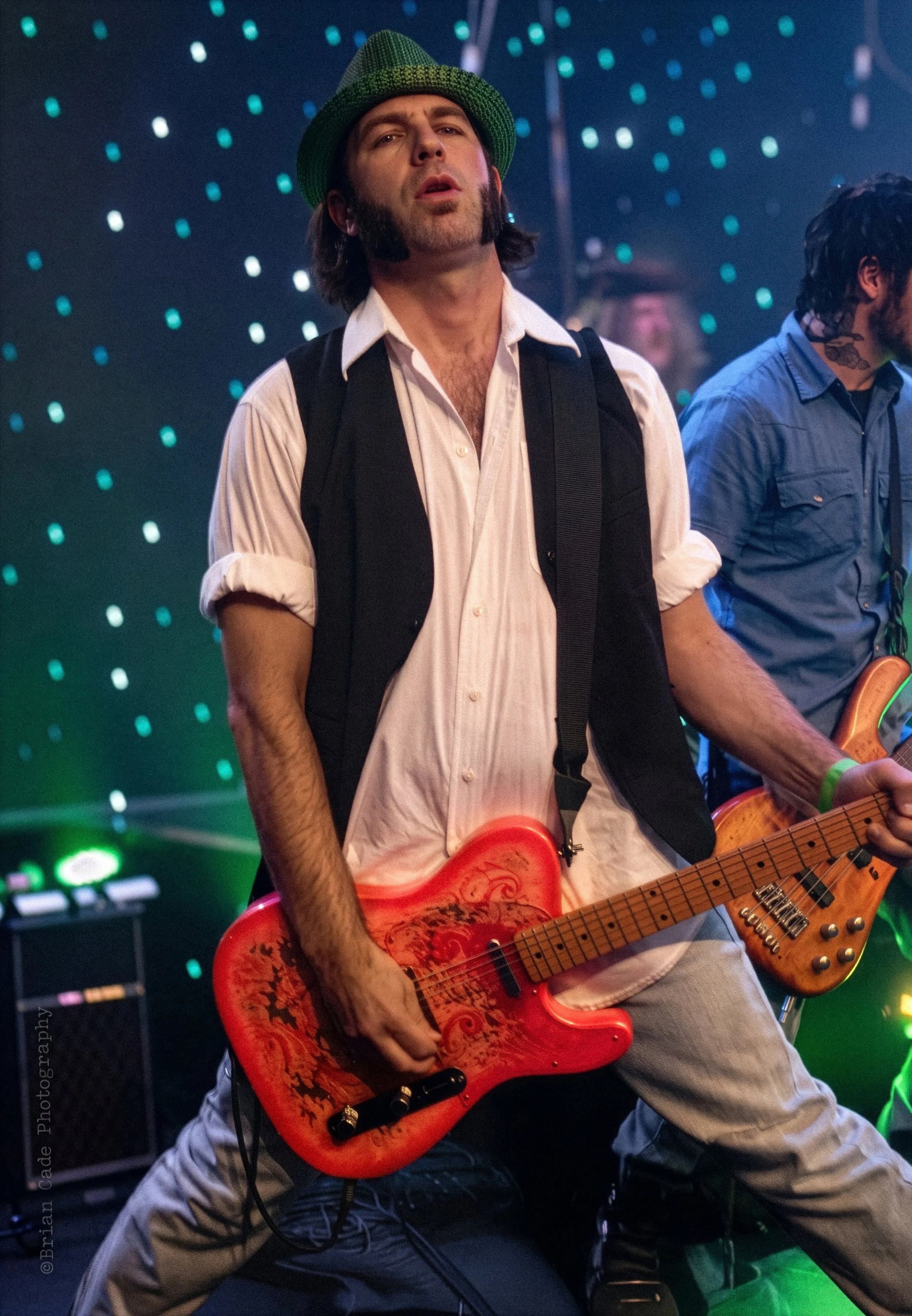
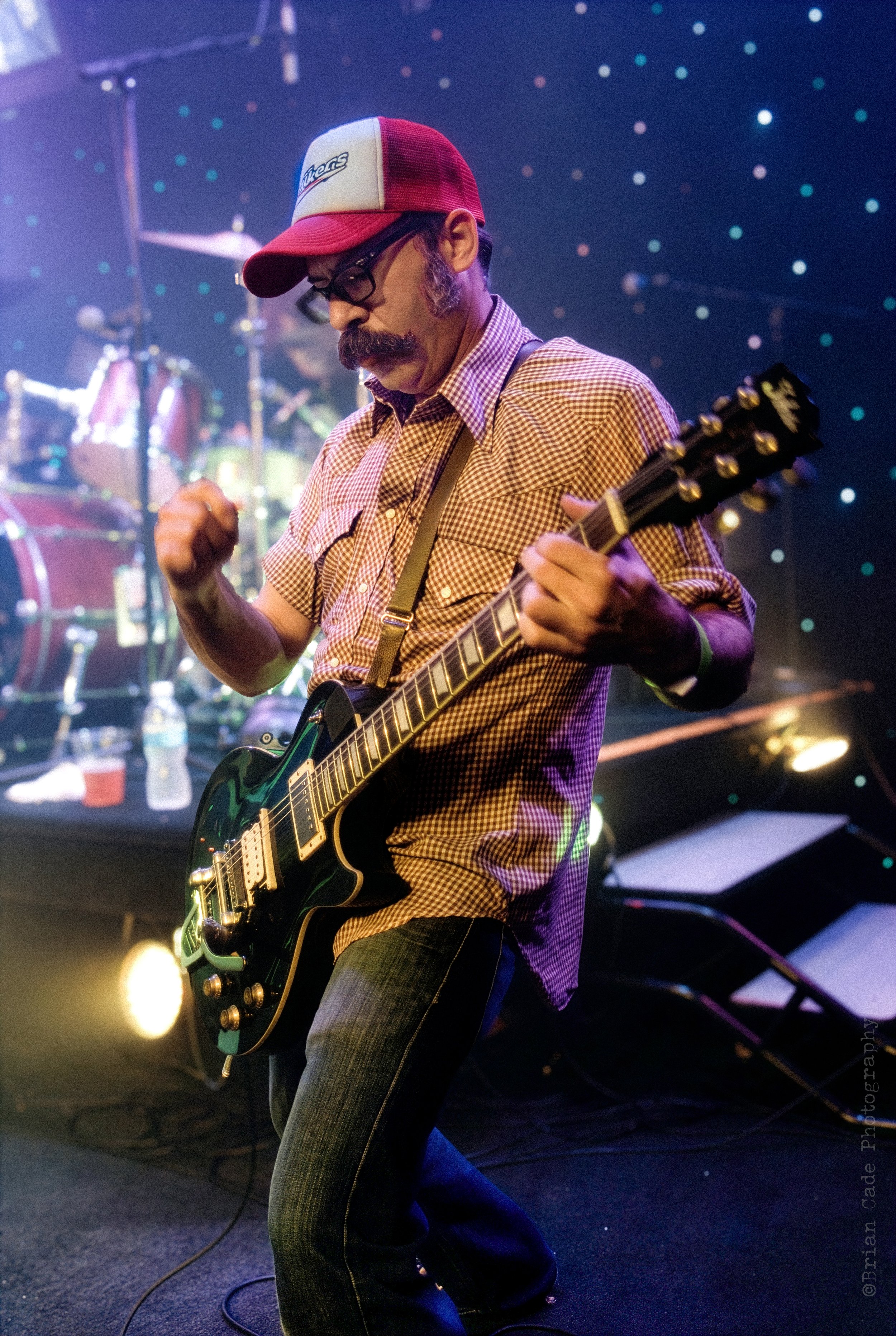
Bobby Durango
1965 - 2012
Link:

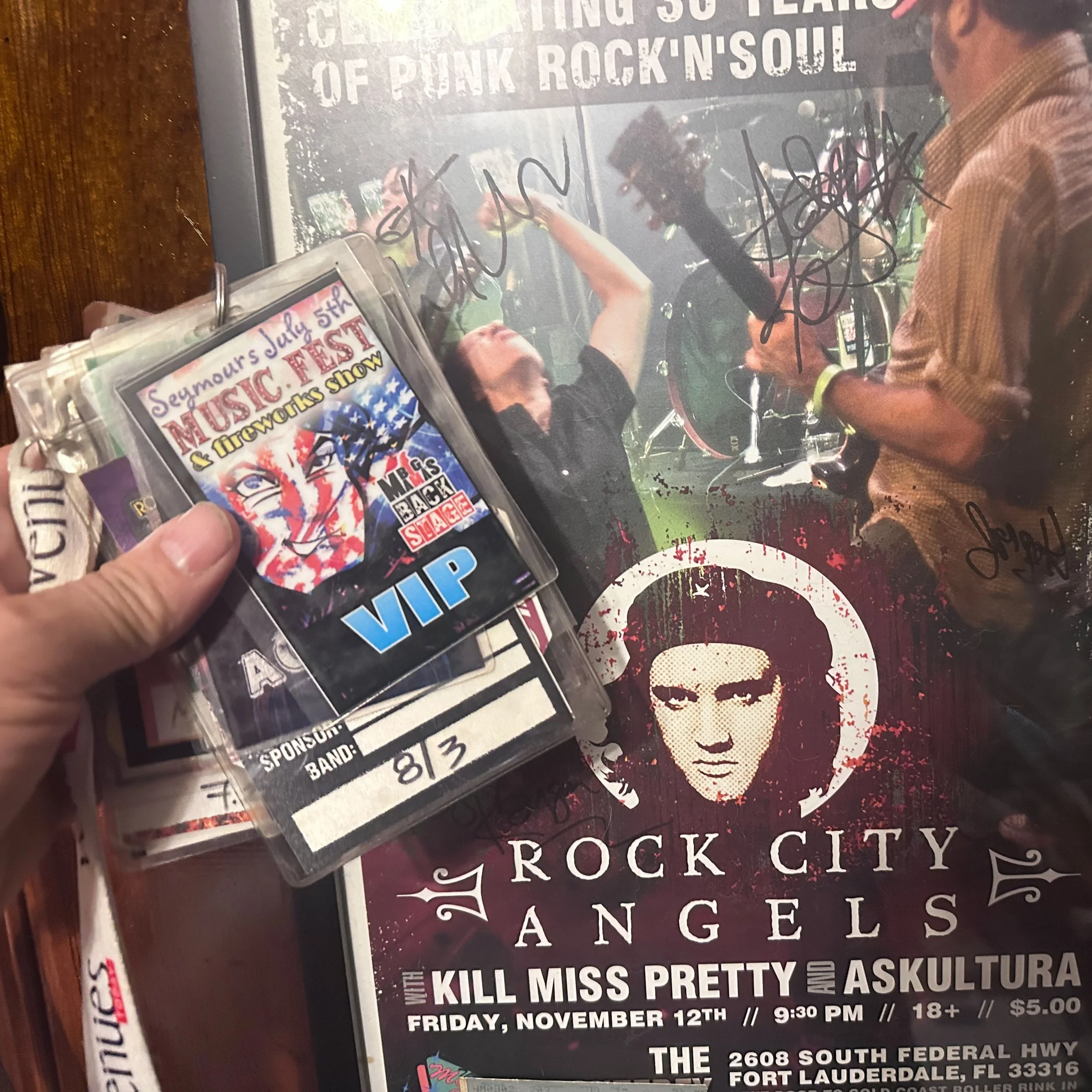

Megadeth: 2009 Endgame Tour
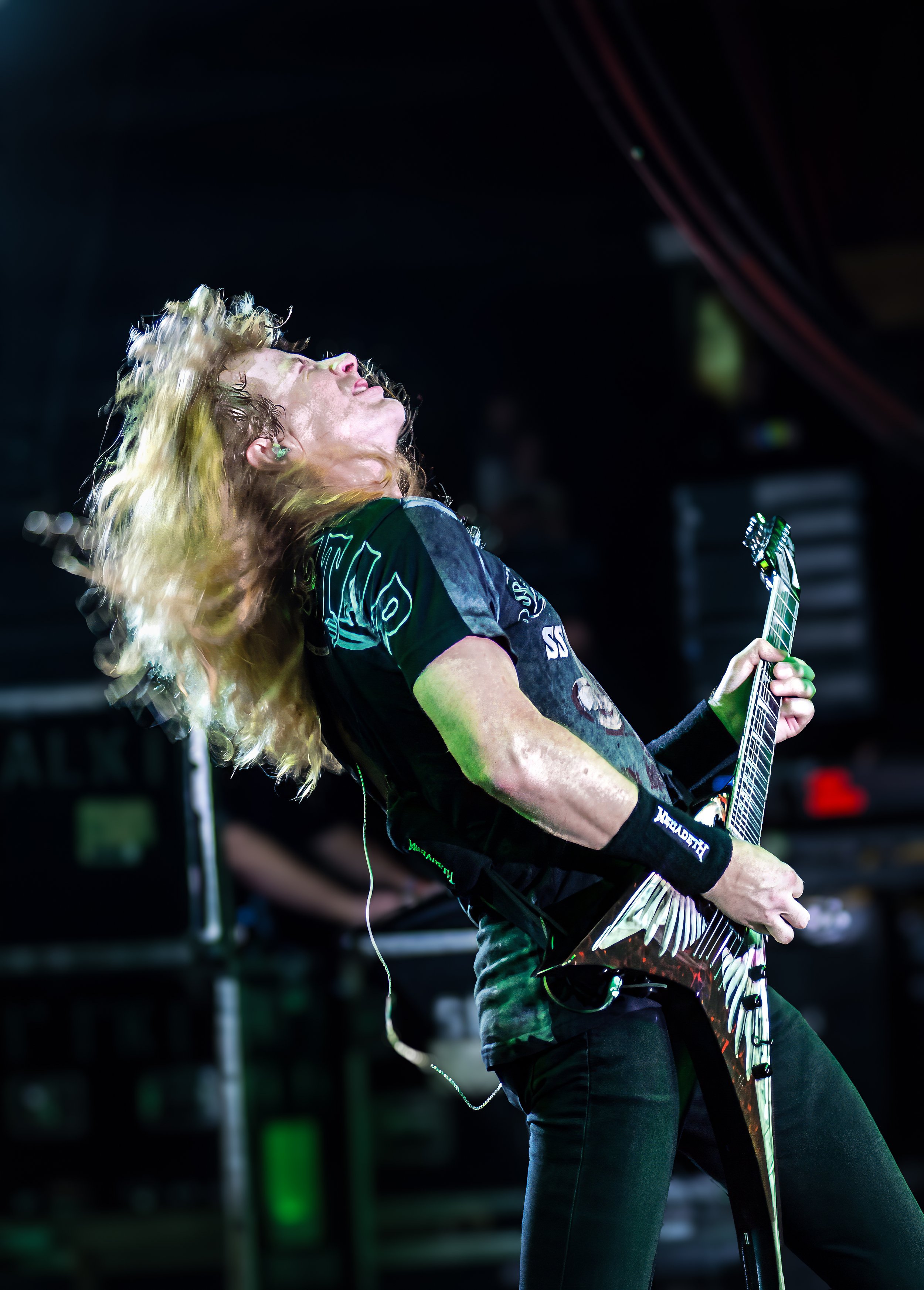
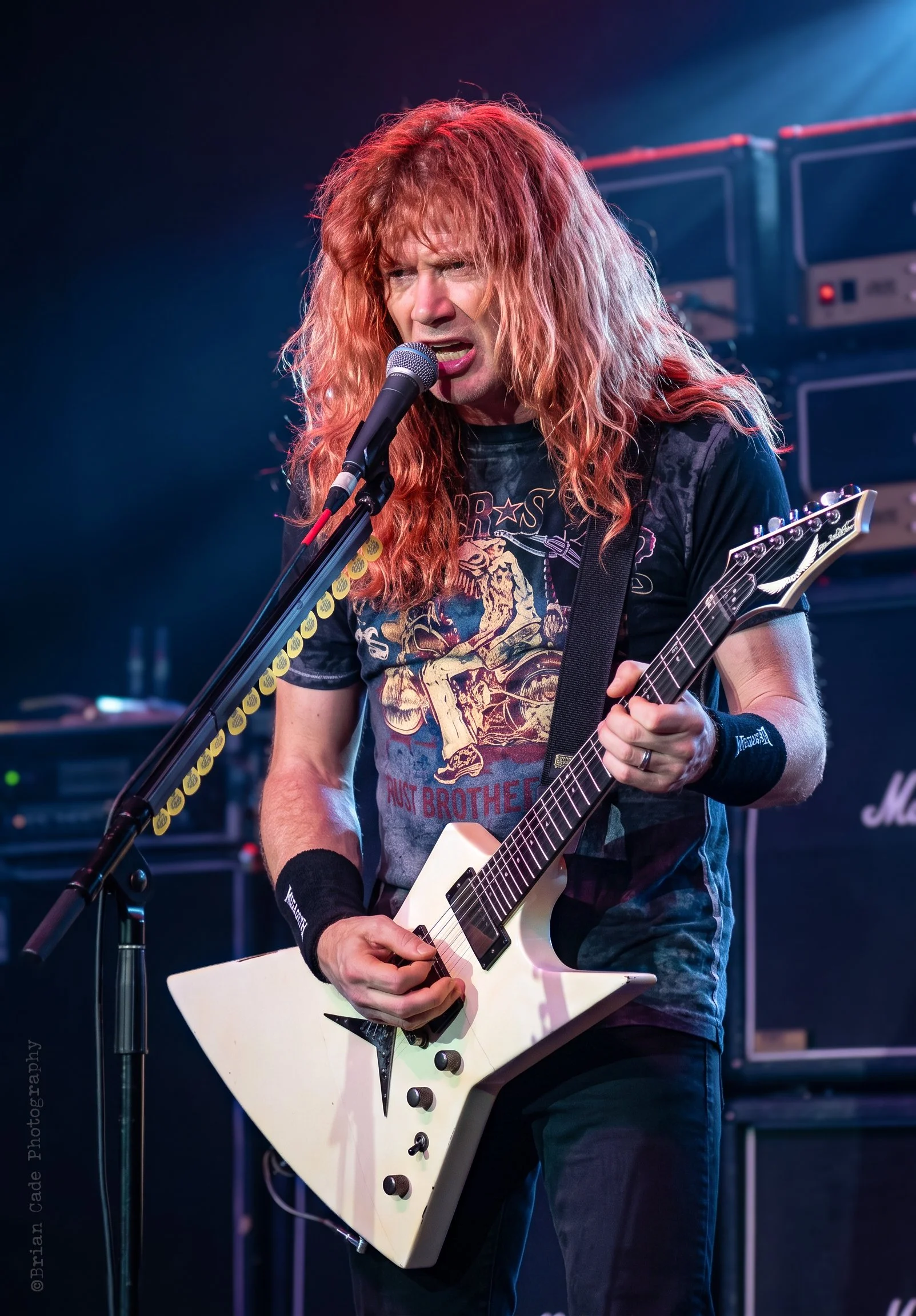
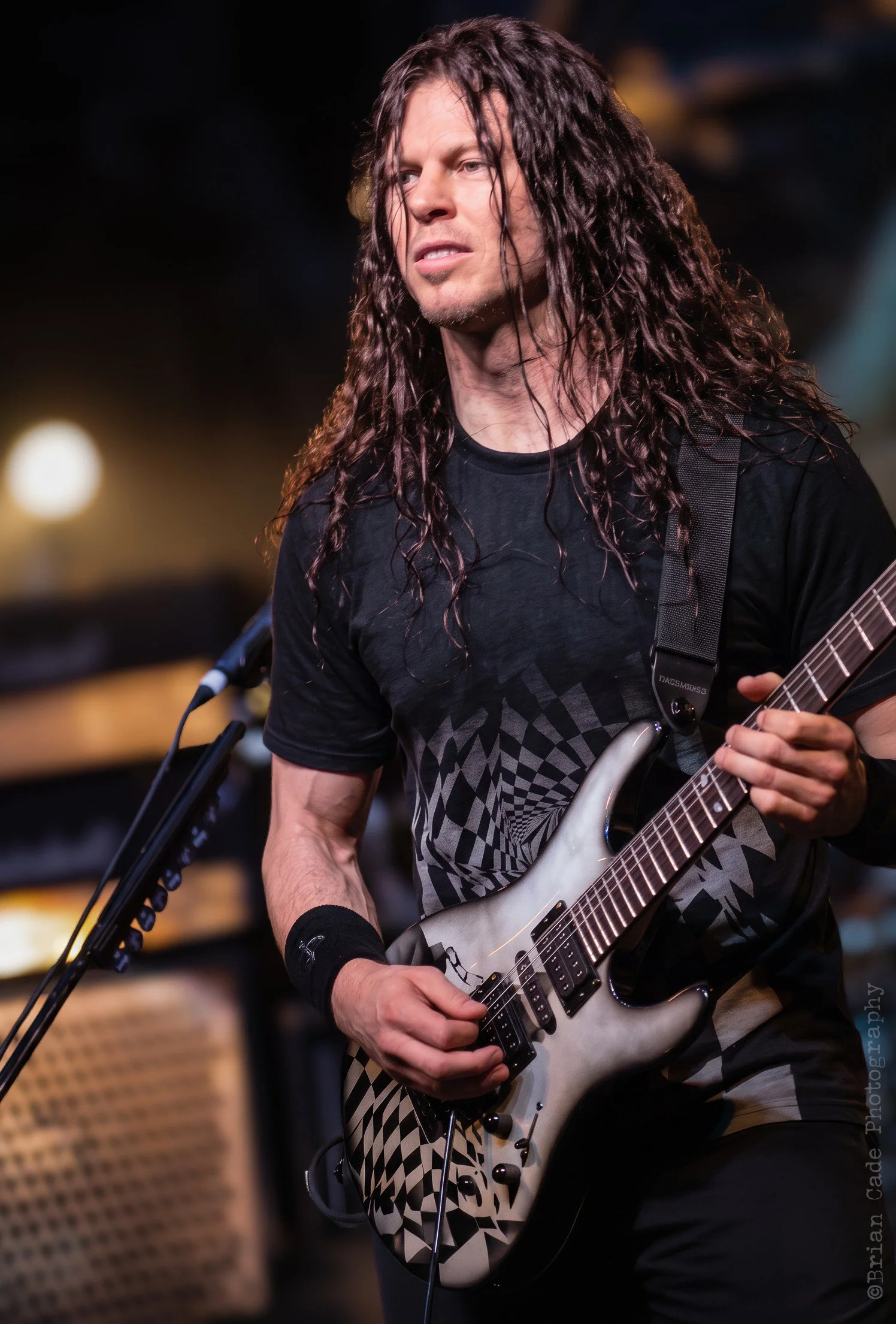
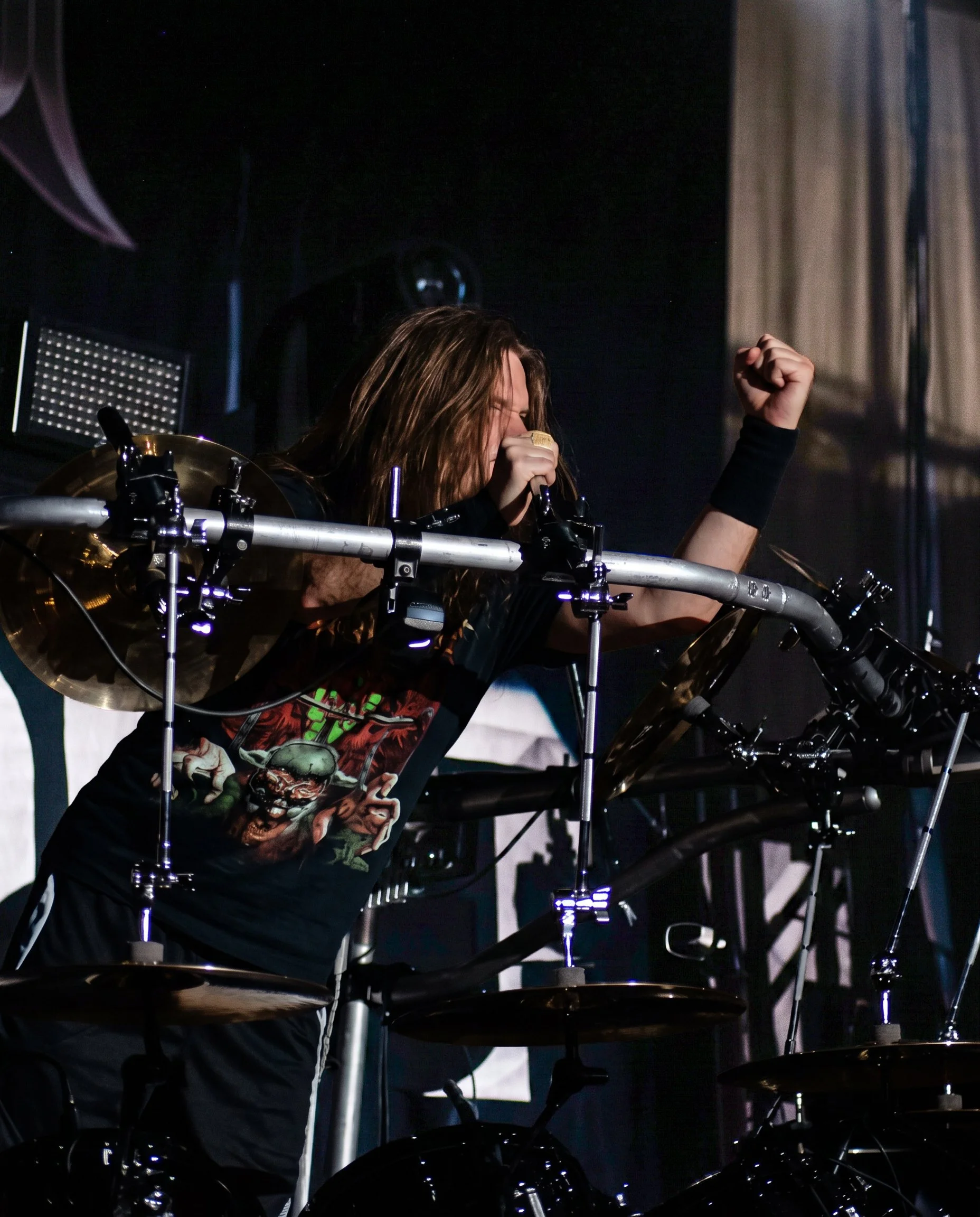
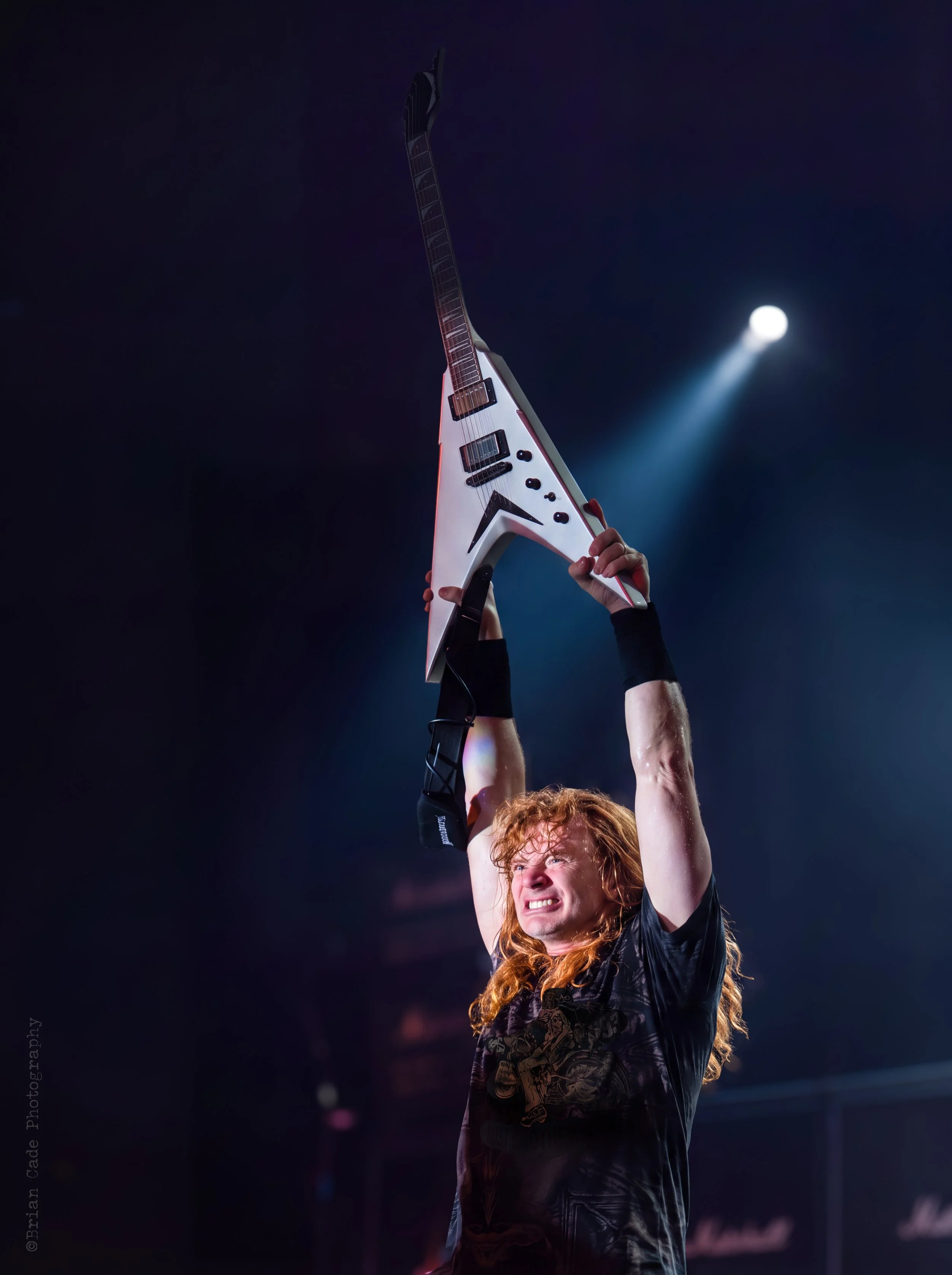
A few interesting stories came about when I covered the 2009 Megadeth Endgame tour stop in Knoxville, Tennessee, at the well-known Velarium. Megadeth headlined the show, with Machine Head and Suicide Silence as the opening acts.
A few interesting stories came about when I covered the 2009 Megadeth Endgame tour stop in Knoxville, Tennessee, at the well-known Velarium. Megadeth headlined the show, with Machine Head and Suicide Silence as the opening acts.
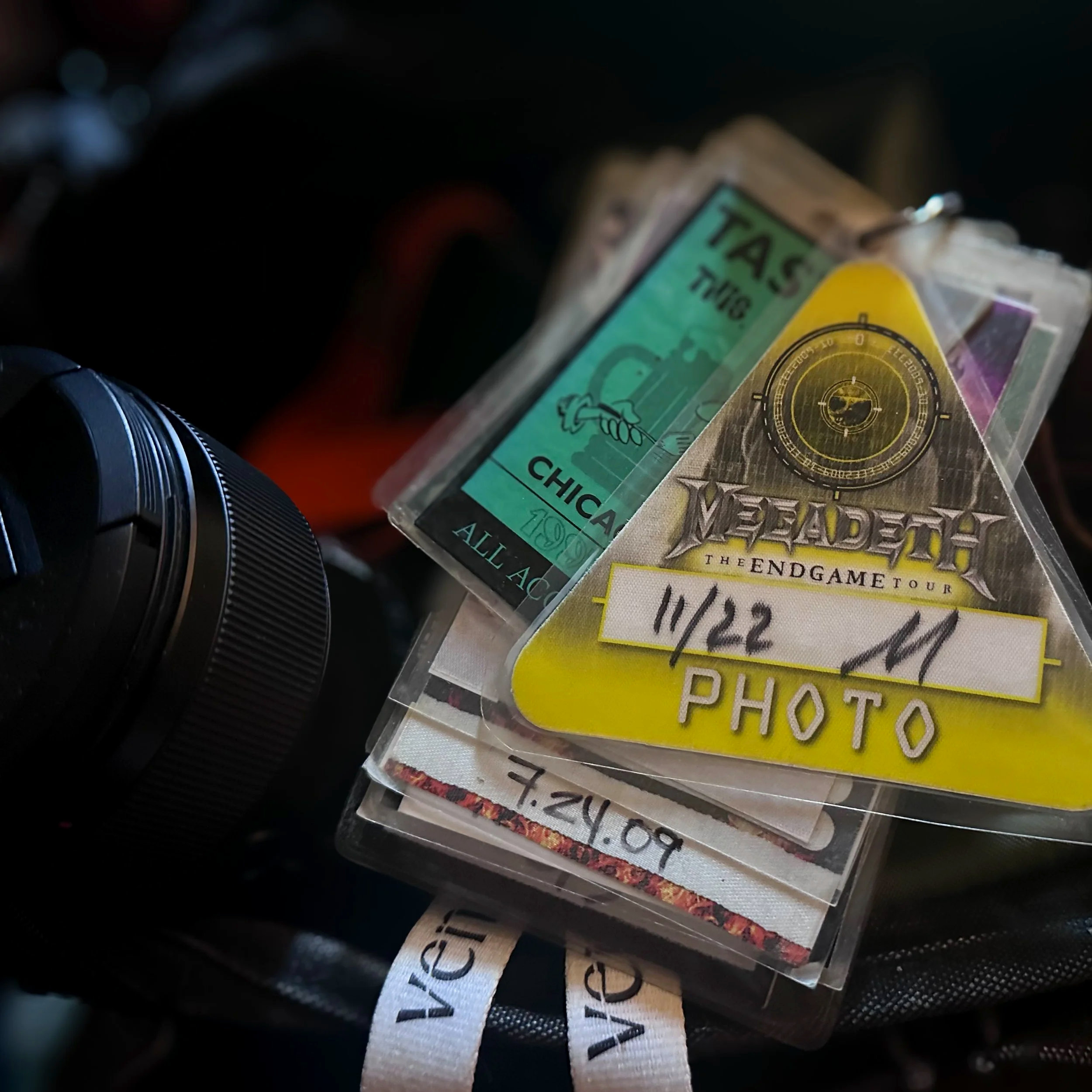
The Knoxville show was scheduled for November 22, but I rushed to request credentials on the 19th. Usually, you should ask for access at least a week in advance, so I knew I might get turned down. My main contact at Roadrunner Records, Megadeth's label, helped me get approved to cover Megadeth—just in time.
On the day of the show, I got to the venue just in time to cover Megadeth, despite my time constraints. I was disappointed, but I was alright with it.
The press pit usually runs along the stage and is about four feet wide in small clubs, sometimes even less. For Megadeth, though, the center of the pit was filled with some of the band’s equipment, so I couldn’t move around to get different shots. I thought I knew that Dave Mustaine almost always sang facing his left, but I ended up on his right and couldn’t switch sides in time. I made the best of it and, once again, tried not to stress.
There were about four or five photographers in the pit, and I recognized a couple as locals. We each found a small spot to work from, hoping to get the best shots we could. There’s one thing I’ve never understood—it happens at a lot of concerts. Some women feel the urge to pull up their shirts and expose themselves to everyone nearby. This happened to me and one of the local photographers while we waited for the show to start. A young woman behind us tapped the local guy on the shoulder. He turned around, she gave him a big grin and said hello, then did the same to me. I guess she wanted more attention, because she tapped us both again on the shoulder, and when we turned around, she lifted her shirt to her chin with a huge smile. We weren’t shocked or offended; we just laughed loudly and turned back around. Then the show began.
At most events I photographed, the rules were always the same: shoot for three songs, no flash, then you were finished. Usually, someone would lead you off the main floor to leave the venue. Sometimes, you could store your gear in the main office and stay to enjoy the rest of the show. This time, when we were escorted out of the photo pit, none of that happened. Security just let us walk around the edge of the crowd, so I did. I even made my way to the middle of the crowd, on Dave’s left side, and managed to get some better photos. It turned out to be an amazing evening.










Adobe Firefly 5: My New AI Assistant
As our creative methods evolve, many digital photographers are worried about the rise of AI. This situation is similar to what traditional painters faced in 1839: The solution is to adapt and grow, or risk being left behind. The reality is that AI, even as a tool to help photographers, is here to stay.
Recently, I asked a pressing question to two dear friends of mine, Ellen, an accomplished painter, and her husband Chris, an avid photographer. The question had been eating at me for some time: when does a photograph lose its originality and become more of an AI illustration, and when does it truly remain a photograph with AI editing assistance? Both had similar questions as I did, so I went online in search of answers.
Most articles I read appeared to divide the field into AI-generated images and AI-assisted images. Since AI-generated is pretty much self-explanatory, I want to concentrate on AI-assisted images.
The images below of Tyler Connolly of Theory of a Deadman are a clear example I deem “assisted.” Top left is the original from 2011, followed by an edit I did in Photoshop the following year. Dodging and burning, along with some exposure adjustments, gave the image a new dynamic, especially in the mist and fog surrounding the artist. Notice, too, that I eliminated the microphone stand with Photoshop, as it was a distraction. In the bottom images, I removed the mic stand again and used Adobe Firefly to add more punch by eliminating the blue cast and crunching the pixels for a sharper, more defined image. AI assist also let me make the mist and fog more defined. Finally, masking areas in Lightroom and editing them gave the image a more appealing overall look.
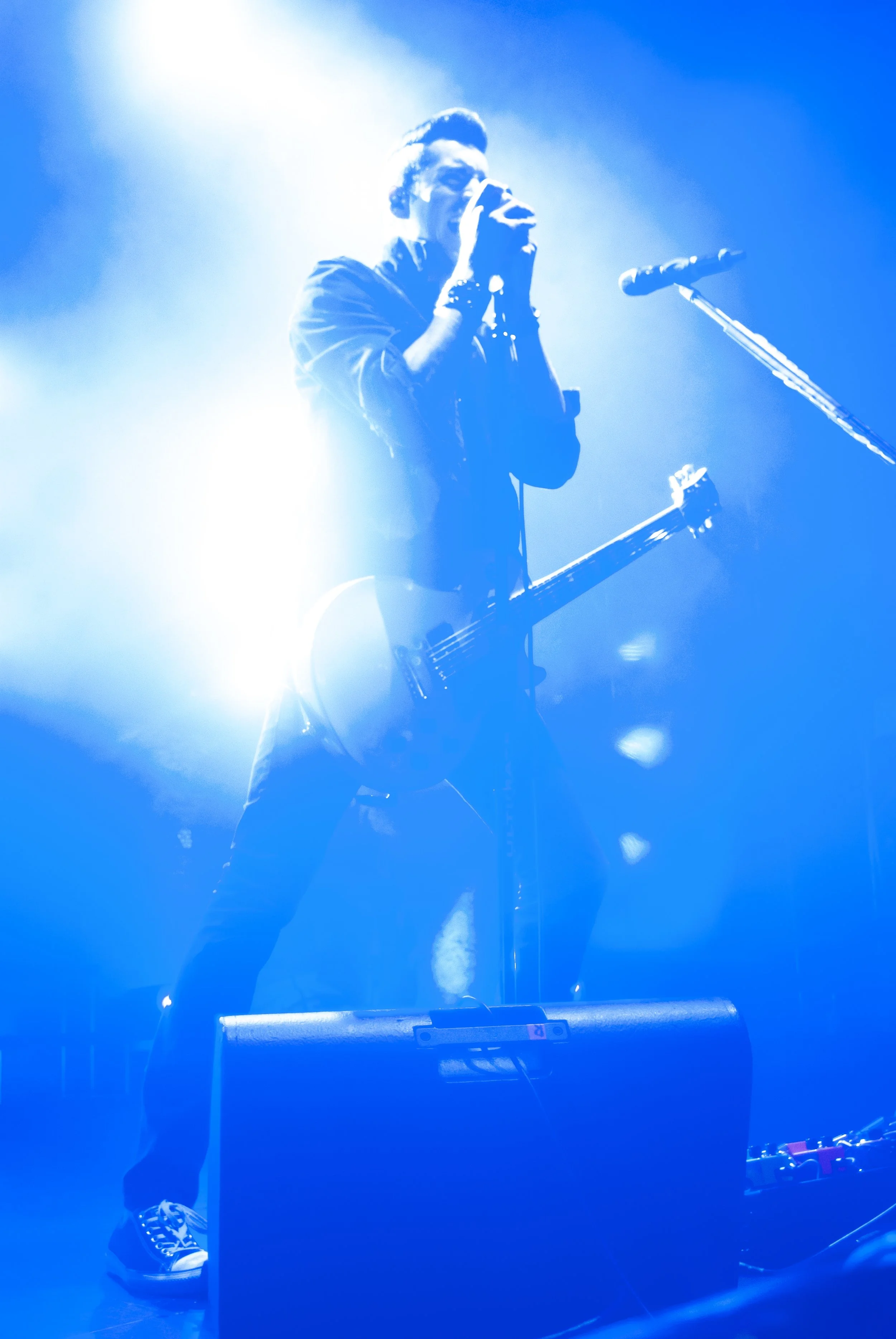
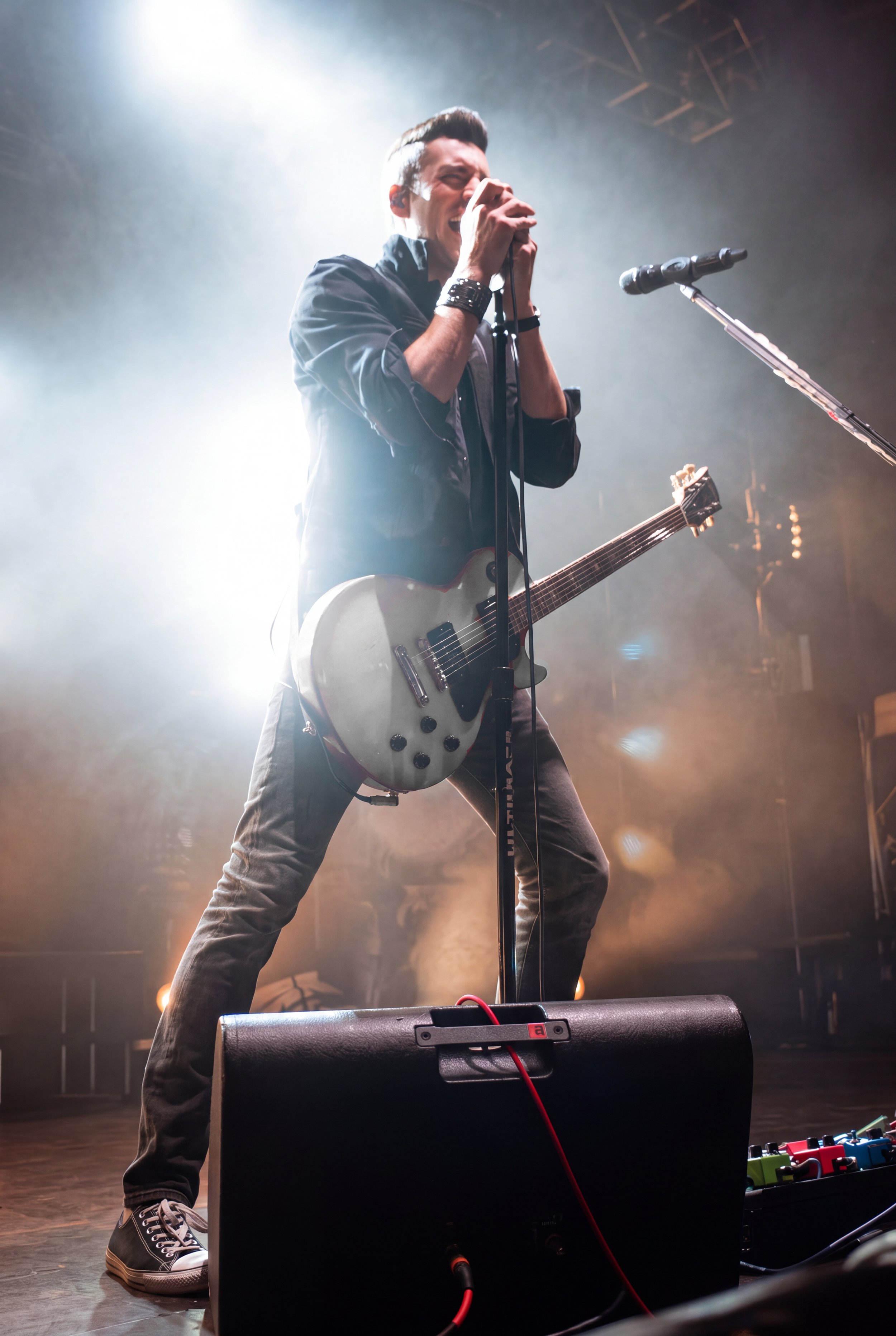
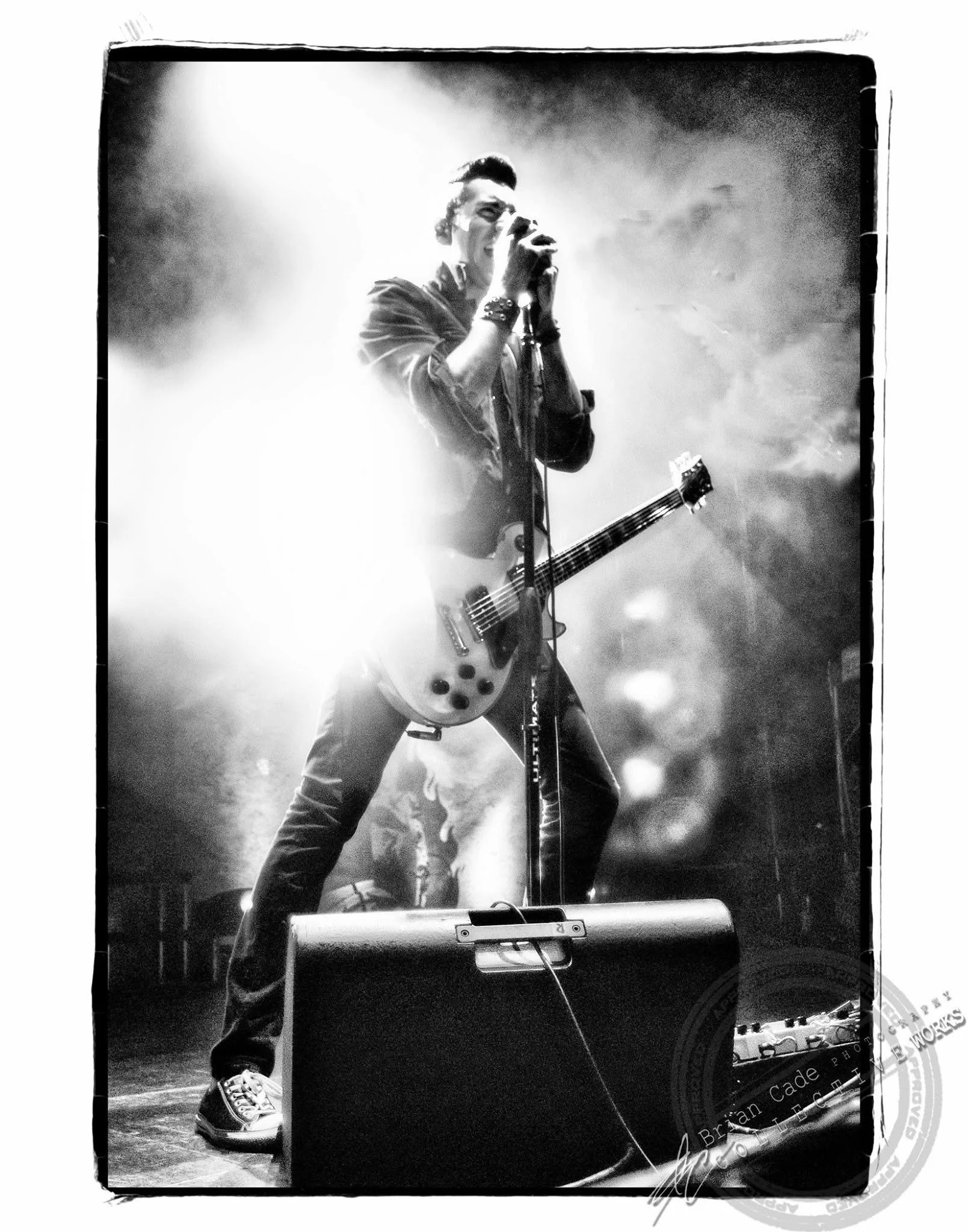
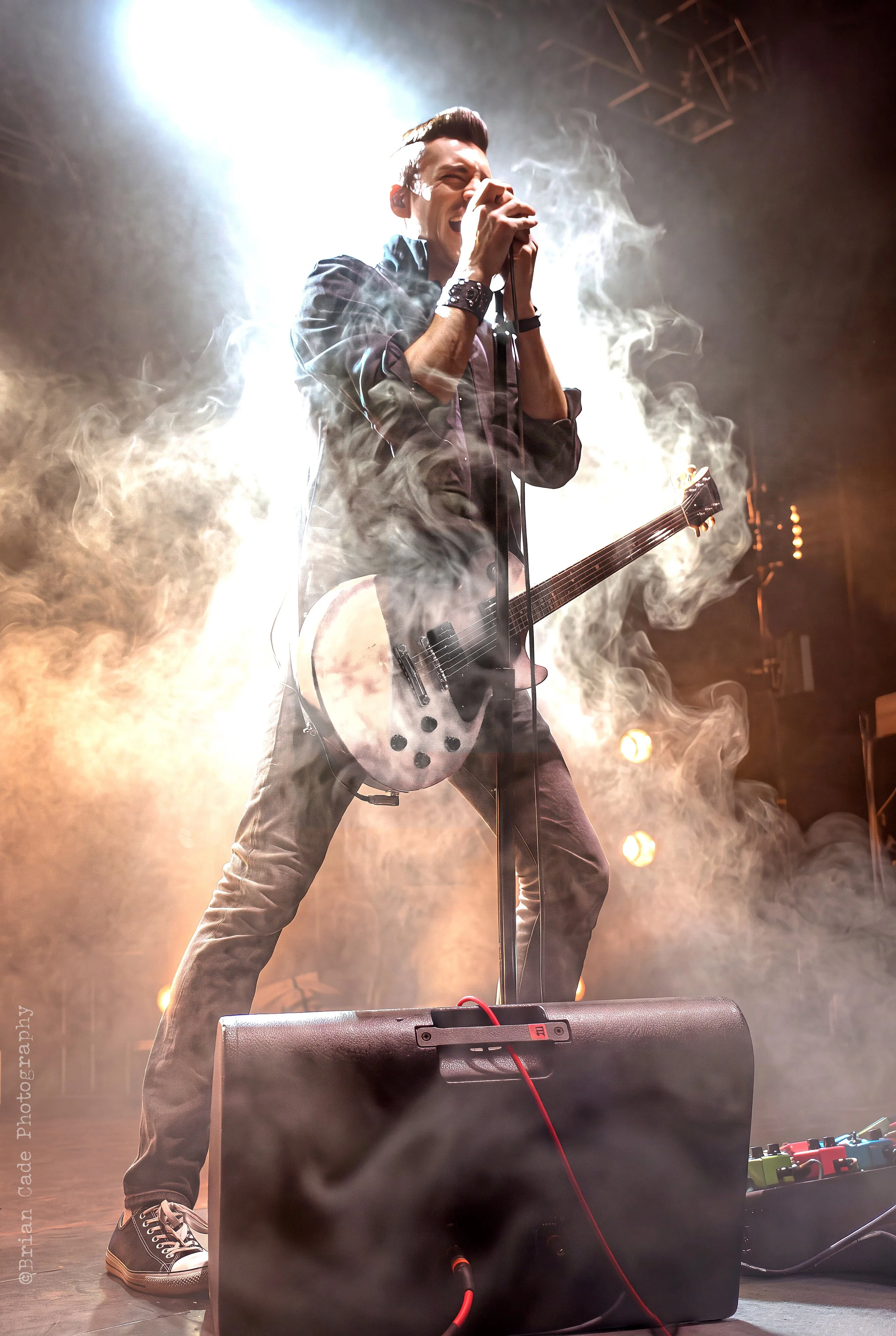
I have a ton of concert images where color lights dominated each band’s set, and I have a lot of image files that may seem unusable—until now. I used Adobe Lightroom CC to remove color cast with the temperature and tint sliders, along with the white balance selector, to adjust the image to a more pleasing rendition of a band or artist.
Using AI-assisted tools such as Topaz AI Denoise, AI Sharpen, Gigapixel, or even Adobe Firefly, I'm taking a lot of the heavy lifting out of the equation; I can now focus on the smaller details with masking in Lightroom to get a better image. I’ve been an artist longer than I have been a photographer; I have used all kinds of tools and push-button apps to achieve certain outcomes in an image. Not all worked, and then again some were over-processed. Below is another AI-assisted image, this time of Mark Morton of Lamb of God. I am really fond of the one on the left, which was processed through Adobe Camera RAW. I thought I’d remove the red color cast from the image to show how AI-assisted tools have a place in my workflow; it gave me a choice.
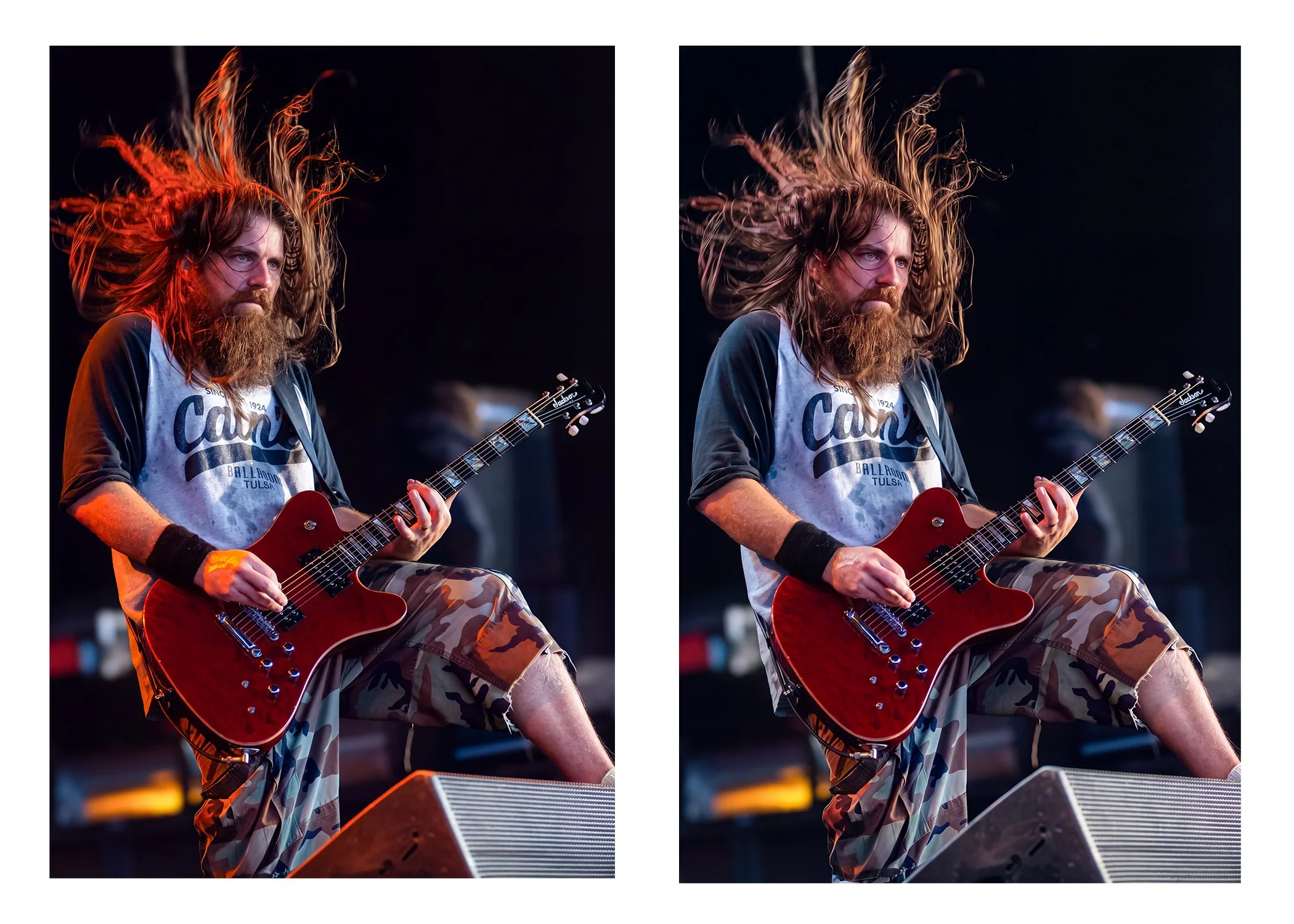
Just remember that when photography debuted in 1839, painters reacted with despair, panic, and hostility. French painter Paul Delaroche declared “from today painting is dead,” while English romantic painter J.M.W. Turner called it the end of art. Same as when digital photography made its debut, purists of the film and darkroom age felt the same as the painters did when photography came around.
As our creative methods evolve, many digital photographers are worried about the rise of AI. This situation is similar to what traditional painters faced in 1839: The solution is to adapt and grow, or risk being left behind. The reality is that AI, even as a tool to help photographers, is here to stay.

Galgano Records Distributors: 1991
We were one of the largest music distributors in the Midwest. Everyone I worked with knew all the artists’ catalog numbers and their labels by heart. We were all good at our jobs.
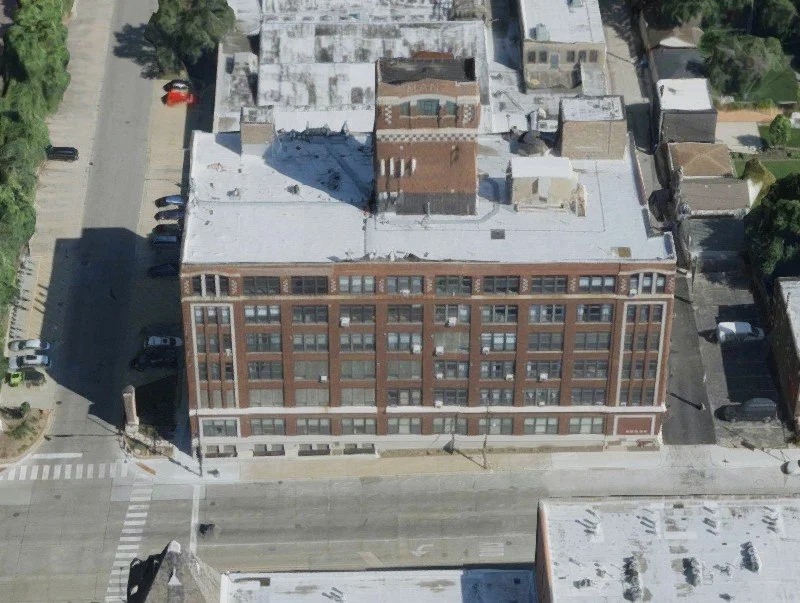
Galgano Records, 4001 North Ravenswood Avenue,
The last place I remember Galgano Records being located was at 4001 North Ravenswood Avenue in Chicago. Right at the corner of Irving Park Road and Ravenswood Avenue. We occupied the entire first floor, and hardly anyone else used the building. For nostalgia, the first spot I remember was at 4125 West Armitage Avenue back in the 1970s; it was located on a whole city block between Kedvale and Keller on Chicago’s west side. I worked there after school and spent my summers working full-time.

The group I remember best is the one from Ravenswood Avenue. We felt like family. Our company picnics were always held at John Galgano Senior’s summer home in Lake Geneva, Wisconsin, and they were big events.
We were one of the largest music distributors in the Midwest. Everyone I worked with knew all the artists’ catalog numbers and their labels by heart. We were all good at our jobs.
We had tons of record release parties, concerts, and promotional vinyl and CD’s weeks before the official release dates. I spent plenty of time backstage, hanging with people from the record label and with band members. It was always business, never any nonsense—I promise (fingers crossed).. These kinds of events inspired me to get into music photography. In fact, my boss’s son, John Galgano Jr., offered to buy me my first camera, a used Pentax Z10n with three lenses, in 1991.
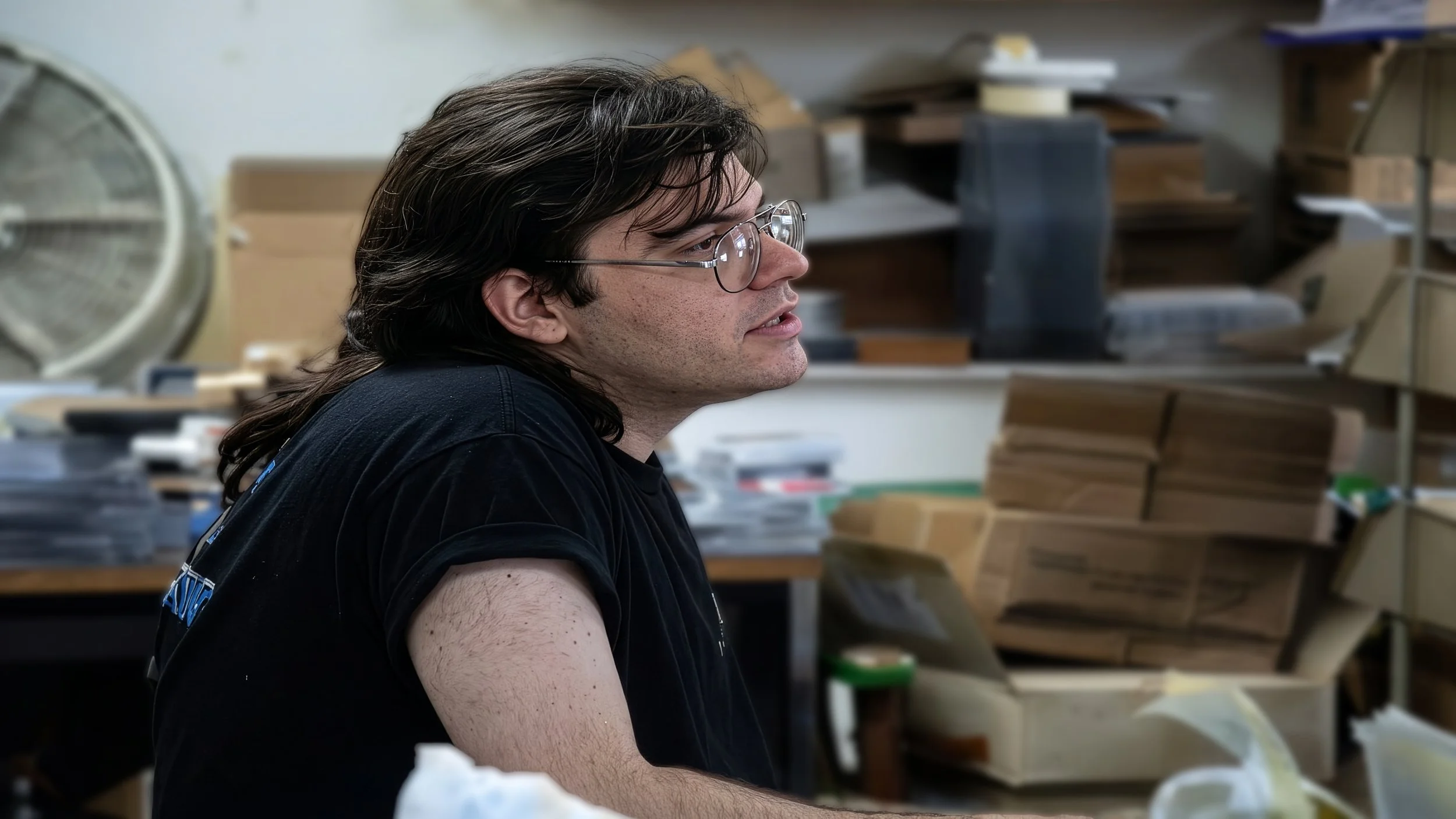
John Galgano Jr.
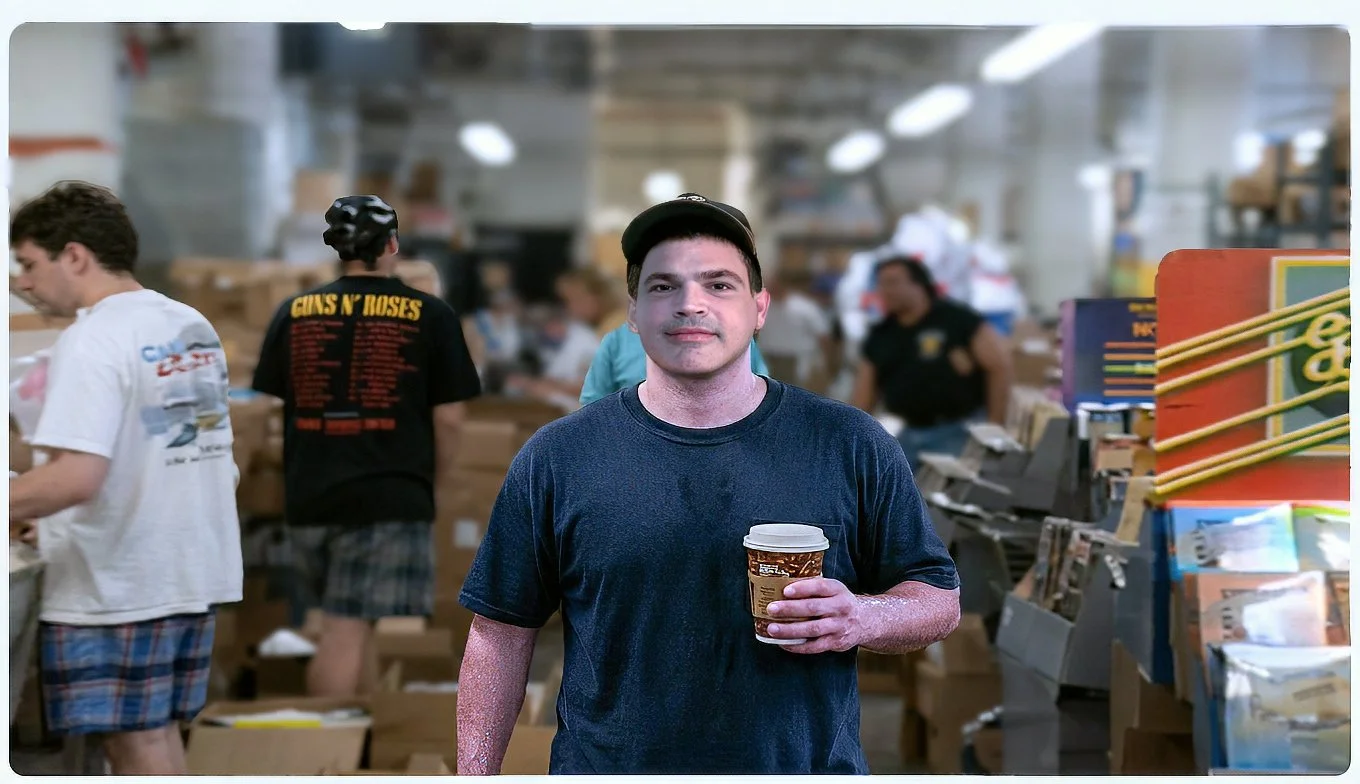
James Galgano

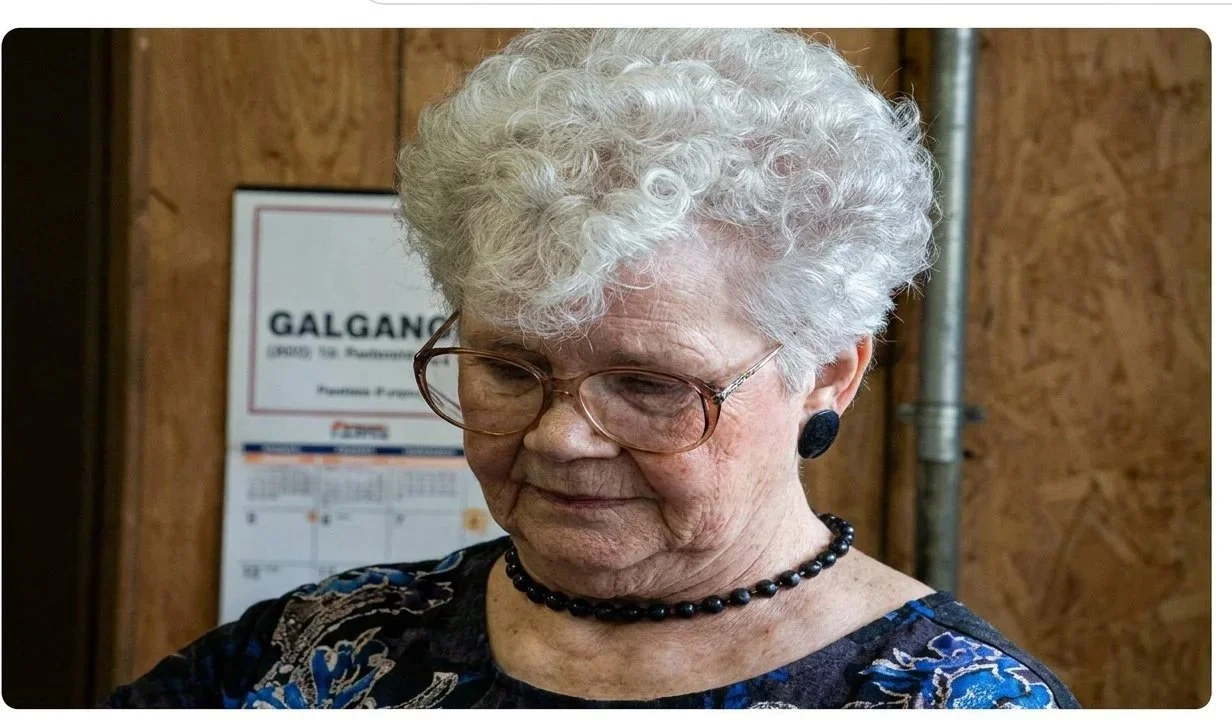
Maria
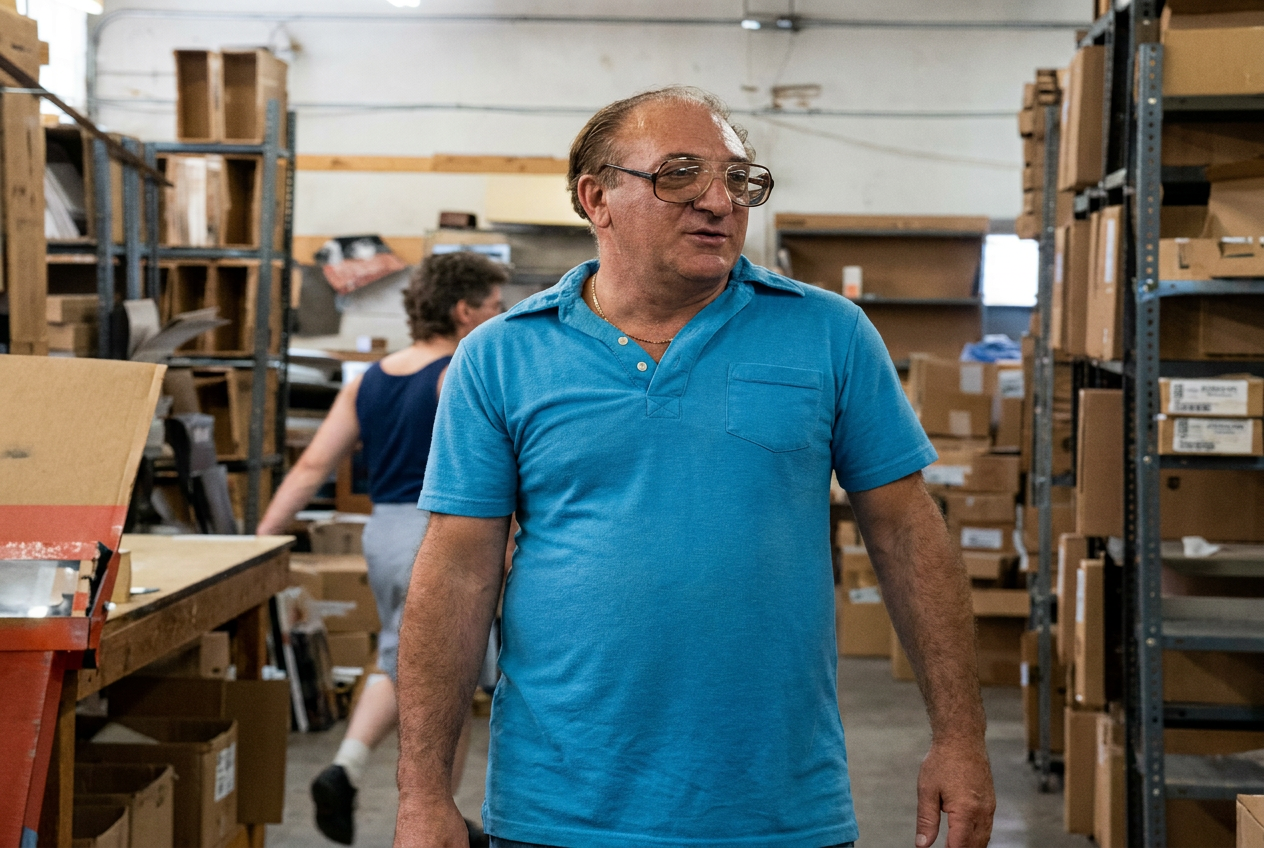
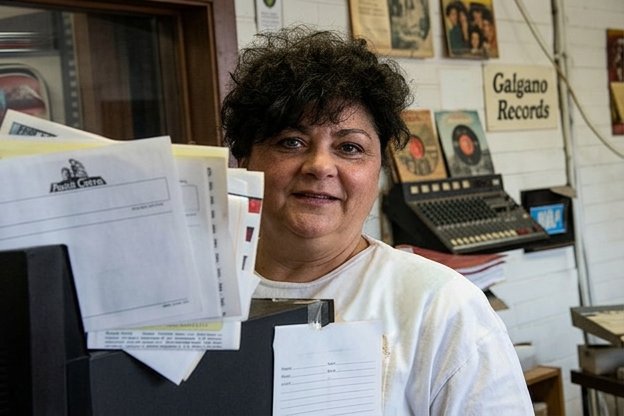

Suzie
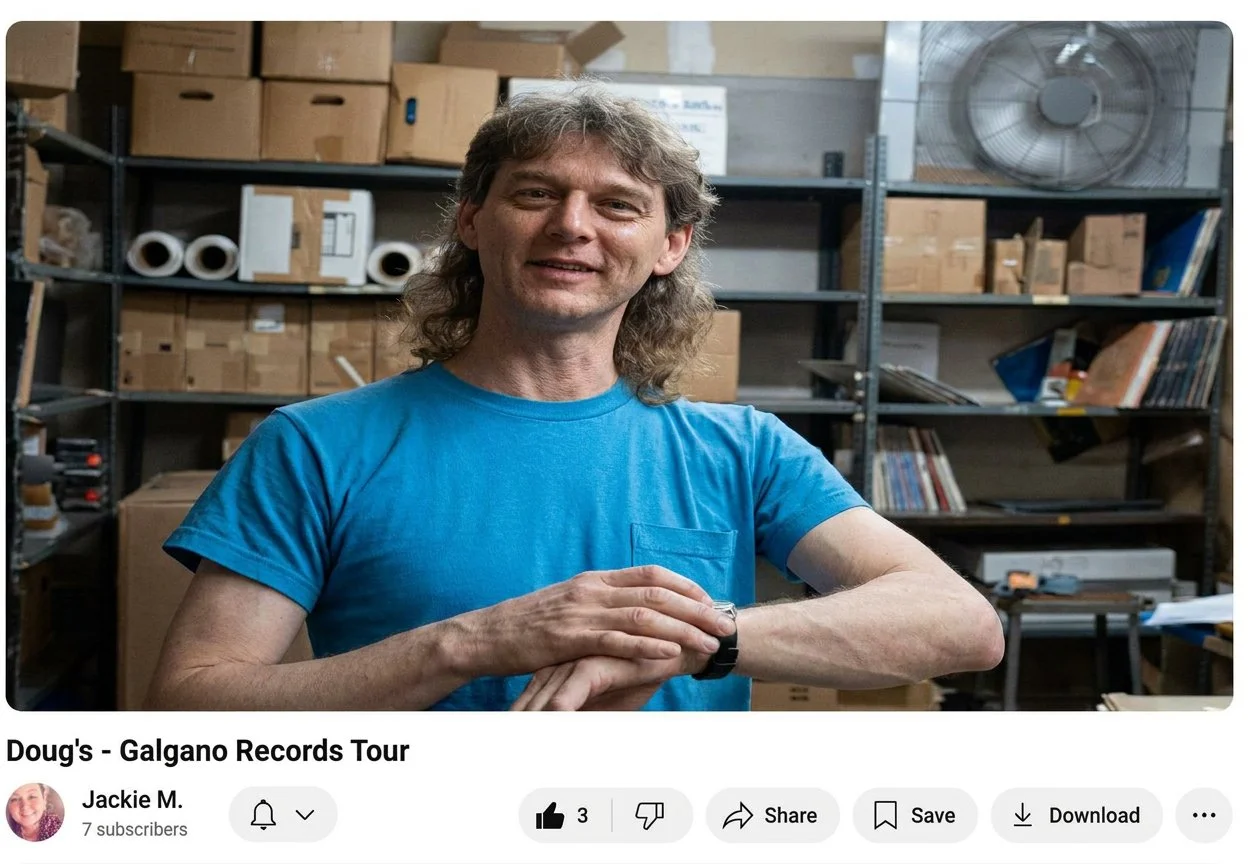
Doug Morris
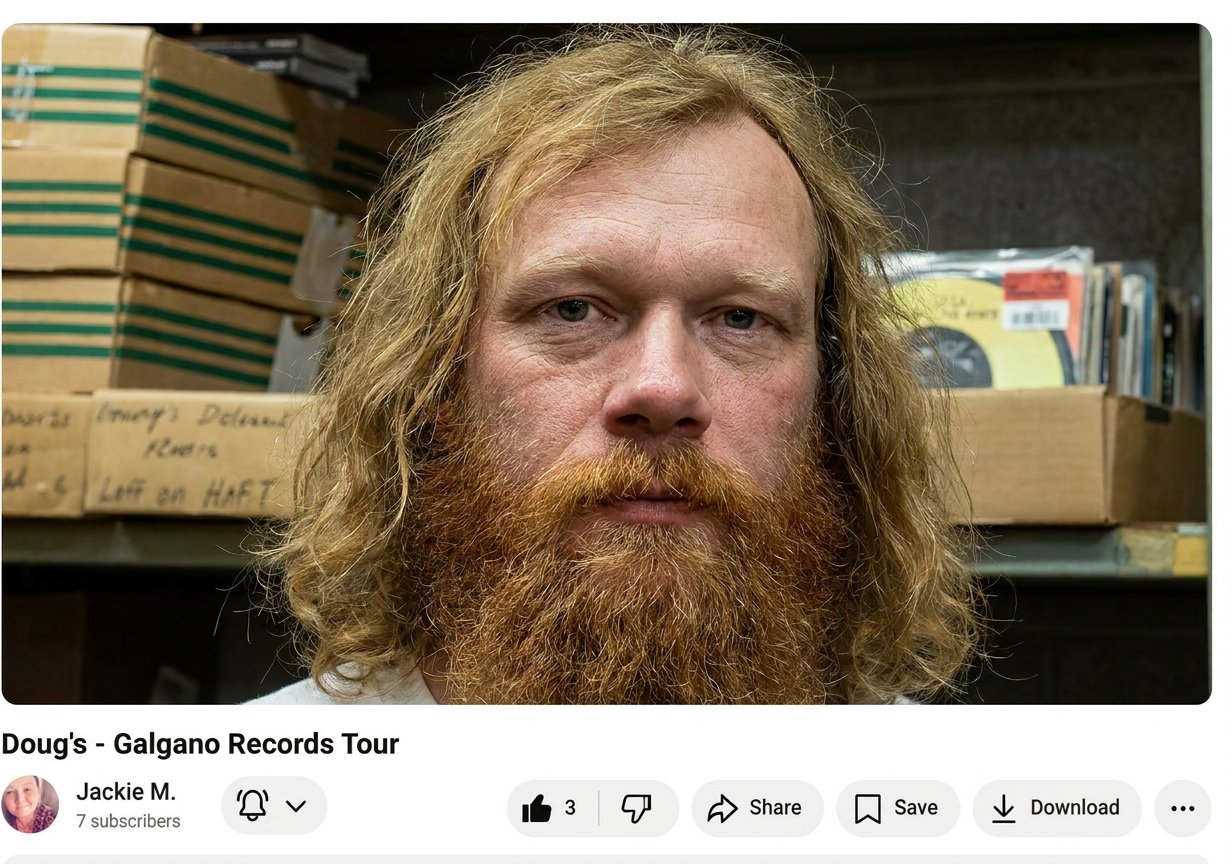
Paul

Brian
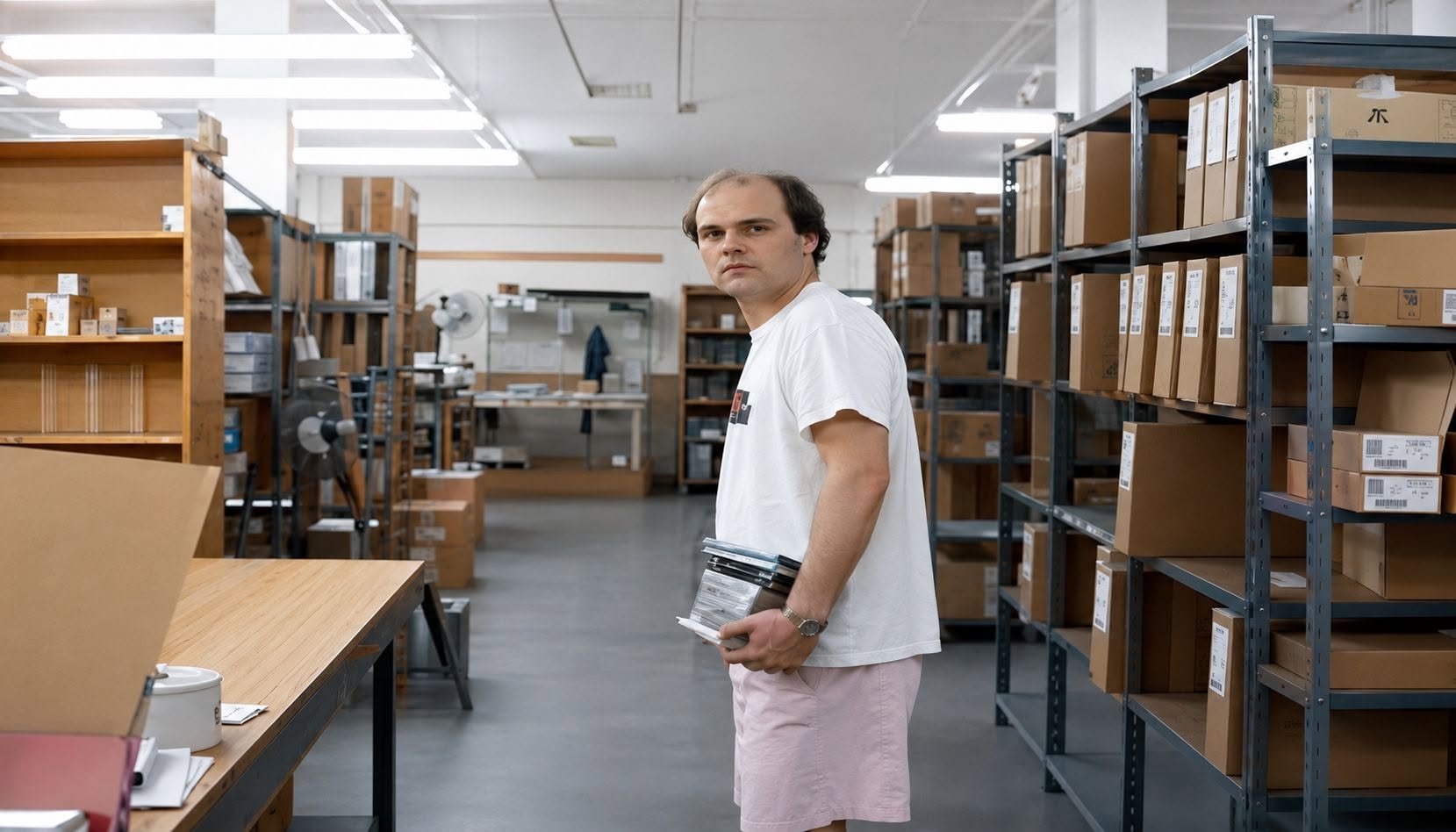
Paul Steinbrunner: Mr. Rolling Stones Catalog
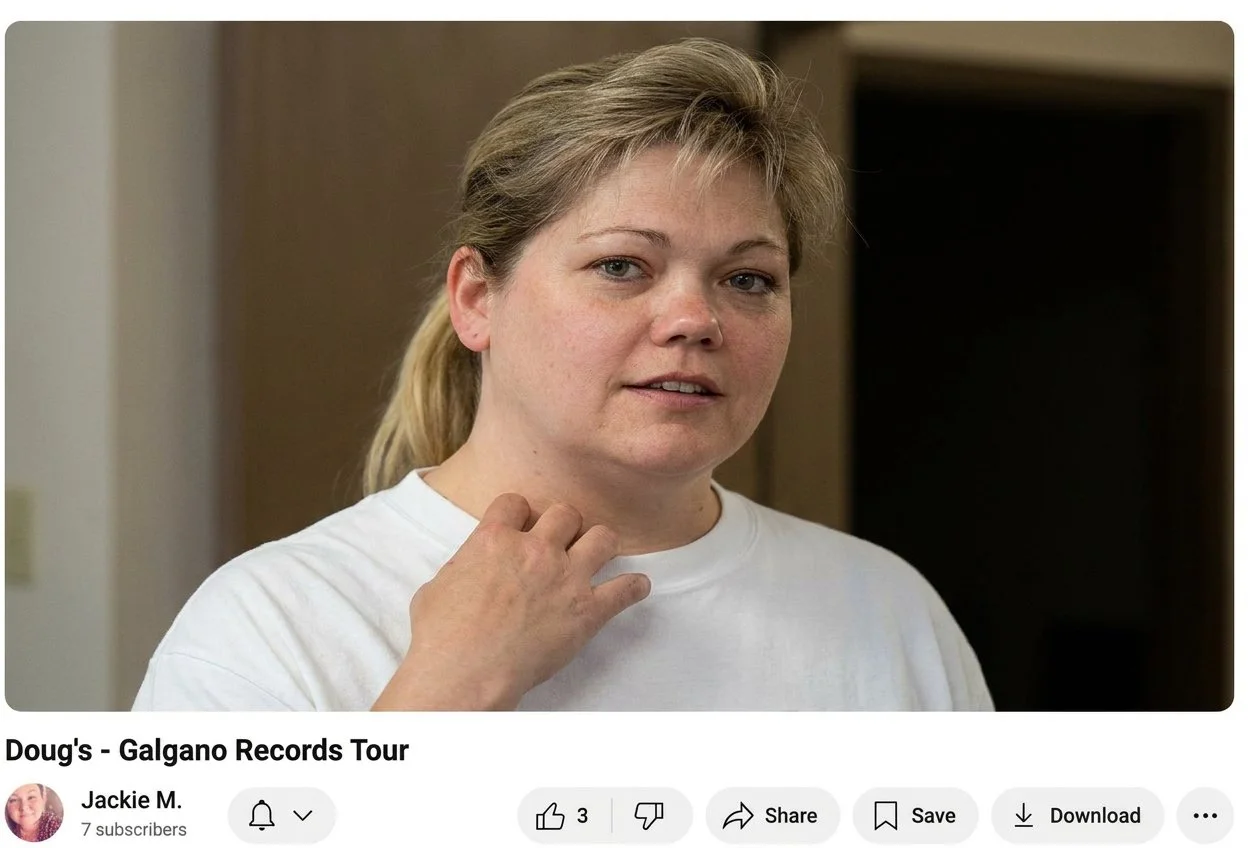
Jennifer

Rick
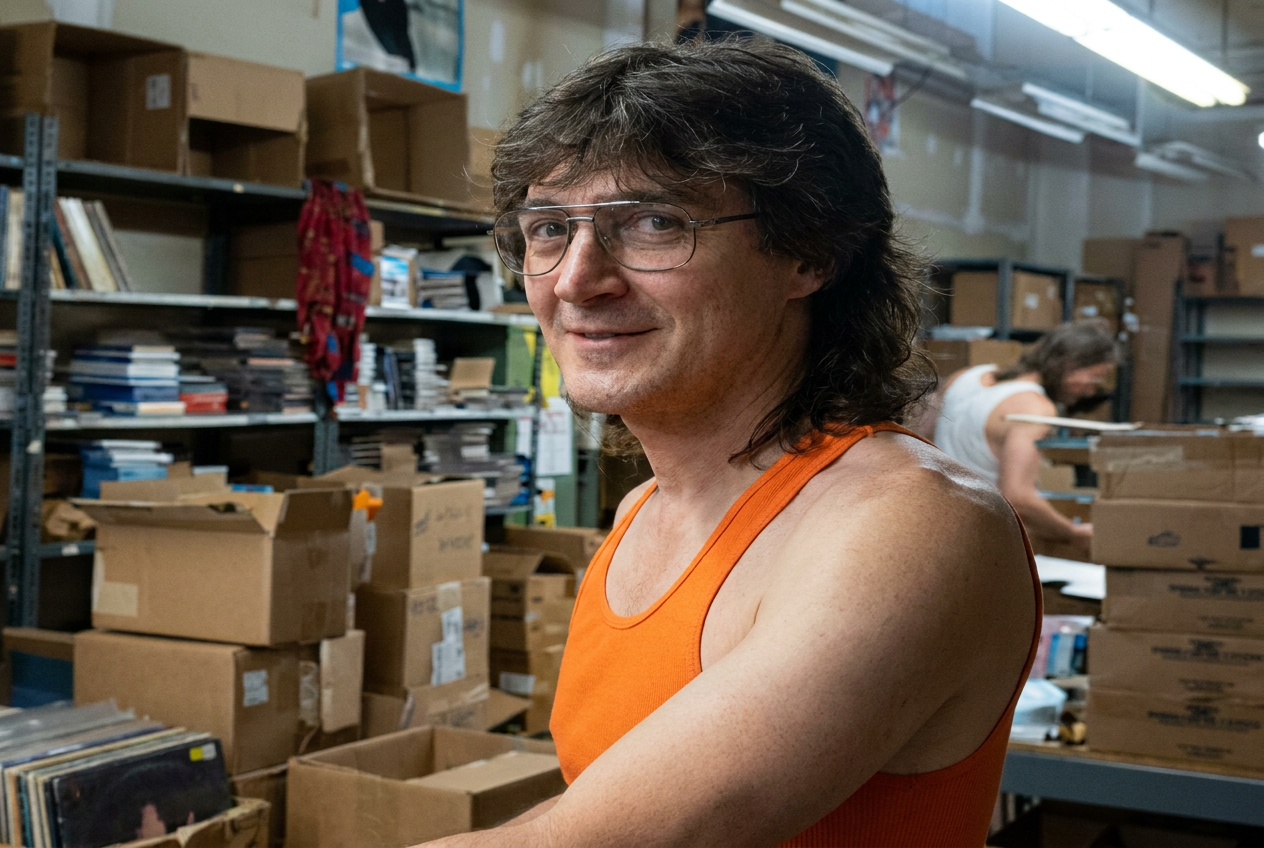
John Vaughn

Free Your Mind
Would I recommend joining a chapter? I’d suggest checking the chapter’s social media to see if it’s active or just sitting there. If it looks like an absentee parent who left for milk and cigarettes, they probably aren’t coming back.
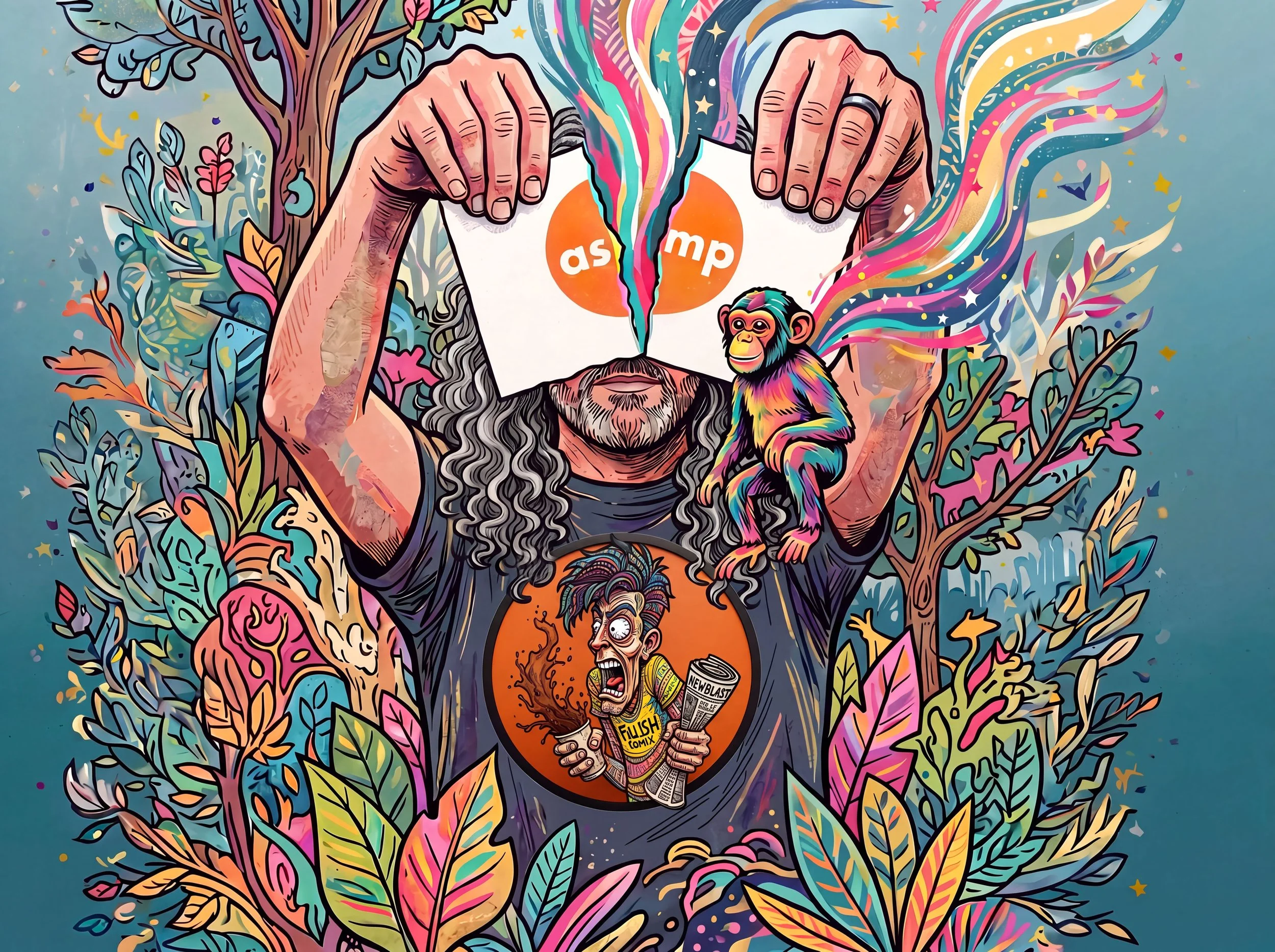
I didn't update my information with the new card(s), so instead of renewing my dues for July, I decided to cancel my membership with the ASMP (American Society of Media Photographers . Then again, I've debated this move for quite some time, and I've been an ASMP professional member for 8 years. Hard to believe that, in that time, there was no interaction with members of the Central Virginia chapter in Richmond (my chapter). In the beginning, I tried a few times to reach out to fellow members and board members about becoming a member, but I have received no response. It took the National organization reaching out to 2 other photographers from 2 different states/chapters to look at my website and sponsor me for membership, not the Virginia chapter I intended to join. Then again, I never had any contact in my group about seminars, meetings and/or events, but I have never received a response. Their Facebook fan page, ASMP Central Virginia, as well as their personal Facebook page for the ASMP Central Virginia chapter, hasn't been active in years, and their website on the national page has had no activity whatsoever, so yeah, it was an easy choice to make.
Am I bad-mouthing the national organization? No, I’m just sharing my experience of a chapter of this organization. I’m not saying this organization is a bad fit for any creative; it depends on whether a chapter is actively engaged with its members or just there like a cardboard cutout of a police car on the side of a road.
Chapters I have seen active on social media every month in their own cities or states without fail include Colorado, Ohio, Chicago/Midwest, and Connecticut. It’s a shame others fall short. When I was younger and starting my photography journey, I knew of the ASMP as defenders of photographers’ rights, and through several notable photographers admired, such as Robert Capa, Richard Avedon, Joe McNally, Mark Seliger and Gordon Parks. I too wanted to be part of something bigger; I wanted to network with others on a larger scale. but I was not ready, and my portfolio was nearly nonexistent.
The American Society of Media Photographers as a whole is a wonderful organization with a strong reputation. Would I recommend joining a chapter? I’d suggest checking the chapter’s social media to see if it’s active or just sitting there. If it looks like an absentee parent who left for milk and cigarettes, they probably aren’t coming back.


Esme: A Celebration of Life
Esme is home…….
Esme is Home
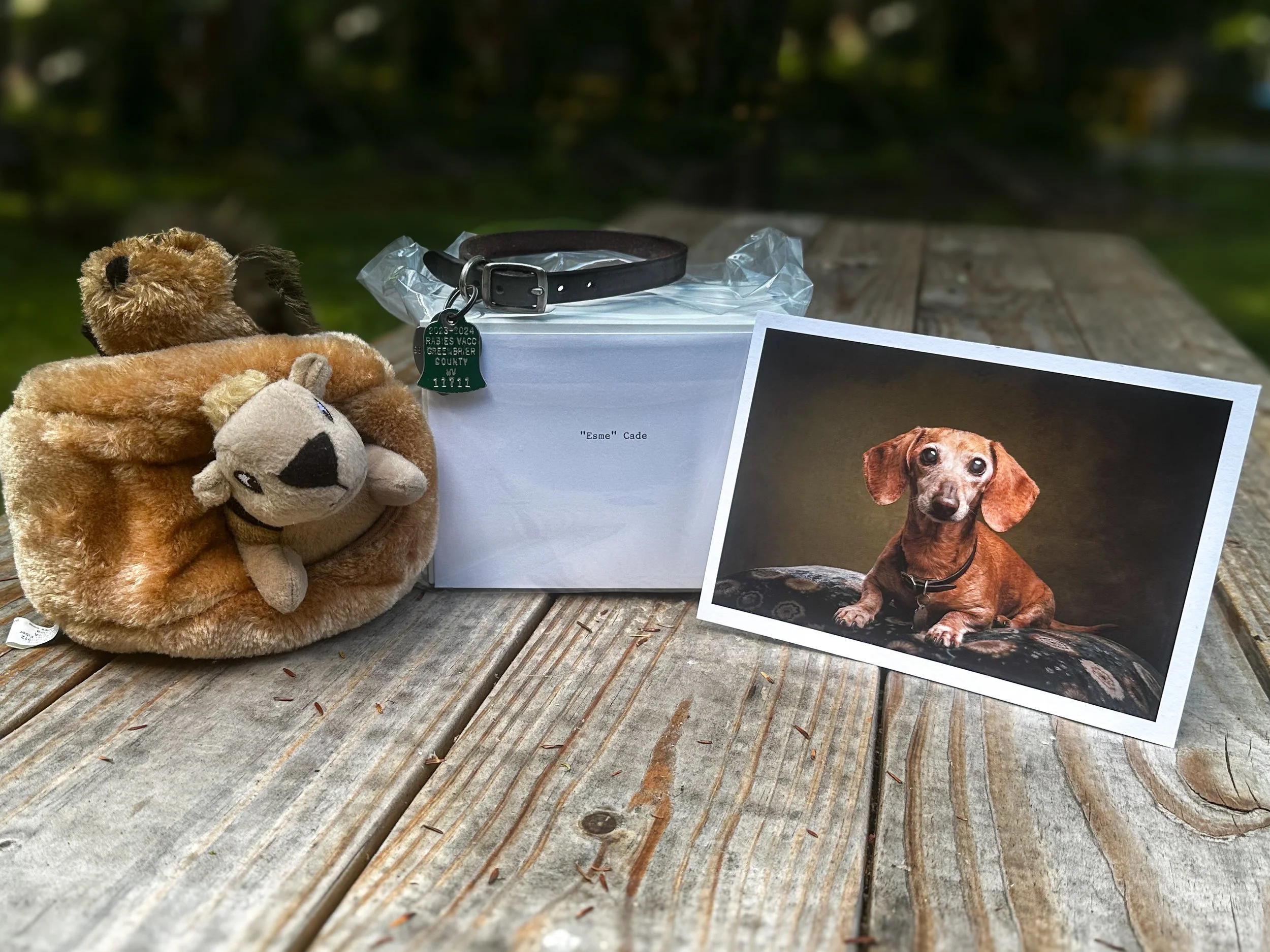
A photo collection of our little girl
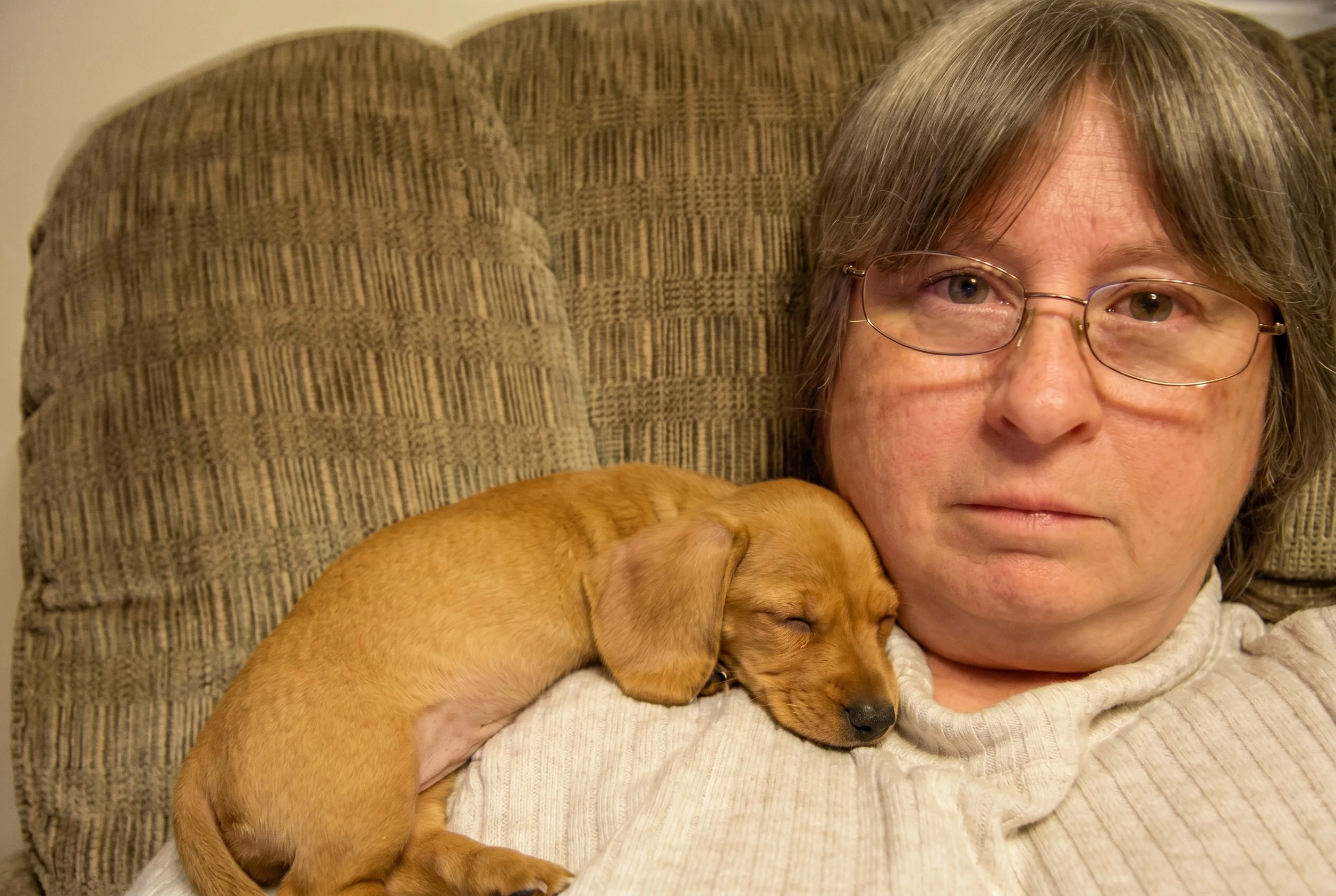
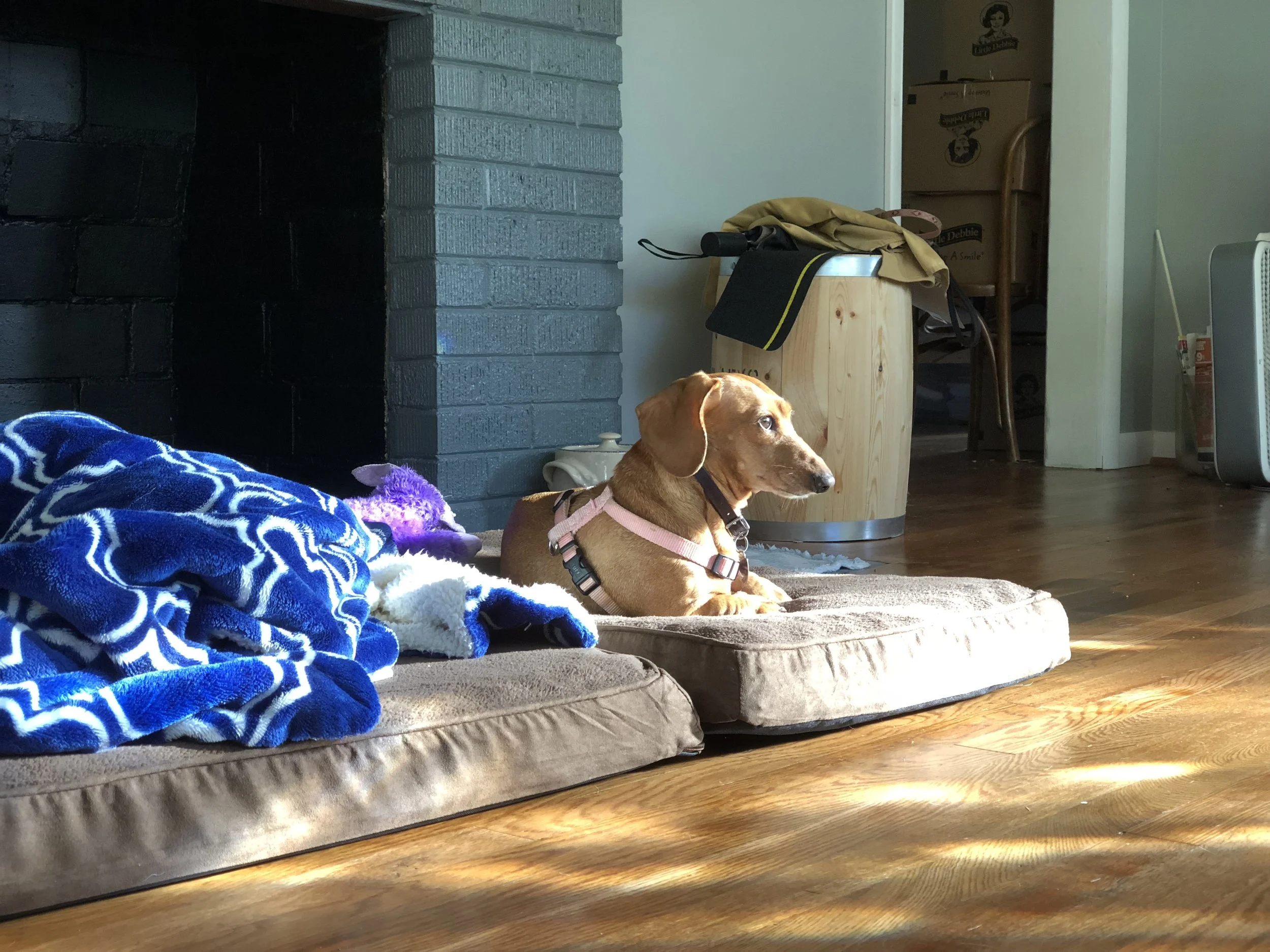
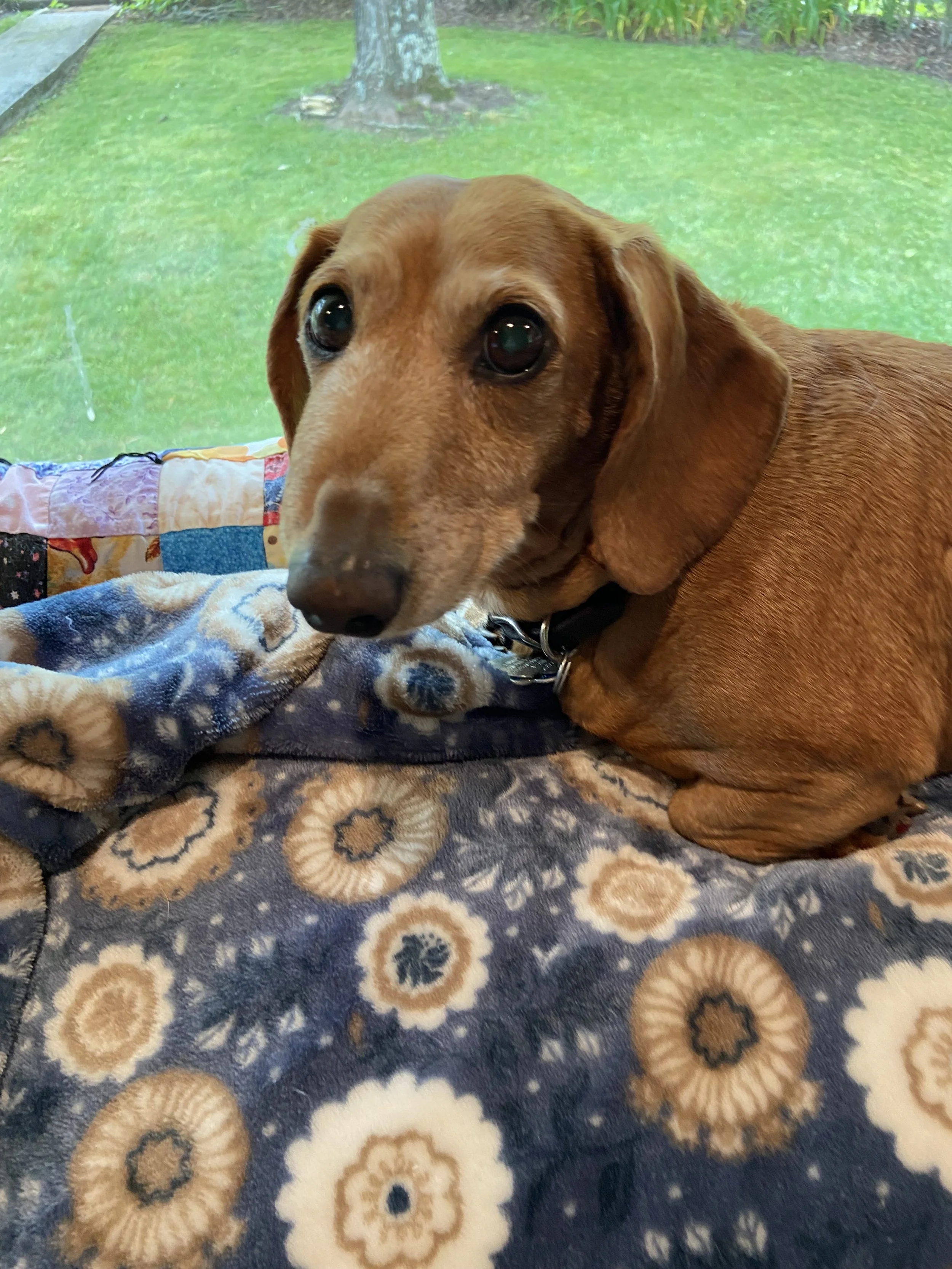
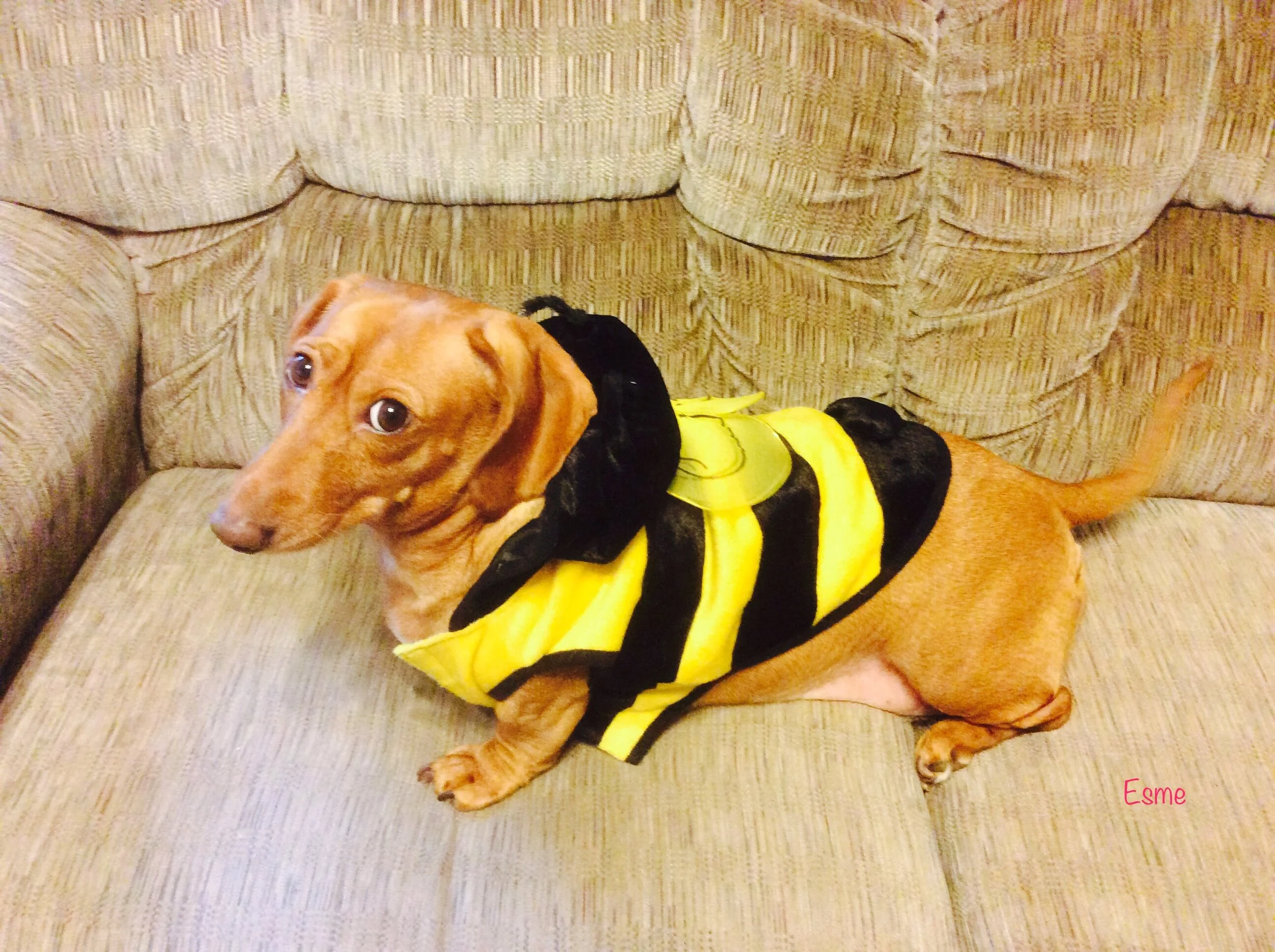
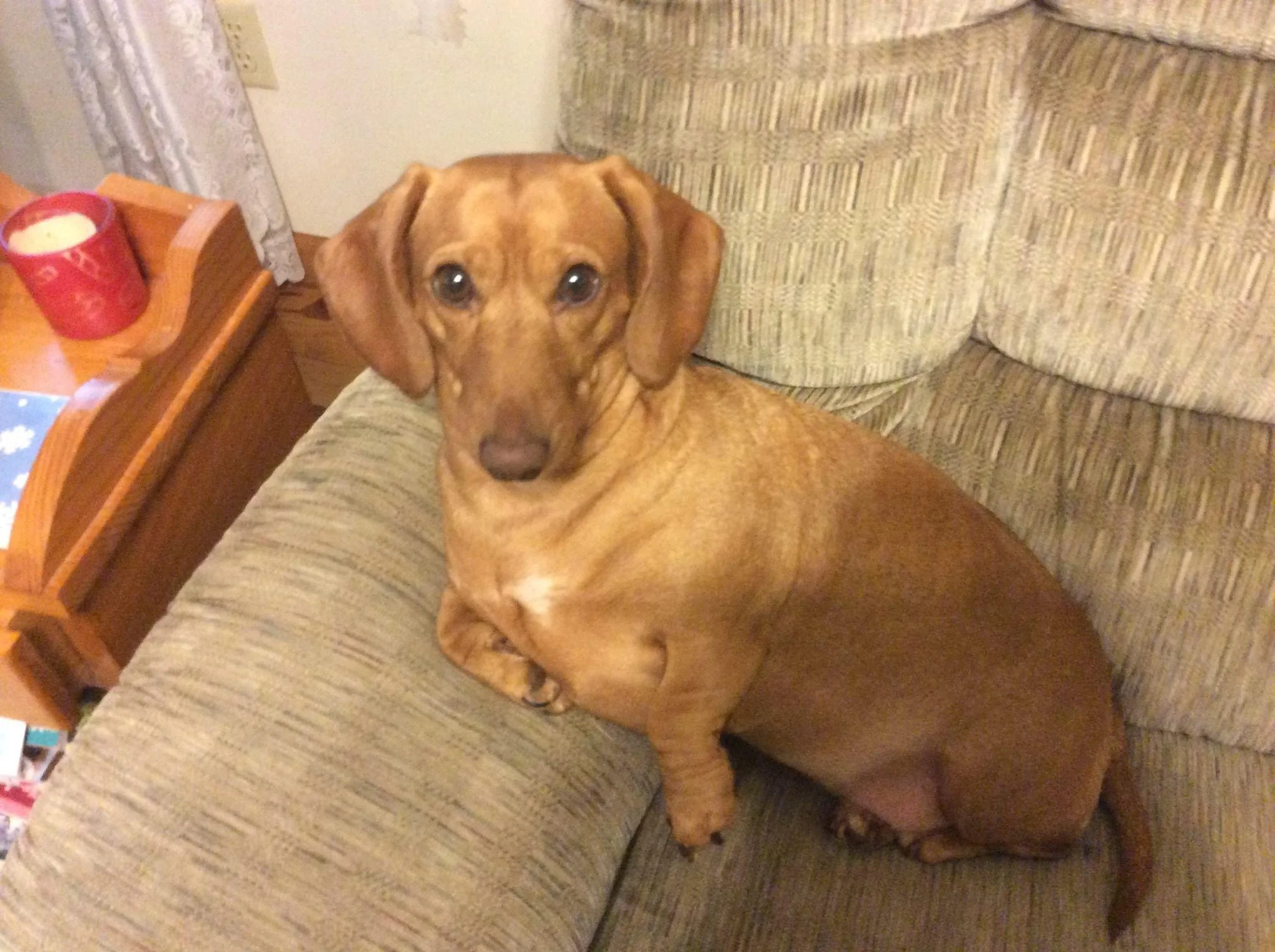
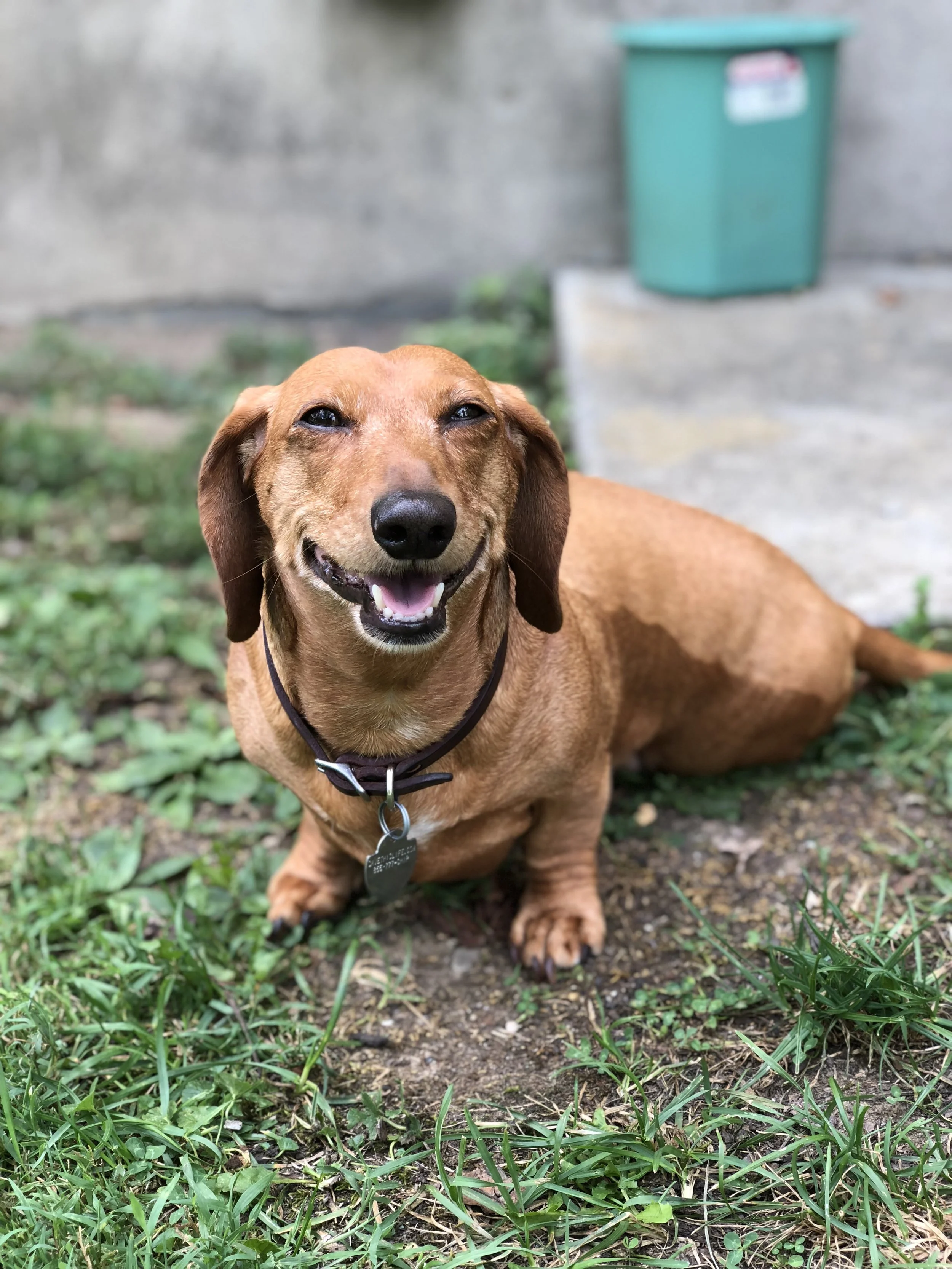
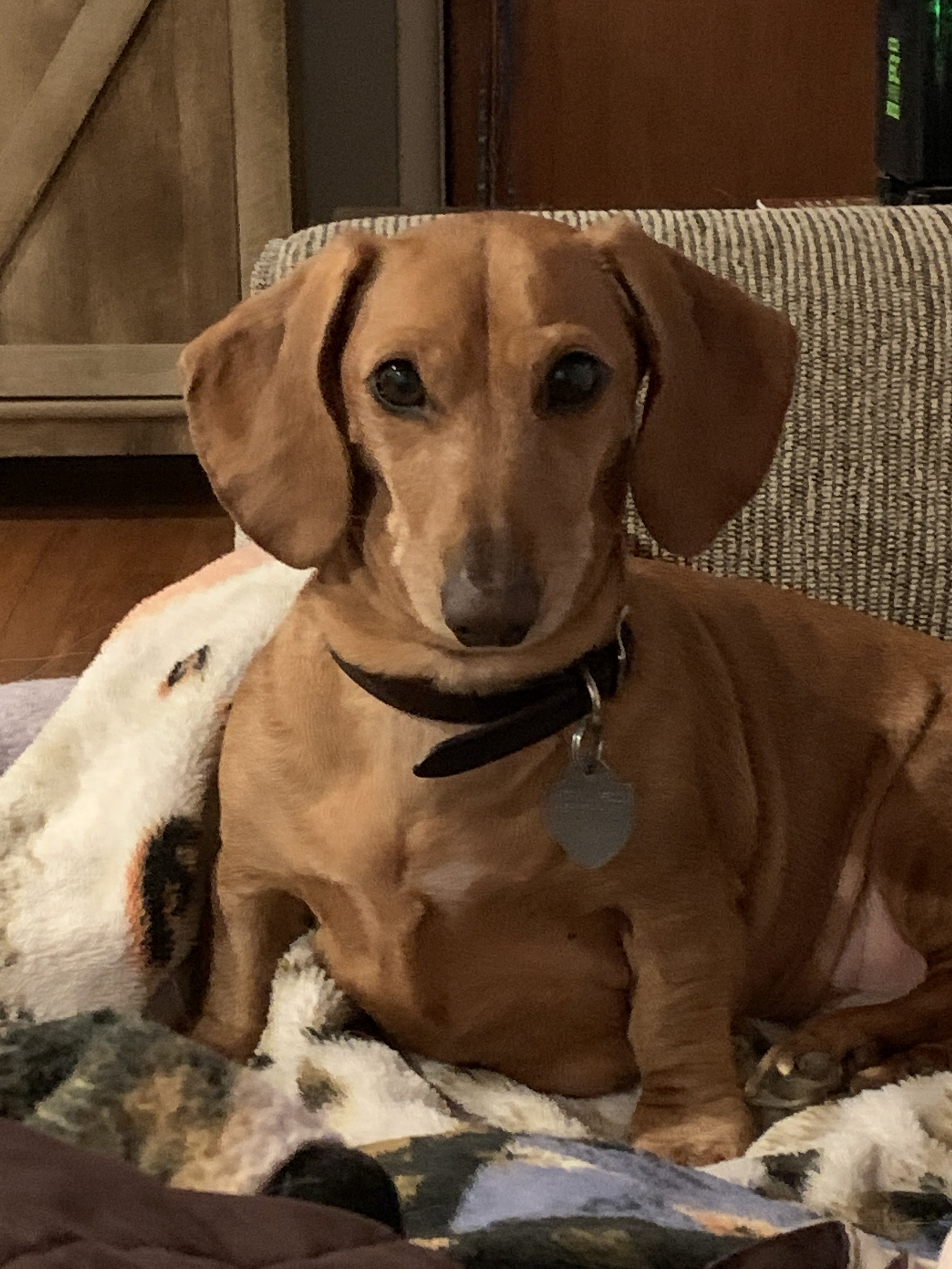
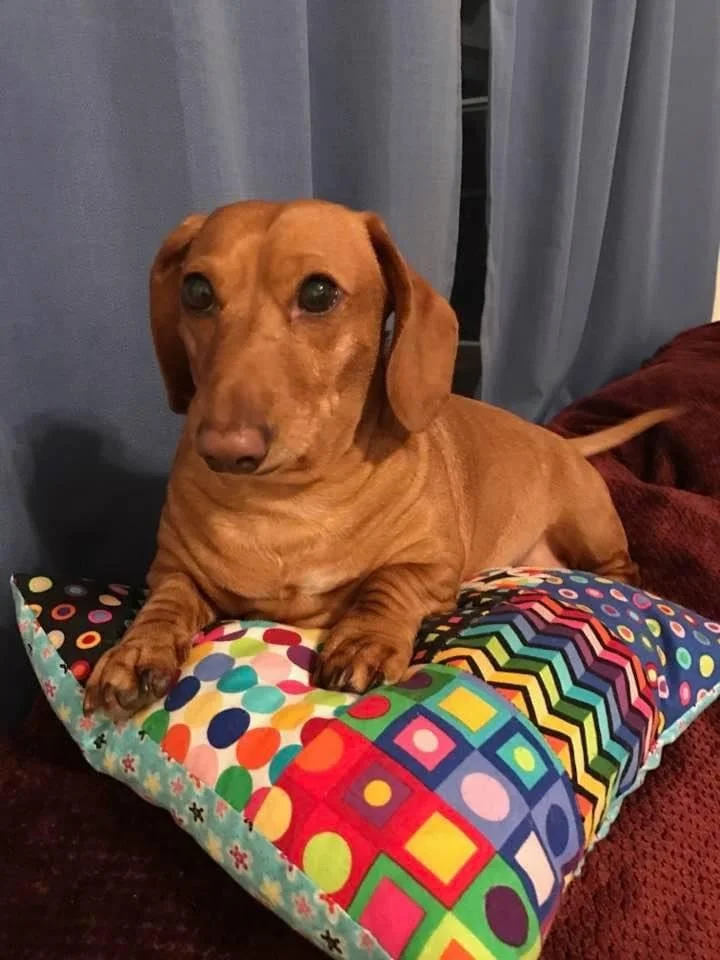
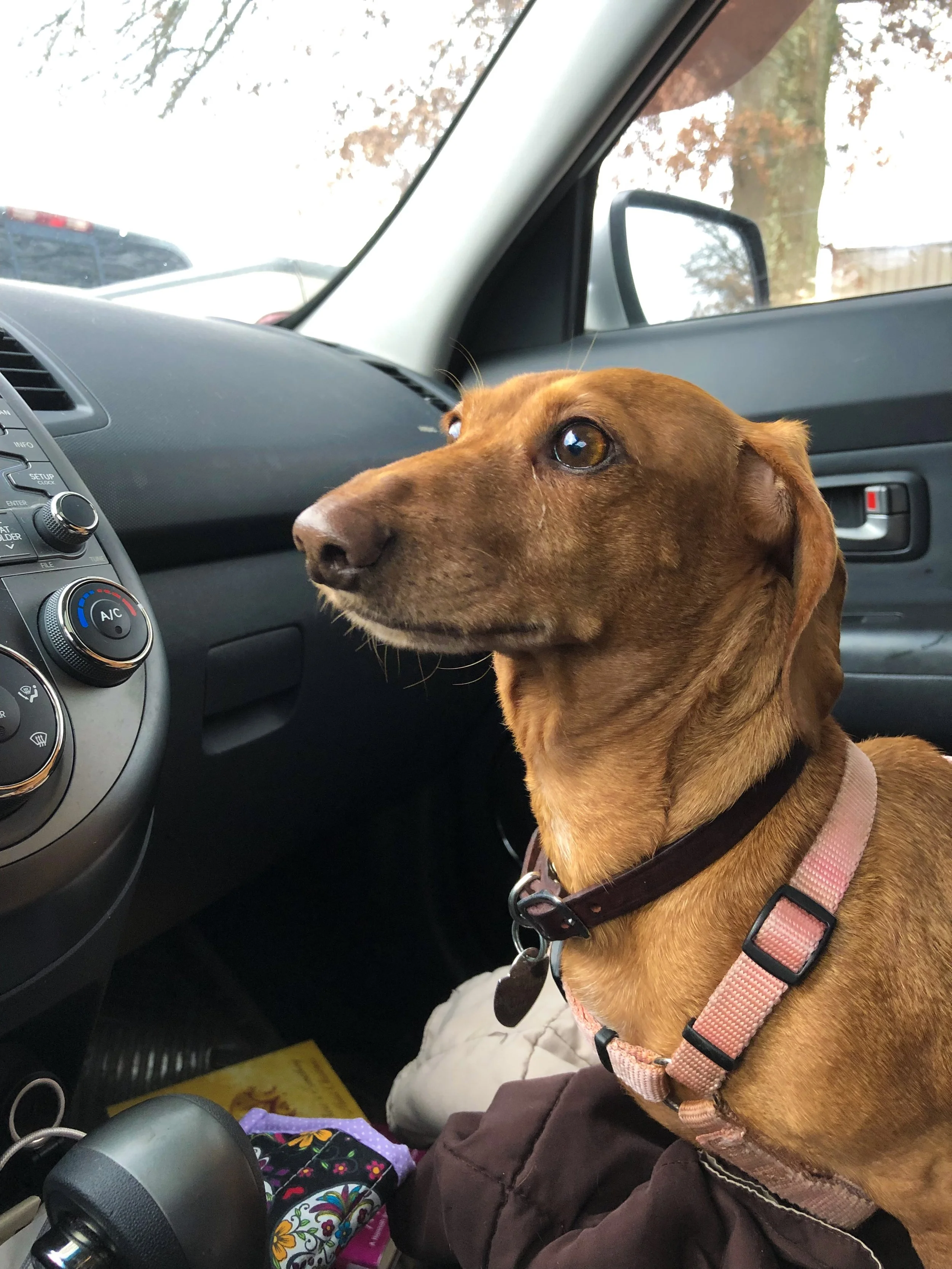
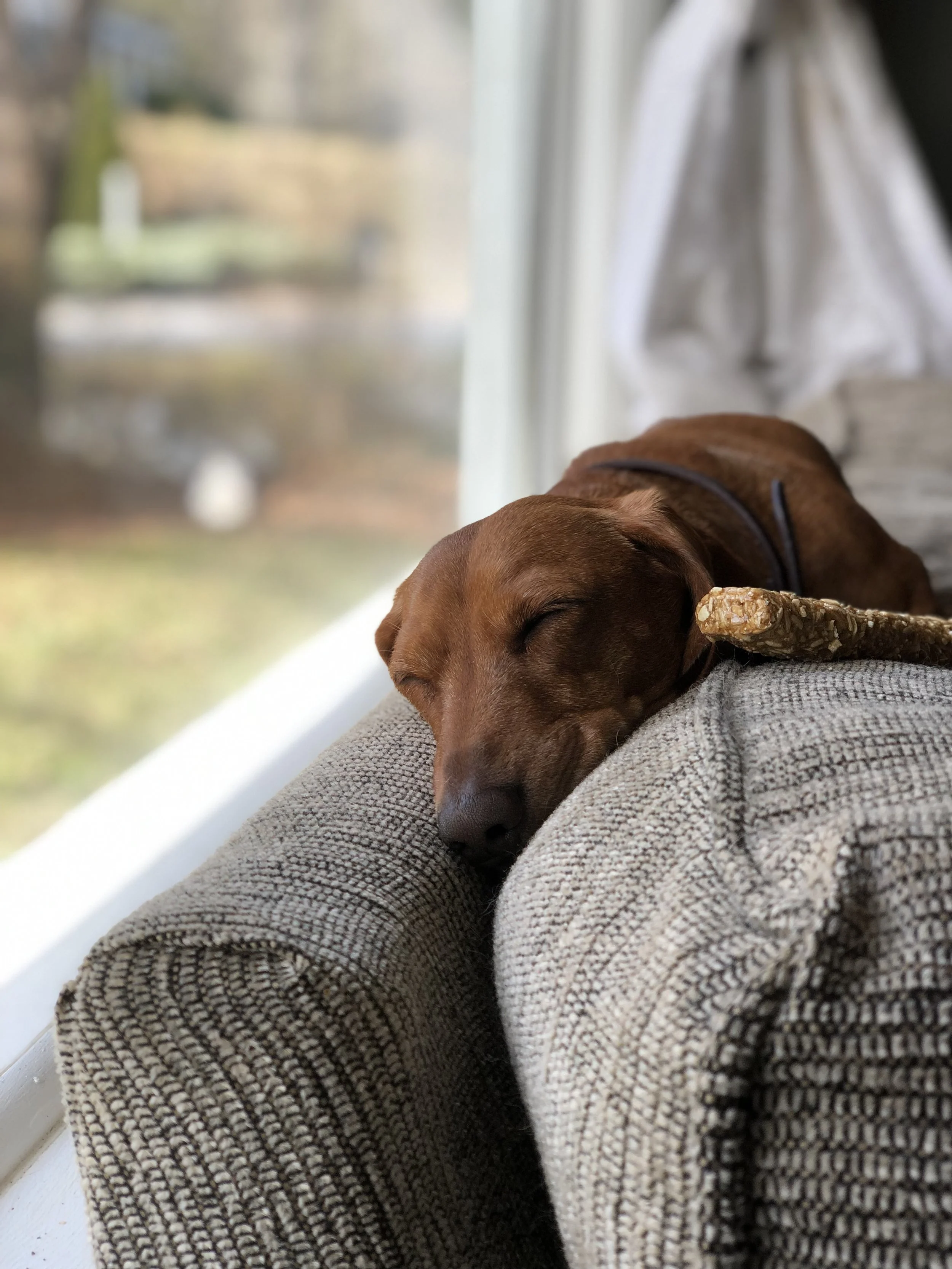
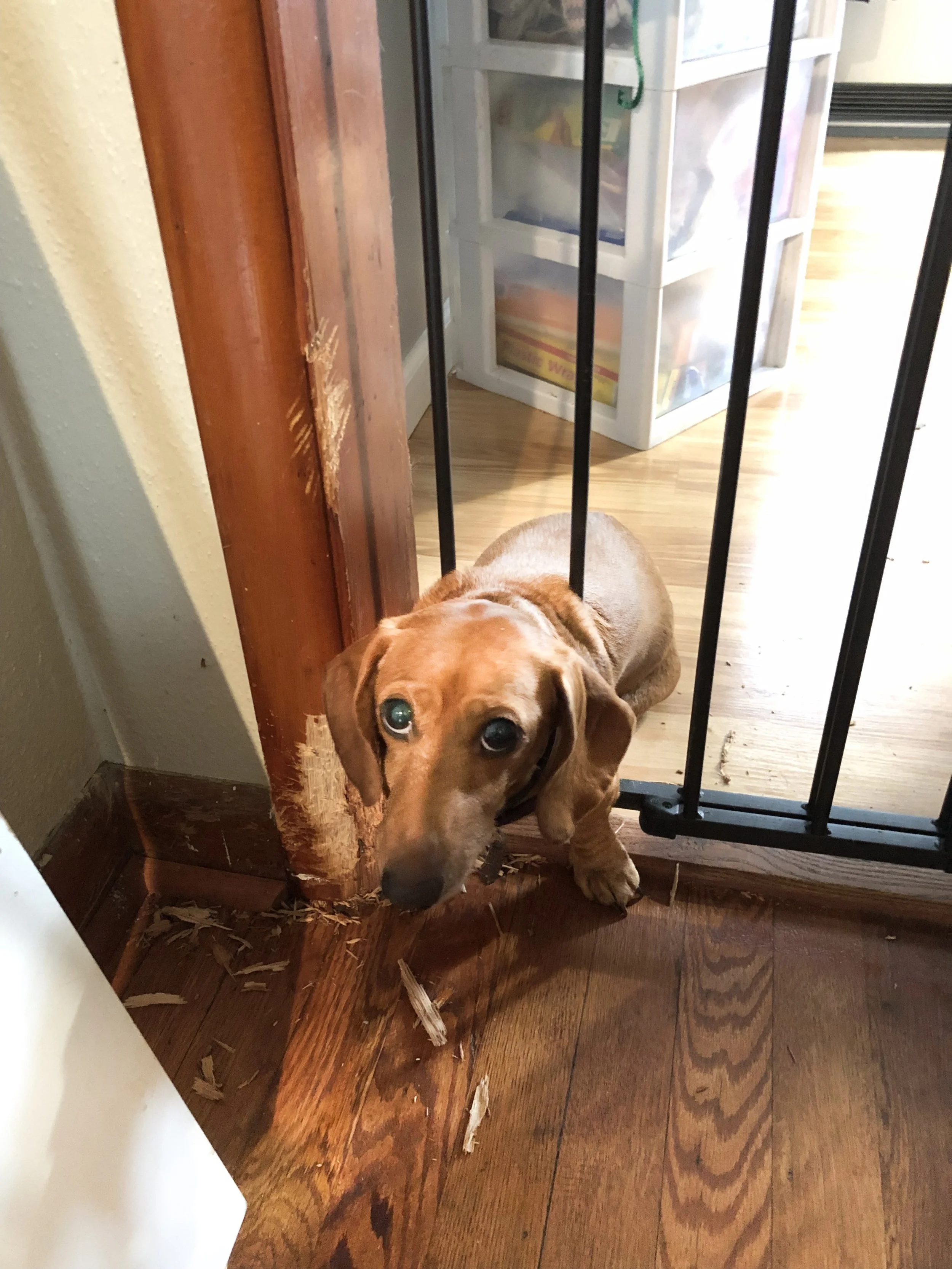
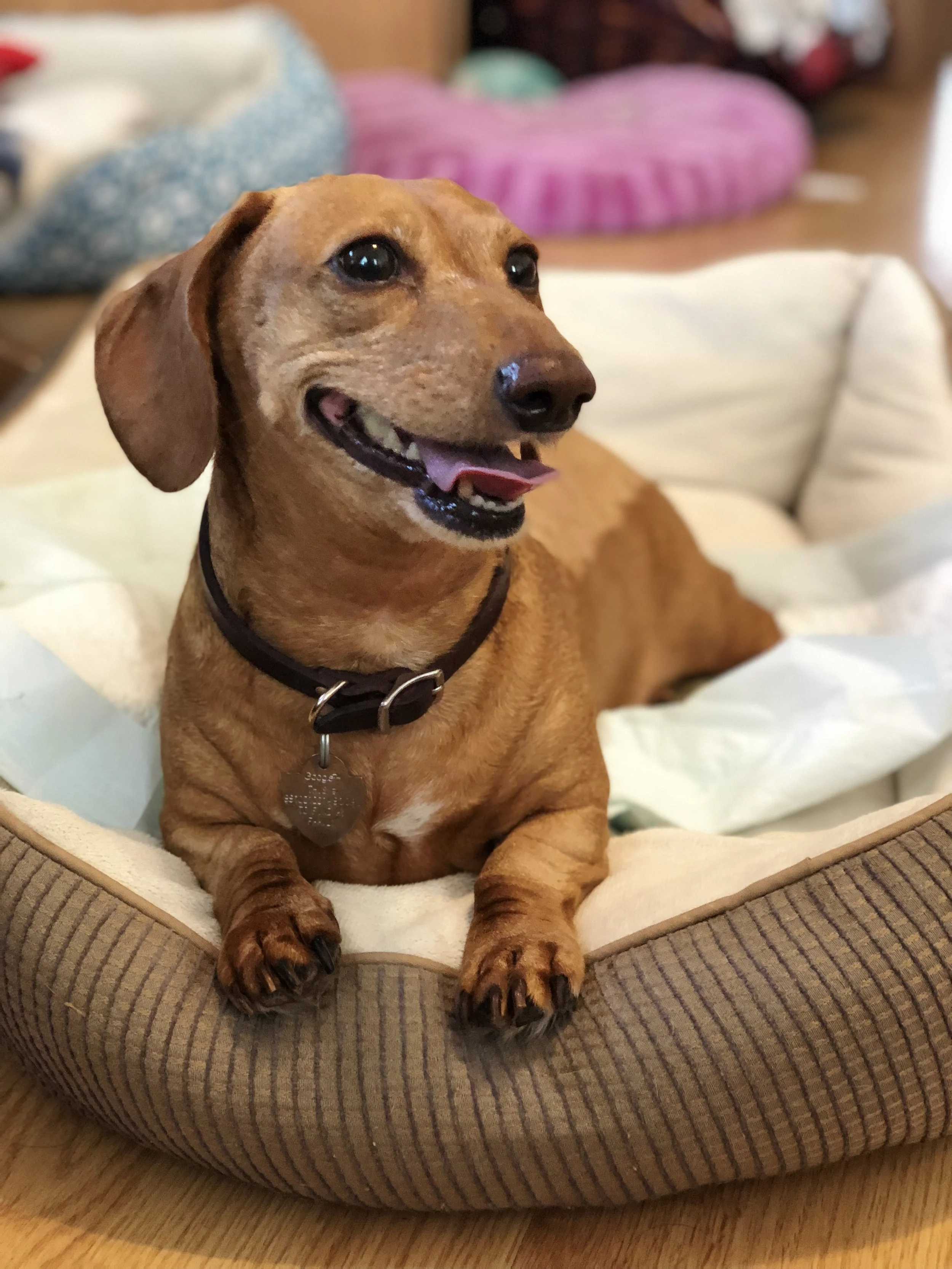
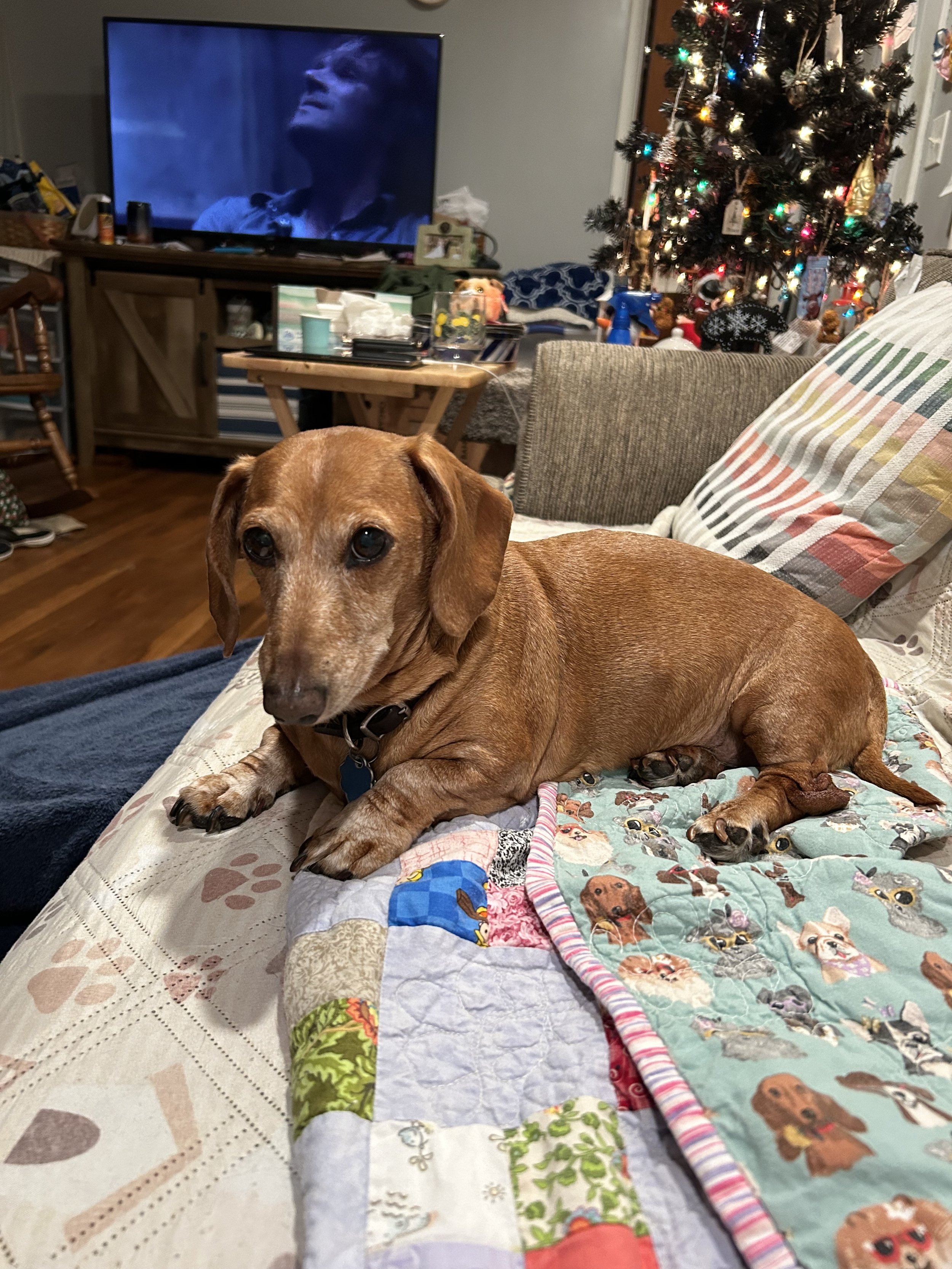
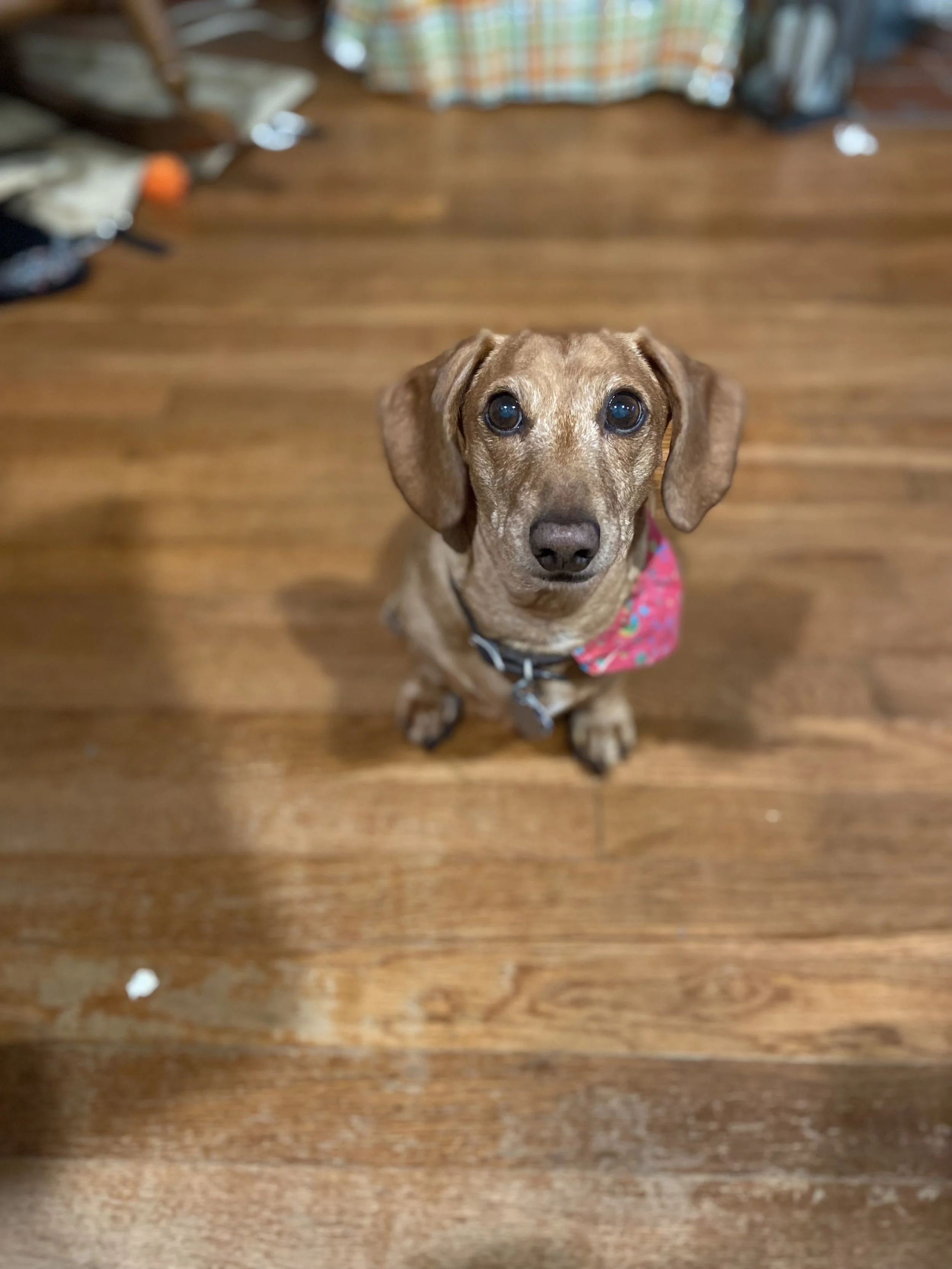
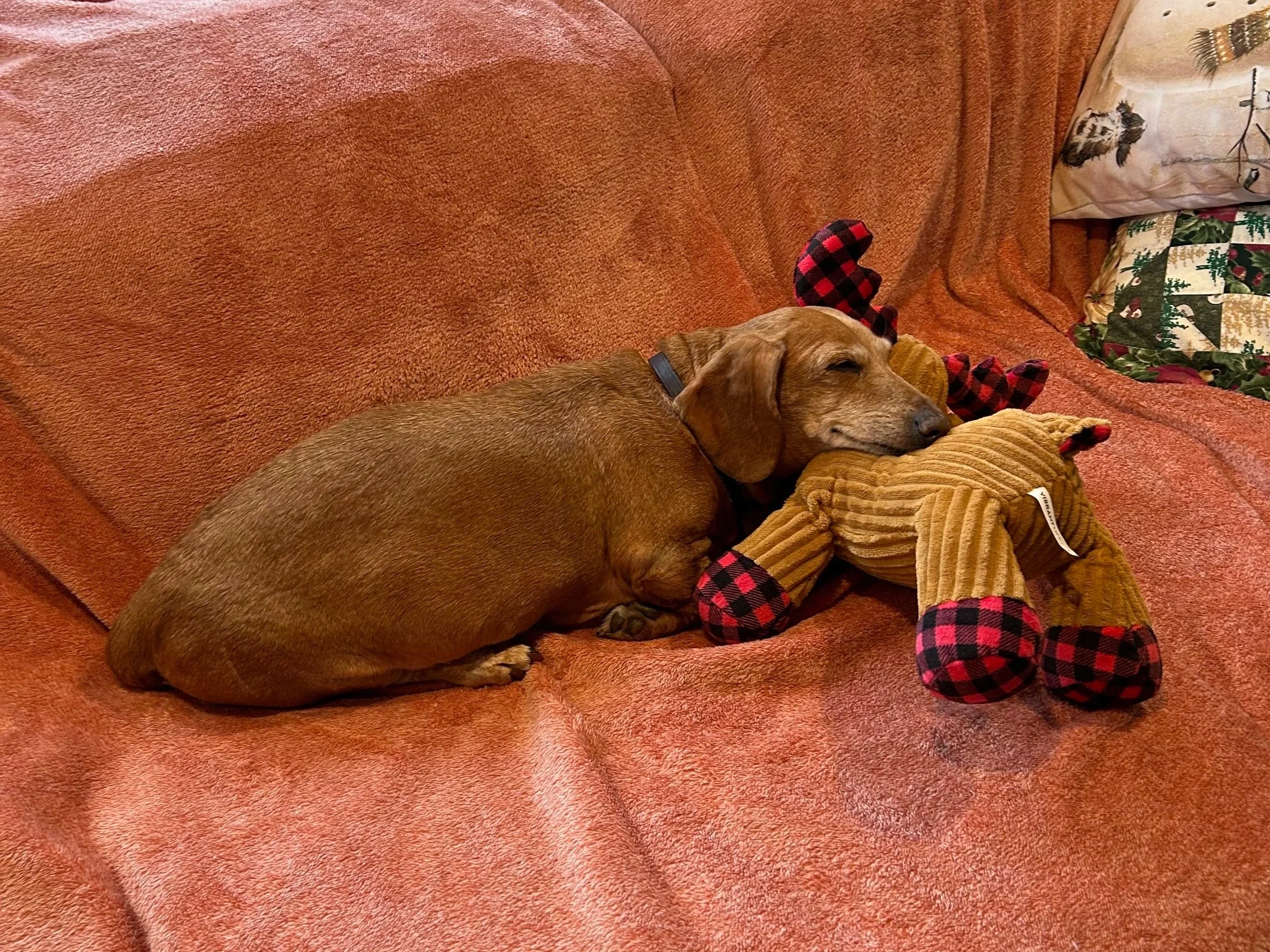

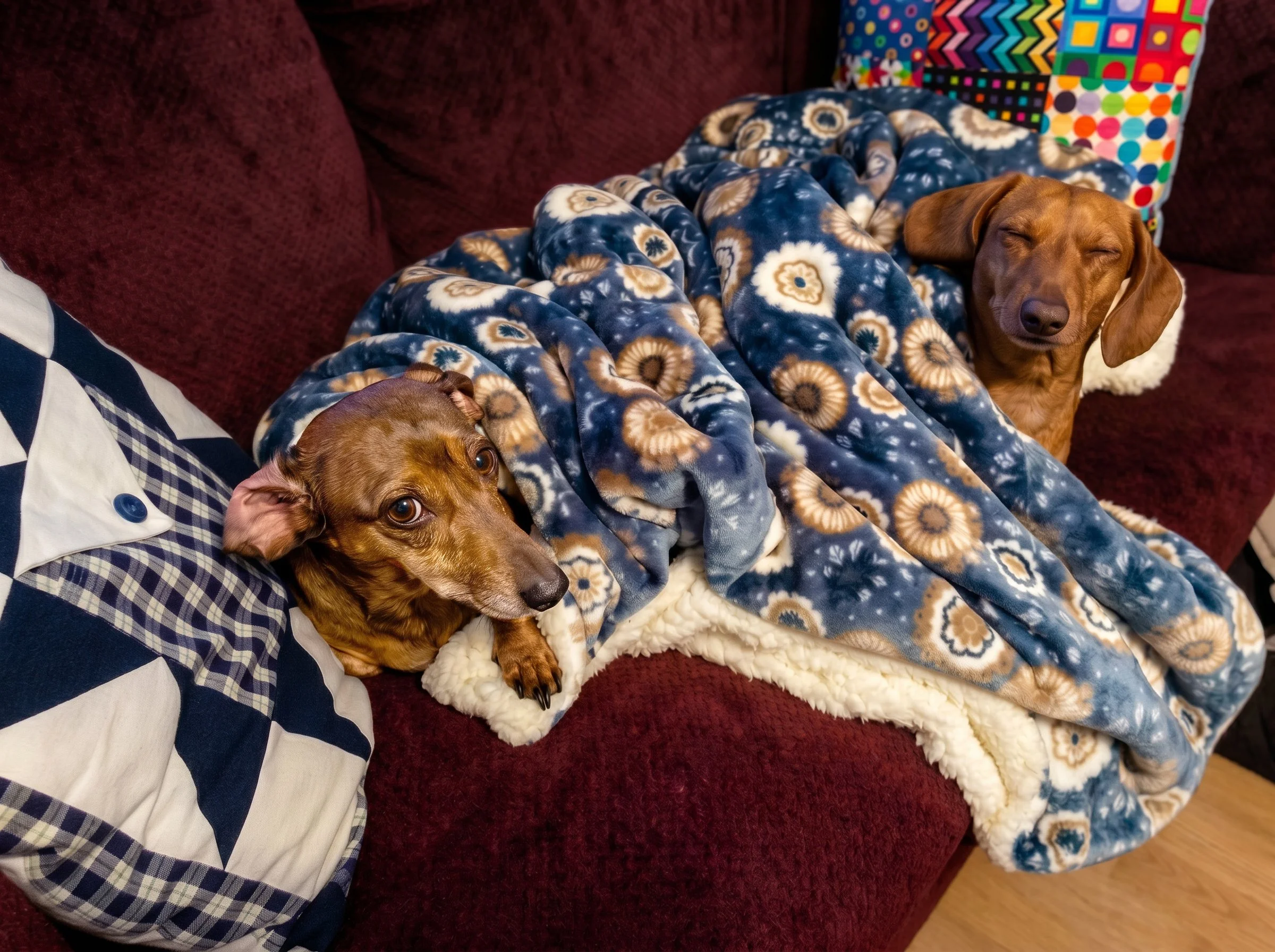
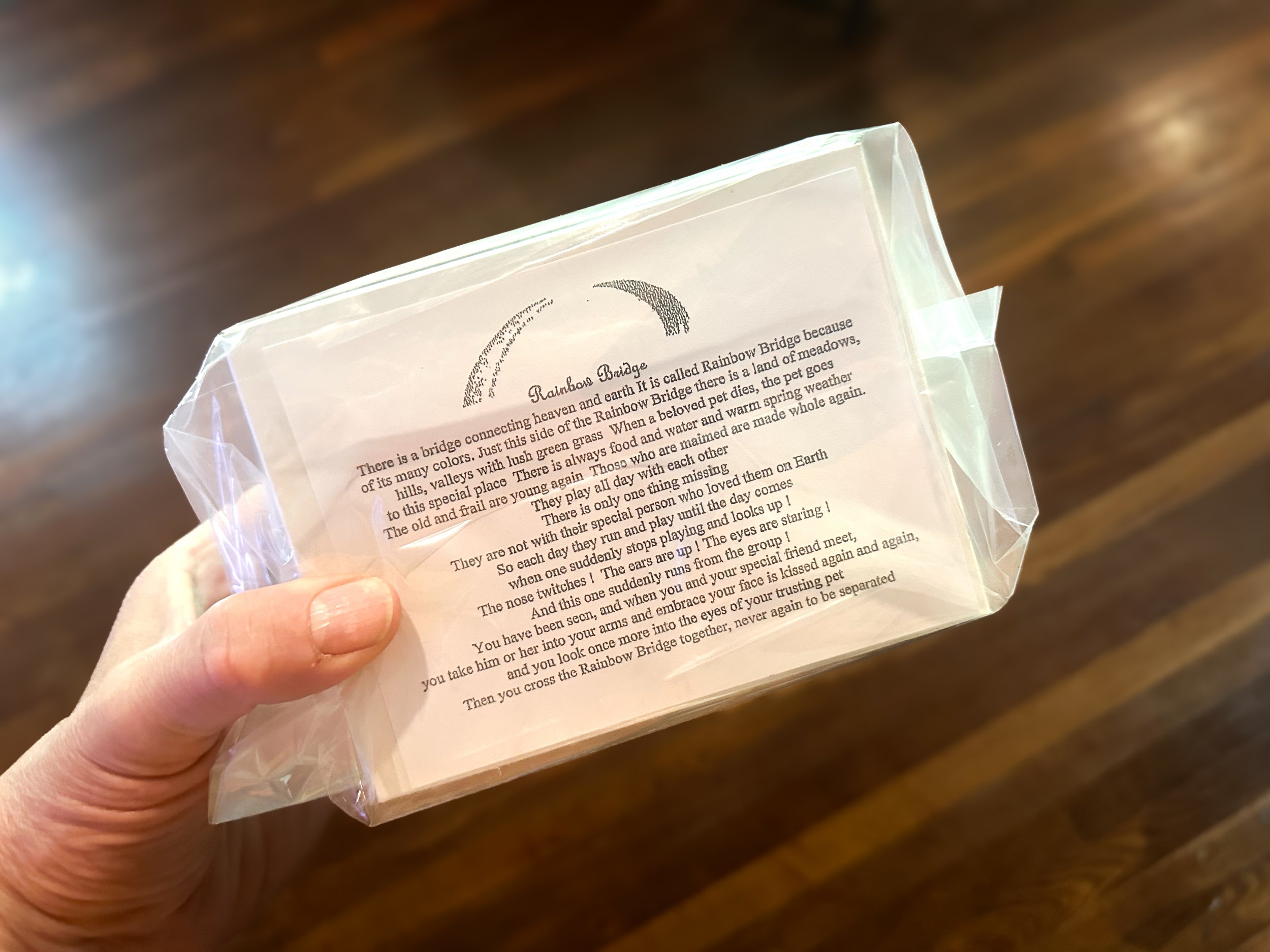
Esme and Rascal (left) crossed the rainbow bridge on October 6th, 2021.
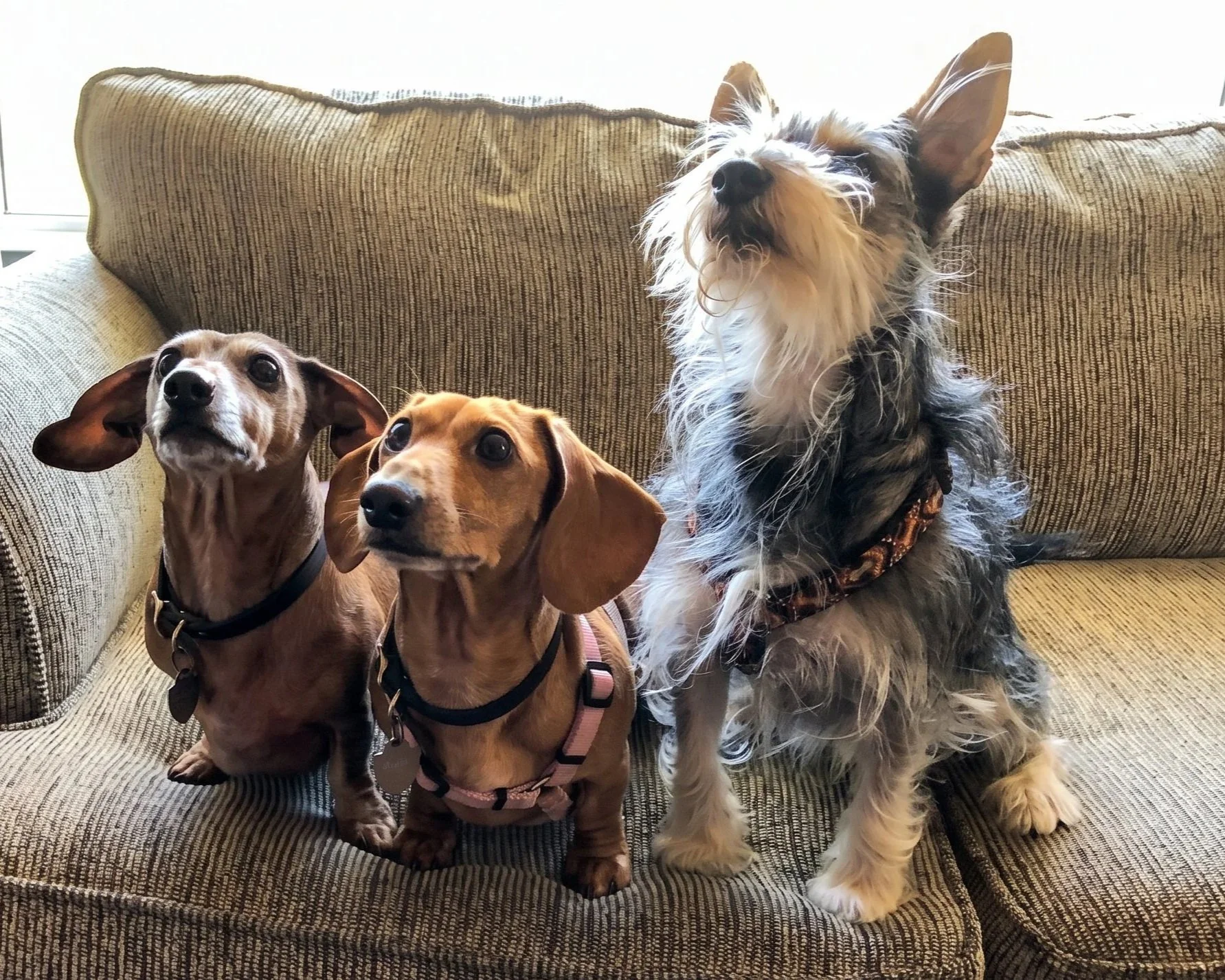
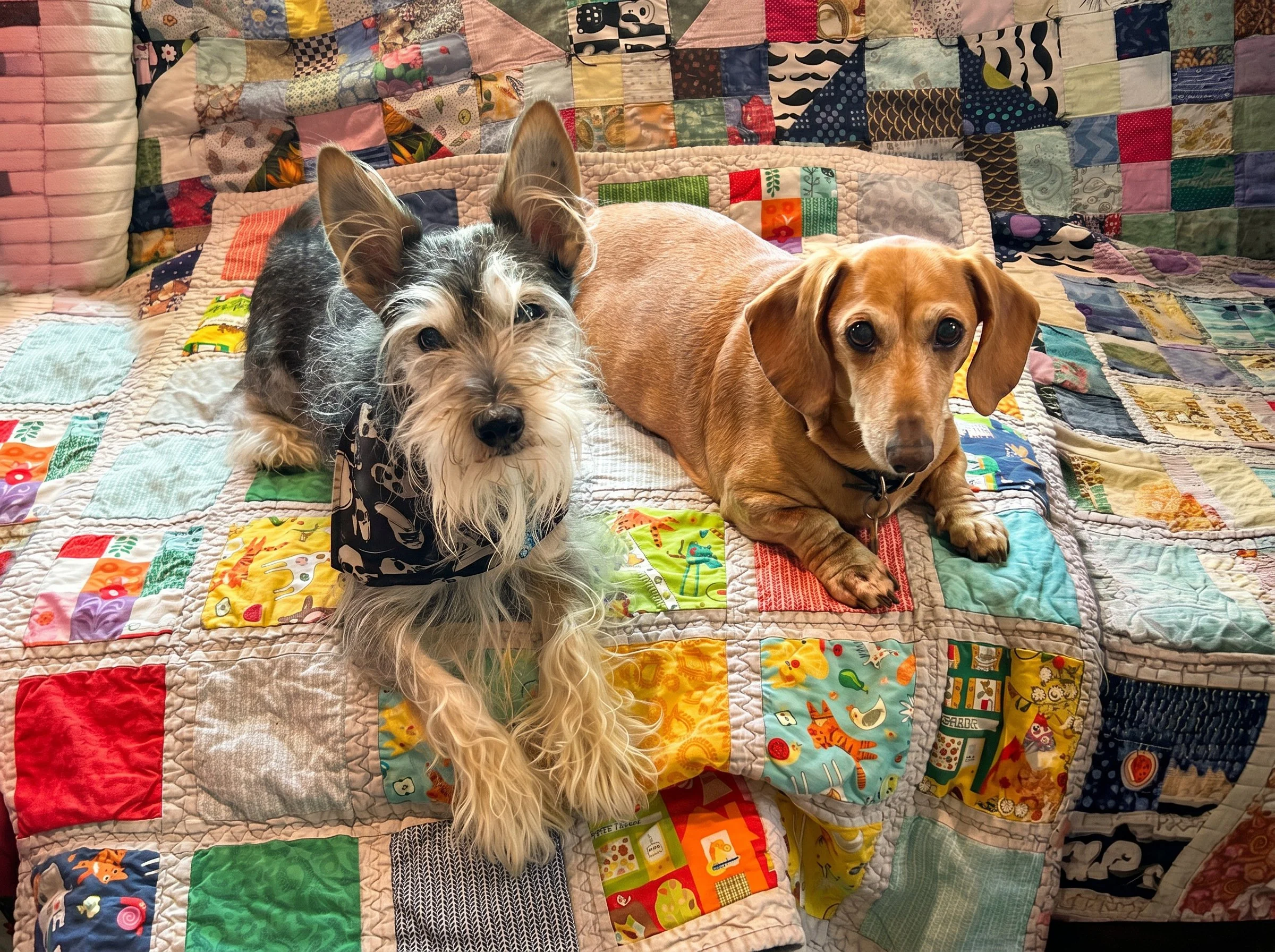

Esme 2010 - 2026
We miss her deeply. Even through our tears, we are finding comfort in memories, photos, and the kind words from friends and family. Thank you for being there for her. Sending much love and light to everyone.
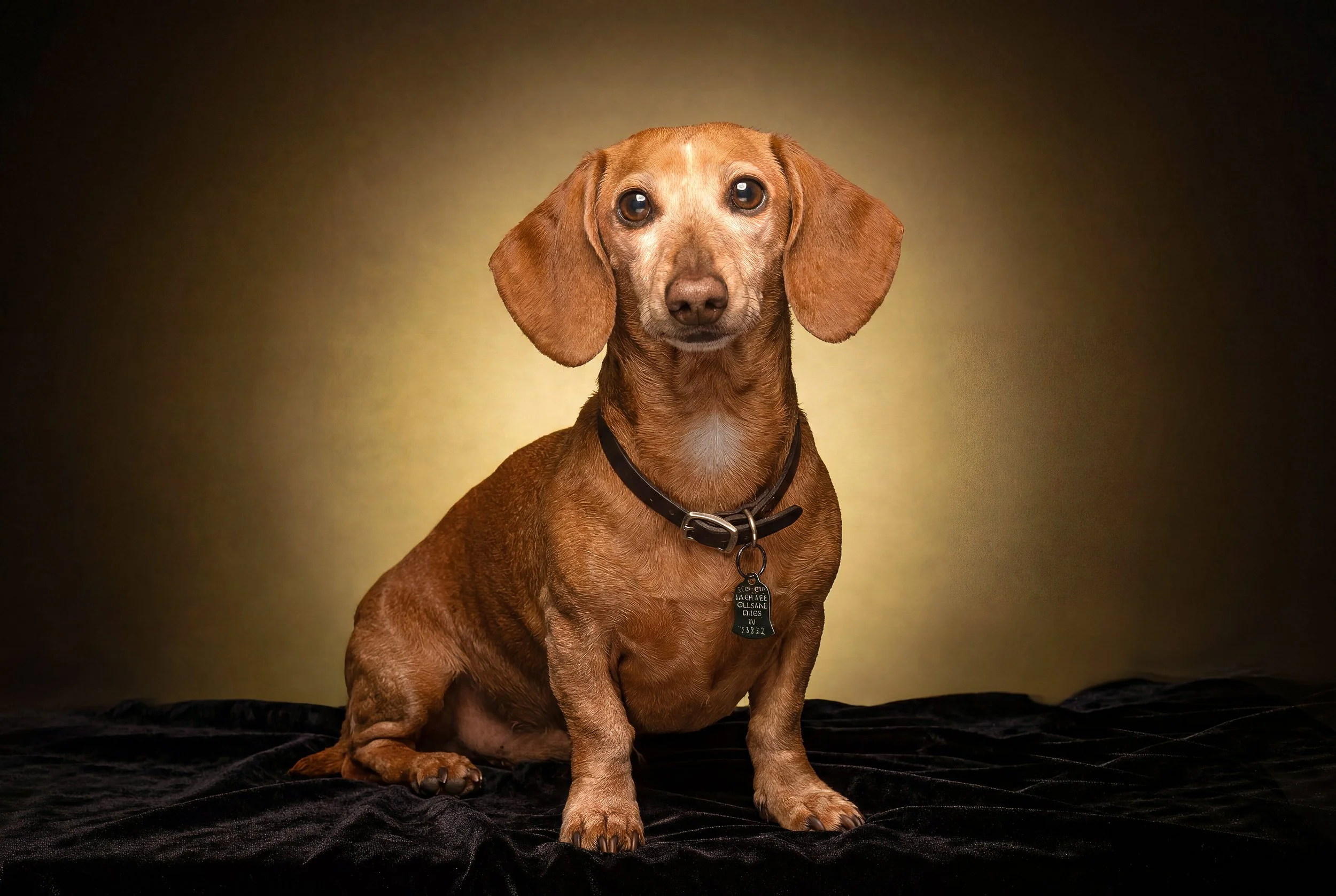
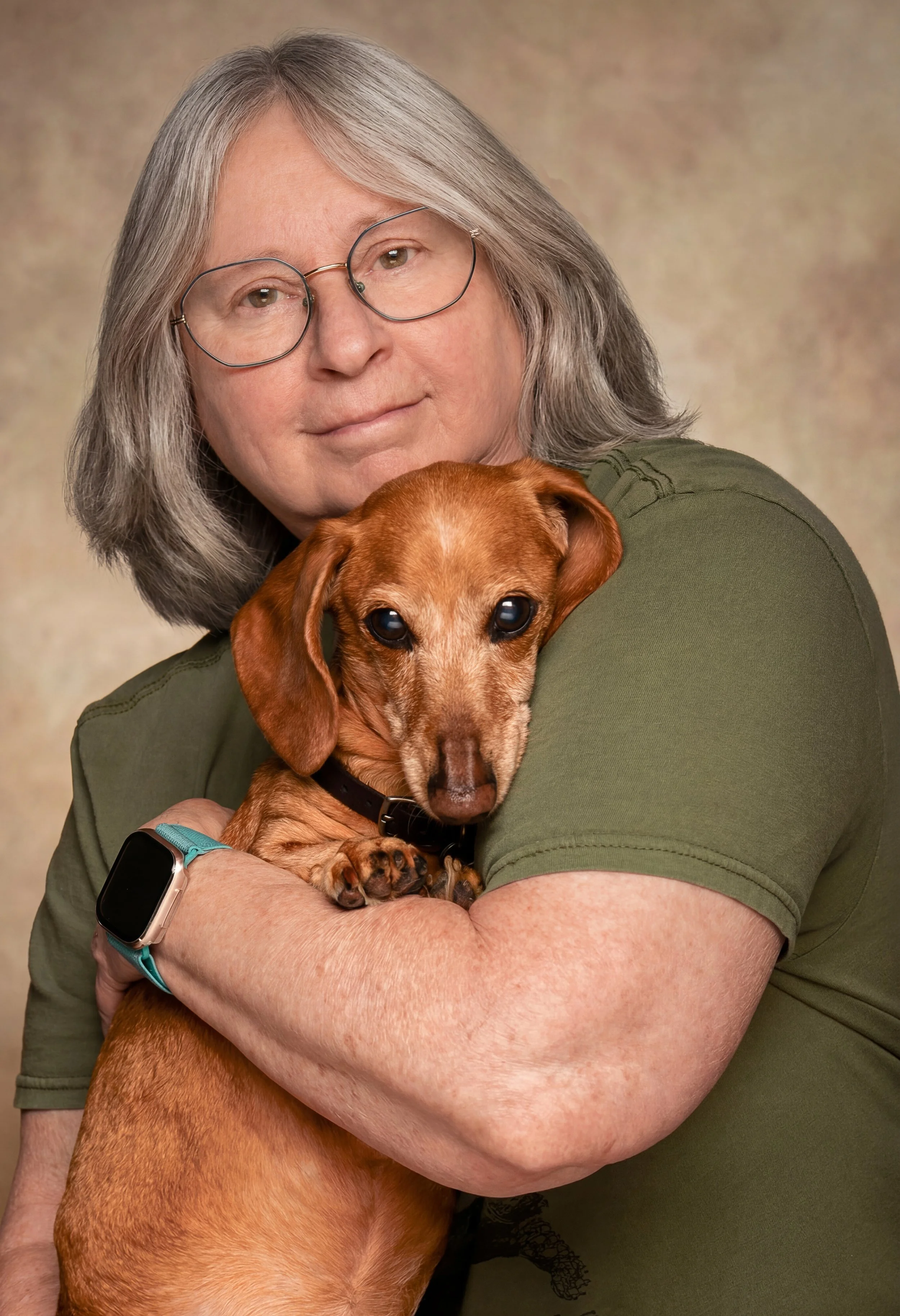
On Friday, May 22nd, we said our final goodbye to our 16-year-old dachshund. Esme; She never fully recovered from her back surgery eight years ago. As she aged, she lost muscle in her back legs, and over the past year, we noticed her losing weight, especially in her face. Her health had been getting worse for a while. Our vet told us it was time, and we agreed. Esme received a sedative at 9:43 am, followed by her last shot a few minutes later. She crossed the rainbow bridge at 9:58 am.
We miss her deeply. Even through our tears, we are finding comfort in memories, photos, and the kind words from friends and family. Thank you for being there for her. Sending much love and light to everyone.
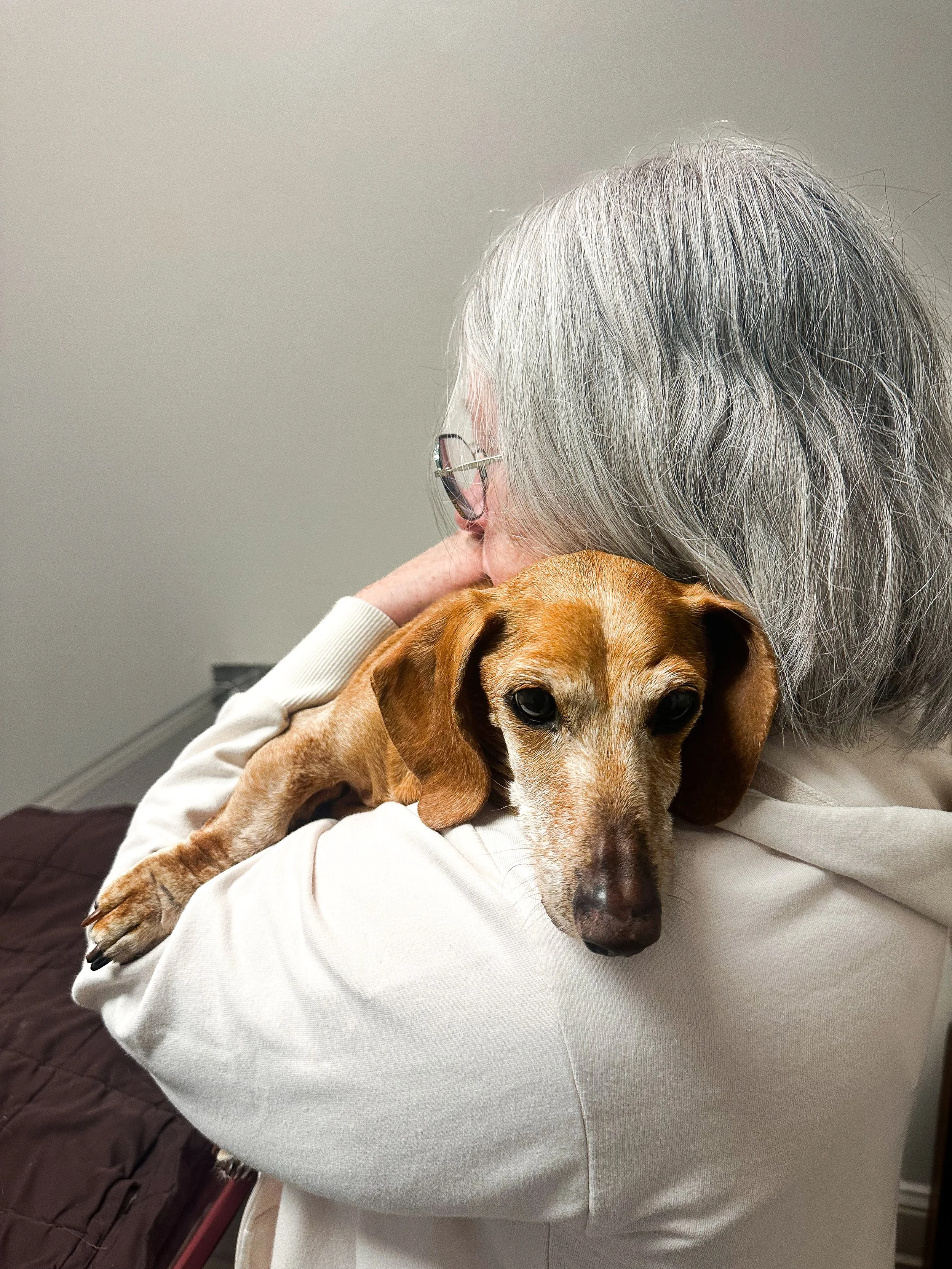
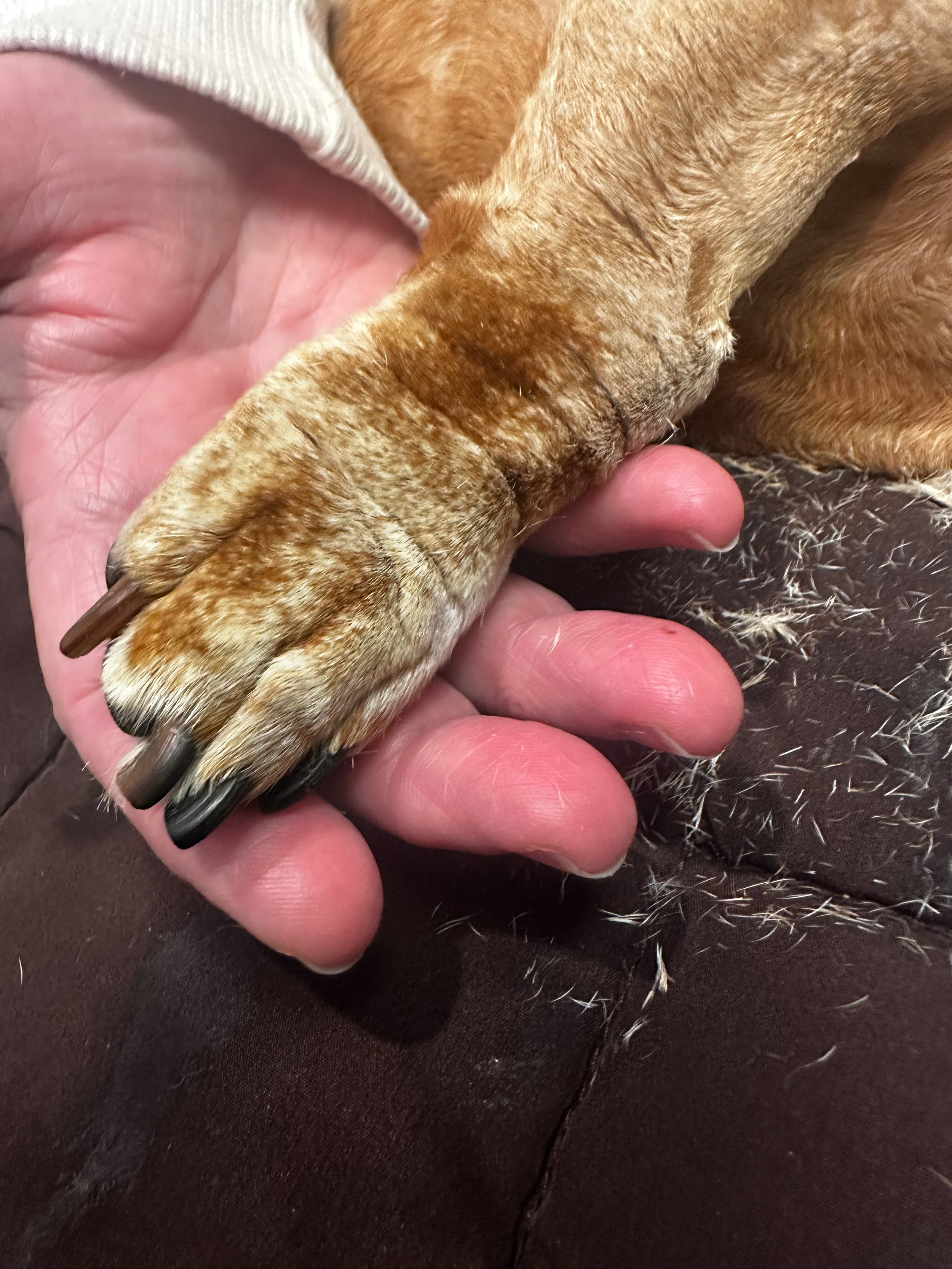
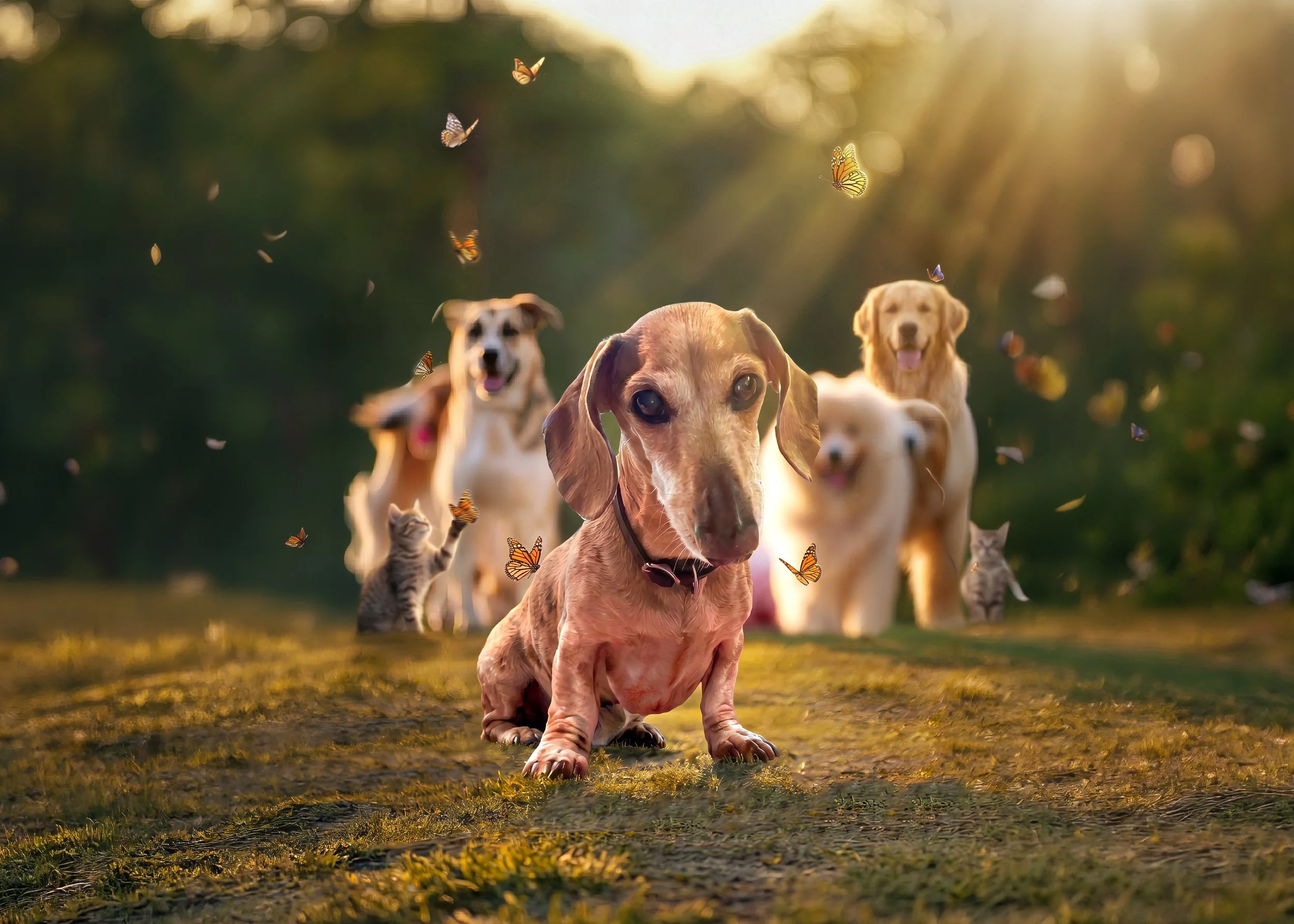
Thursday, May 21, 2026:
The Day Before: The Photoshoot.
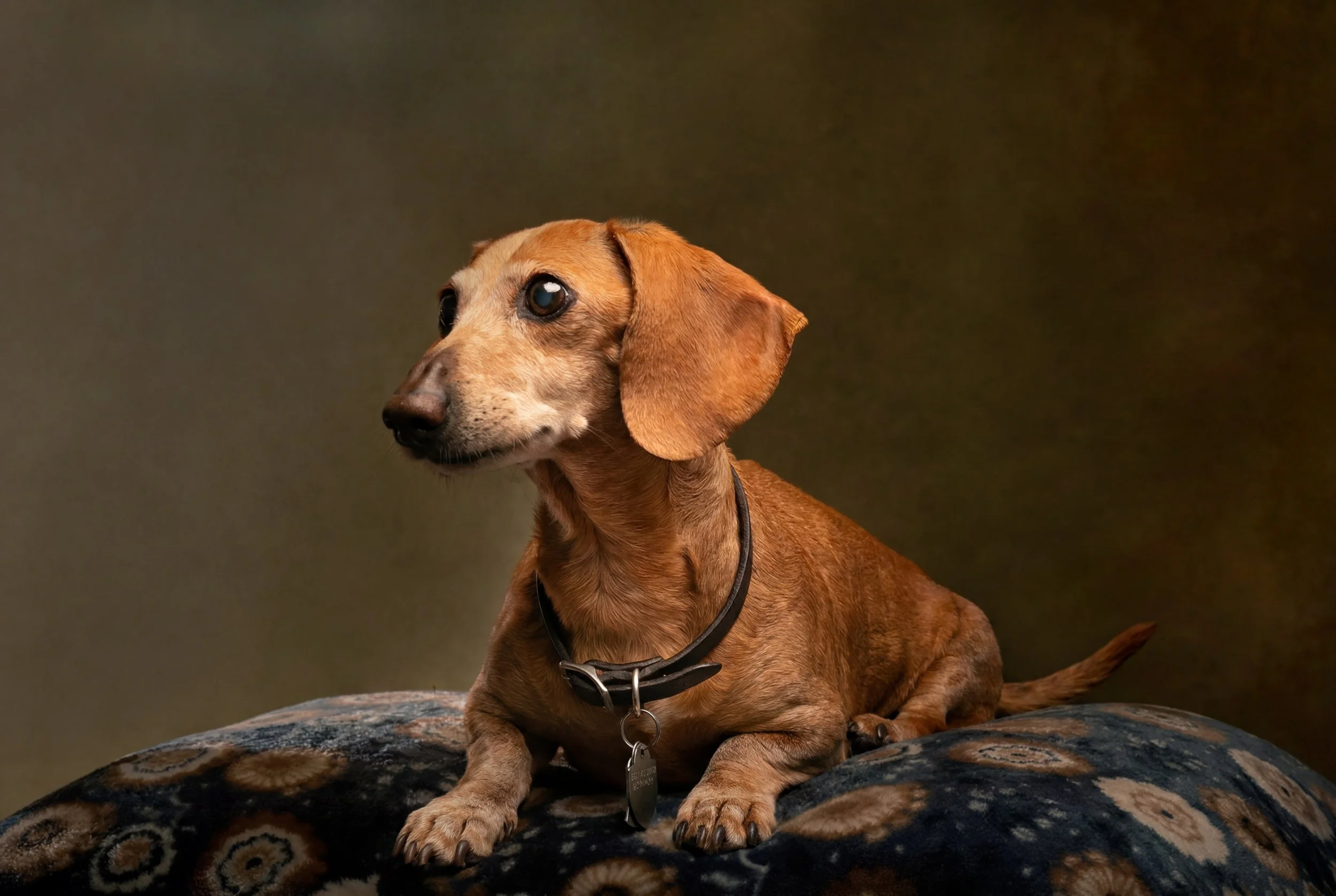
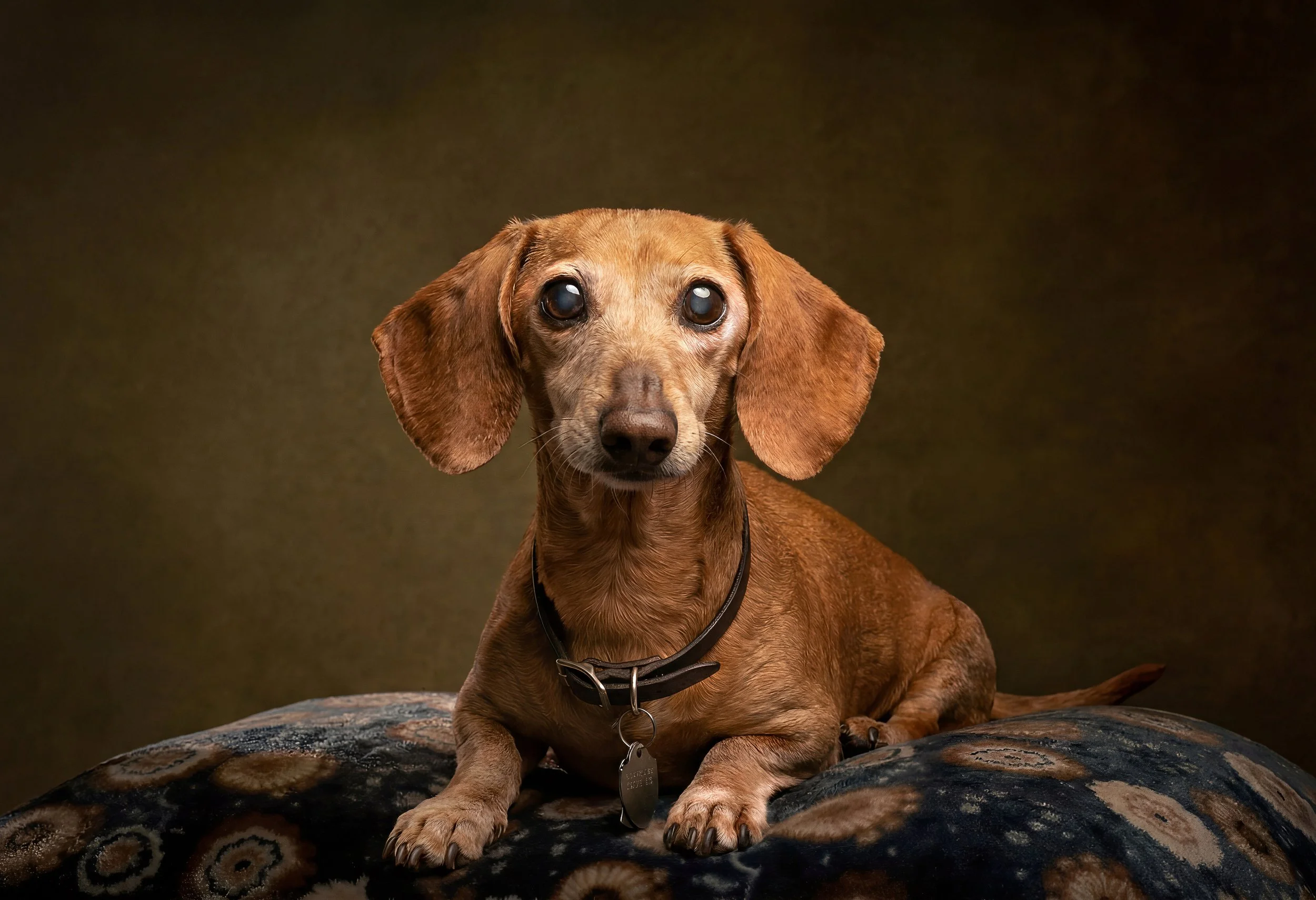
My wife asked me to take some photos of Esme before her vet appointment the next day. I wanted to make it special for her, since she has brought us so much happiness. I set up both my backdrops, studio lights, gels, and my Nikon D800 with the 85mm lens for a classic photoshoot.
We set everything up in the living room, grabbed her favorite blanket and lots of treats, and got started. Esme was more willing to sit for this session than ever before. Like with kids, you have to guide them into place and use those brief moments when they pause to snap a photo.
While editing the photos, I noticed that even a small tilt of her head showed how much gray had appeared on her face and legs. I checked my iPhone to compare how the gray patches looked.
After the session, Esme got her own Ribeye steak with homemade fresh-cut French fries. For dessert, she enjoyed a 'we have Starbucks at home' pup cup.
My wife and I were very happy with the final images. They are a last tribute to an amazing little girl who overcame back surgery and kept bringing us joy until the end.


Story Three: Minor Photo Restoration(s)....Why Not
This project turned out to be quite interesting! It involved an old transparency film image she captured with her iPhone………
Story Three:
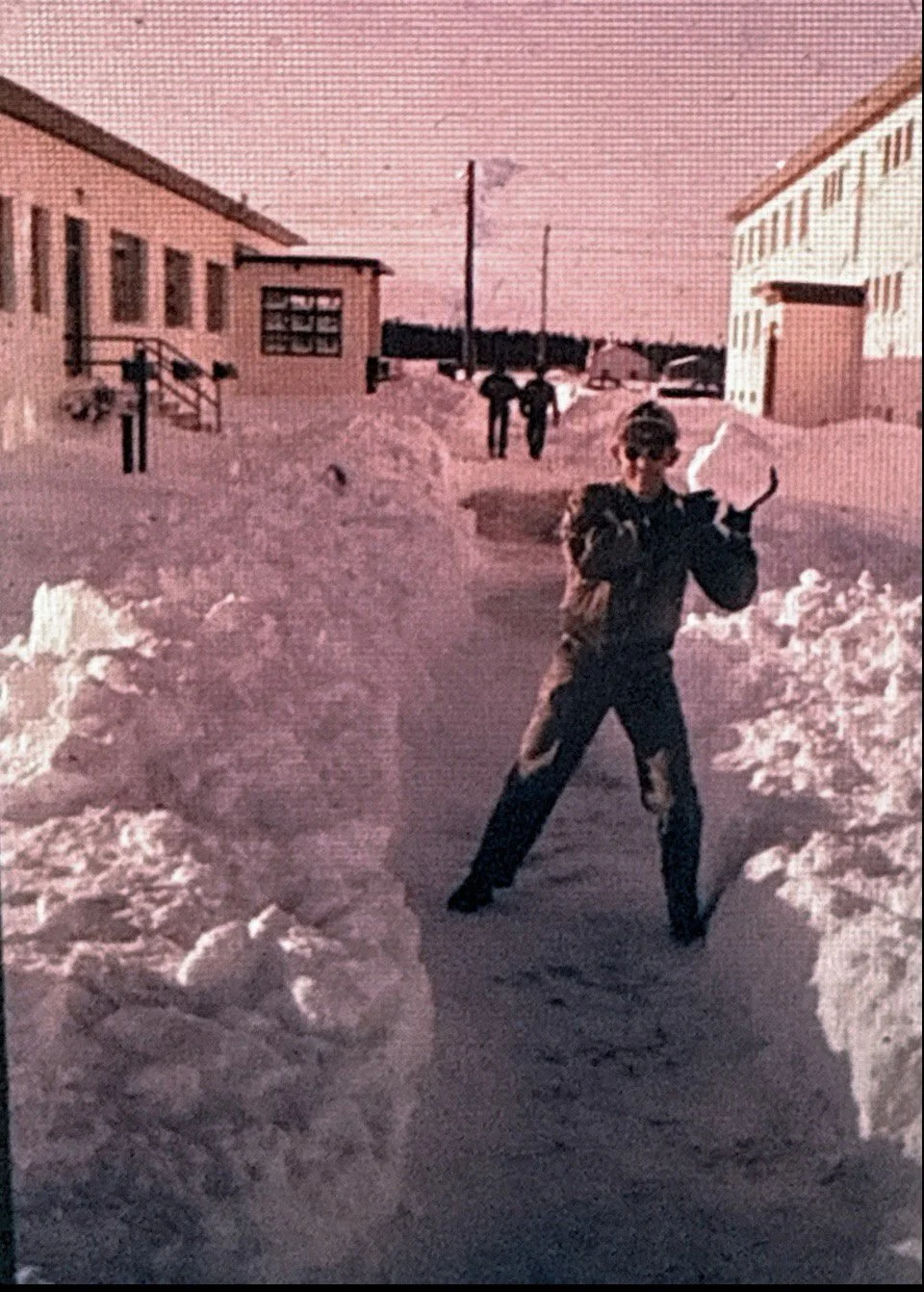
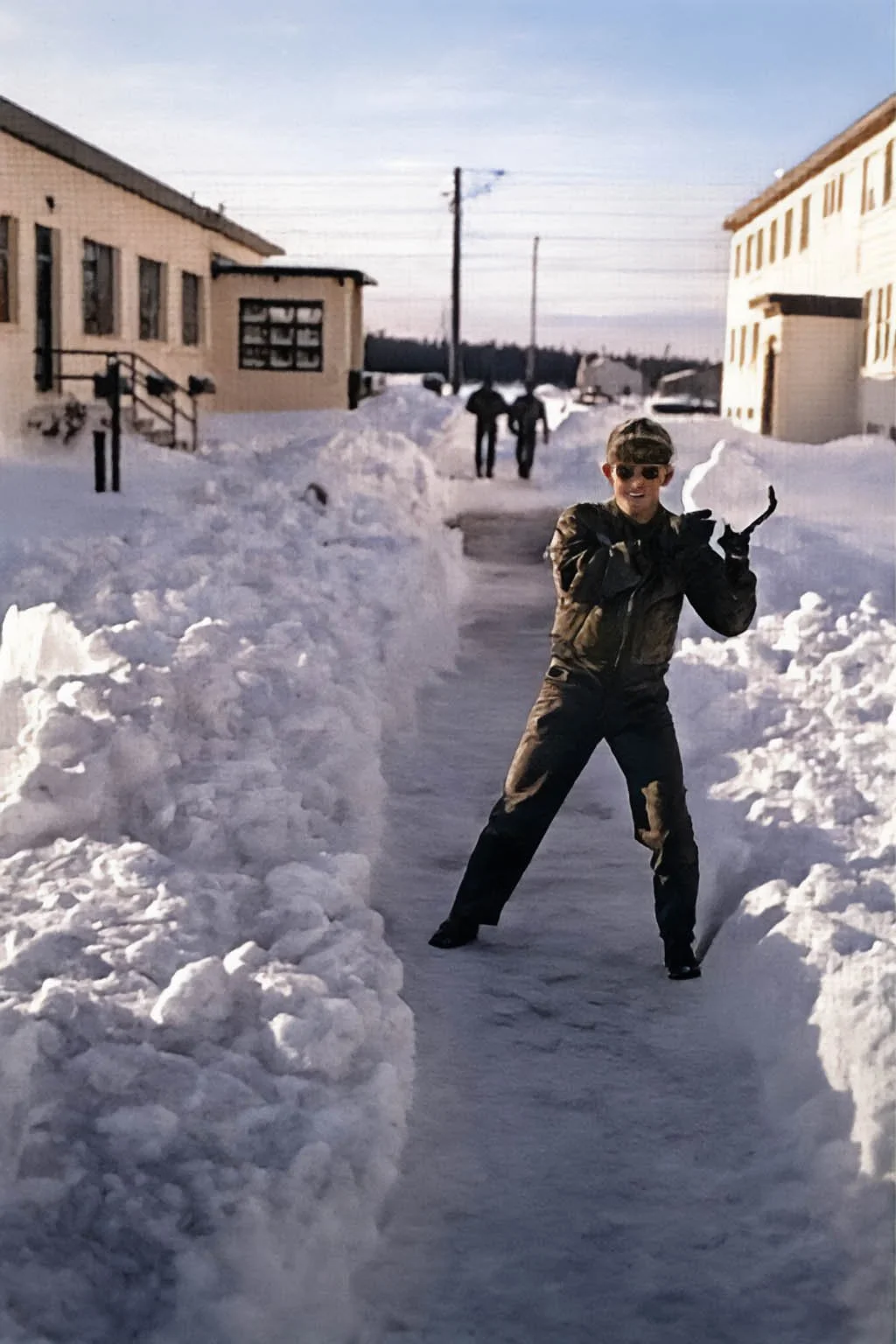
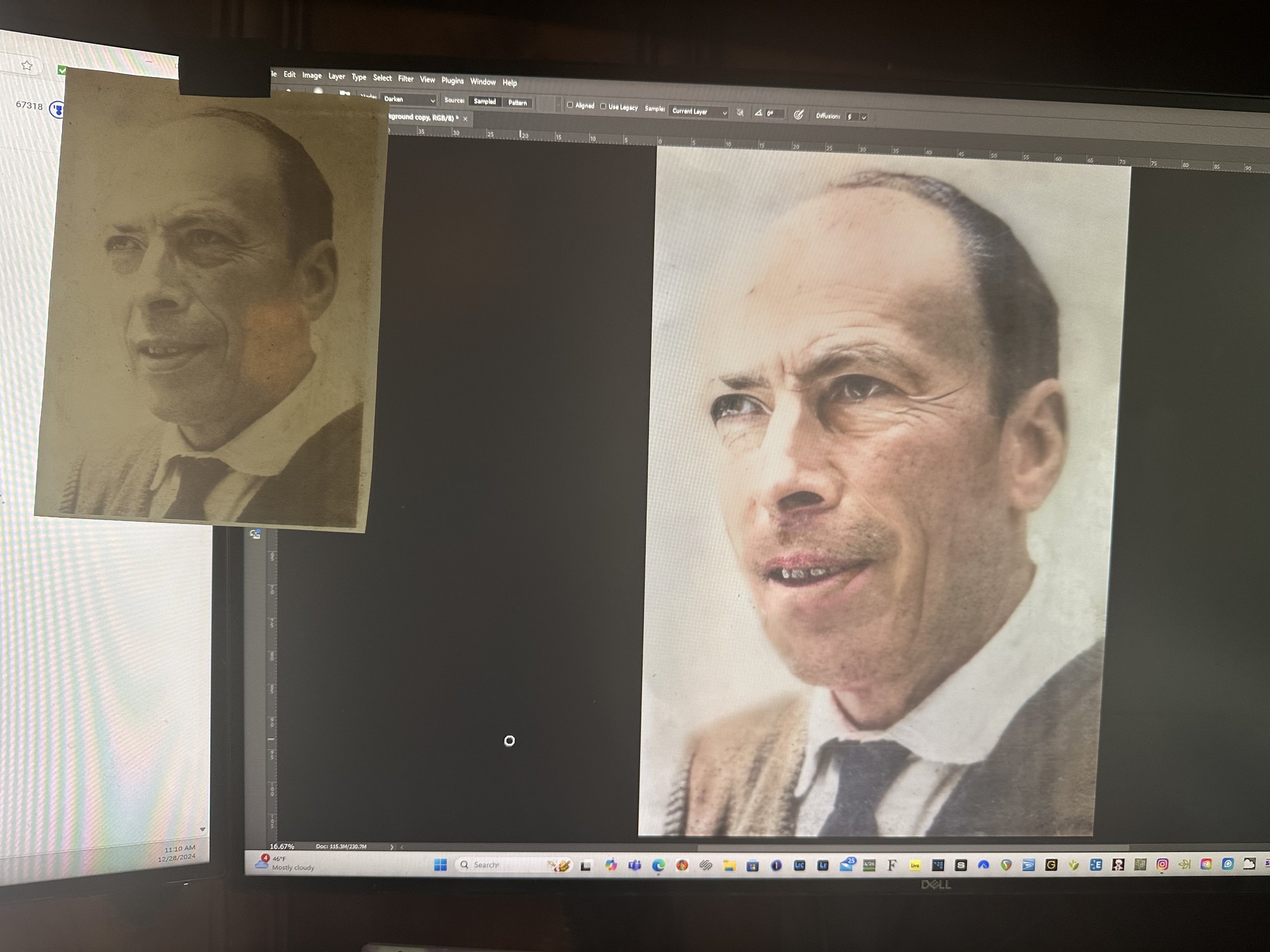
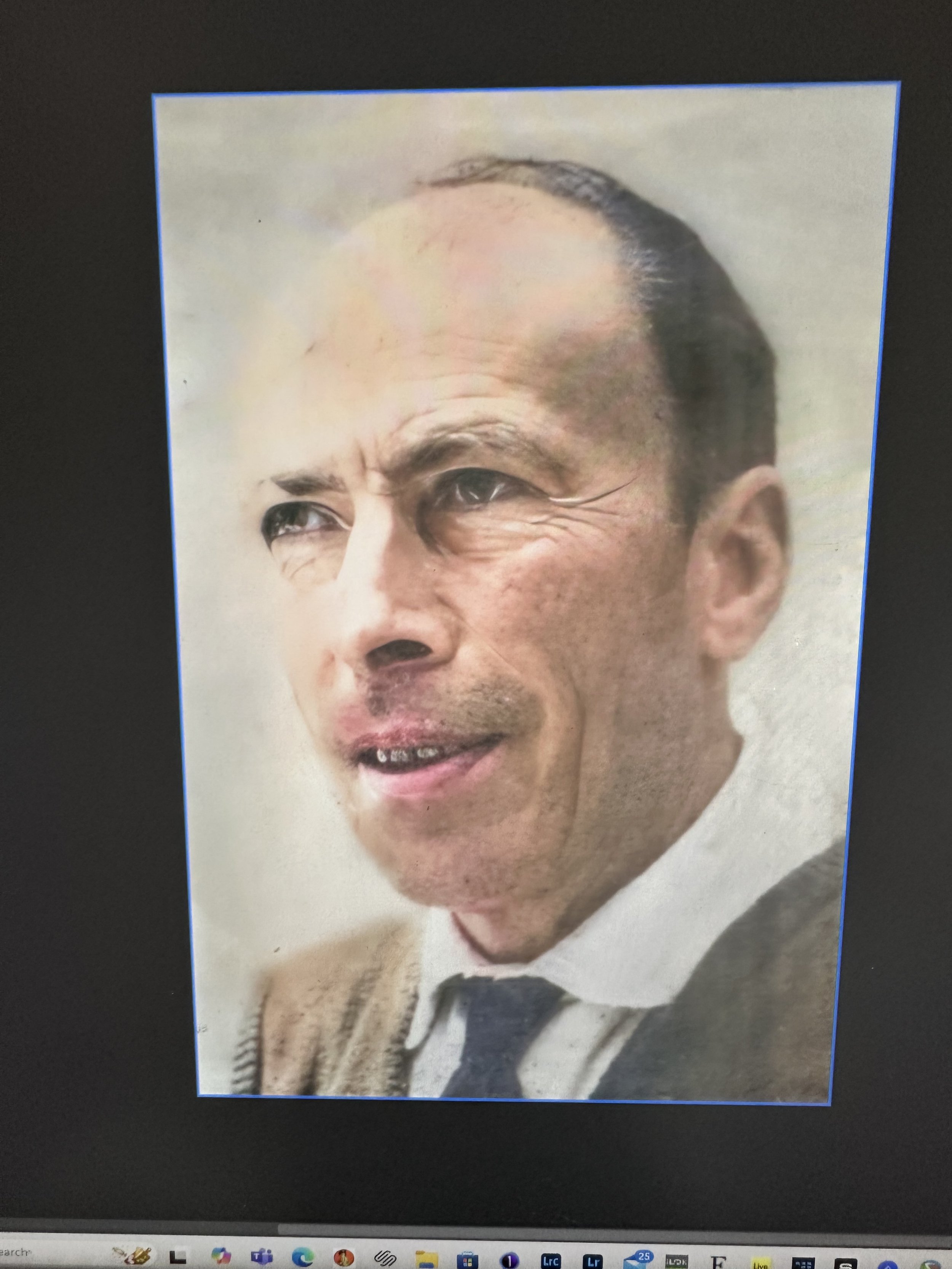
A friend of mine reached out, wondering if I could help with an image of her late father. She had snapped a picture of it with her phone before her sister brought it back home.
This project turned out to be quite interesting! It involved an old transparency film image she captured with her iPhone and sent to me in a text. The quality wasn’t the best, and the harsh shadows made it really tough to get any detail in his face. Talk about a bit of a challenge!
I happily decided to take it on, but I let her know upfront that I couldn’t promise anything amazing, especially since my restoration skills are pretty limited. Mostly, I work with color correction and enhancing images using Topaz Gigapixel AI.
In the end, she was really happy with how it turned out, even if the original picture didn't have much detail to begin with. It was great to help!

Story Two: Minor Photo Restoration(s)....Why Not
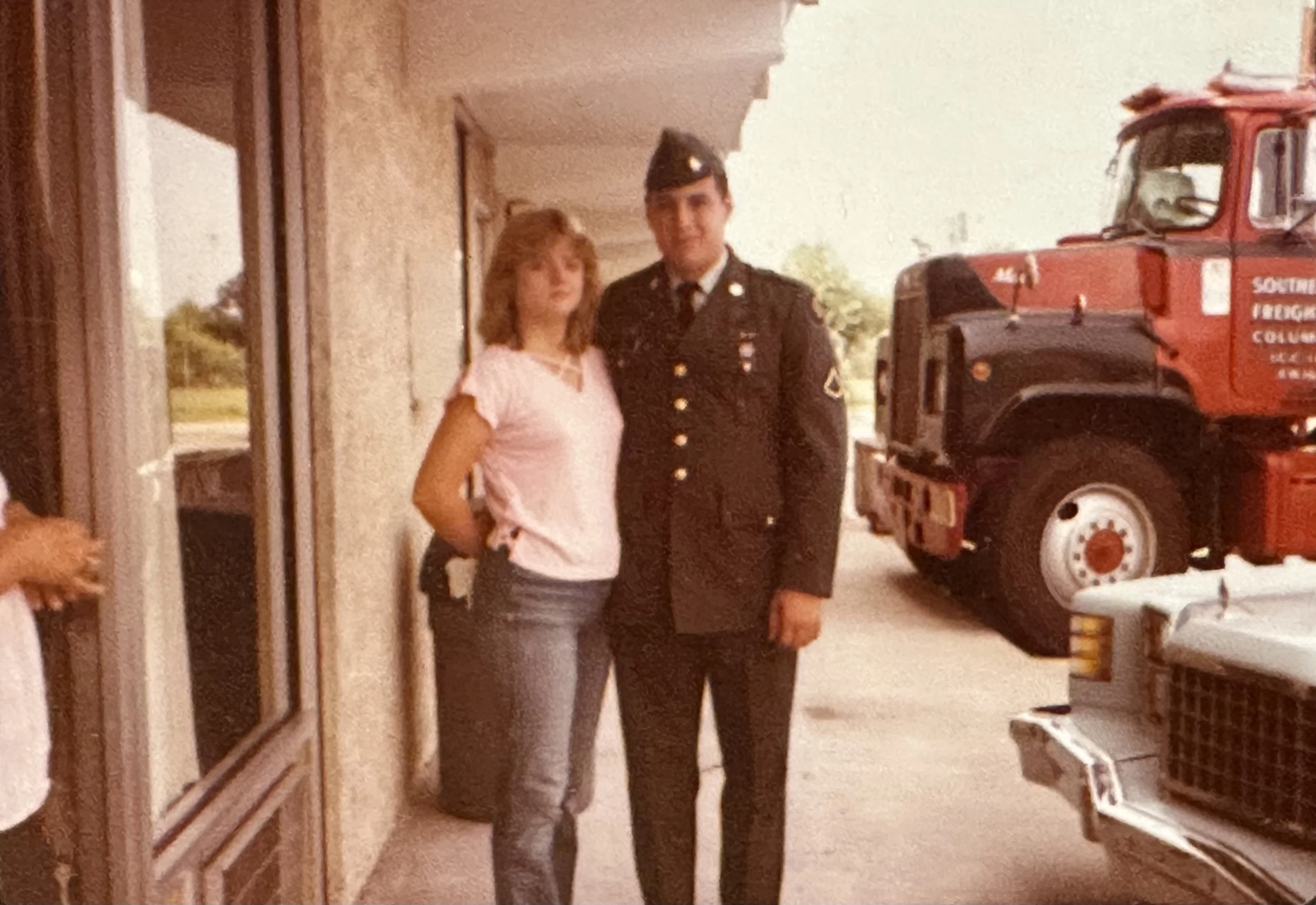
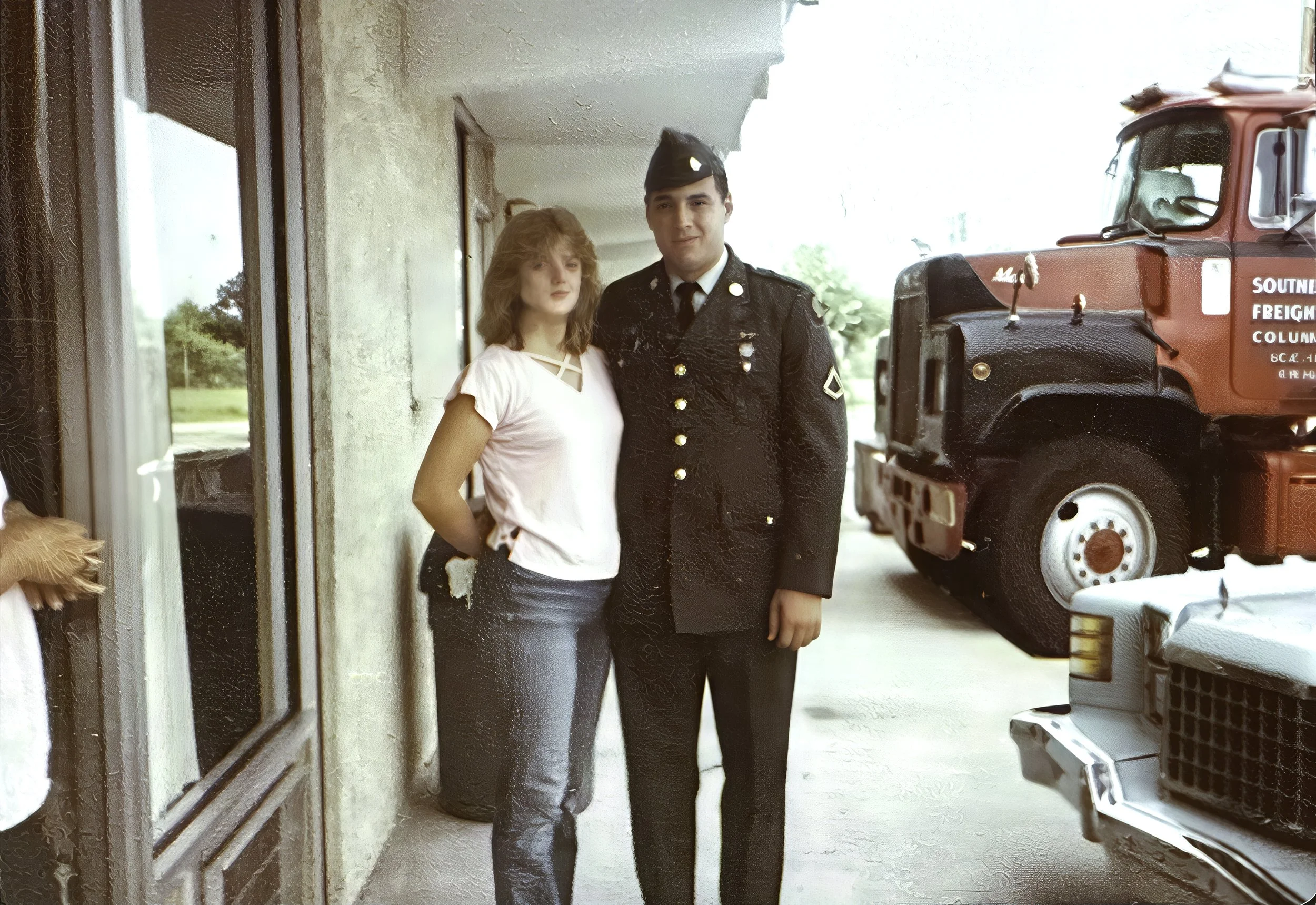
The original photo was 4x6, but the largest I could make the final print was 8x10. My in-laws didn’t mind and were happy to see their image restored.
Story Two:
My in-laws asked if I could bring out more detail and color in a dark snapshot. I used Topaz Gigapixel to sharpen the image before editing it in Adobe Lightroom Classic. For the final print, I used Photoshop’s High Pass filter and Liquify tool to add some punch and fix areas that Gigapixel AI had distorted.
The original photo was 4x6, but the largest I could make the final print was 8x10. My in-laws didn’t mind and were happy to see their image restored.
Below, the top image is the original from my in-laws, and the other is my final edit. I printed them using a Canon imagePROGRAF 1100 on Canon Pro Luster 260 GSM 8x10 paper and Moab Entrada Rag Bright 300 GSM 5x7 paper.

Story One: Minor Photo Restoration(s)....Why Not
Her mother often talks about those times, recalling the German occupation during World War II and what came afterward in great detail. I’ve always been fascinated by her stories, especially when she tells them in her distinct French-accented English.
Story one:
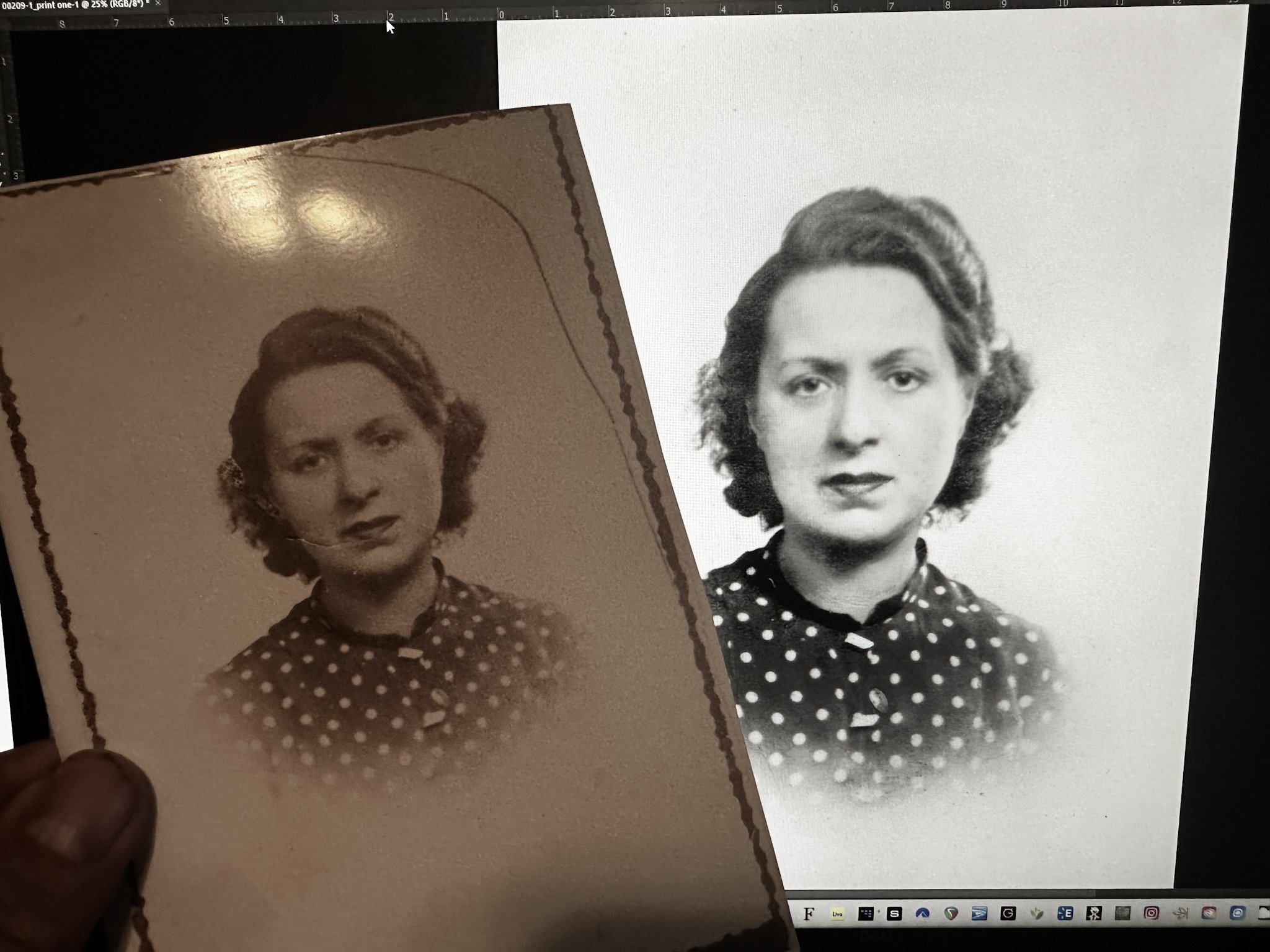
Lately, I’ve been trying my hand at photo restoration and colorization. I’m grateful for YouTube tutorials and all the helpful articles online, since I’m still learning. It’s an ongoing process that I am truly enjoying. Besides, I have to thank my patient wife, who often heard me call out, “Hey! Come here and check this out,” as I edited throughout the process. There's no secret to my methods; I use Topaz Gigapixel to tighten up the image while keeping it at a size suitable for printing. I have been using Adobe Lightroom Classic and Photoshop for my edits, I print at home with the Canon imagePROGRAF Pro-1100, an amazing printer I must add.
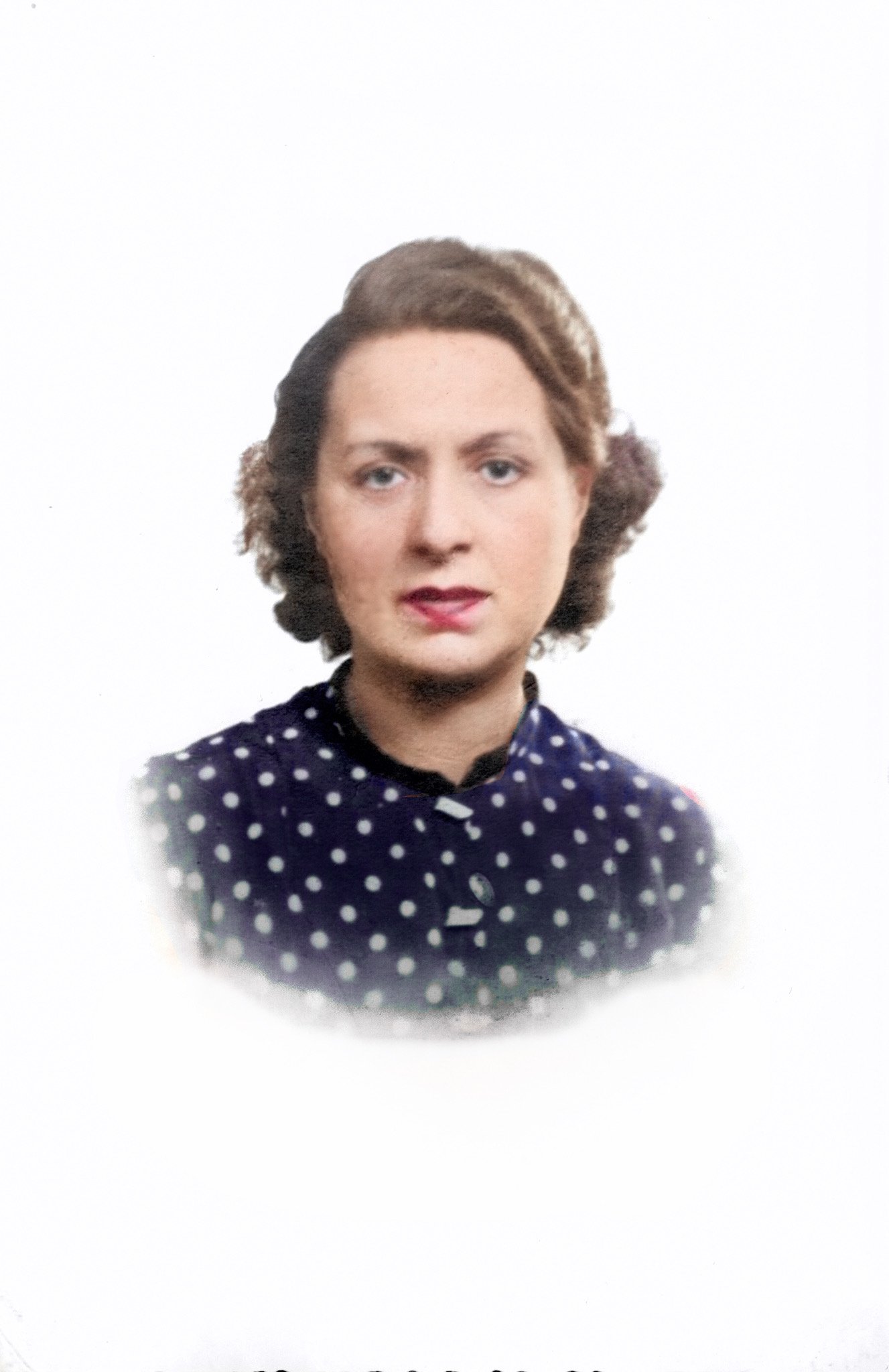
I started getting into photo restoration and touch-ups in early December 2024. After finishing a project for a family friend, which by the way she was very happy with the results of a photo she presented of her and her brother as children. my wife and I decided to make a special gift for her 88-year-old mother for Christmas. We chose photos meaningful to the family, particularly those taken in Paris during the early 1940s. Some were worn and faded, with tears along the edges, presenting a unique challenge for restoration. We spent many evenings sorting through boxes of old photographs, selecting the ones that could be beautifully restored and brought back to life. Addressing these challenges felt like the perfect way to celebrate the holiday and honor family history.
To explain a bit more about our gift, we restored photos of my wife’s mother’s parents. They were from Paris, France, where my wife was also born.
Her mother often talks about those times, recalling the German occupation during World War II and what came afterward in great detail. I’ve always been fascinated by her stories, especially when she tells them in her distinct French-accented English.
I believe I produced some solid edits of Monsieur Gaston and Madame Germaine. Profitez des photos ci-dessous.
In Memoriam
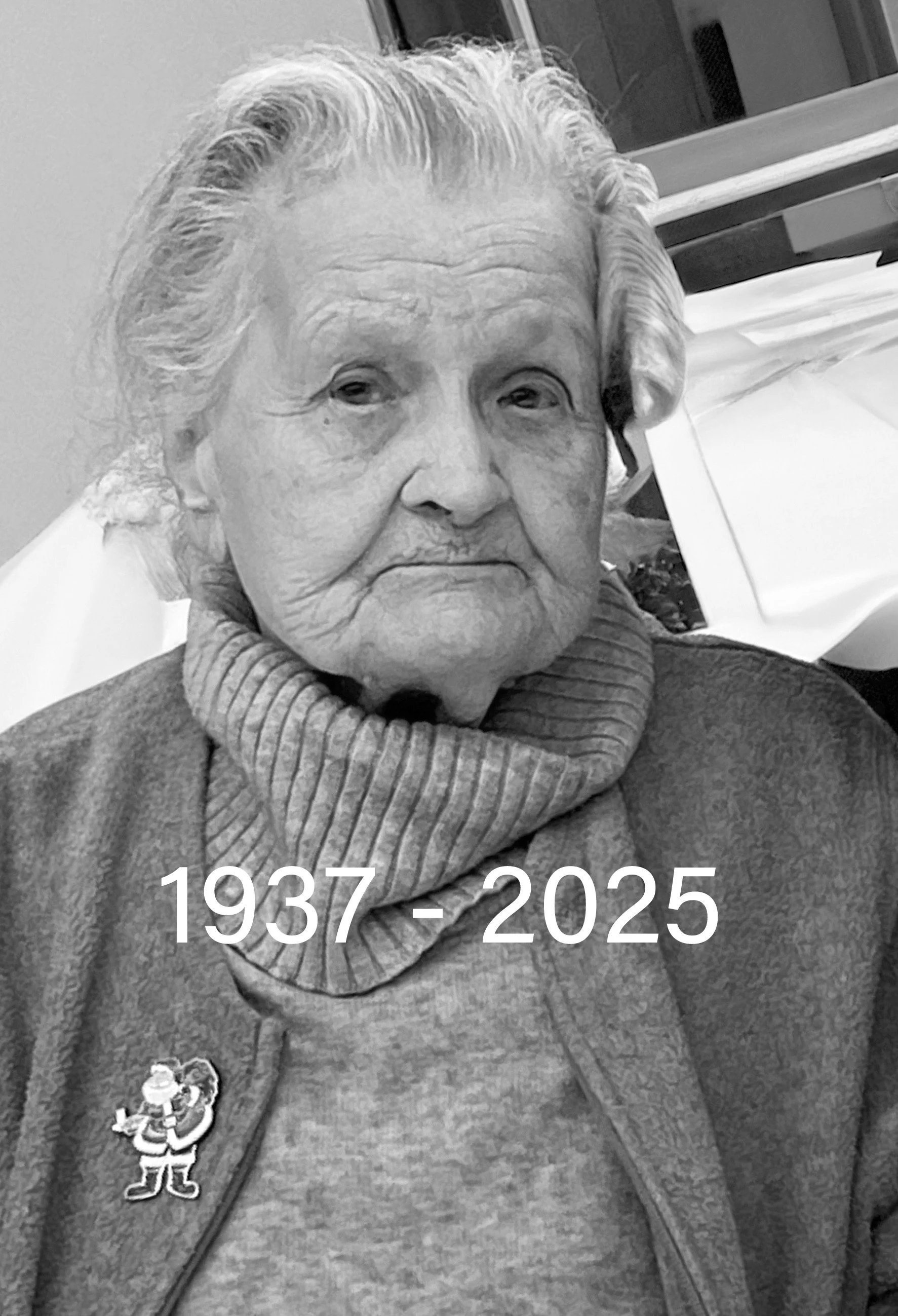
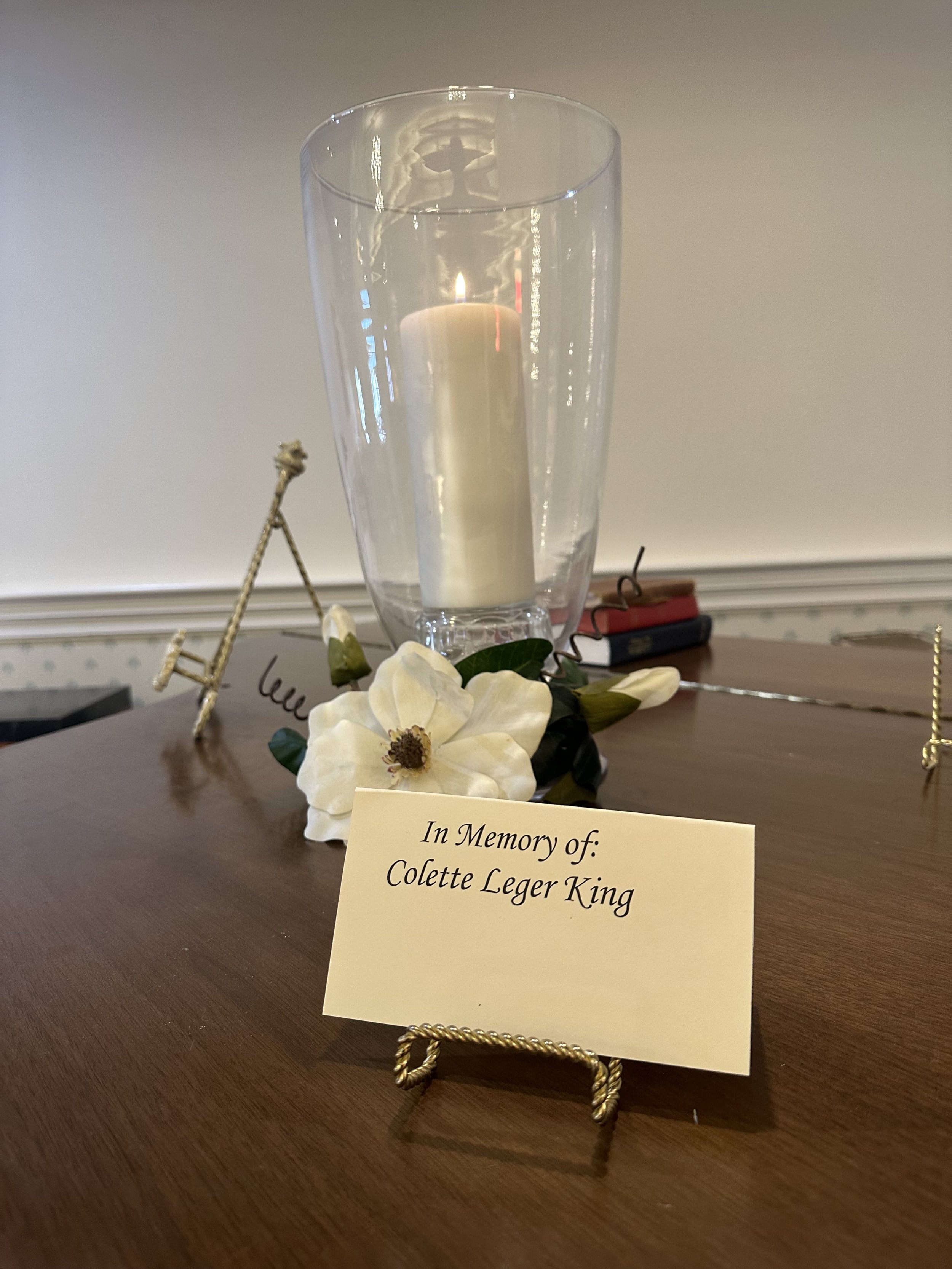
We lost Mom in September of 2025. Before her passing, I was able to edit more images for her enjoyment, and with each image came a wonderful story of her life.
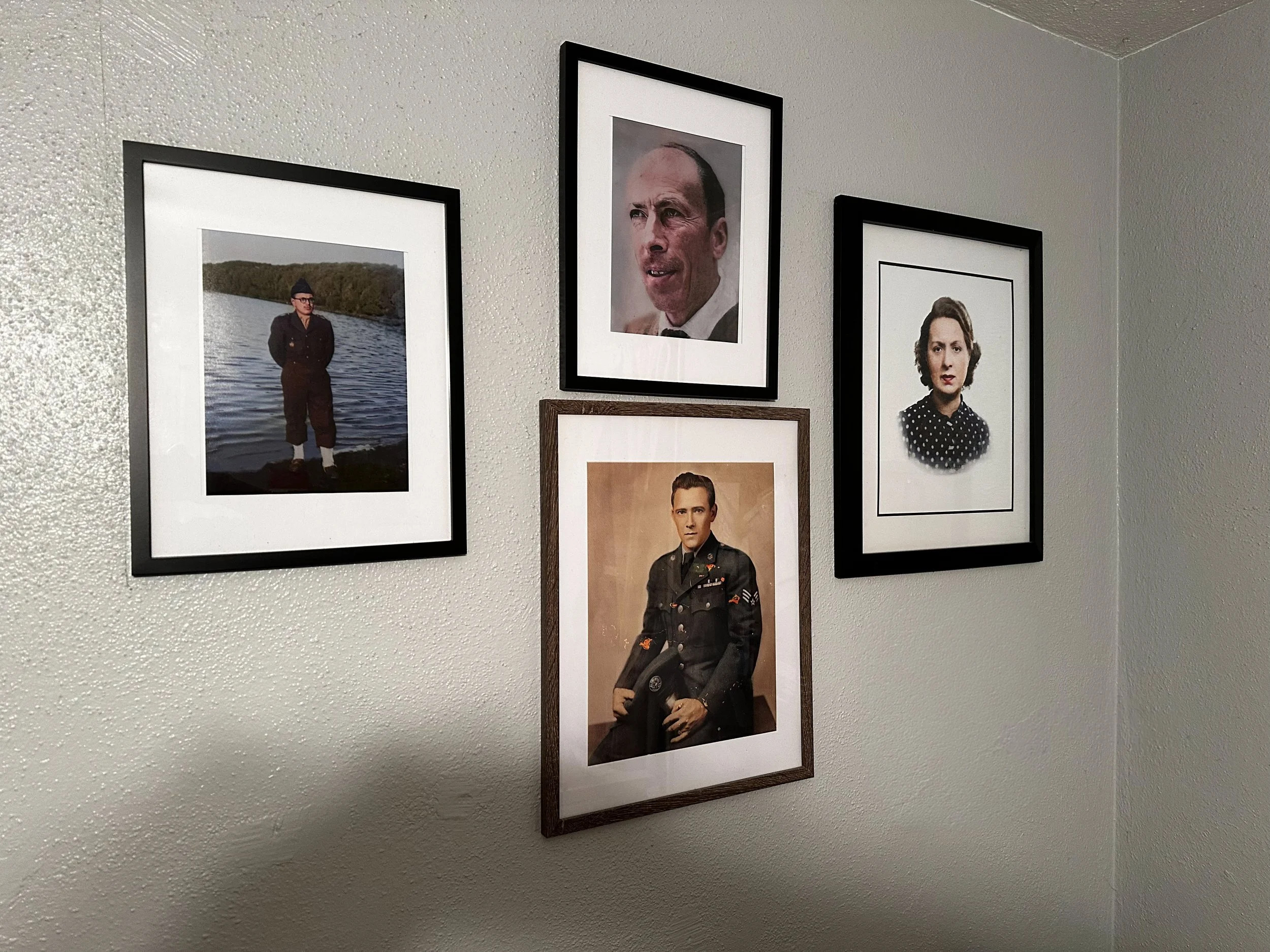
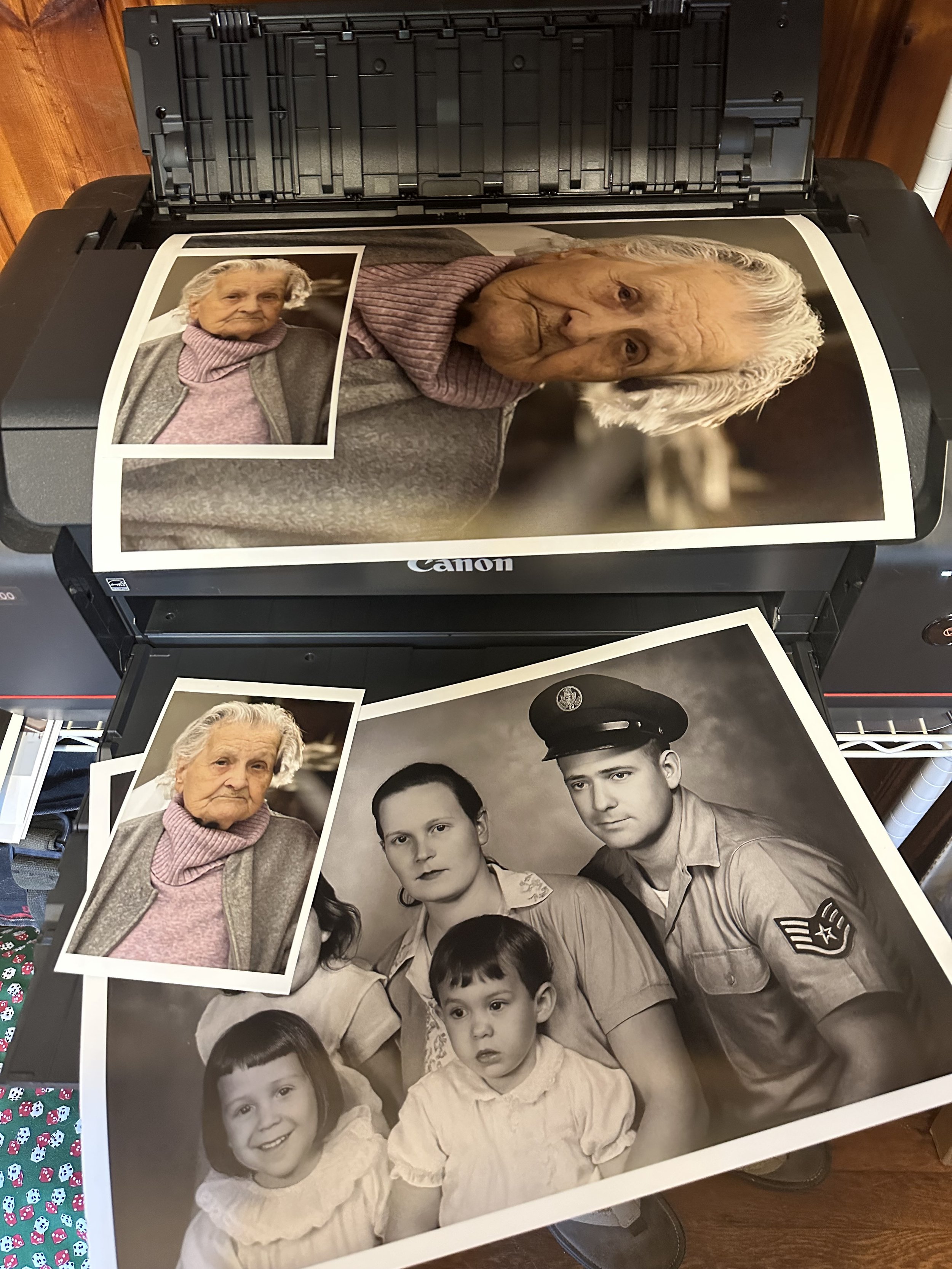
In the first image below, I framed the 3 images I did for her gift from us. The image on the left is of her brother in the French military, and the larger image in the center is of her husband. I did not edit or restore that image.
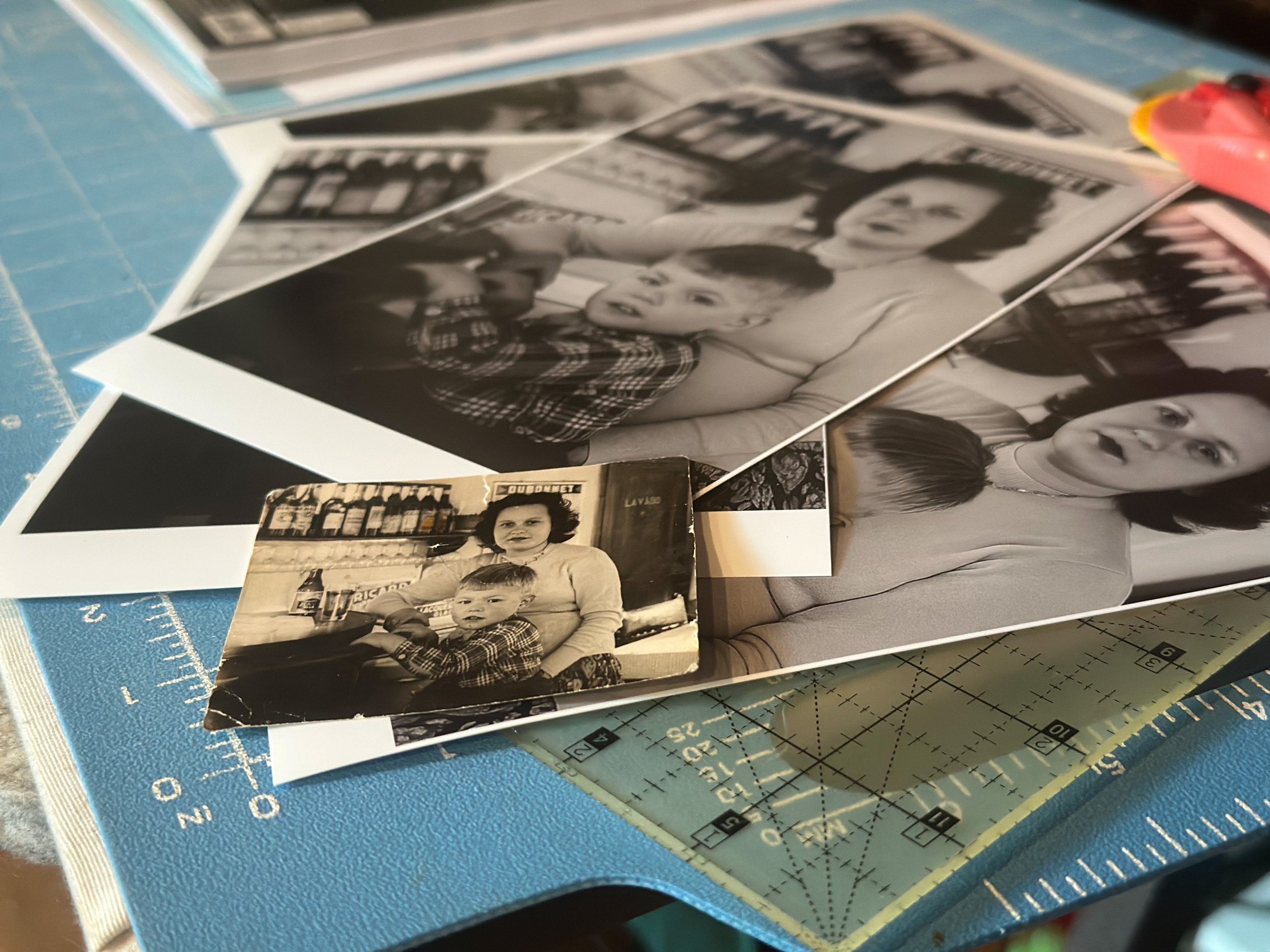
The next image is of Mom sitting with a young boy she would babysit. The boy’s parents owned a bar, which is where this image was taken, somewhere in Paris, France.
The color image sitting on my printer is one my wife took and used at mom’s service. The black-and-white one is another one I restored for mom. I presented this to her just hours before her passing, and, as before, she smiled and told us a pleasant little story.

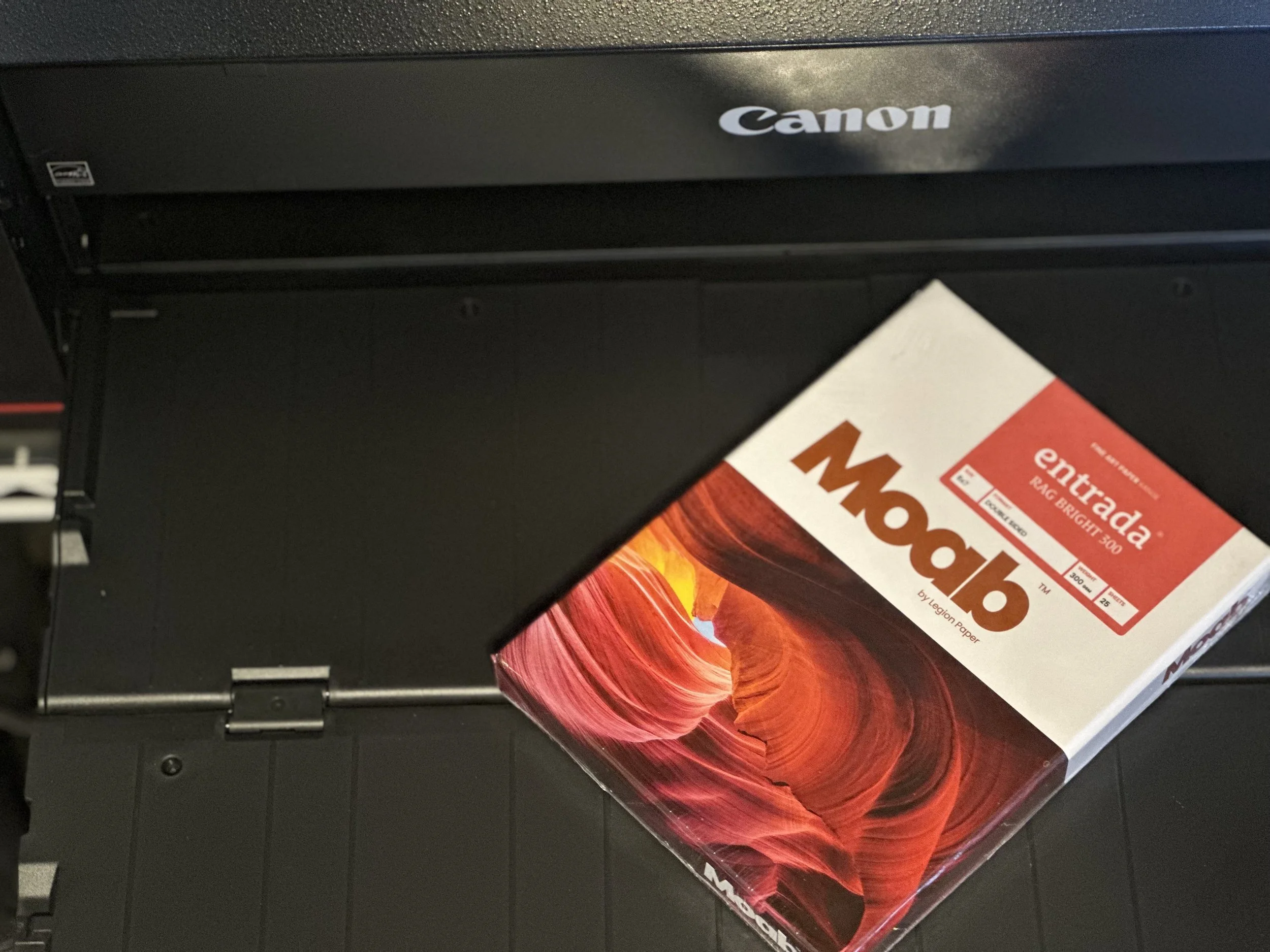
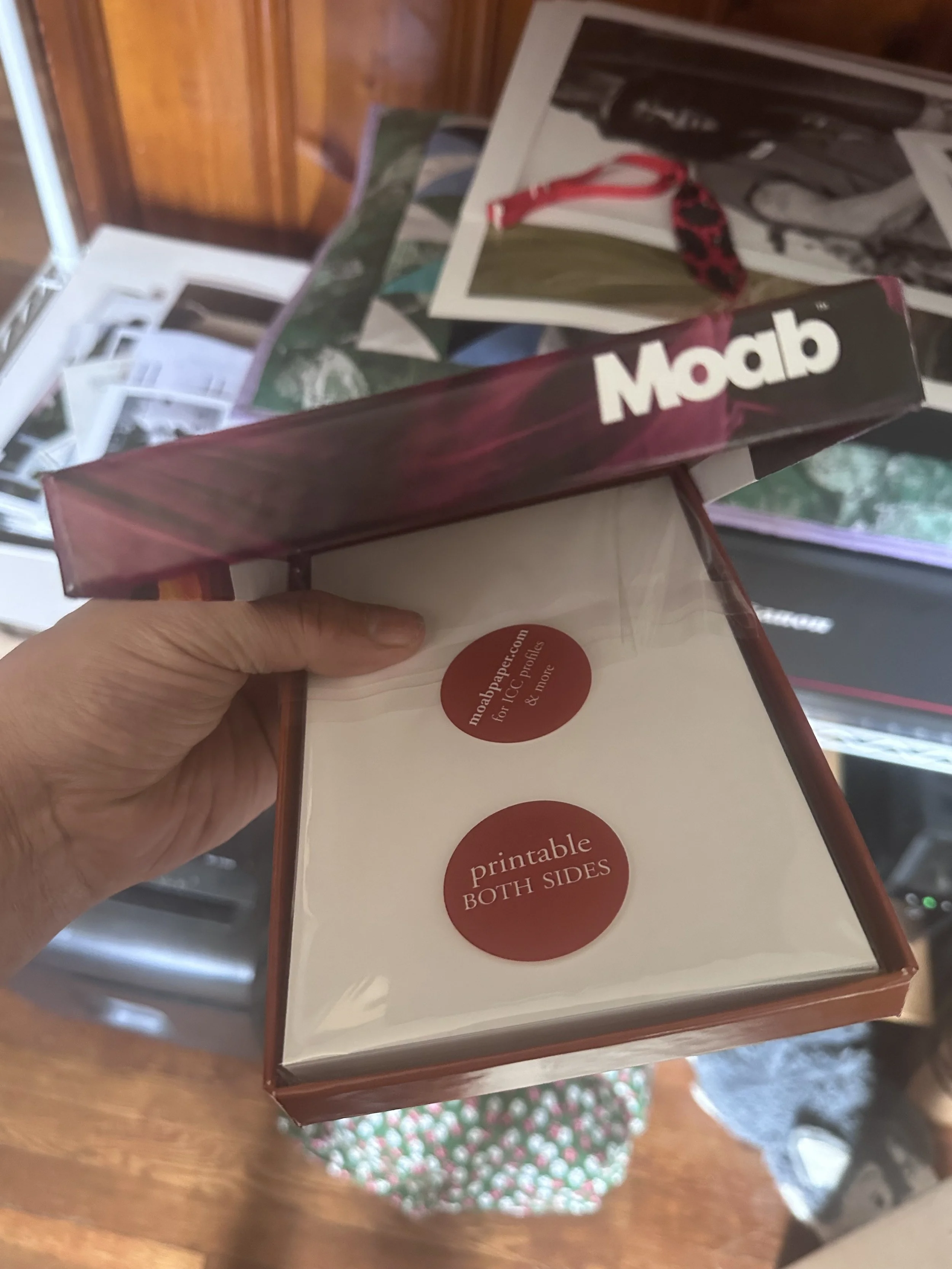
Moab Entrada Rag Bright 300gsm Paper
I've often been advised not to put all my eggs in one basket, which led me to explore another fine art paper option from Moab Paper. I reached this decision after searching for papers similar to my usual choice,
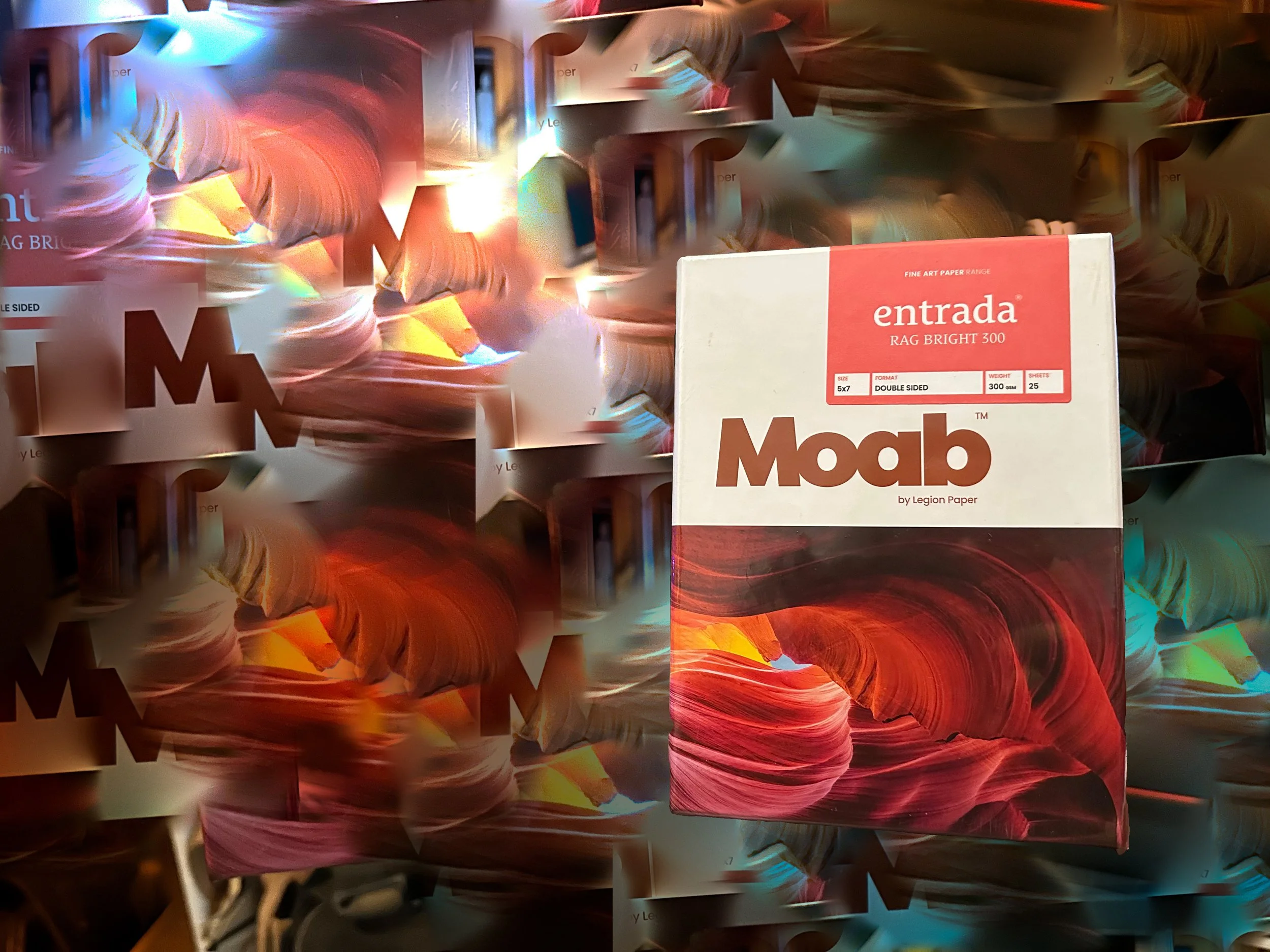
I've often been advised not to put all my eggs in one basket, which led me to explore another fine art paper option from Moab Paper. I reached this decision after searching for papers similar to my usual choice, Hahnemühle William Turner paper, and discovering Moab Entrada. Both papers share a similar texture, but in terms of feel, the Hahnemühle William Turner stands out as the clear winner.
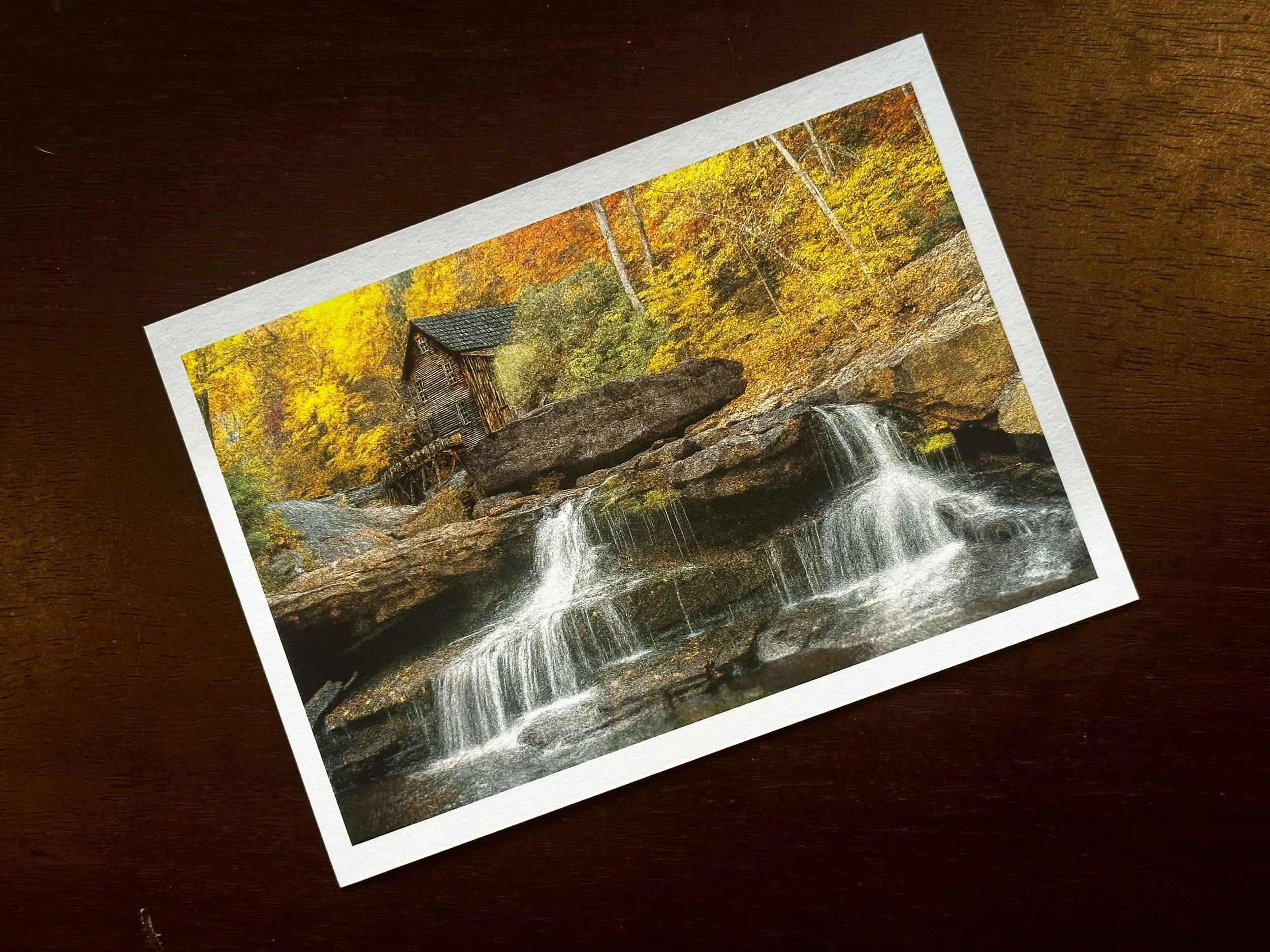
The Hahnemühle has a weight of 310 GSM, while the Entrada weighs in at 300 GSM, which isn’t a significant difference. However, the surface of the Hahnemühle felt a bit coarser than the Moab Entrada, which is somewhat smoother but not as soft as a Baryta paper. It still retains a nice texture. In terms of detail and shadow reproduction, both papers excel, as they are made from 100% cotton and are both archival and acid-free.
Since this was my first time printing my own work, I felt my initial impressions might have been a bit overly optimistic. I decided to step back from the Moab Entrada and revisit it later with fresh eyes to truly appreciate the final product—not only for its applications in art and photography but also for its pricing. The Hahnemühle costs $6.30 per sheet, while the Moab Entrada is priced more affordably at $4.65 per sheet, providing some budget flexibility.
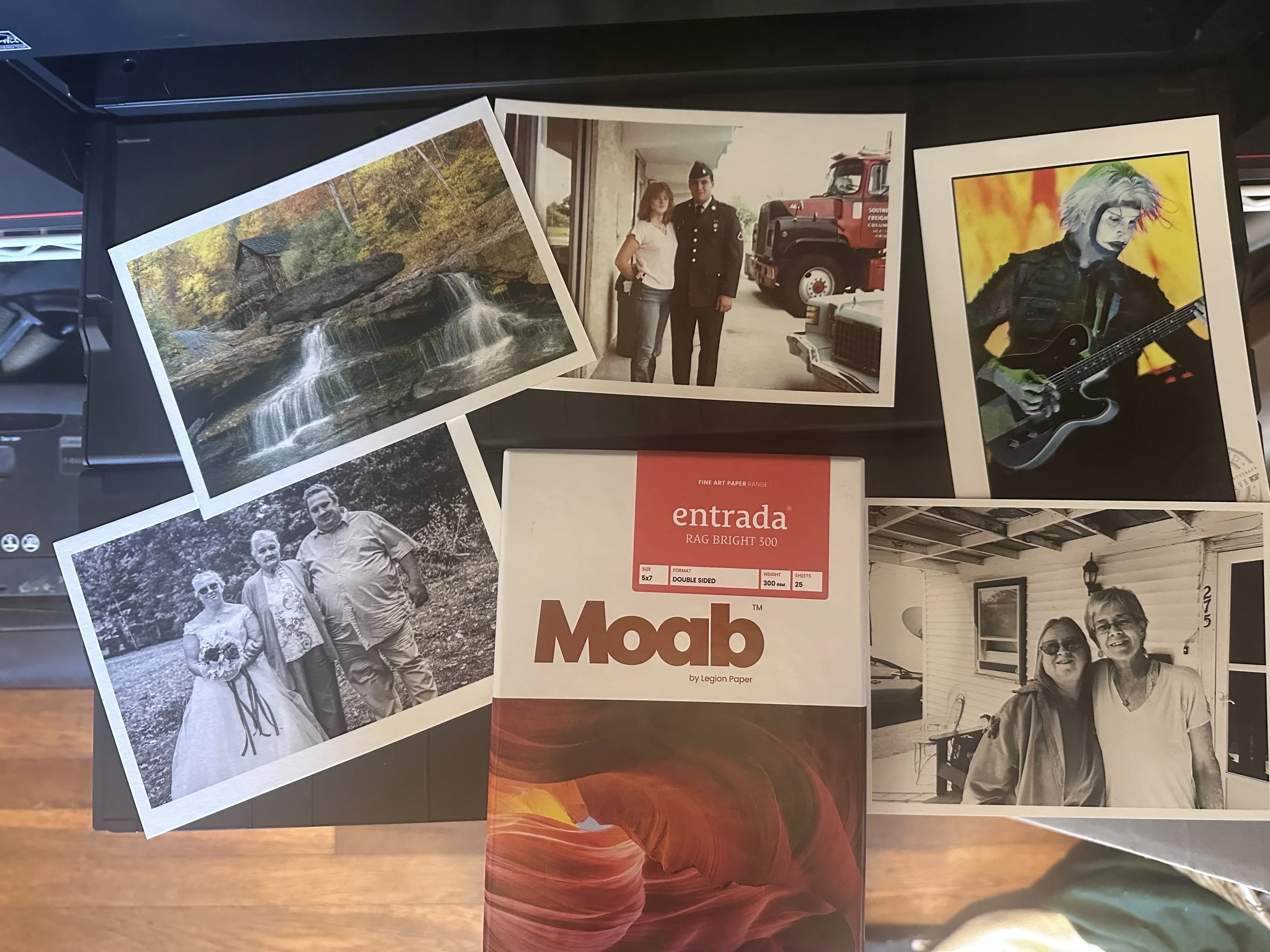
Below Left: 1. Babcock State Park, WV, 2. Restoration for my In-Laws, 3. John 5 (Rob Zombie), 4. Our Wedding Photo, My Wife-Her Mother, and Brother (photo by my good friend Sheena Pendley Design & Photography), 5. My Wife and Her Late Sister Mary (Kathy).

Hahnemühle Fine Art Paper: William Turner Paper and Museum Etching Paper Comparison
The two contenders for the paper I planned to use were both from a Hahnemühle sample pack I purchased from B&H Photo a few months earlier. While I won’t claim to know everything about fine art papers, I want to express how excited I was with the final results I achieved
In my last blog entry, I revisited an image I created over a decade ago. While I used Adobe Lightroom to finalize the image, I also utilized Topaz Gigapixel and Photoshop Generative AI to enhance the detail by tightening and sharpening the pixels. These tools helped me achieve a more painterly, detailed, and visually appealing final result.
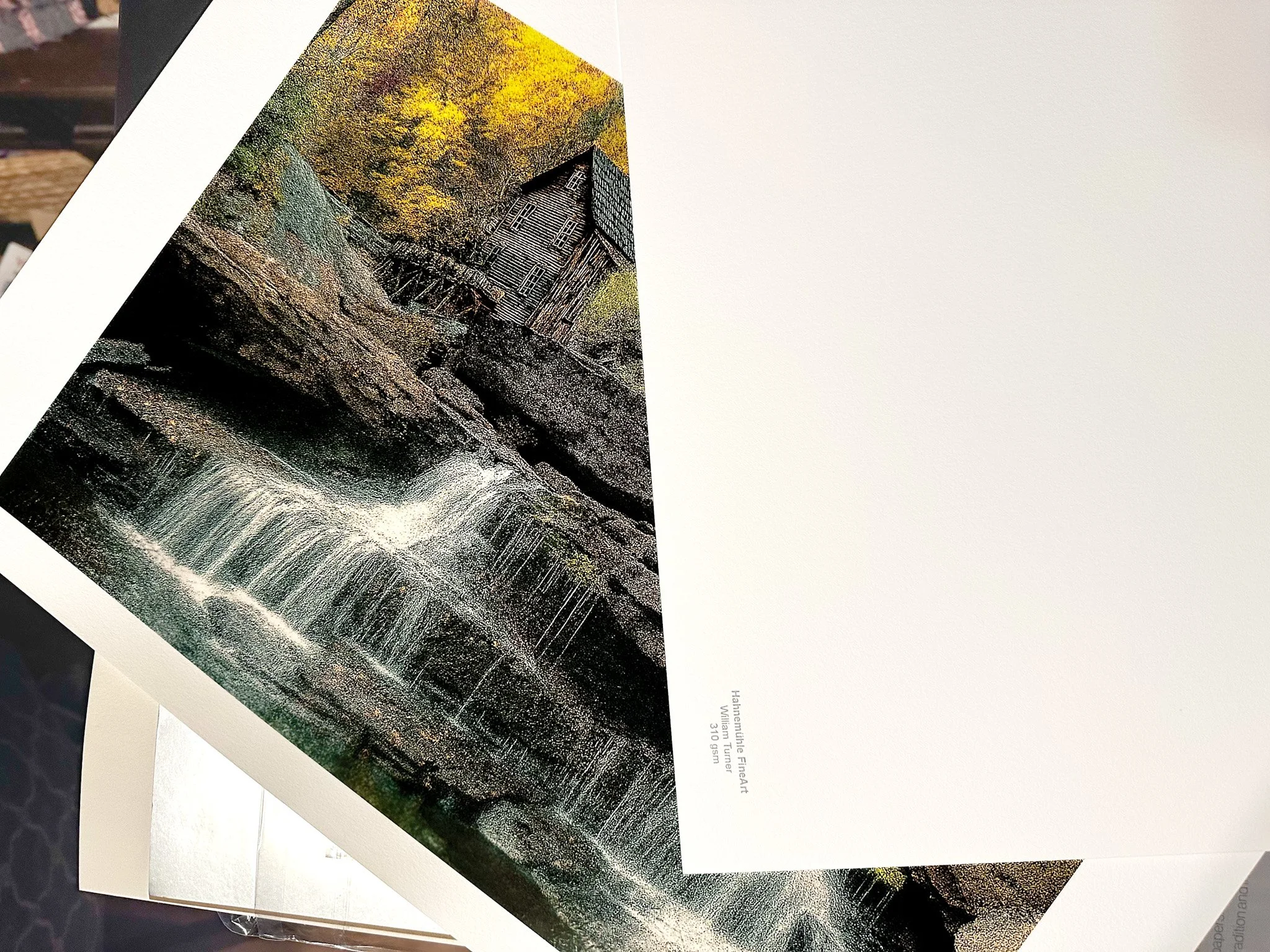
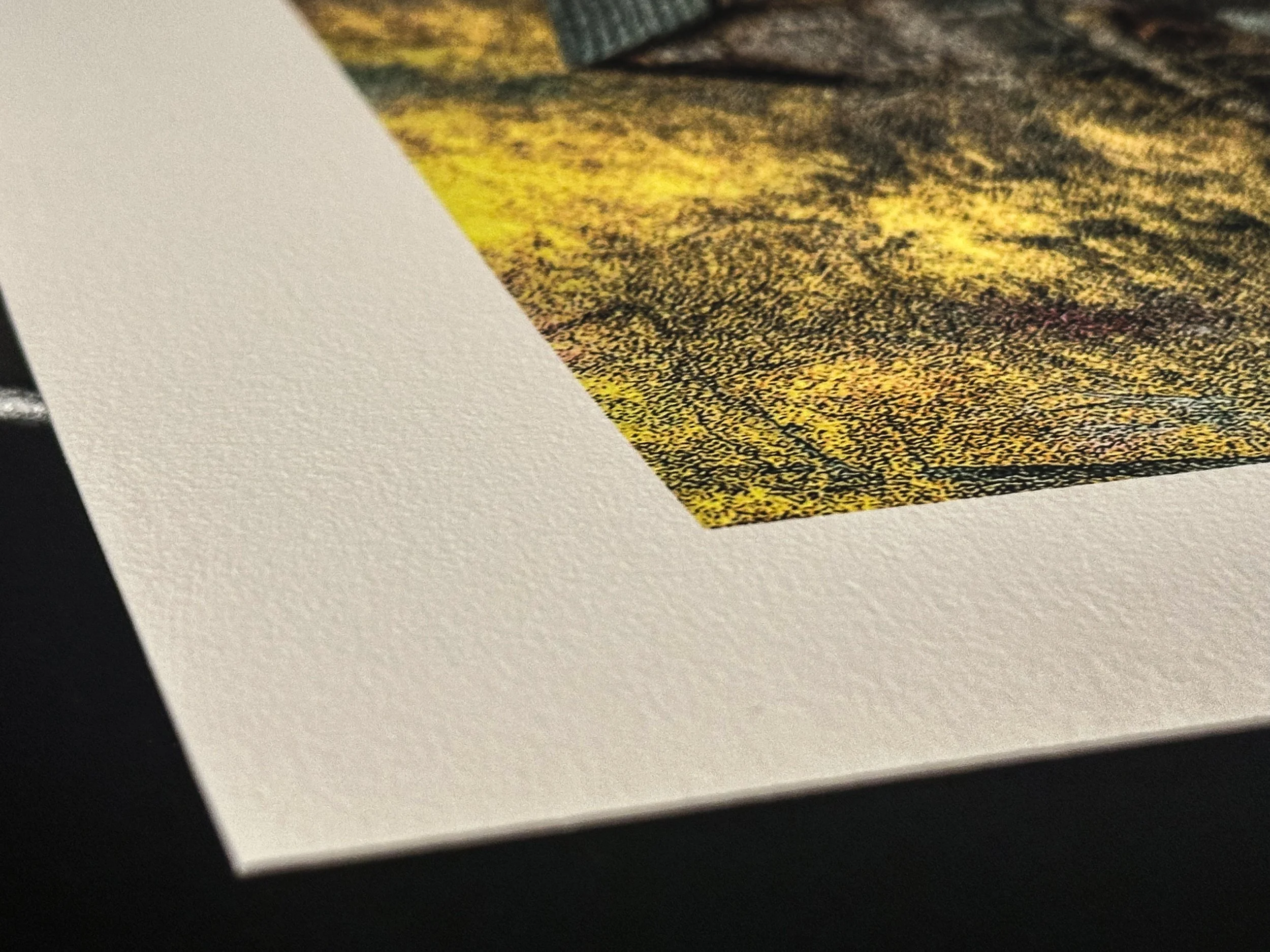
The two contenders for the paper I planned to use were both from a Hahnemühle sample pack I purchased from B&H Photo a few months earlier. While I won’t claim to know everything about fine art papers, I want to express how excited I was with the final results I achieved using Hahnemühle Museum Etching paper and William Turner paper. Both are excellent fine art papers made from 100% cotton rag, with one key difference: their weight. The Museum Etching paper weighs in at 350 gsm, while the William Turner paper is 310 gsm.
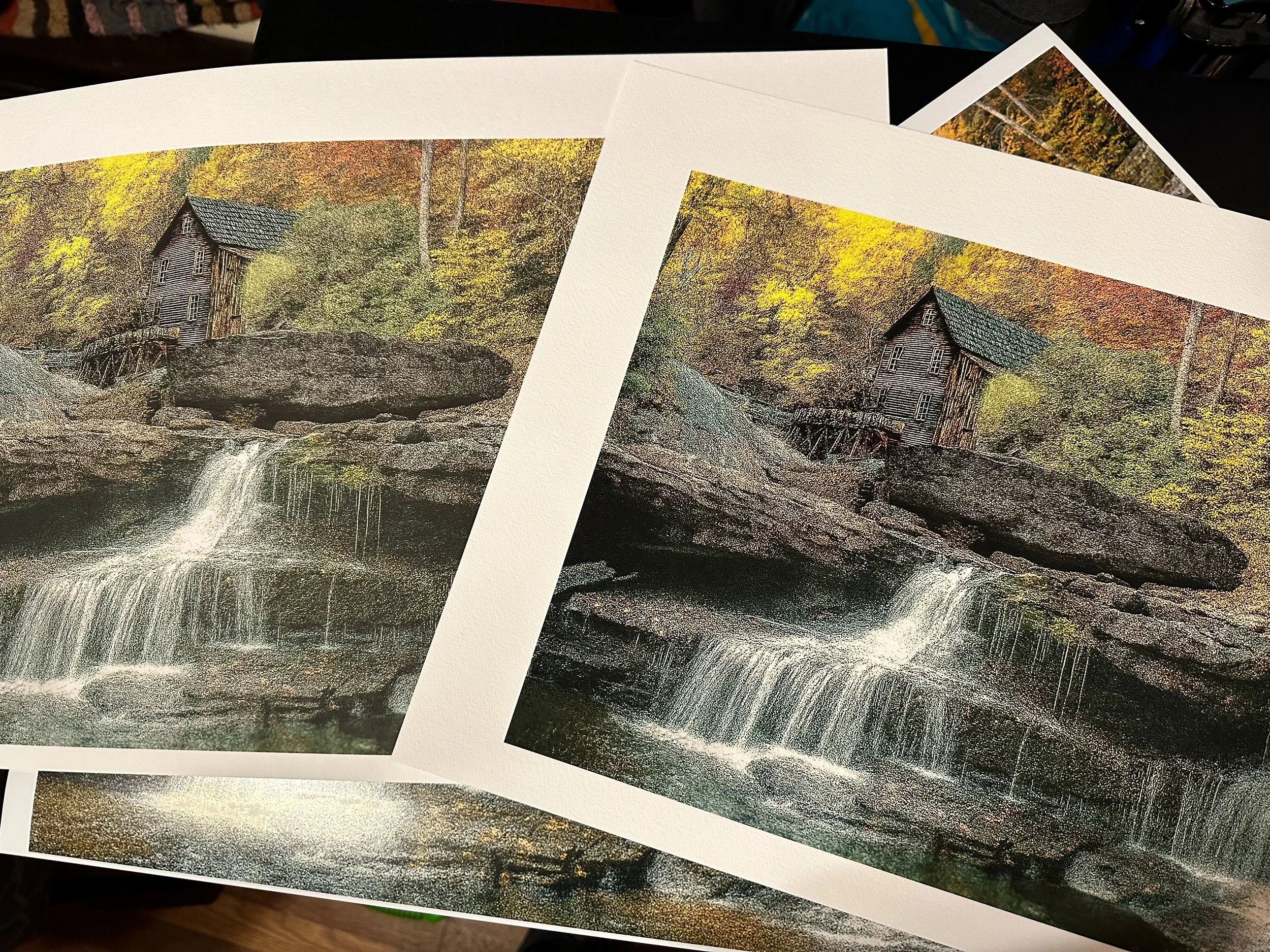
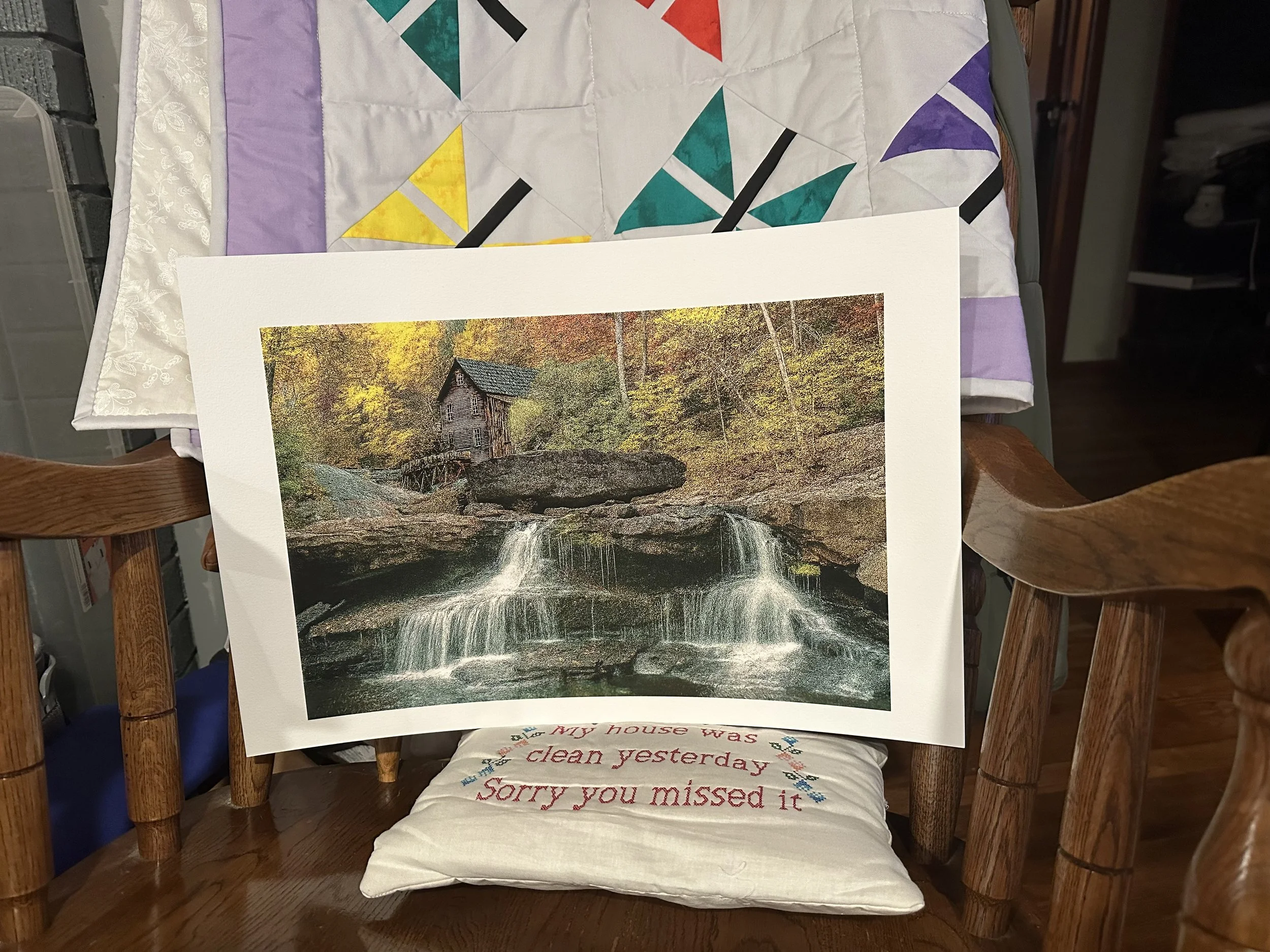
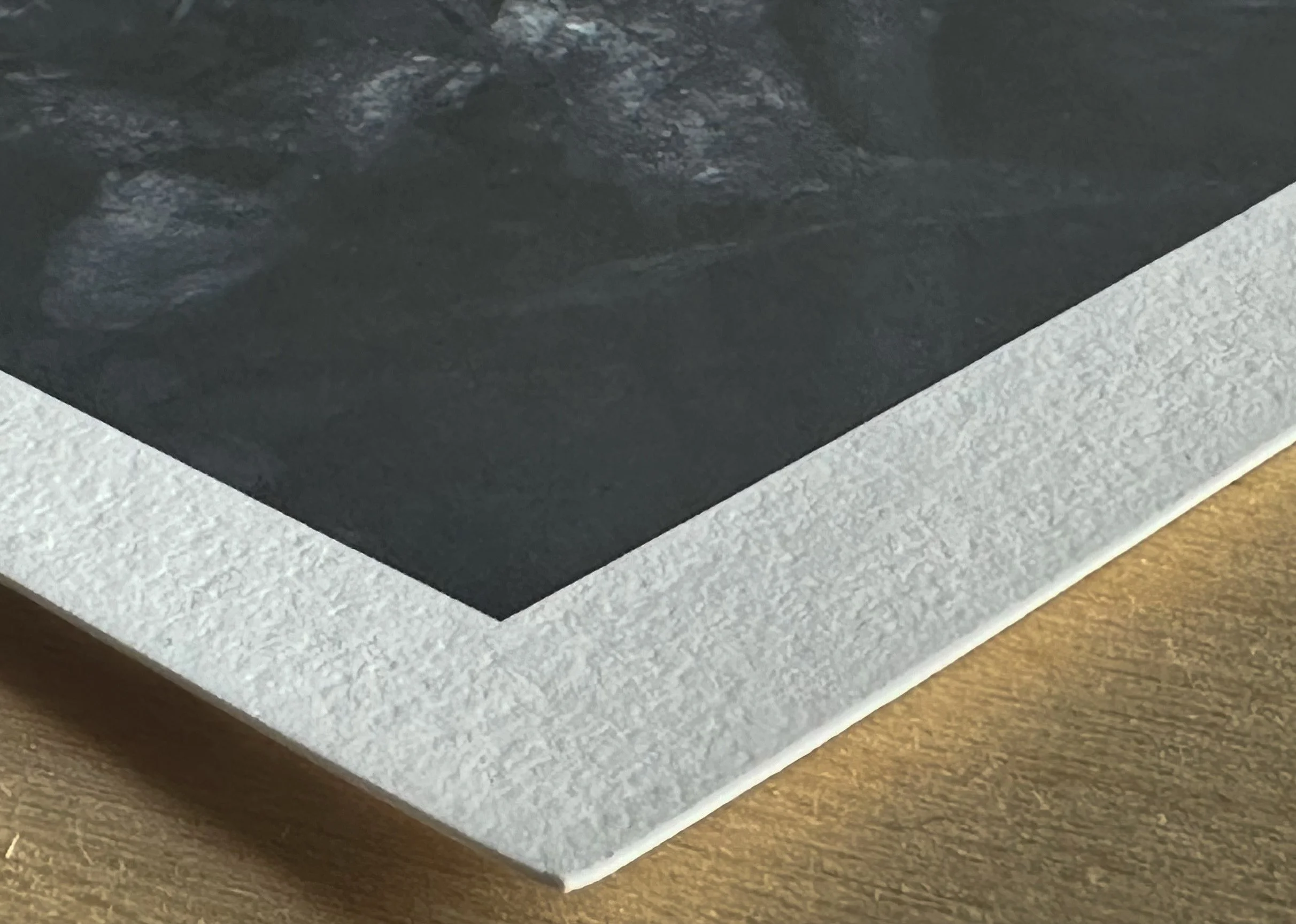
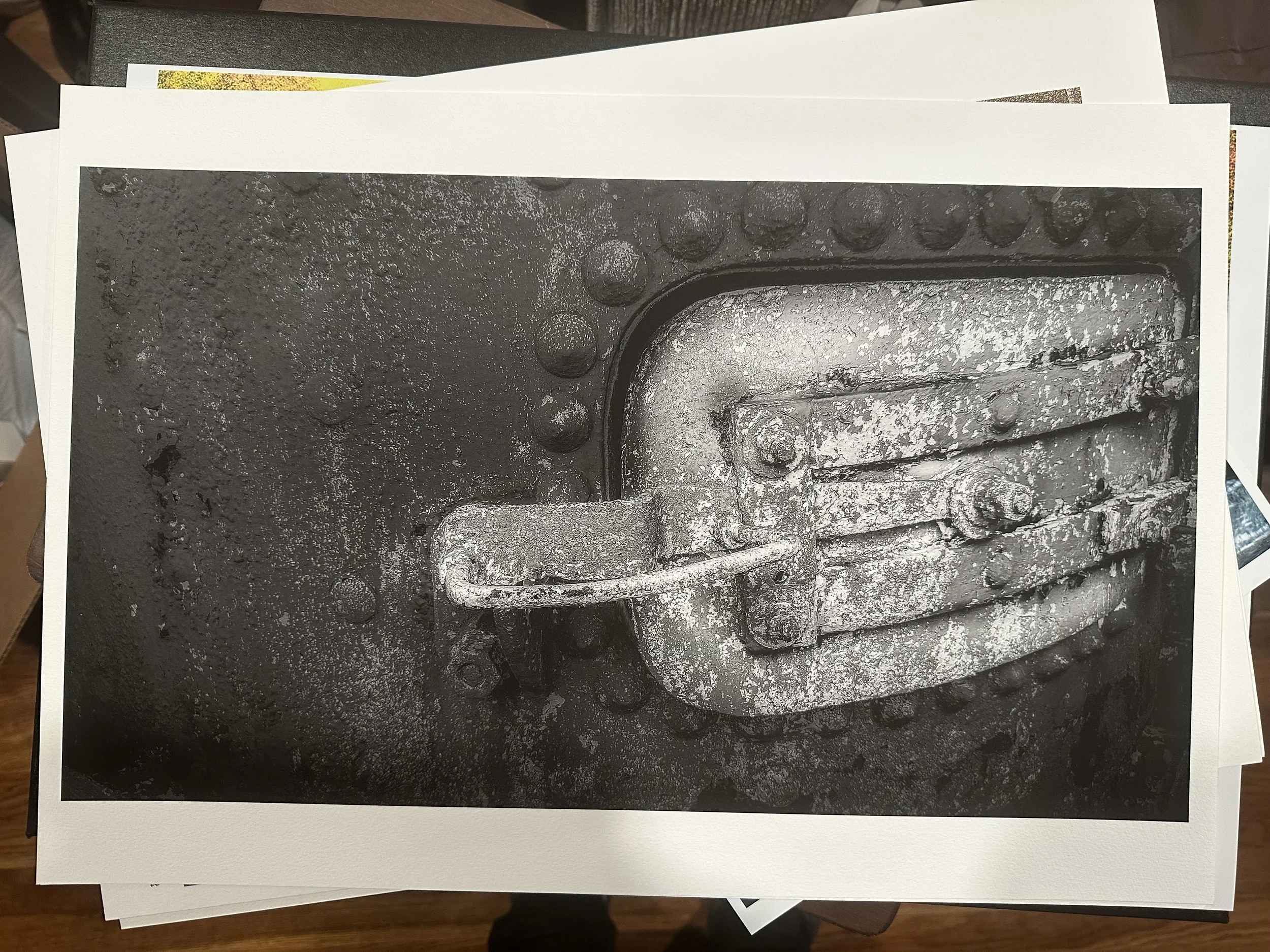
Below is the Museum Etching paper on the left and the William Turner paper on the right. After a thorough comparison, the William Turner paper had the appropriate contrast; it retained detail and depth in dark and shadowy areas and allowed the colors in the image to stand out more than in the Museum Etching paper, as shown in the pictures below. It emerged as the clear winner for me. I did a black-and-white to be sure of my final decision.

A Happy Accident with (Generative) AI
Recently, my wife stumbled upon a cherished memory on her Facebook account-an image I had tagged her in. It was a photo I had taken at Babcock State Park, capturing the old grist mill. She expressed a desire to have a physical print of it for our home. This sparked a wave of nostalgia as I set out to find the image files from that memorable day, October 13, 2010.
Recently, my wife stumbled upon a cherished memory on her Facebook account-an image I had tagged her in. It was a photo I had taken at Babcock State Park, capturing the old grist mill. She expressed a desire to have a physical print of it for our home. This sparked a wave of nostalgia as I set out to find the image files from that memorable day, October 13, 2010.
I almost gave myself a pat on the back once I located an already edited version of the image., For the first time in a long time, I didn’t overthink my edit when I first opened the file back in 2010 and kept my adjustments to a minimum—particularly, my image of the Grist Mill in Babcock, West Virginia.
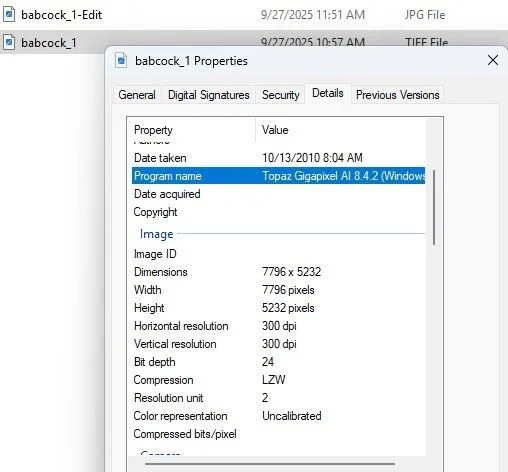
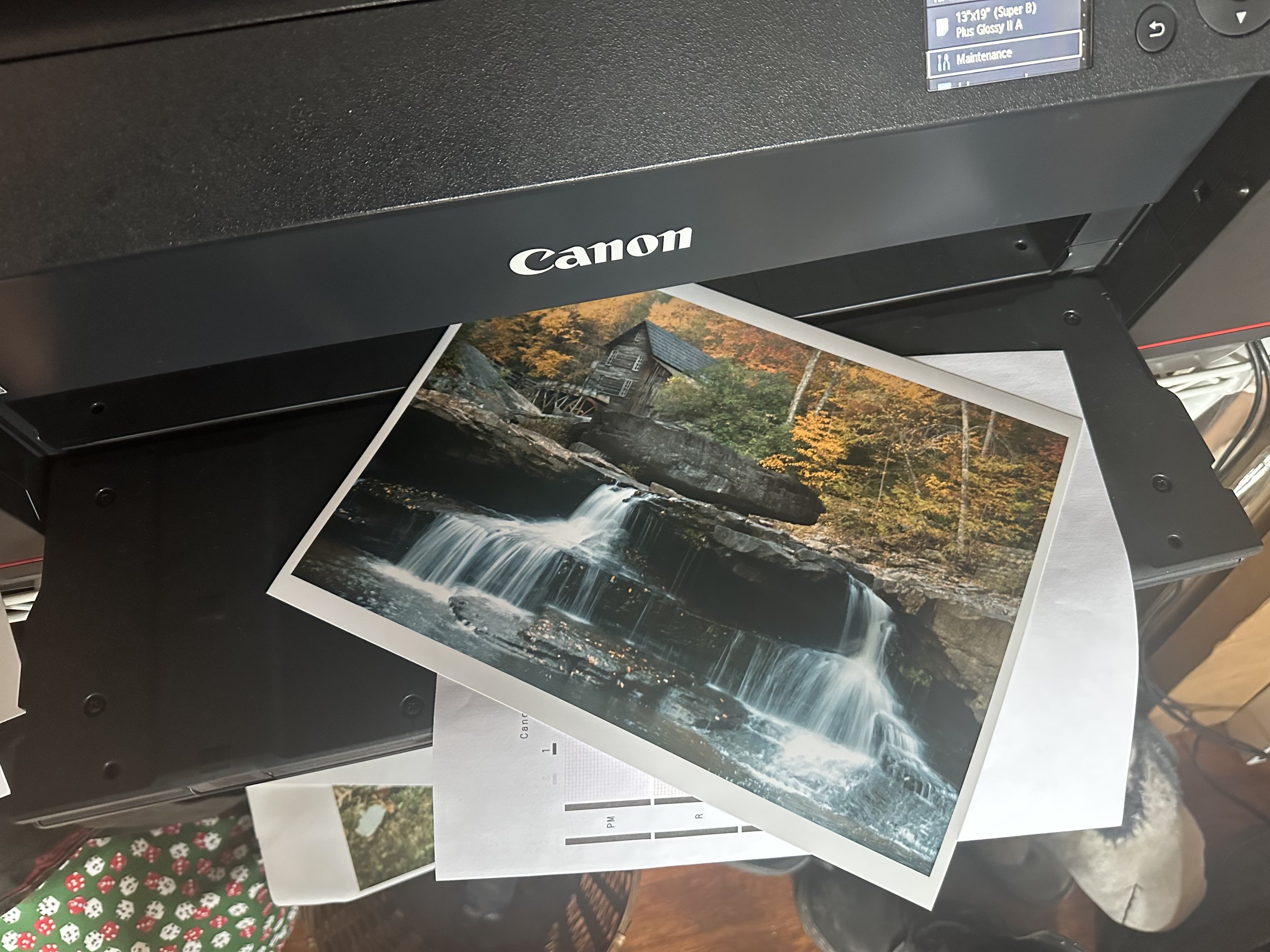
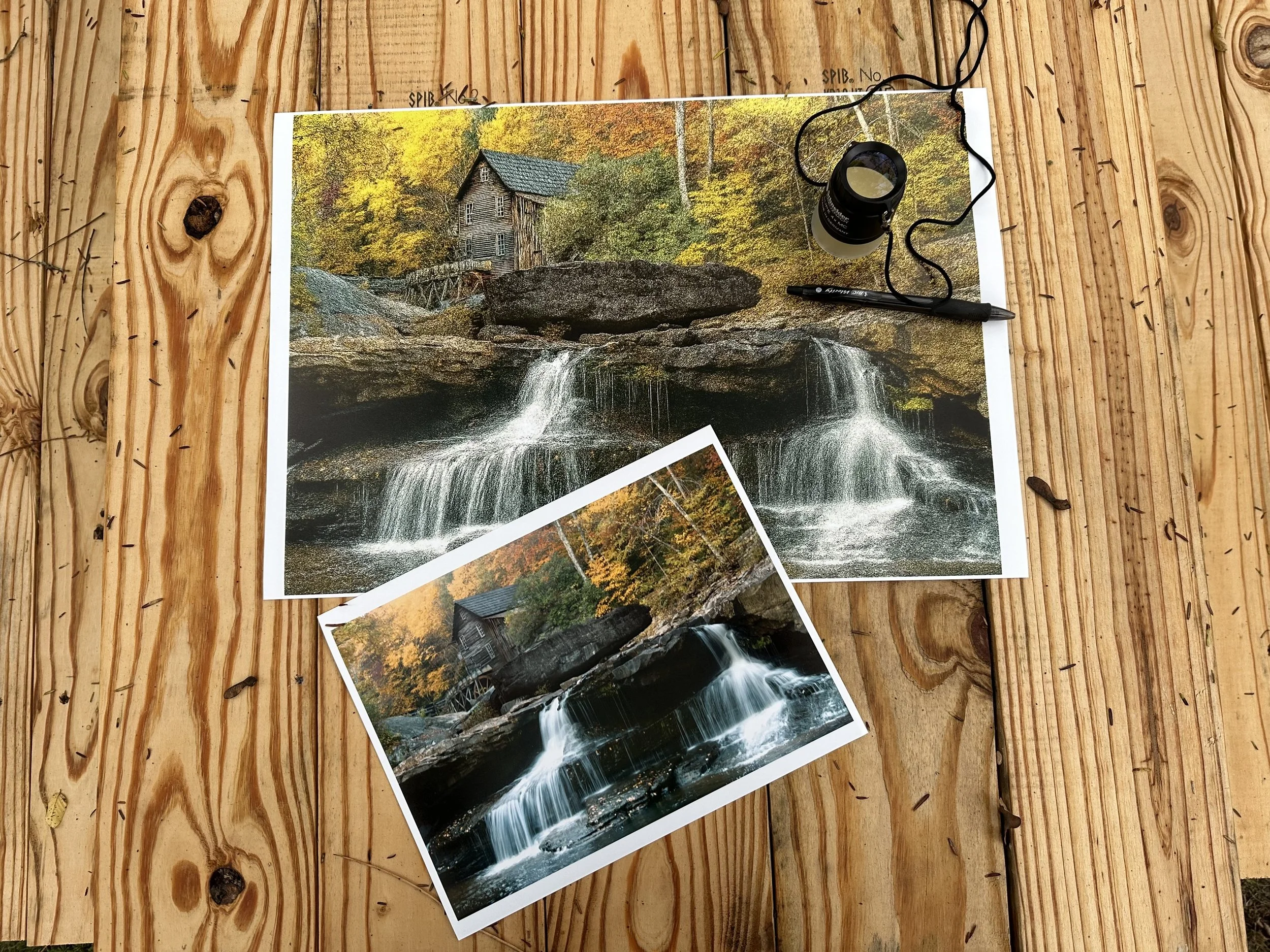
That moment I printed the image for the first time, I was filled with excitement, which soon gave way to a torrent of mixed emotions. I noticed the picture wasn’t as sharp as it should have been; it just seemed a tad off. I realized I had selected the wrong image file. So instead of scrapping this print session and locating the correct file, I decided to turn to a program I have by Topaz Labs called Gigapixel AI. I’ve used this program to sharpen the focus on old images that appear soft, preparing them for enlargements larger than a typical 8x10-inch print.
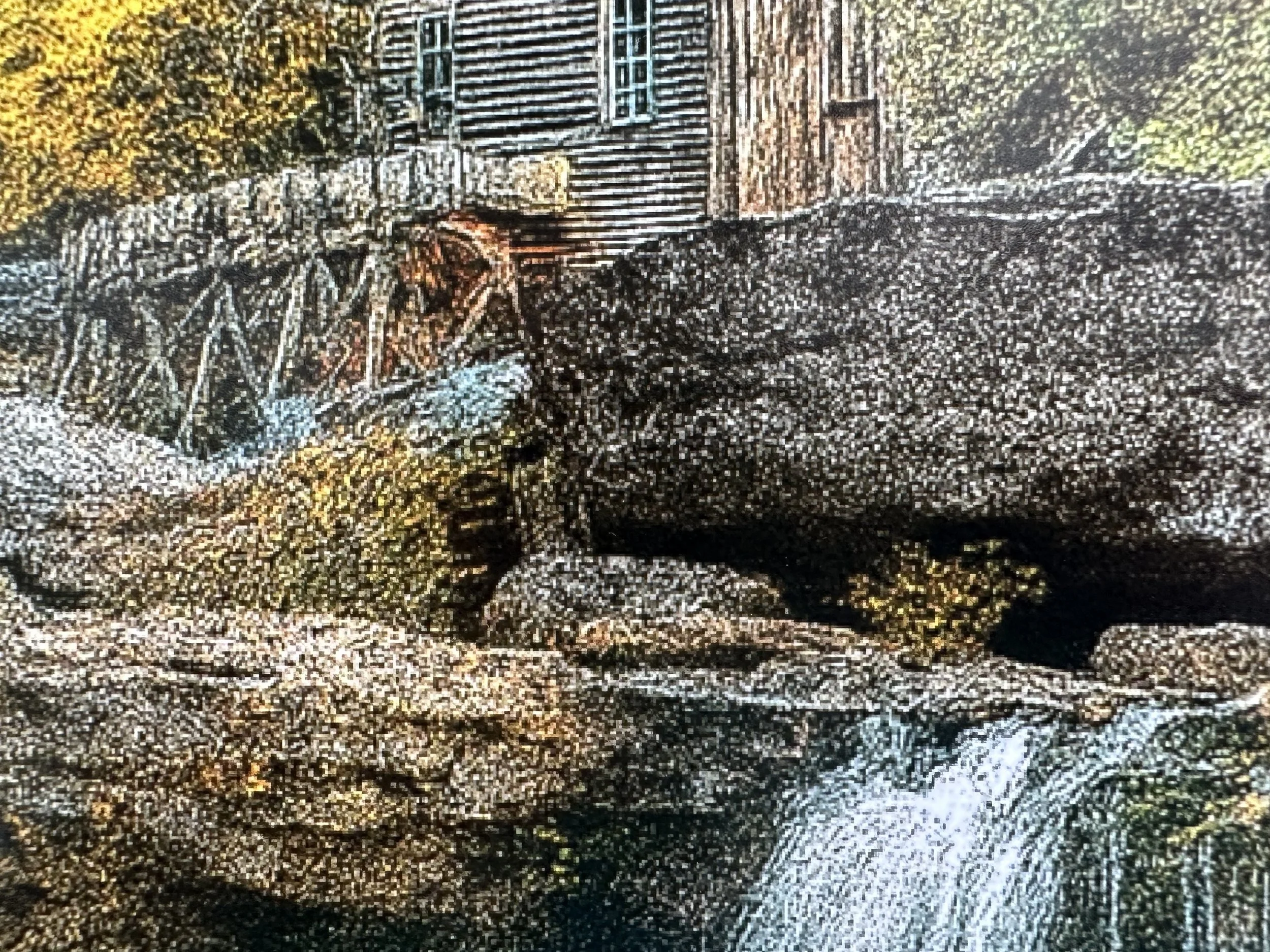
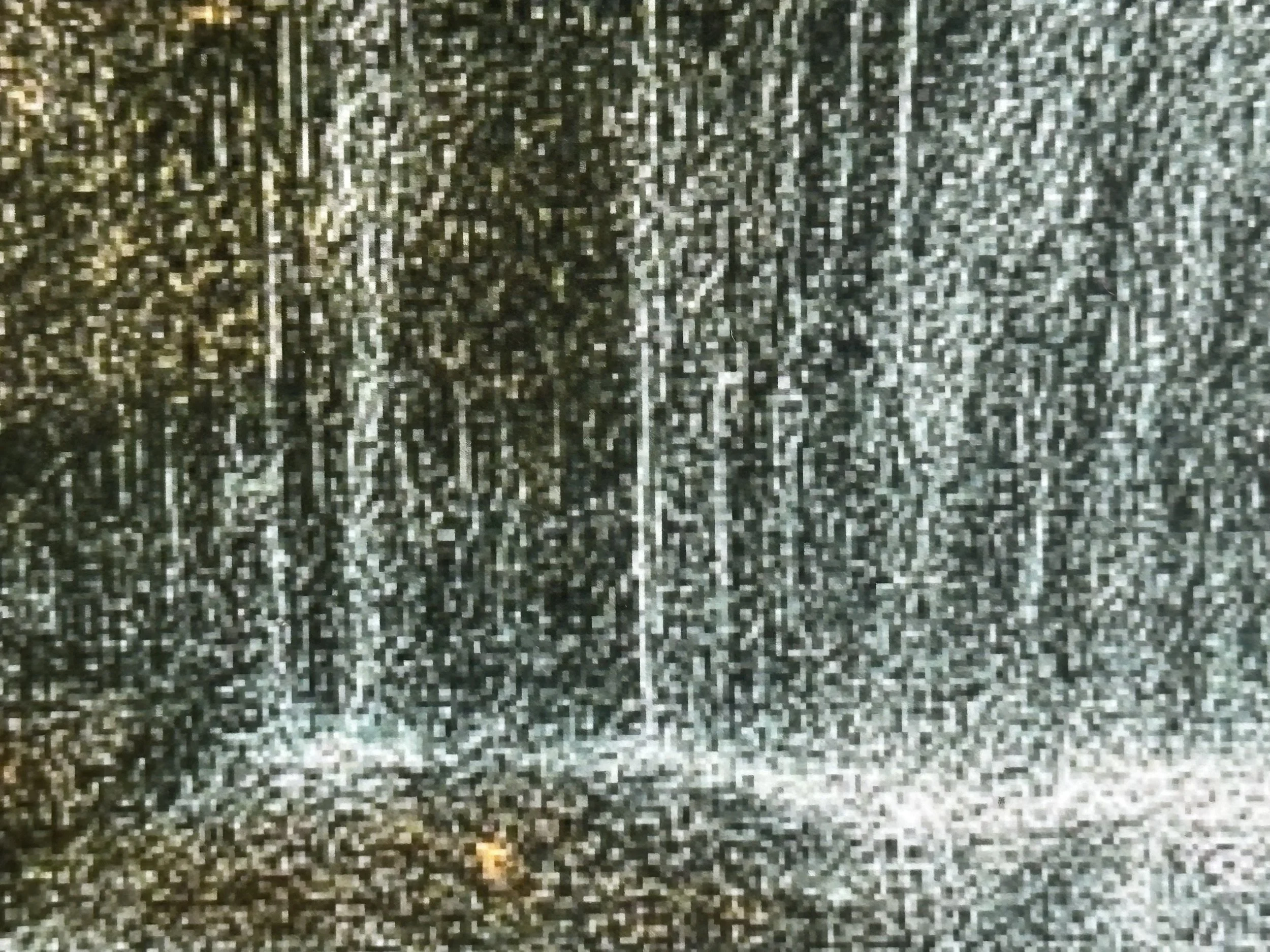
With the new image file ready to go, I tried yet another generative AI tool at my disposal, this time using exact wording in what I wanted to achieve (I didn’t have this option with Gigapixel); I typed “enhance photo, sharpen, and show detail,” without adding or removing parts of the image, just an overall blanket enhancement of what was already in the file. This process led to two unexpected happy accidents. The orange that appeared in the original shifted to yellow in parts of the image; the other was a Pointillistic effect applied to the whole picture, this put me in mind of a well-known painting I had seen several times at the art institute in Chicago by famous French painter, Georges Seurat “Sunday afternoon in a park on La Grande Jatte” (1884-1886).
Despite the unexpected artistic effects, the final result was satisfying. Lightroom was the only tool I used to open up shadows with detail, add depth to the trees by burning in the shadows, and give the bottom of the image a bit of blur to create the illusion of a soft mist. The bottom line is that my wife was pleased with the results. Now, the only decision left is the choice of Hahnemühle paper for the final print, a pleasant dilemma to have.
“All photographs are accurate. None of them is the truth.”


First Impressions: Hahnemühle Fine Art Papers
We have loaded new inks into our Canon Pro-1100 and replaced the maintenance cartridge. Now it's time to do some test prints.
First, I prepared the 2 images for print. These photos were taken with the LG G5 for the flower and the iPhone XS Max for the town image between 2016 and 2020. Their file sizes were between 1.4 and 2 megabytes. So to rid the images of any pixelation I used Topaz Gigapixel to enhance them for enlargements, which increased their sizes to about 30 and 45 megabytes. After that, I edited the images in Adobe Lightroom and Capture One.
I chose to test Hahnemühle fine art papers, focusing on their textured and Baryta stock. I picked Hahnemühle because it is one of the oldest paper companies, and its reputation among my peers influenced my decision. I bought four sample packs, each containing two sheets of each paper type. So far, I have tried three of the papers, and I'm impressed with the results. The first prints featured a flower on a steel table. I printed a large 17x22 image on Canon Pro Luster paper as my reference. The two 8.5x11 images were printed on Hahnemühle Fine Art Baryta gsm 300 with a satin finish. This paper is thicker than I am used to; it feels like cardstock. It held together well, especially in the blacks and shadows.
Next, I decided to try the Hahnemühle 13x19 papers, specifically choosing the matte fine art/textured option. The decision wasn’t straightforward, as each paper had a watercolor surface made of 100% cotton, which produced similar whiteness in the images, ranging from 87% to 88.5%. The difference was not significant. I narrowed my choices down to the William Turner and the Museum Etching paper, ultimately selecting the Museum Etching paper for this round. I have to admit that when I first held my image printed on this paper, I felt somewhat withdrawn. The colors appeared muted, and the blacks seemed muddy. I had to come to terms with the fact that this was my first experience seeing my work on a paper that wasn’t a luster finish, and I am still learning how to print my images at home. After a couple of days of observing my image from a distance and up close, using my loupe to carefully examine different parts, I began to appreciate what this paper had to offer. In the end, it won me over.
Now that I had tested the Hahnemühle Baryta and the Museum Etching paper, it was time to test one that was close to the Canon Pro Luster paper, but not a luster paper, if that even makes sense. I printed my target image on the Canon paper, as I did with the flower image. Then I looked at what the next sample pack had to offer; there were 2 types of the matte fiber papers, a glossy, a luster, and lastly a pearl surface. I went with the Hahnemühle Pearl, and let me say, it knocked me out. I found something special in this paper. I was drawn to the overall look of the image, with its bright whites and exceptional shadow retention. This was going to be my go-to fine art paper for this surface. The only thing I would want to test and compare is Red River's Arctic White paper.
Self-printing has been an incredibly rewarding experience for me since I started printing my images at home since April. I'm eager to experiment with several more sample papers from Hahnemühle, and I can't wait to share the outstanding results.
Here’s a link to the Hahnemuhle sample packs that B&H Photo offers.
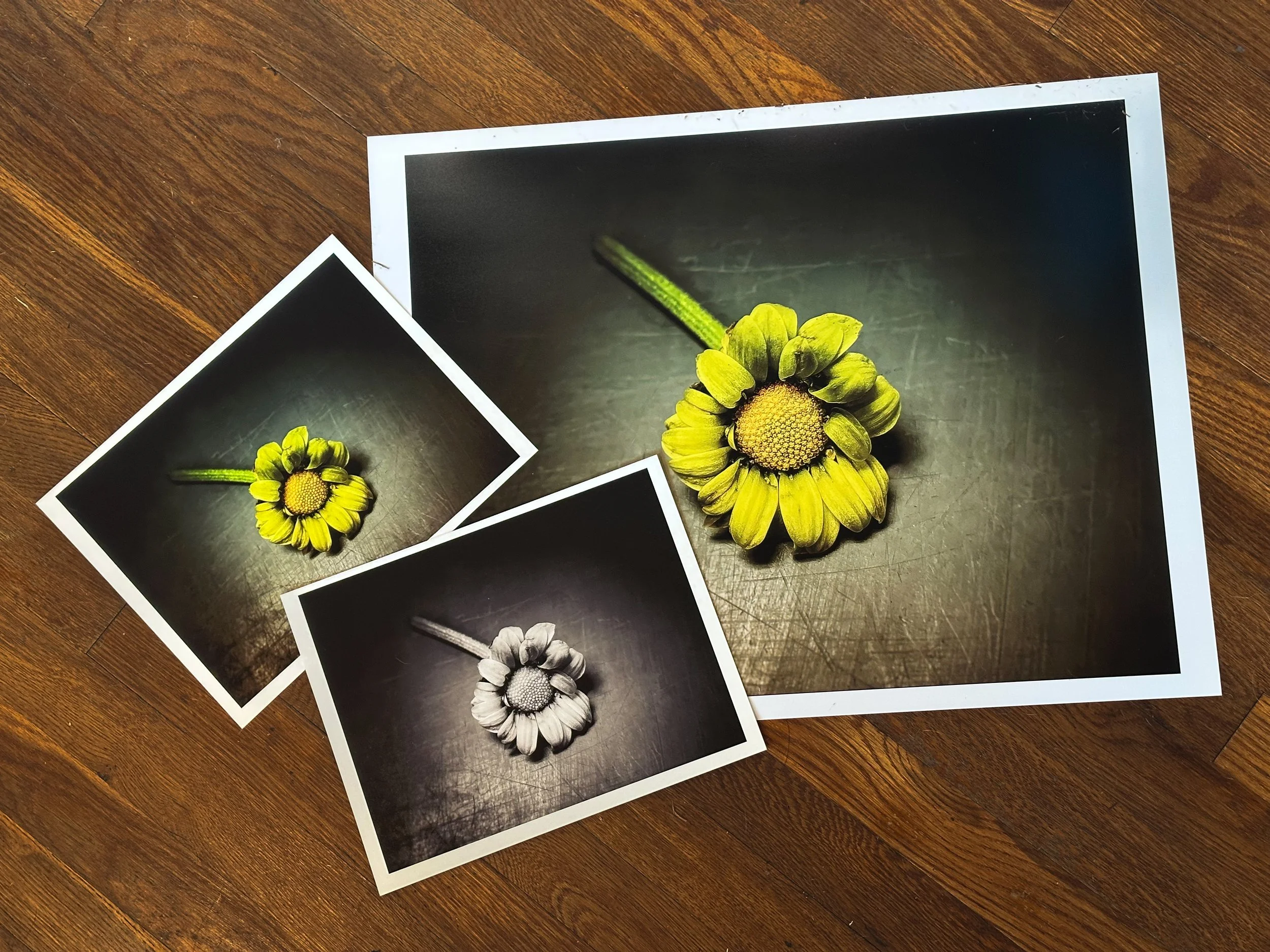
Above (L-R) (8.5×11) Hahnmühle Fine Art Baryta Satin 300 gsm , (17×22) Canon Pro Luster 260 gsm
Below (L-R) Hahnmühle Museum Etching 350 gsm, Hahnemühle Pearl 310 gsm , Canon Pro Luster 260 gsm
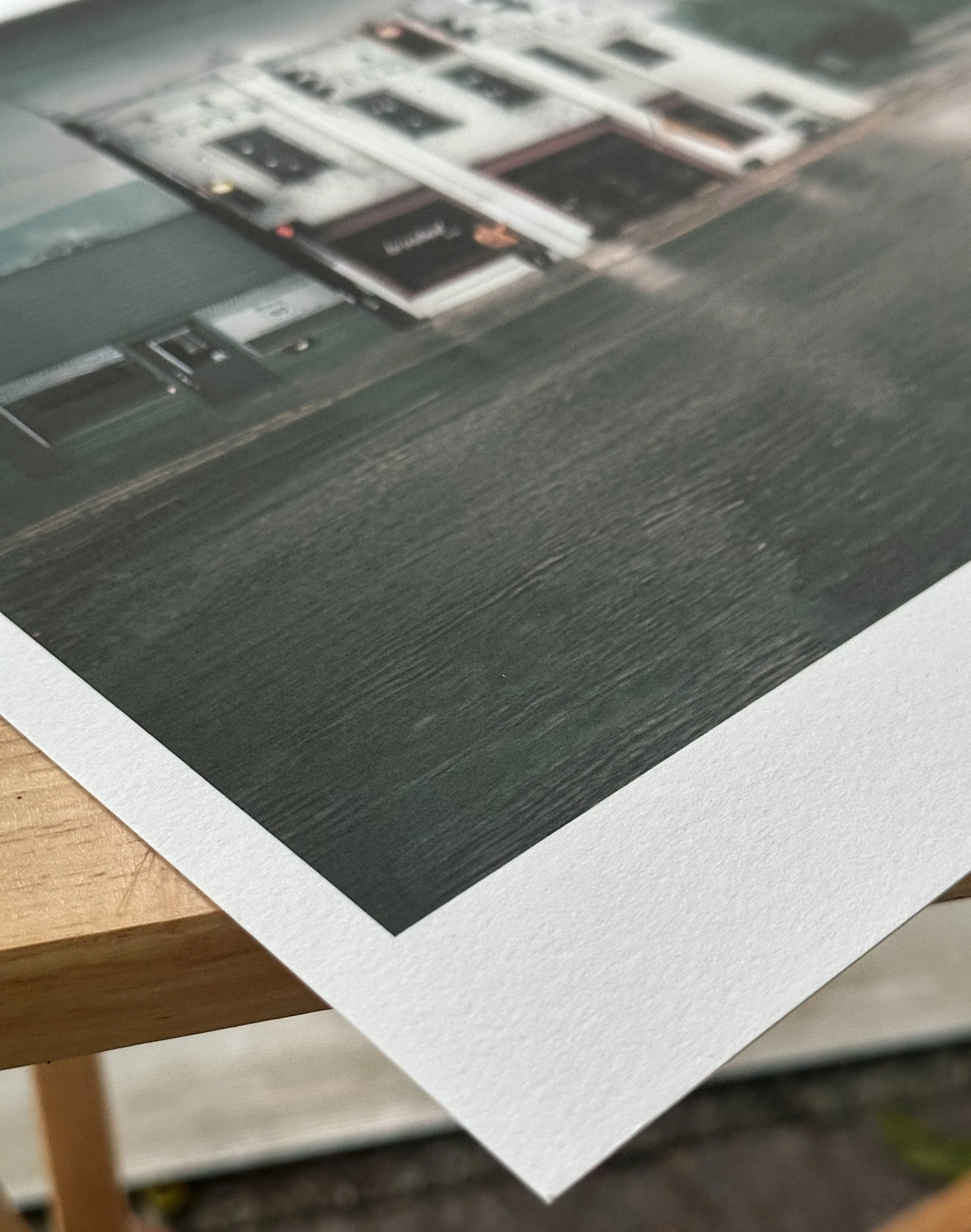
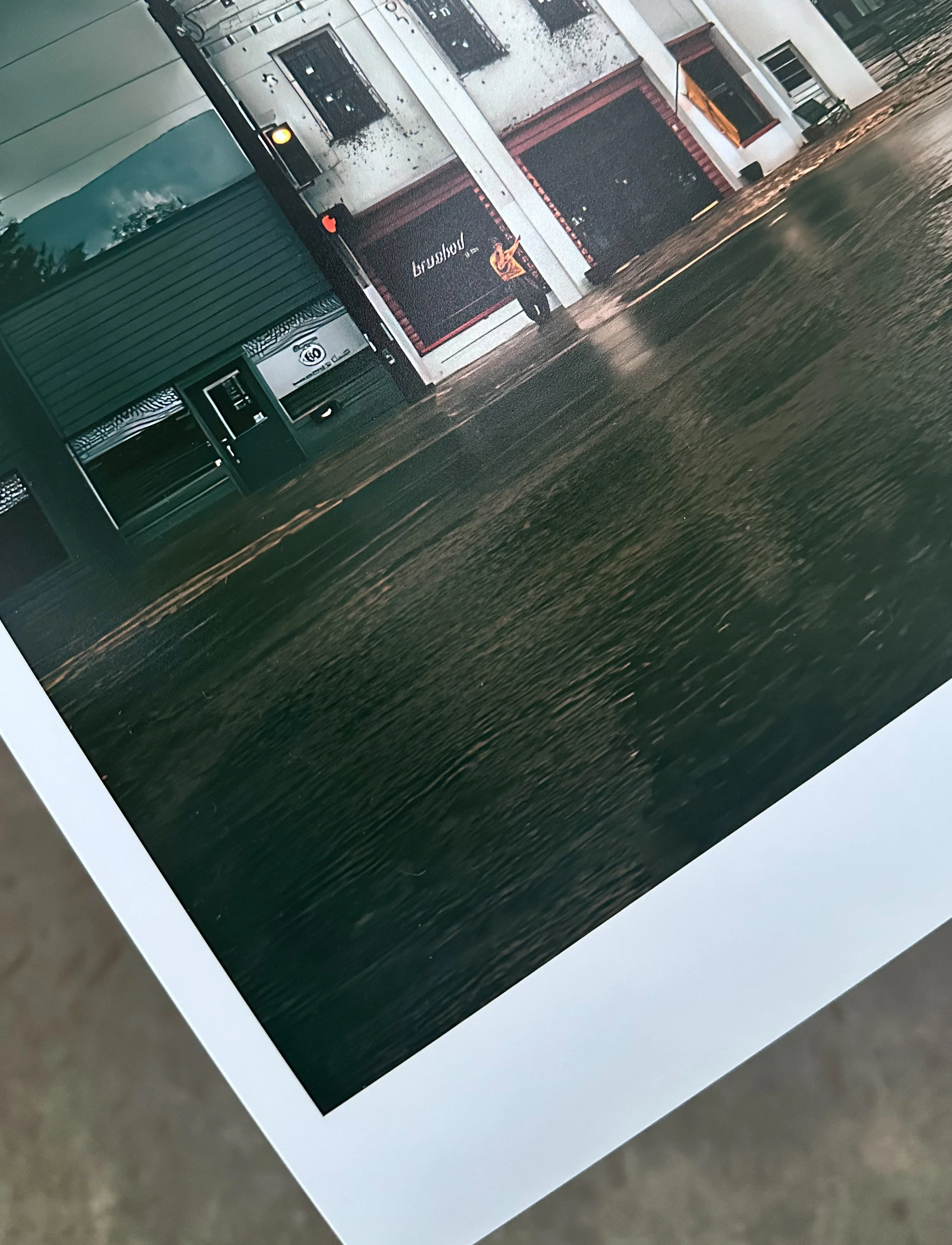
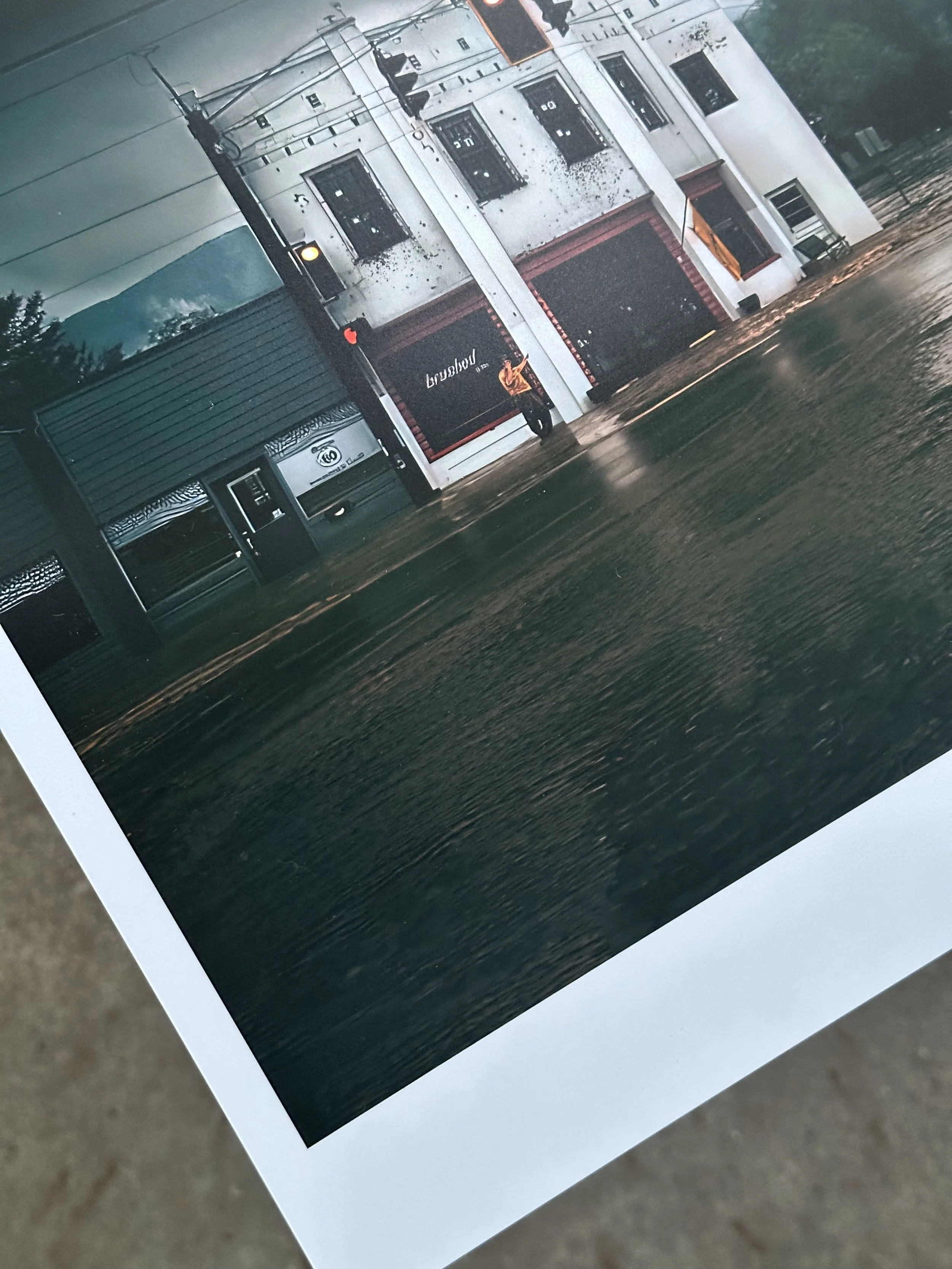

Left: Hahnemühle Museum Etching Paper 350 gsm Right: Hahnemühle Pearl 310 gsm

Part 3: Canon imageprograf Pro-1100, 90 Days Later
It’s been approximately three months since we purchased the Canon Pro-1100 printer, and during that time, we have experienced several power outages—three within the last two weeks of June alone. Two things that the printer does not handle well are being powered off and power outages
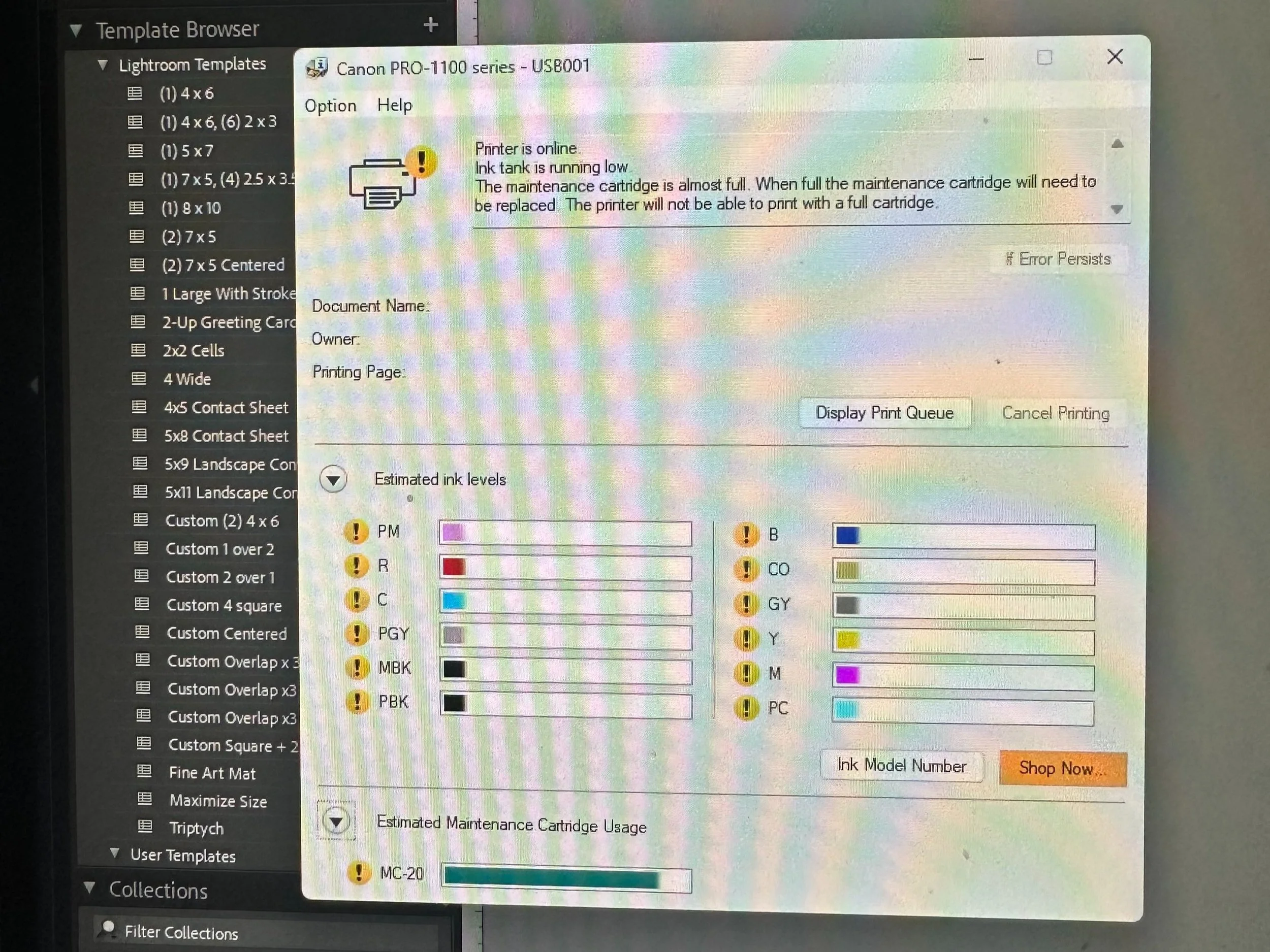
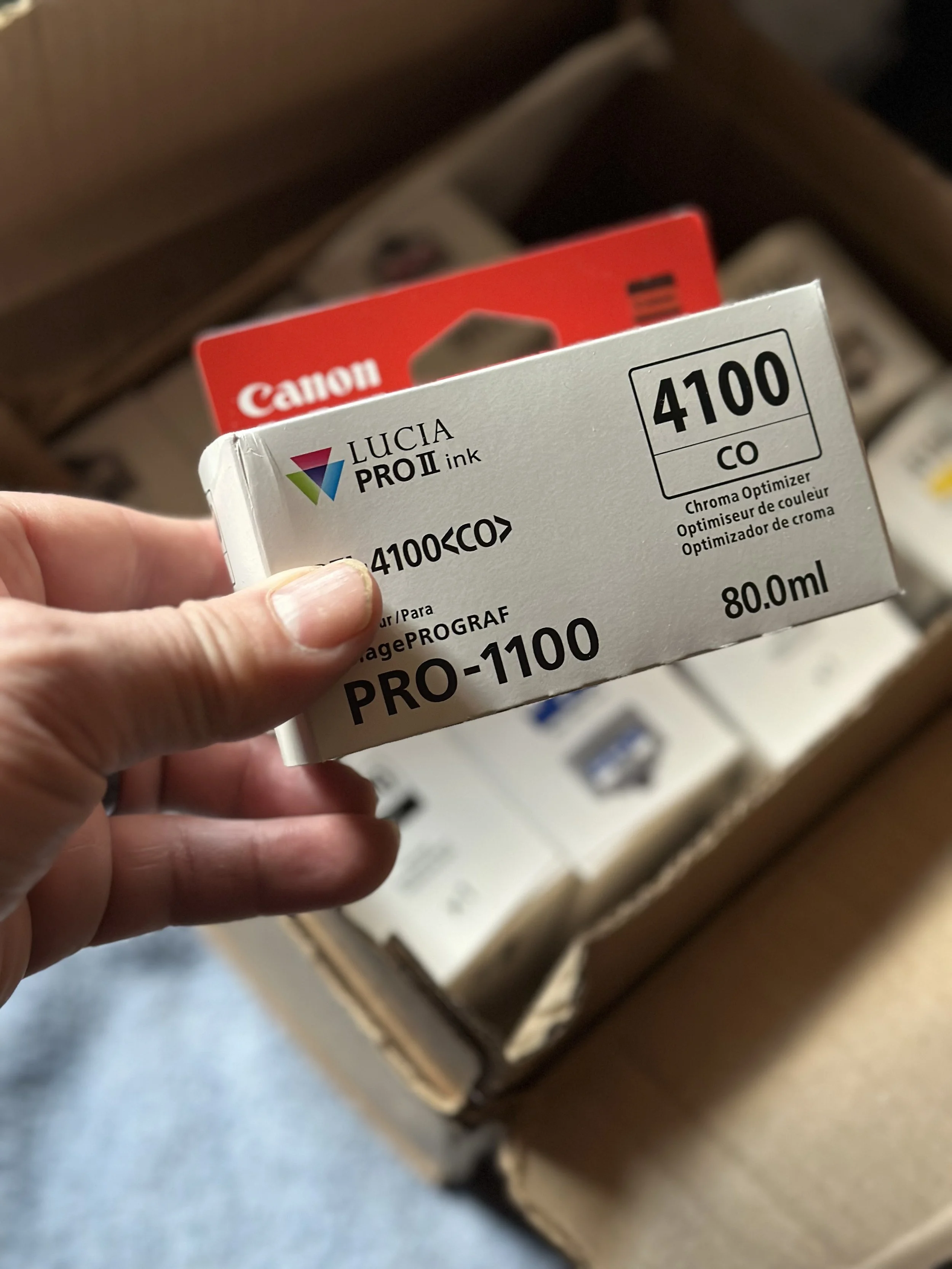
I bought the Canon Pro-1100 printer three months ago. Since then, I've faced several power outages—three in the last two weeks of June. The printer doesn't handle power loss well. When the power goes out, it automatically cleans itself and uses a lot of ink, sending it to the maintenance cartridges. After the first outage, I noticed that my Chroma Optimizer (CO) was low, but I ordered a replacement without worrying. The second outage affected my Photo Black (PBK) ink. Instead of ordering a new cartridge right away, I decided to see how long I could print with it being nearly empty. After the third outage, I realized I had critical ink levels for all my colors, and the maintenance cartridge was almost complete.
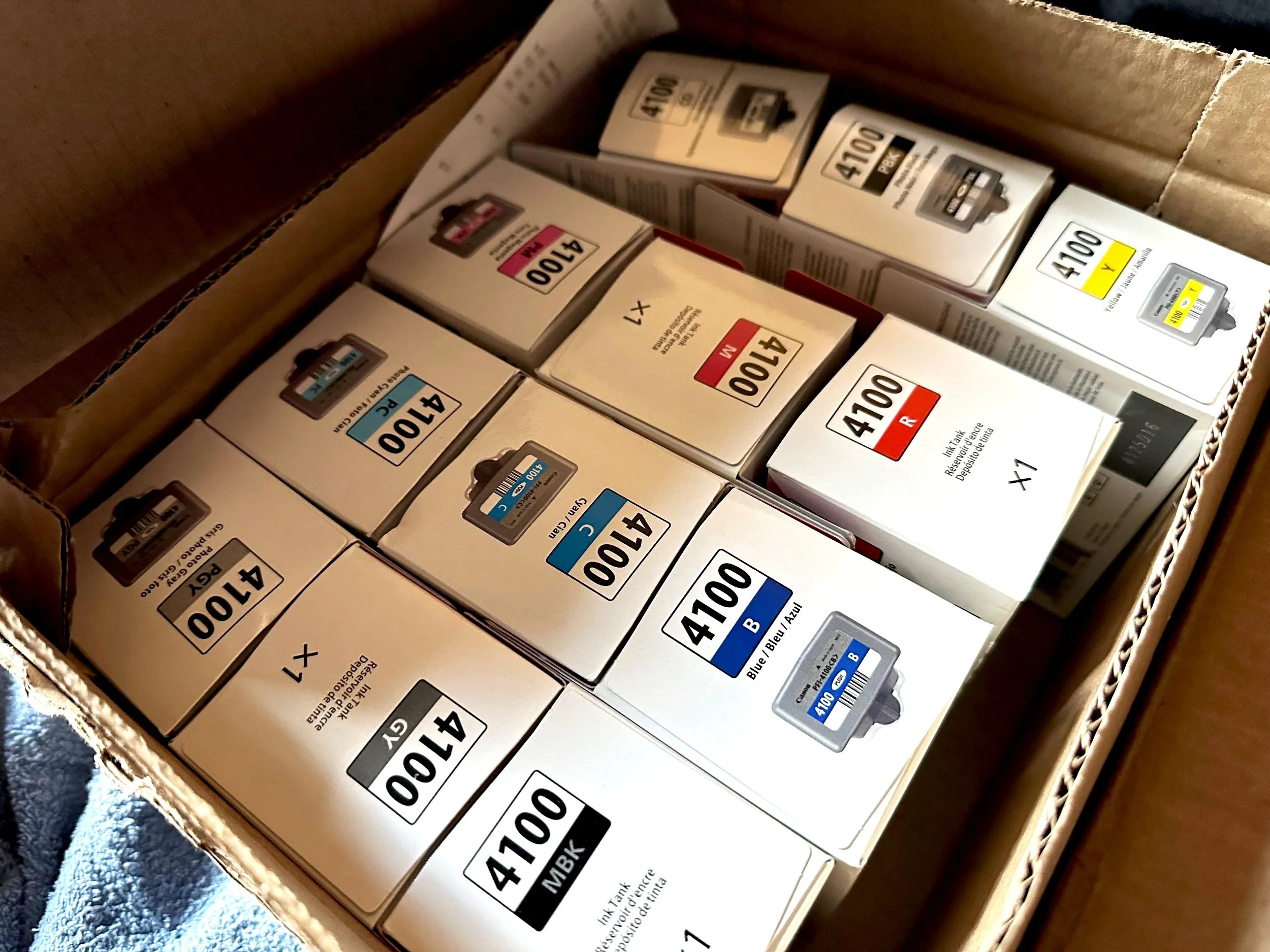
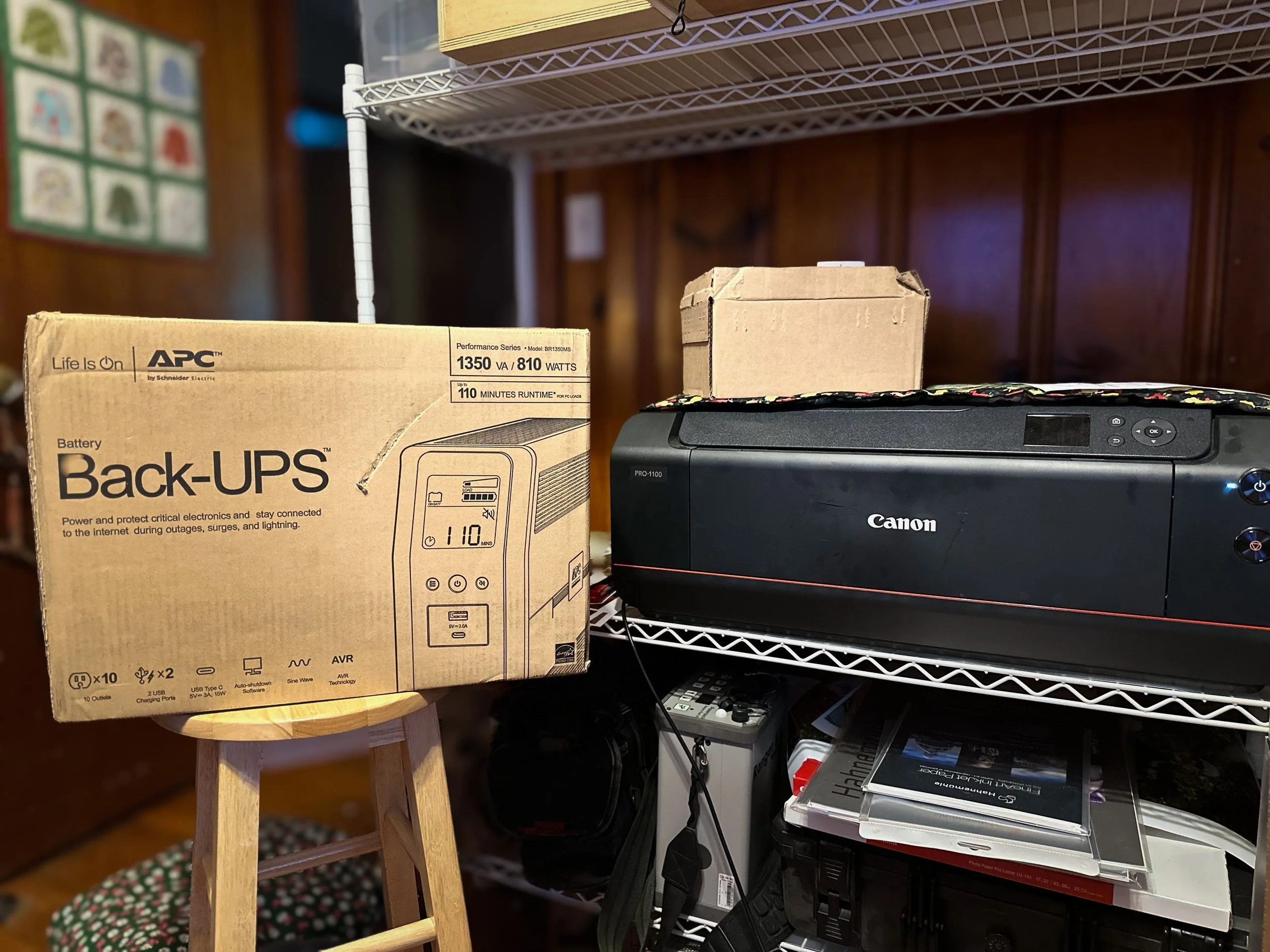
I ended up going back to B&H to order the other 11 inks and a maintenance cartridge. I also started looking into battery backup units from APC and CyberPower to avoid future problems. With so many choices, I chose the APC 1350VA battery backup for our printer. It's an 810-watt unit, which may be more than I need, but I thought it was better to have extra power. Since the last outage on June 23, I discovered from the Canon forums that when this printer is in standby mode, it draws 1.1 watts of power. I feel prepared for whatever comes next.
Final Thoughts
I have printed around a dozen 13x19 prints using the original ink that came with my printer, and it is still functioning well despite the critical ink levels. I have new ink cartridges on standby, along with a new maintenance cartridge.
On days when I don't print, I still perform a nozzle check, a tip I learned from Jtoolman's Photo Printing Techie and Keith Cooper's YouTube channels. Keeping the printer on helps prevent the deep cleaning cycles that waste ink. A safeguard would be investing in a battery backup; you won't regret it.
After using this printer for more than 90 days, I'm happy with it. The deep blacks and vibrant colors caught my attention, as well as the 17" wide prints. There's something special about holding your work in your hands; it feels equally as satisfying as seeing the images before editing. I'm also considering gathering a group for a portrait project that combines film and digital photography. I want to provide my clients with enlargements of their sessions, and the Canon Pro-1100 will help me achieve that.
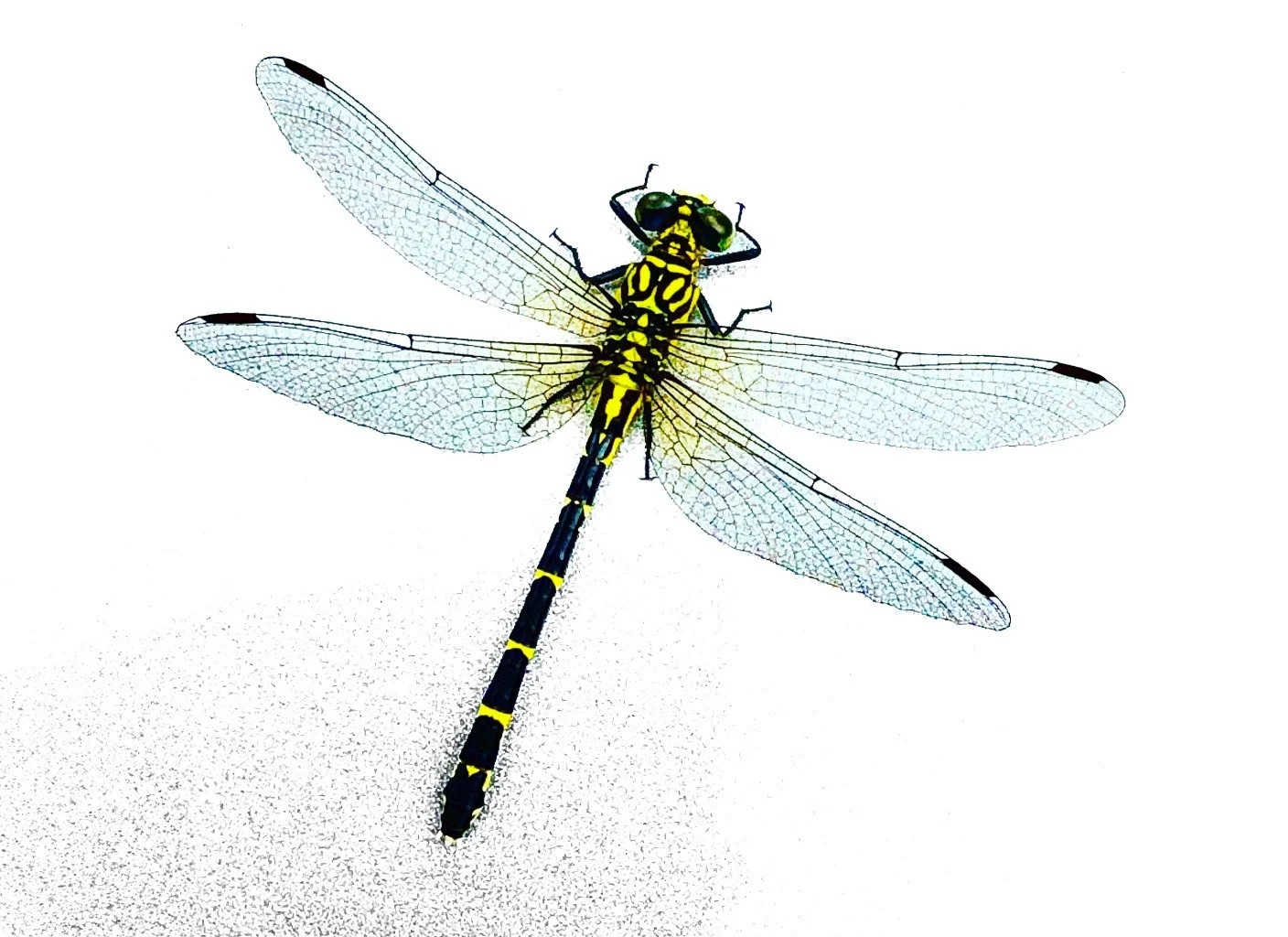
Randomness, Dragonfly on a wall. shot with my iPhone 14 Pro Max
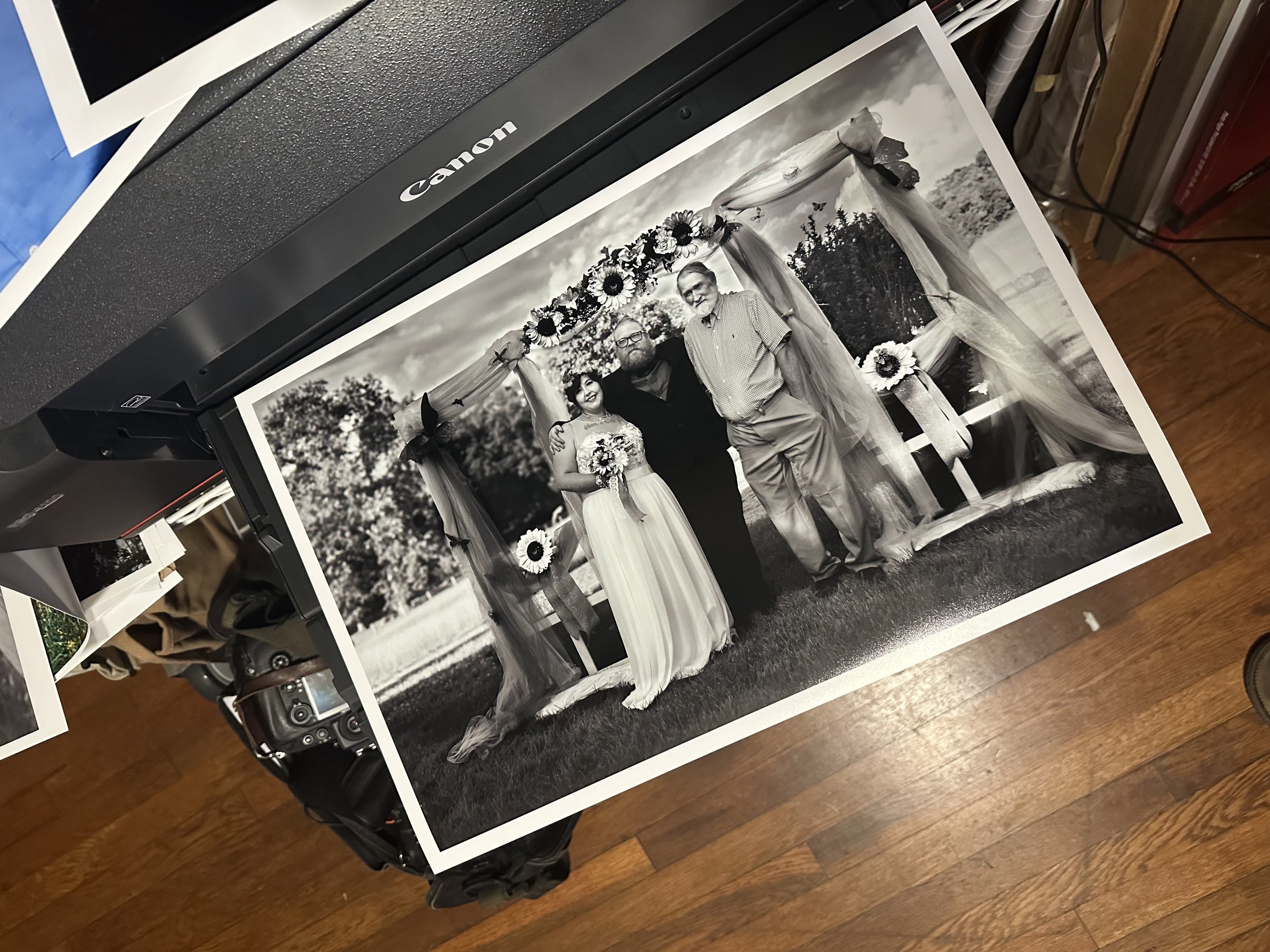
Friend’s wedding, Nikon D200
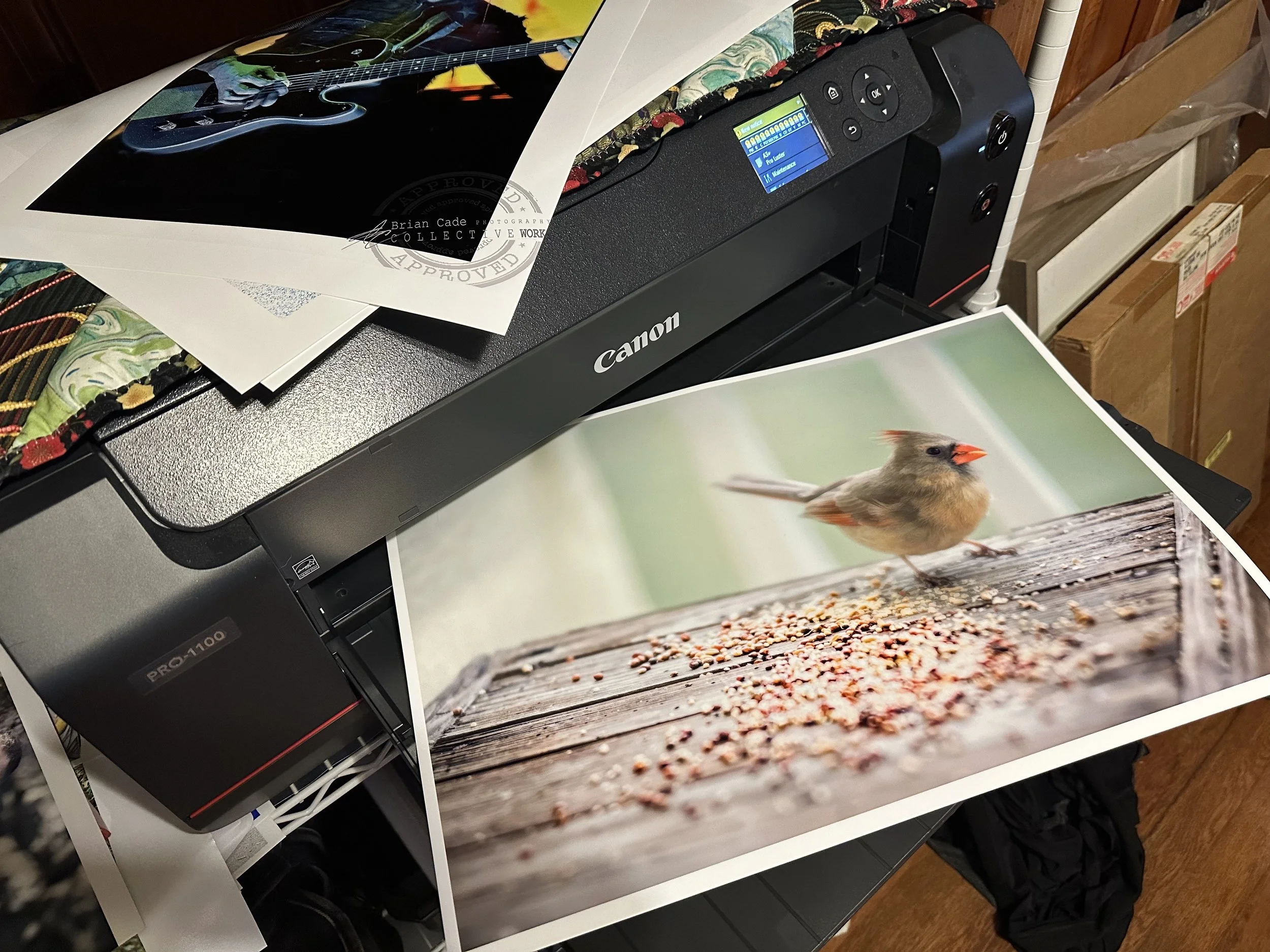
Randomness, Sony 7RII w/135mm G master
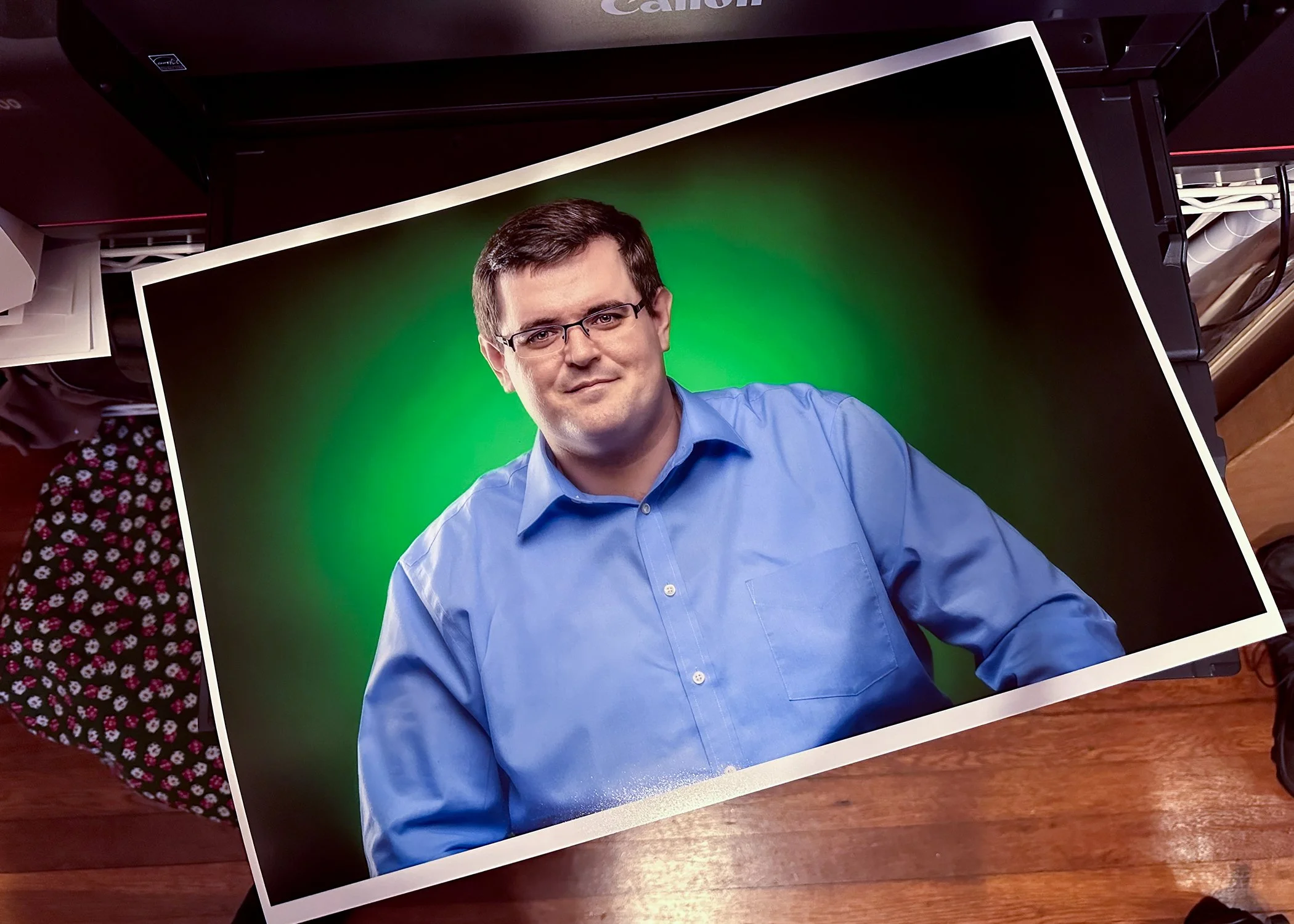
Shot with a Nikon D800.
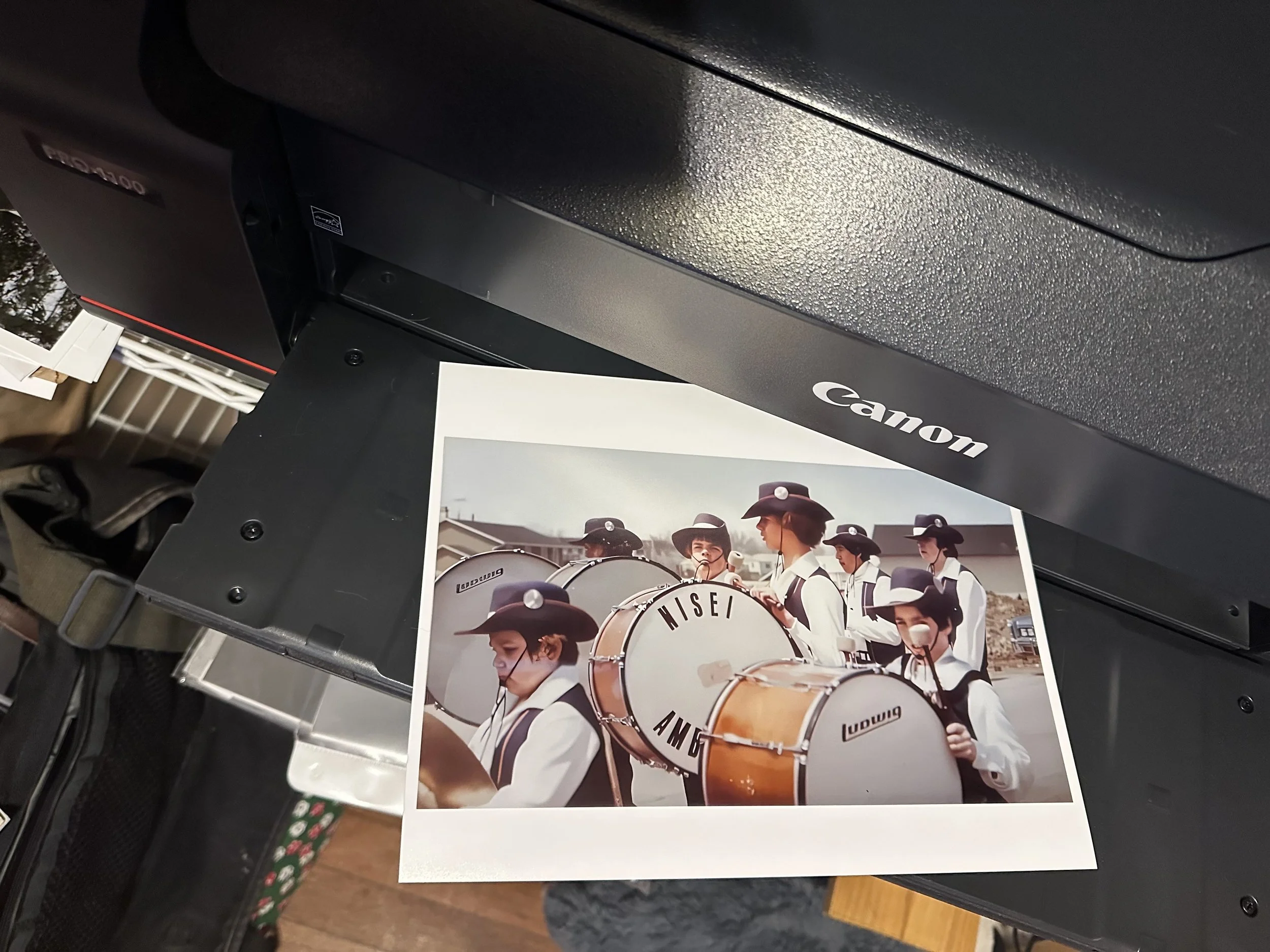
This is me around 1975 (Chicago) , Nisei Ambassadors drum and bugle corp. taken by staff.
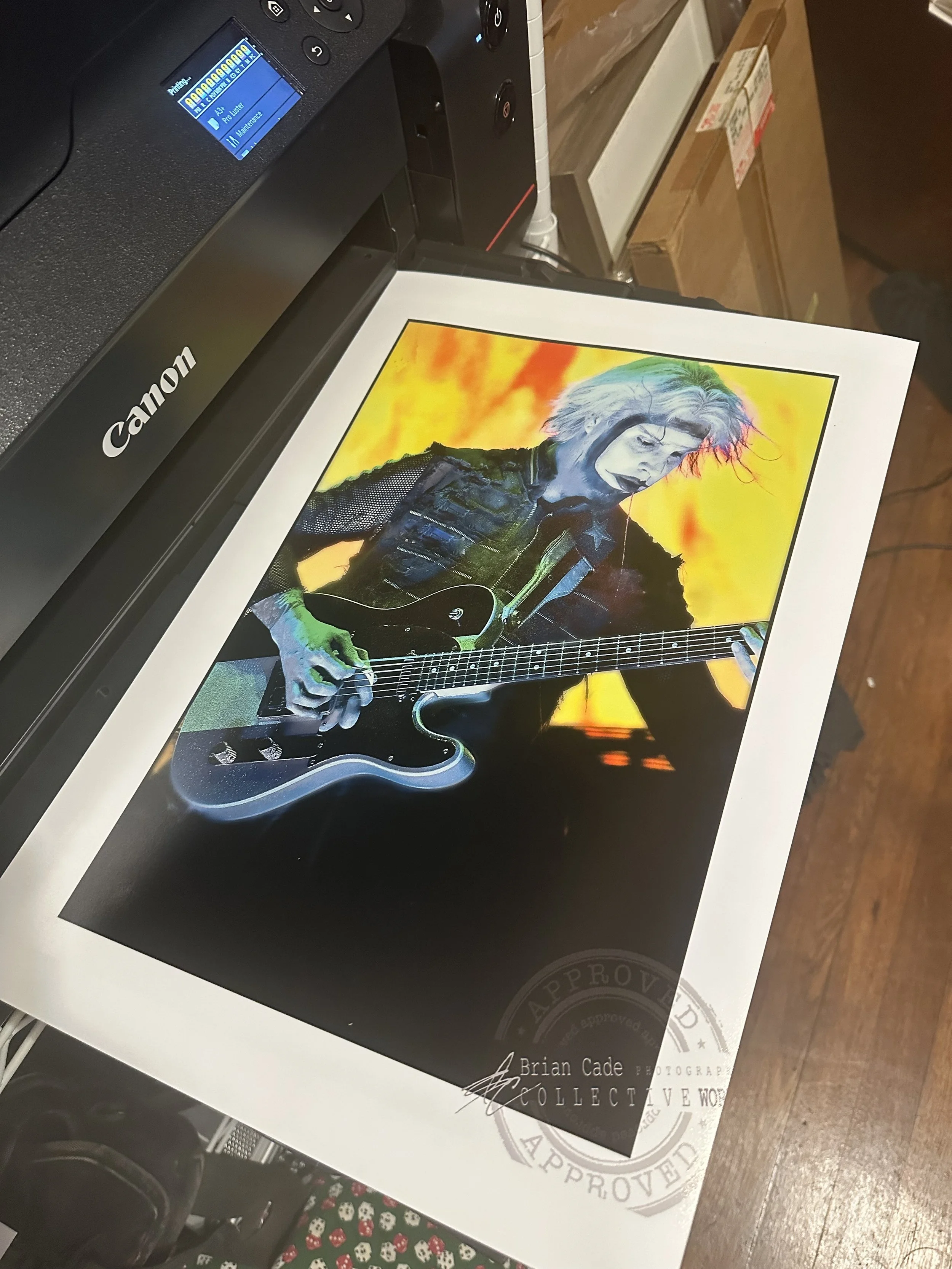
John 5, Mayhem fest in Raleigh, NC, Nikon D200

Part 2: Canon imageprograf Pro-1100
Now that the printer was still securely stored in the box, I found myself needing to order something with the appropriate width and depth that would allow it to sit on top of it comfortably. Although several options I explored online were aesthetically pleasing and well-designed, they didn’t seem practical for the specific purpose

Now that the printer was still securely stored in the box, I found myself needing to order something with the appropriate width and depth that would allow it to sit on top of it comfortably. Although several options I explored online were aesthetically pleasing and well-designed, they didn’t seem practical for the specific purpose I had in mind. After deliberating, it took another two weeks to order and receive the shelving unit successfully. Upon its arrival, I was genuinely delighted and relieved, as I was also able to neatly organize a lot of my gear on it, which made everything feel much more organized. One amusing aspect I stumbled upon was some of the videos I had seen of others who were taking their printers out of the box; they removed the bag that the printer was packed in and just lifted it out. However, I found the easiest way for me was to carefully use the sturdy handles of the bag to lift it out smoothly. Trust me, I only lifted it by the handles a few inches before moving it to the shelves, as I had my trust issues with such delicate equipment.
Setup and test prints (uncalibrated).


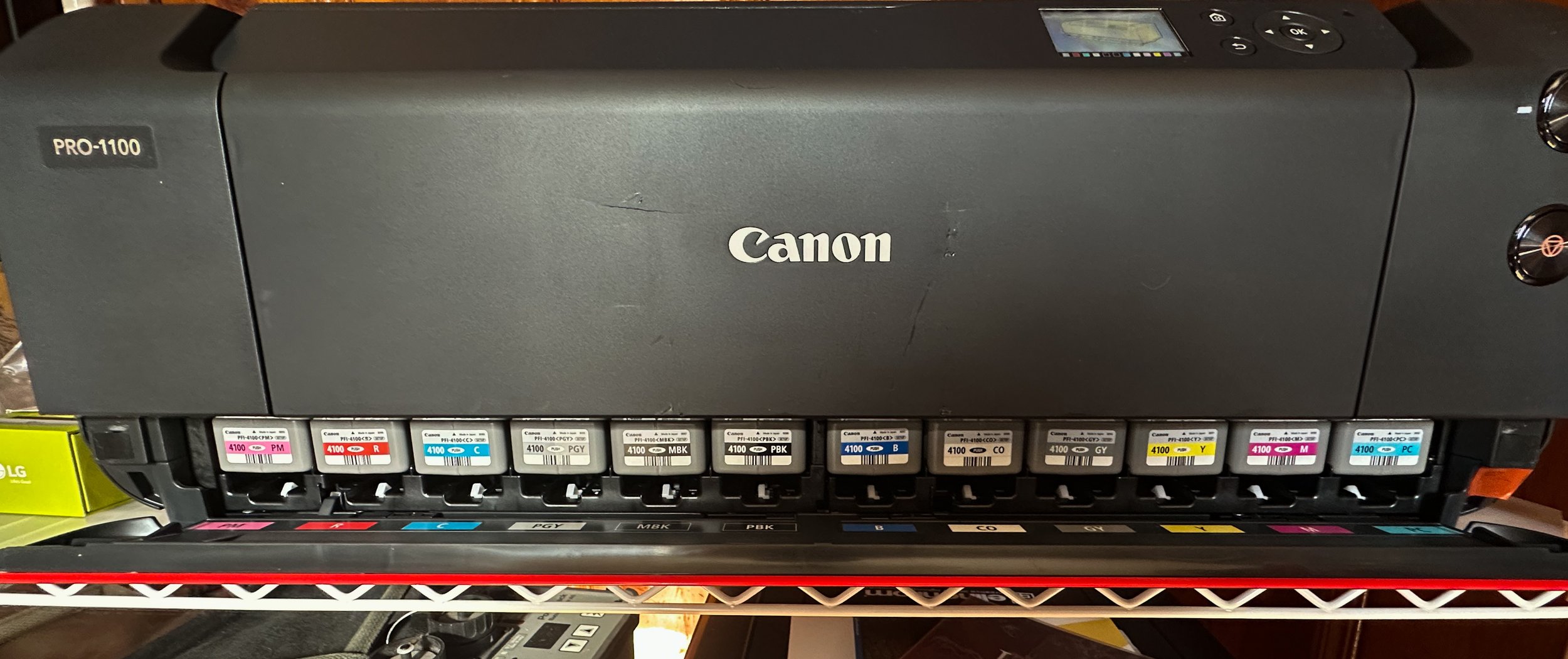


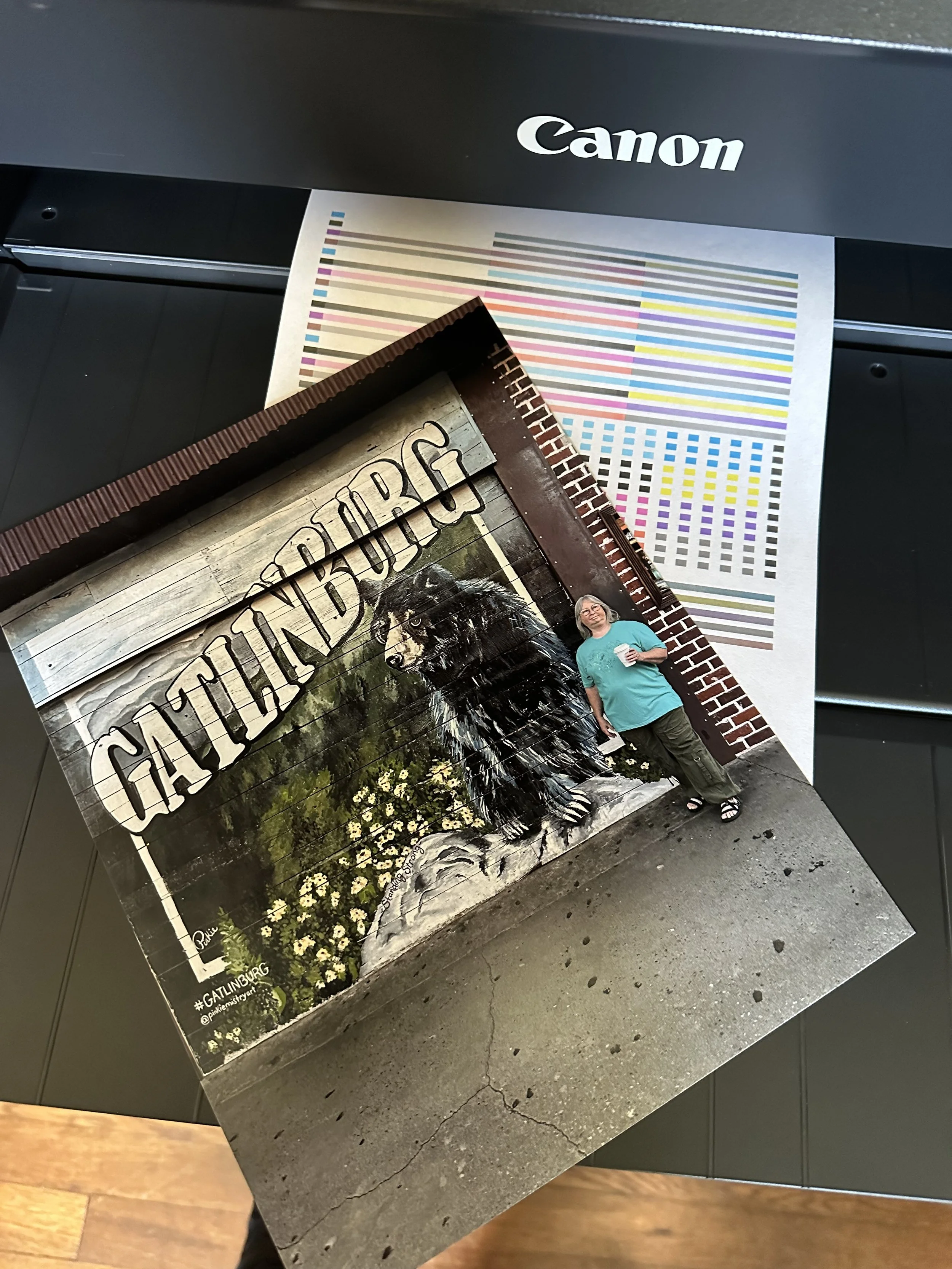

Calibrating my monitors, Troubleshooting the Wifi connection & more printing
The two YouTubers who significantly influenced my decision to start printing were Keith Cooper and JToolman Rodriguiz. They each provide a mountain of valuable information on their respective channels that covers printers, printing techniques, and calibration processes thoroughly. I will leave a link to their channels at the bottom of this page for anyone interested in exploring their content further.
Now, whenever the subject of calibrating my monitors comes up in conversation, I have always approached traditional color calibration as a task that my eyes can manage effectively without relying on the conventional methods and tools offered by companies like Datacolor or Calibrite. However, I must admit, I was ever so wrong in that assumption. It truly was an eye-opening experience seeing how off I was in my past edits.


Initial setup and print jobs were intended to be conducted wirelessly. Late in April, a strong thunderstorm rolled through our area, and as a result, we lost power. I didn’t think much of it at the time; after all, we’ve experienced power outages before, and I was confident that it would be restored shortly. Eventually, power was restored, and we were able to enjoy our gadgets once again, thanks to our internet service provider, Optimum. However, I soon realized that everything had returned to normal except for one significant issue: it was the first time I encountered a problem with the printer connection since setting up the Wi-Fi connection.
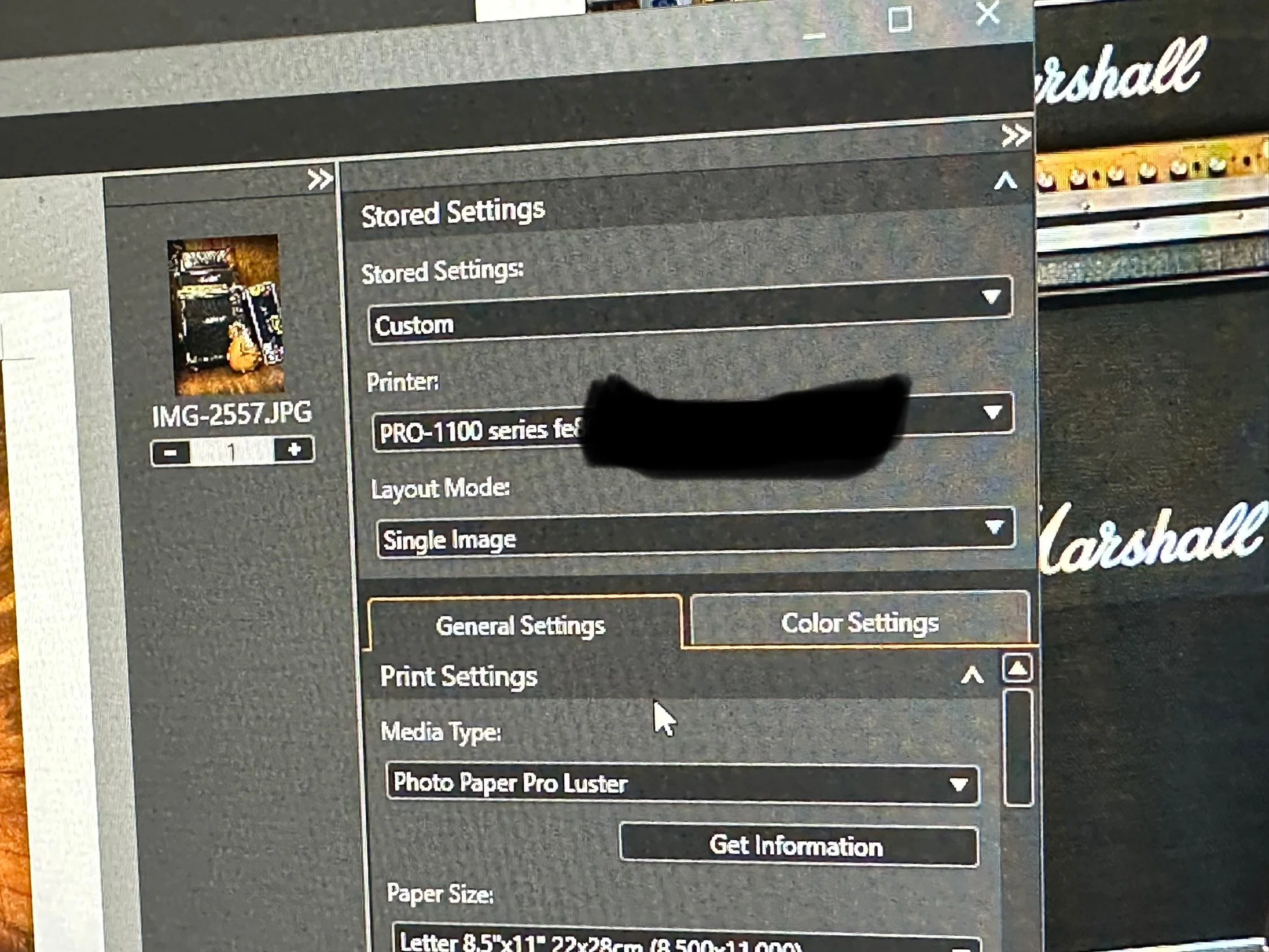
We were paying for the high-speed connection, as it was their best package available, and I expected nothing but optimal performance. I was trying to print using Canon’s Professional Print and Layout tool, which clearly indicated that the printer was recognizing the assigned IP address. However, to my surprise, I discovered through the printer’s utility program, “Canon Wi-Fi Connection Assistant,” that the printer was receiving only between 54-56% signal strength via Wi-Fi. It was no wonder I was unable to complete my print jobs; the link quality of Optimum’s signal was simply unacceptable. Seeking a solution, I found relief in a Facebook group called JToolman, where the members provided helpful advice. Following their recommendations, I connected the printer through a USB connection, and I was relieved to find that I was back in business once again.


Helpful Links
Part 1: Canon Imageprograf Pro-1100 — Brian Cade Photography: Collective Works
Shop Canon Pro imagePROGRAF PRO-1100 | Canon U.S.A, Inc.
Facebook page: Jtoolman Photo Printing Techie
YouTube Channel: Jose Rodriguez Photo Printing Techie
YouTube: Keith Cooper