
Moab Entrada Rag Bright 300gsm Paper
I've often been advised not to put all my eggs in one basket, which led me to explore another fine art paper option from Moab Paper. I reached this decision after searching for papers similar to my usual choice,
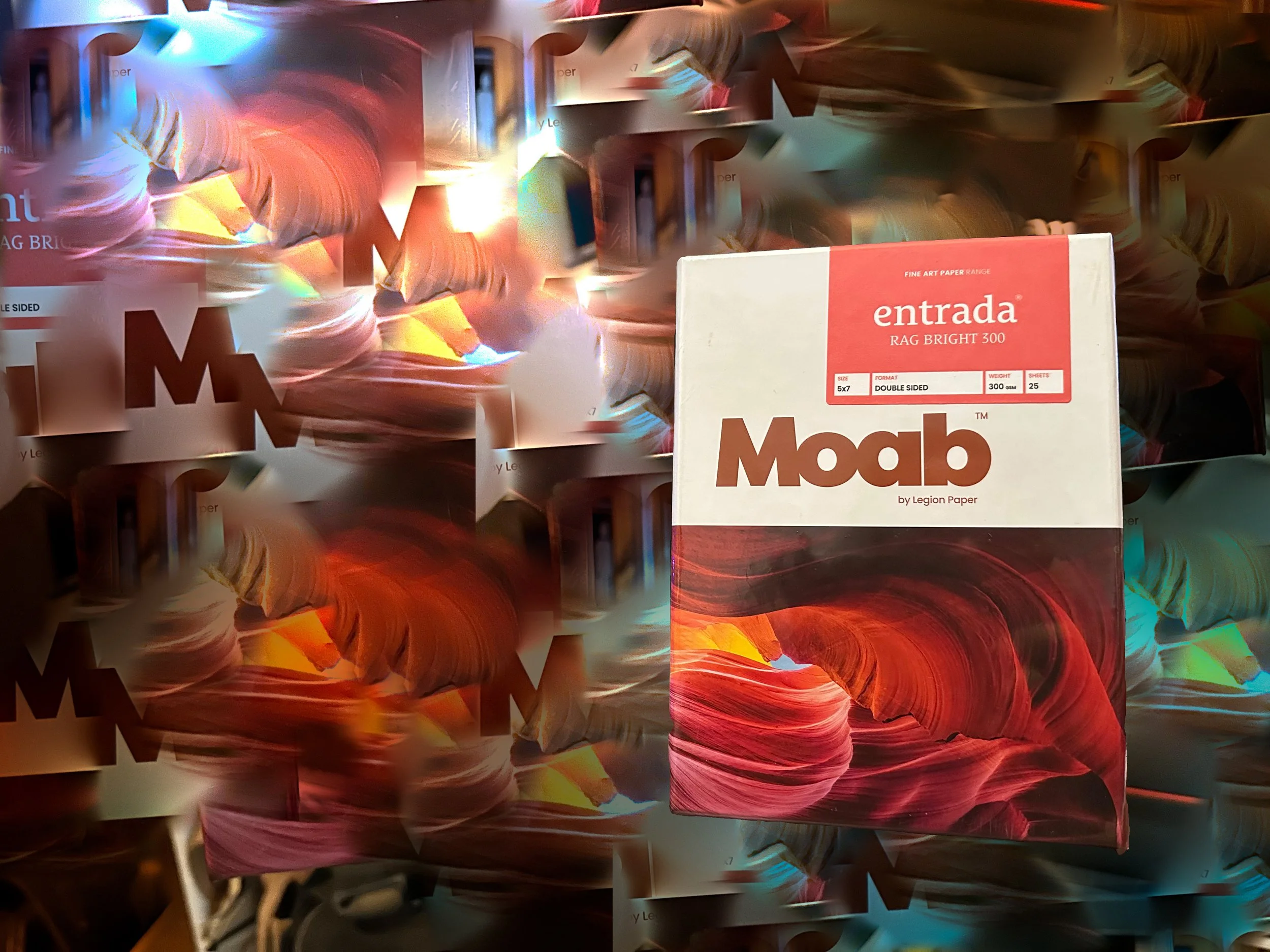
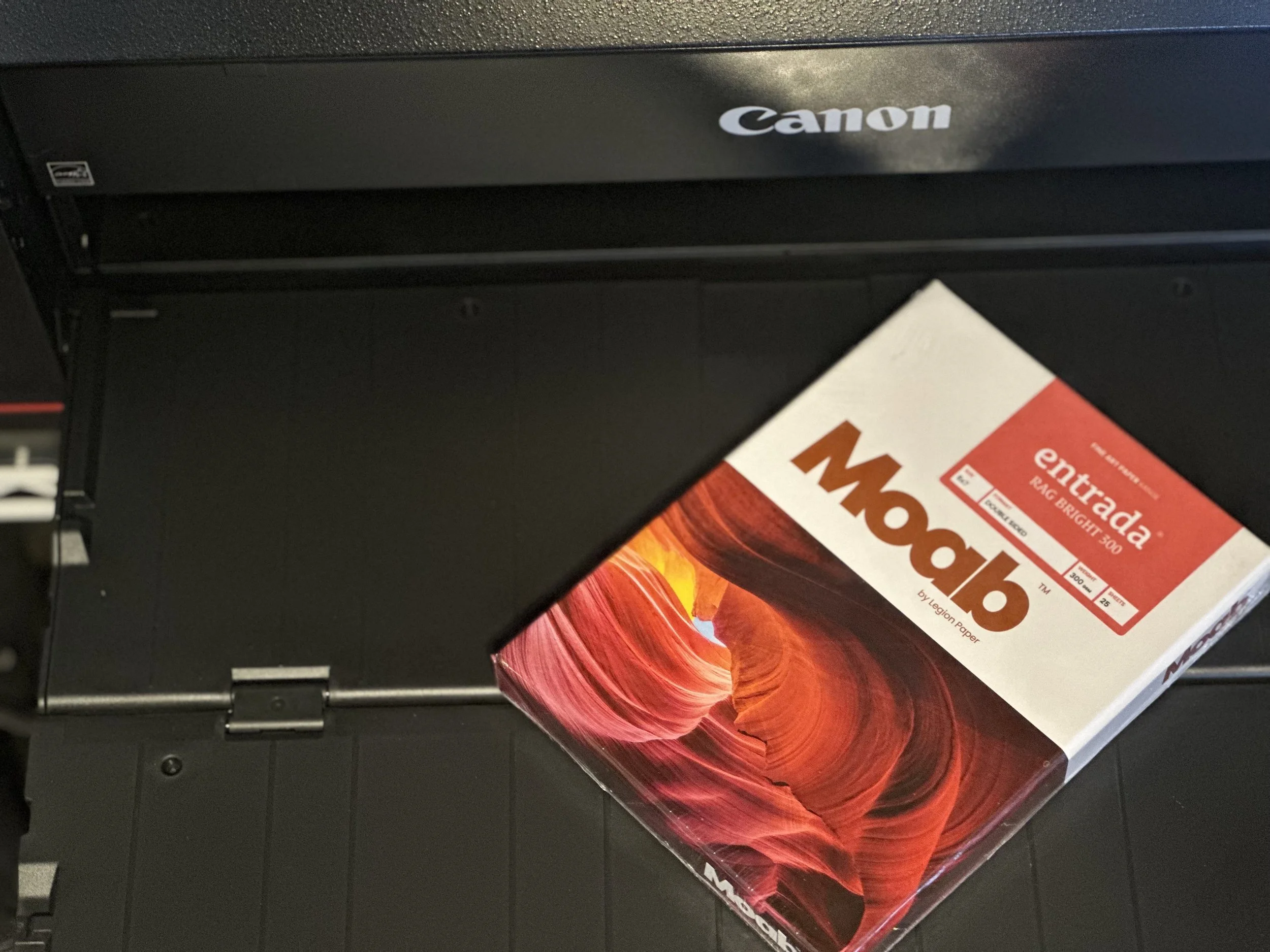
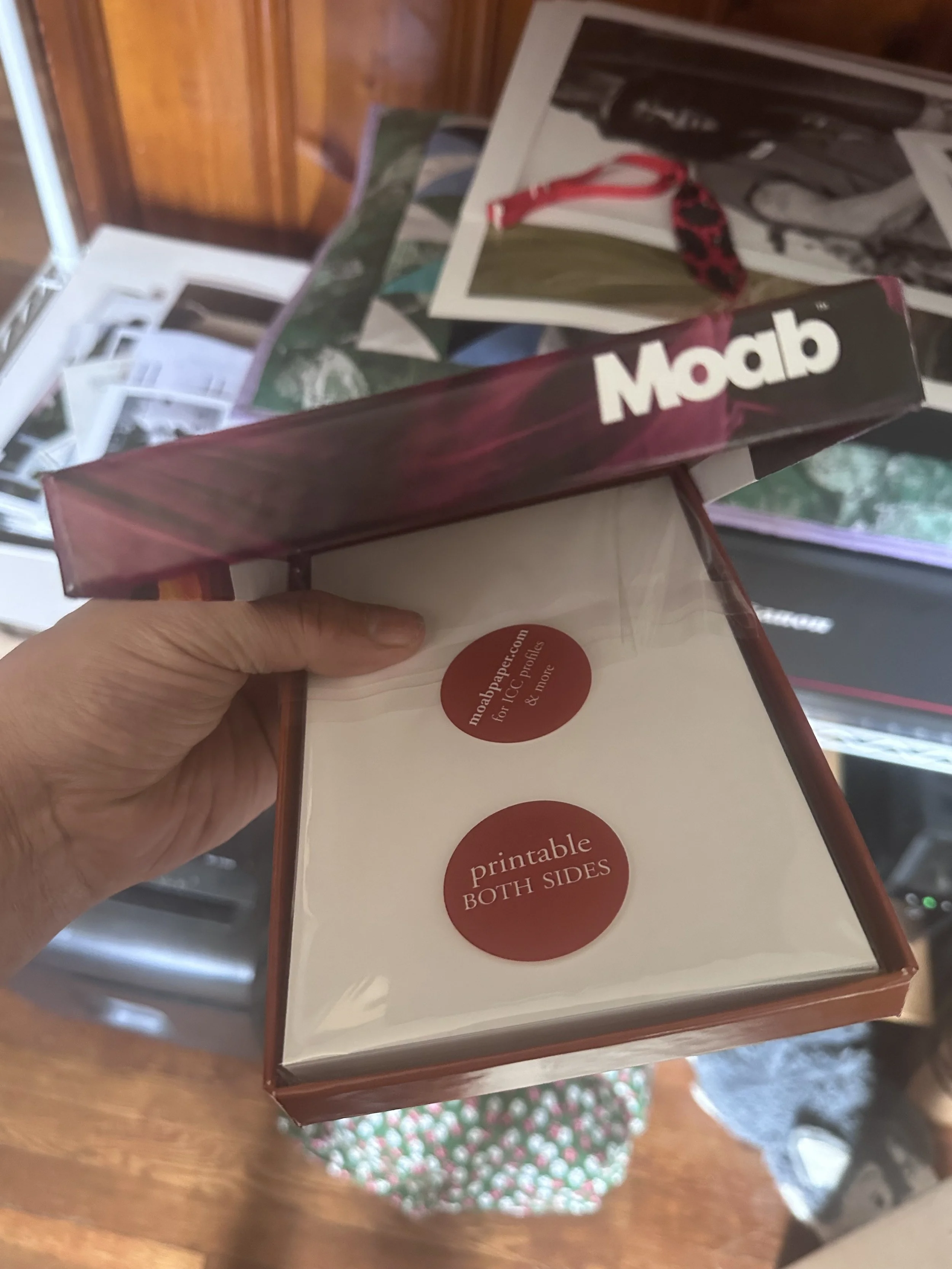
I've often been advised not to put all my eggs in one basket, which led me to explore another fine art paper option from Moab Paper. I reached this decision after searching for papers similar to my usual choice, Hahnemühle William Turner paper, and discovering Moab Entrada. Both papers share a similar texture, but in terms of feel, the Hahnemühle William Turner stands out as the clear winner.
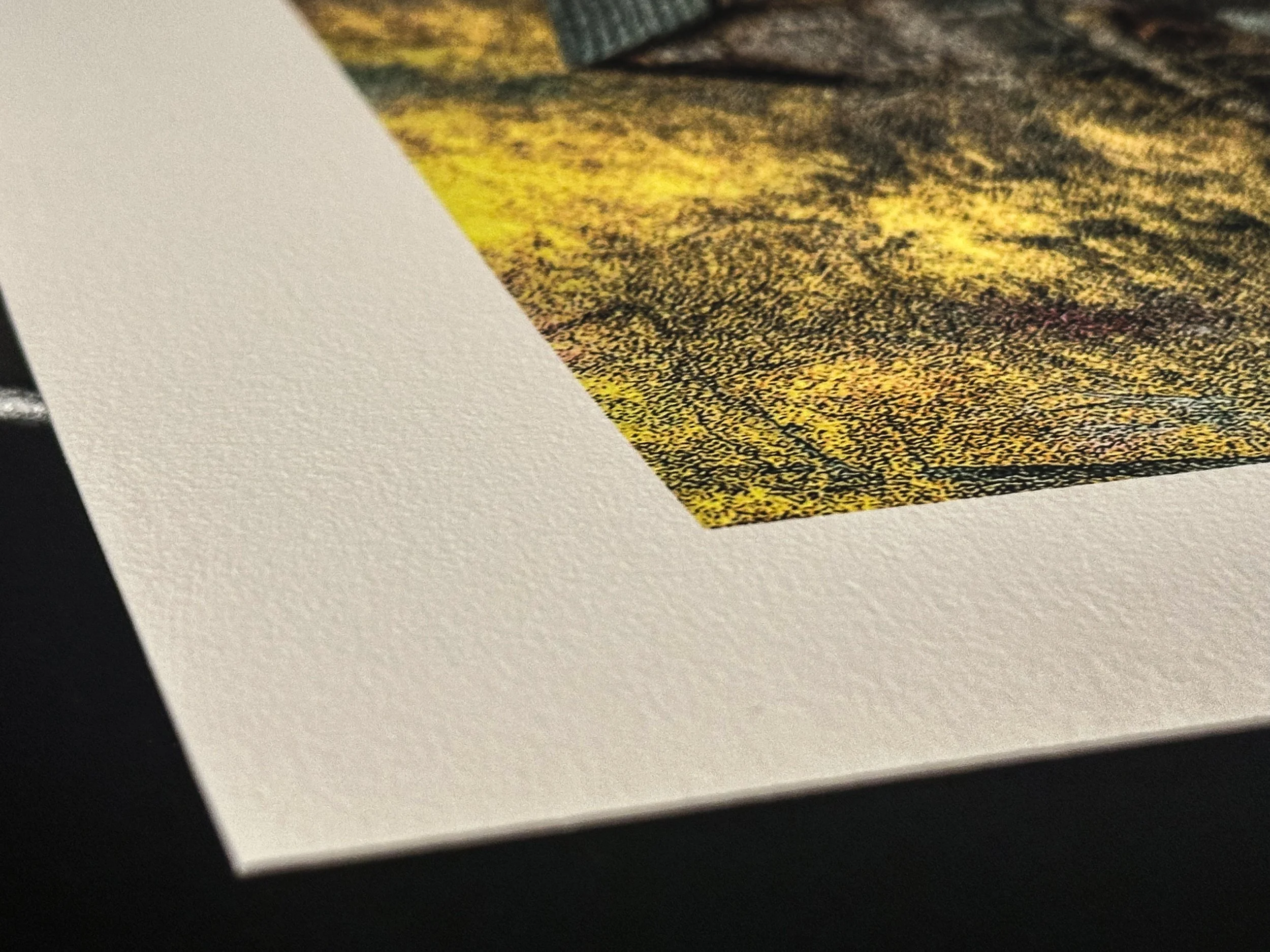
The Hahnemühle has a weight of 310 GSM, while the Entrada weighs in at 300 GSM, which isn’t a significant difference. However, the surface of the Hahnemühle felt a bit coarser than the Moab Entrada, which is somewhat smoother but not as soft as a Baryta paper. It still retains a nice texture. In terms of detail and shadow reproduction, both papers excel, as they are made from 100% cotton and are both archival and acid-free.
Since this was my first time printing my own work, I felt my initial impressions might have been a bit overly optimistic. I decided to step back from the Moab Entrada and revisit it later with fresh eyes to truly appreciate the final product—not only for its applications in art and photography but also for its pricing. The Hahnemühle costs $6.30 per sheet, while the Moab Entrada is priced more affordably at $4.65 per sheet, providing some budget flexibility.
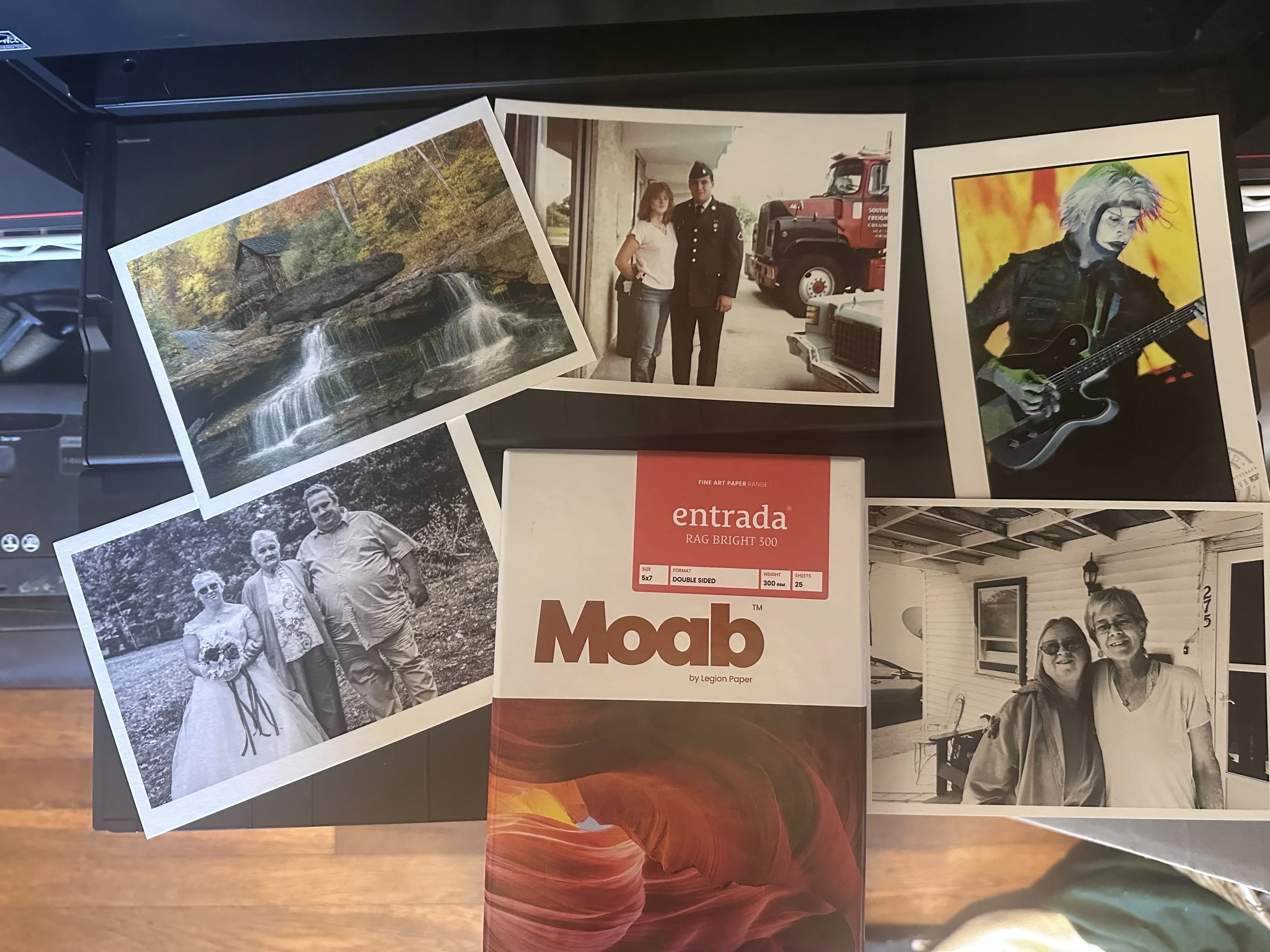
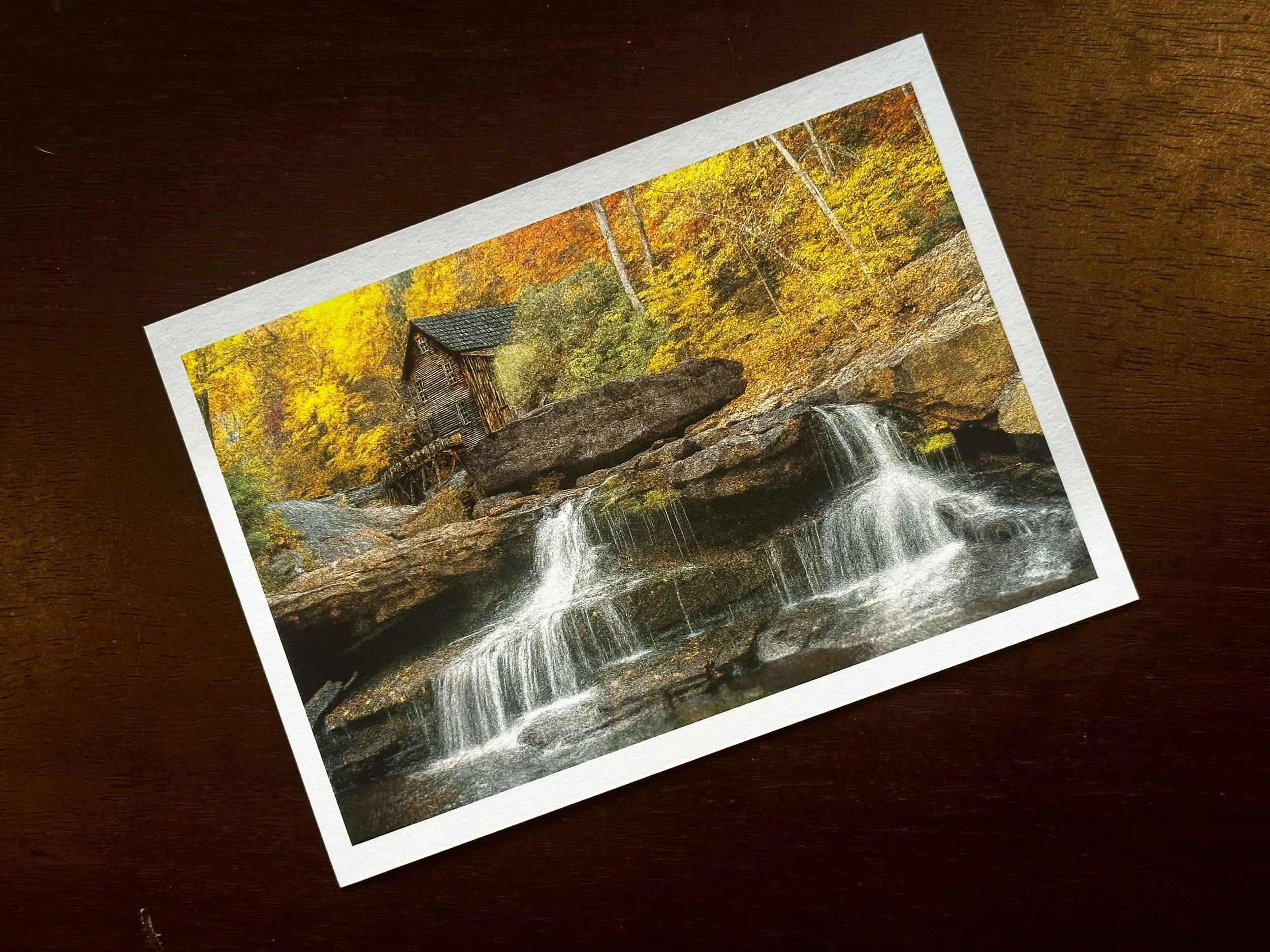
Below Left: 1. Babcock State Park, WV, 2. Restoration for my In-Laws, 3. John 5 (Rob Zombie), 4. Our Wedding Photo, My Wife-Her Mother, and Brother (photo by my good friend Sheena Pendley Design & Photography), 5. My Wife and Her Late Sister Mary (Kathy).

Hahnemühle Fine Art Paper: William Turner Paper and Museum Etching Paper Comparison
The two contenders for the paper I planned to use were both from a Hahnemühle sample pack I purchased from B&H Photo a few months earlier. While I won’t claim to know everything about fine art papers, I want to express how excited I was with the final results I achieved
In my last blog entry, I revisited an image I created over a decade ago. While I used Adobe Lightroom to finalize the image, I also utilized Topaz Gigapixel and Photoshop Generative AI to enhance the detail by tightening and sharpening the pixels. These tools helped me achieve a more painterly, detailed, and visually appealing final result.
The two contenders for the paper I planned to use were both from a Hahnemühle sample pack I purchased from B&H Photo a few months earlier. While I won’t claim to know everything about fine art papers, I want to express how excited I was with the final results I achieved using Hahnemühle Museum Etching paper and William Turner paper. Both are excellent fine art papers made from 100% cotton rag, with one key difference: their weight. The Museum Etching paper weighs in at 350 gsm, while the William Turner paper is 310 gsm.
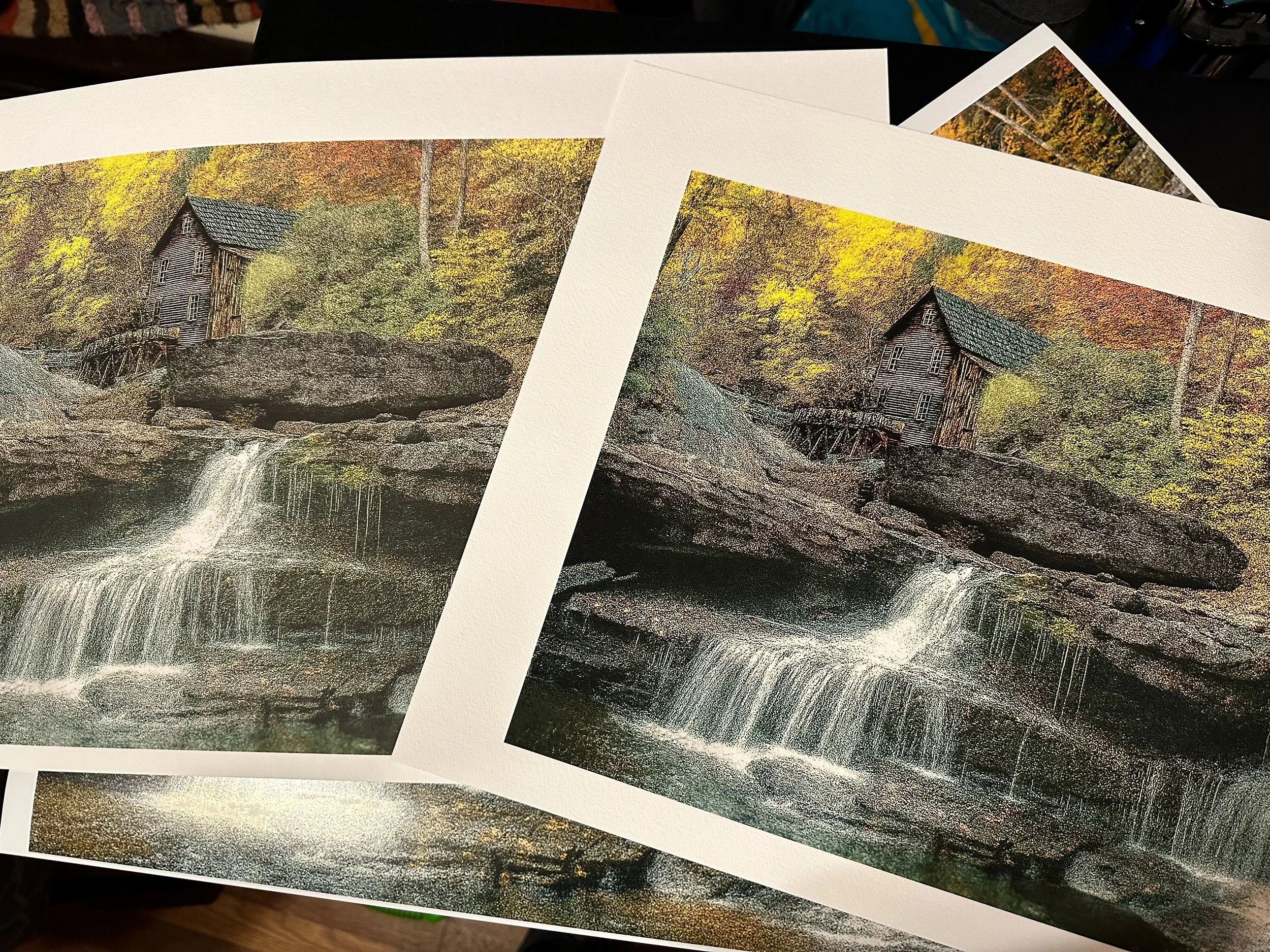
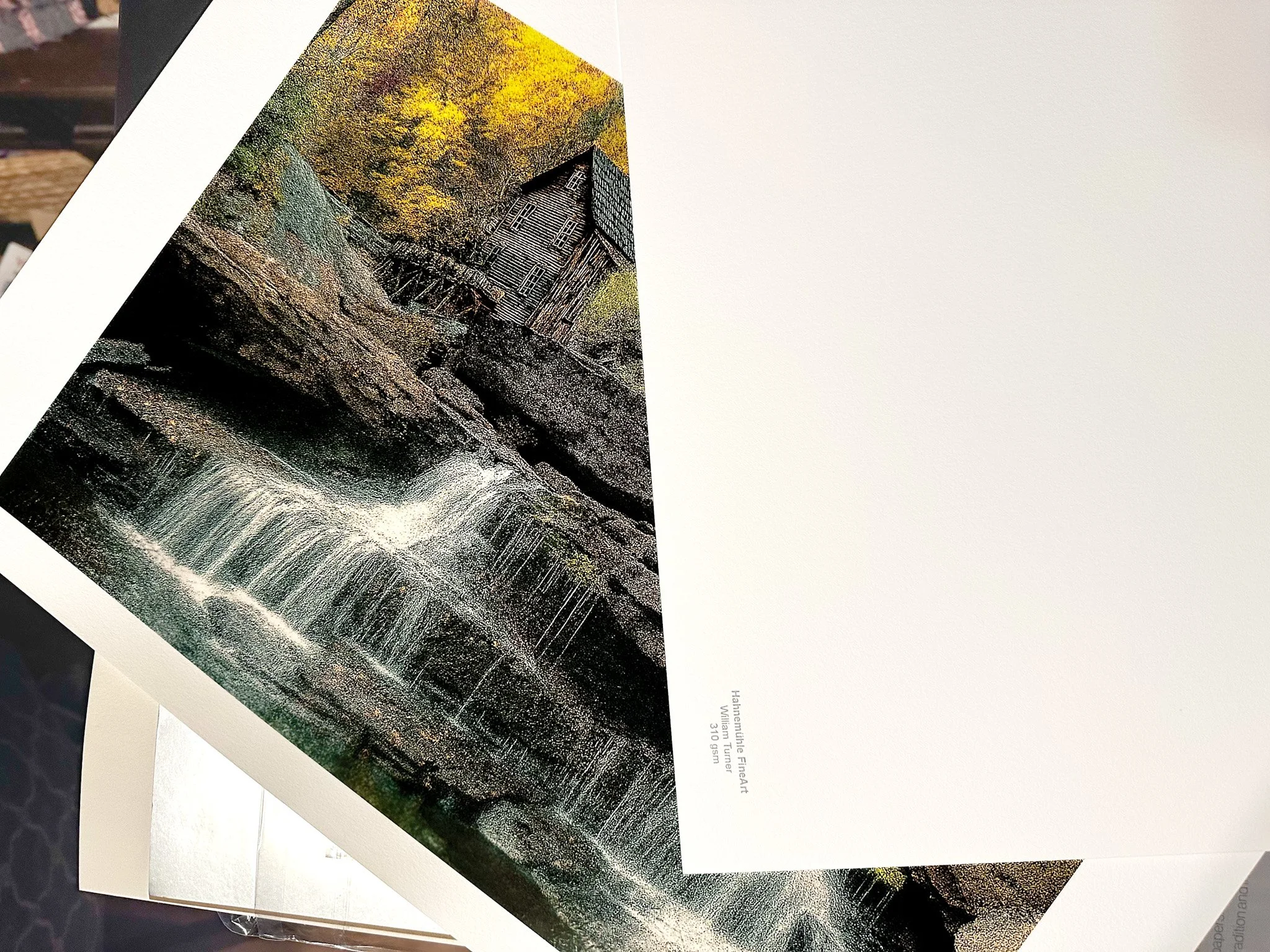
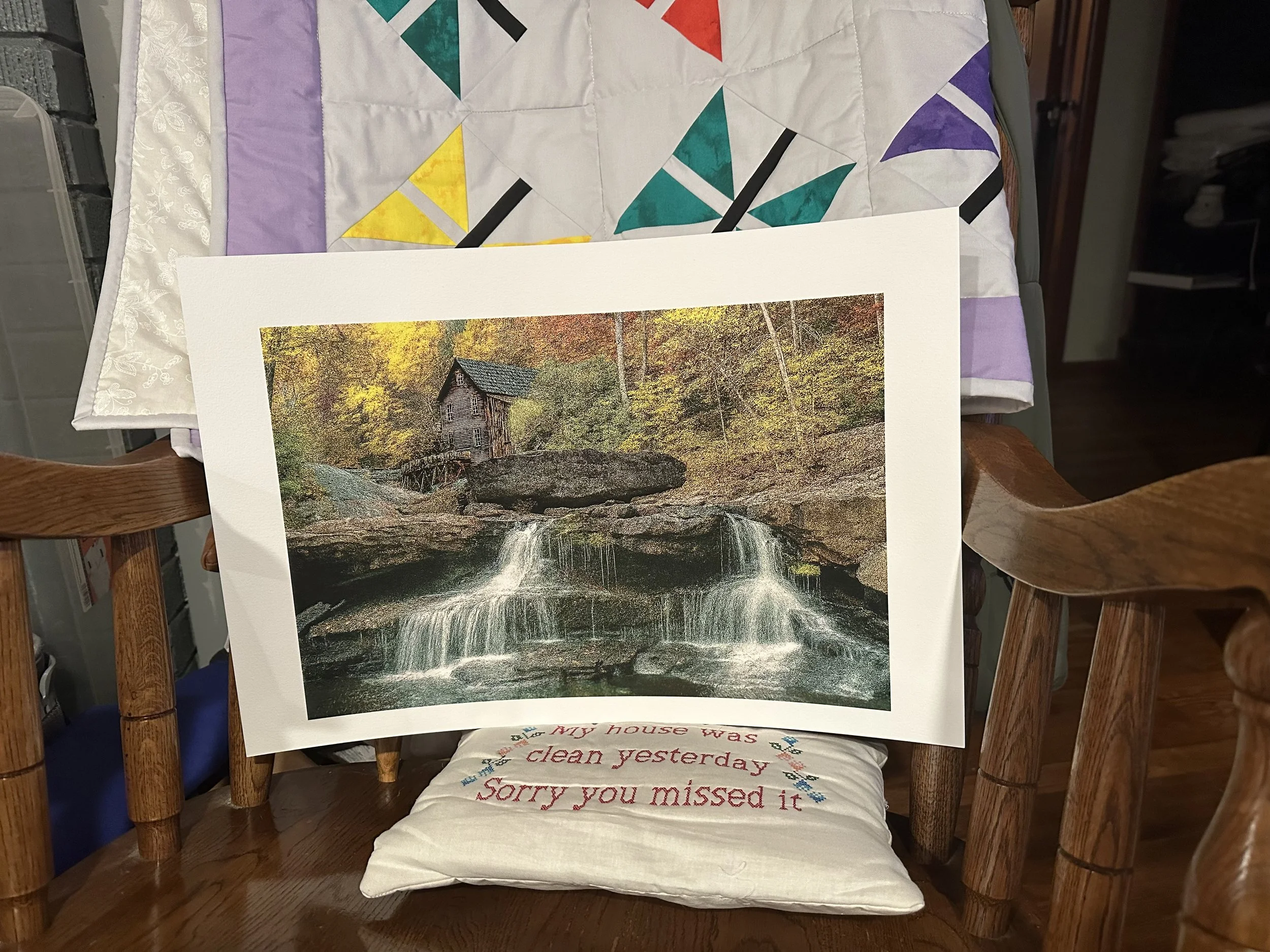
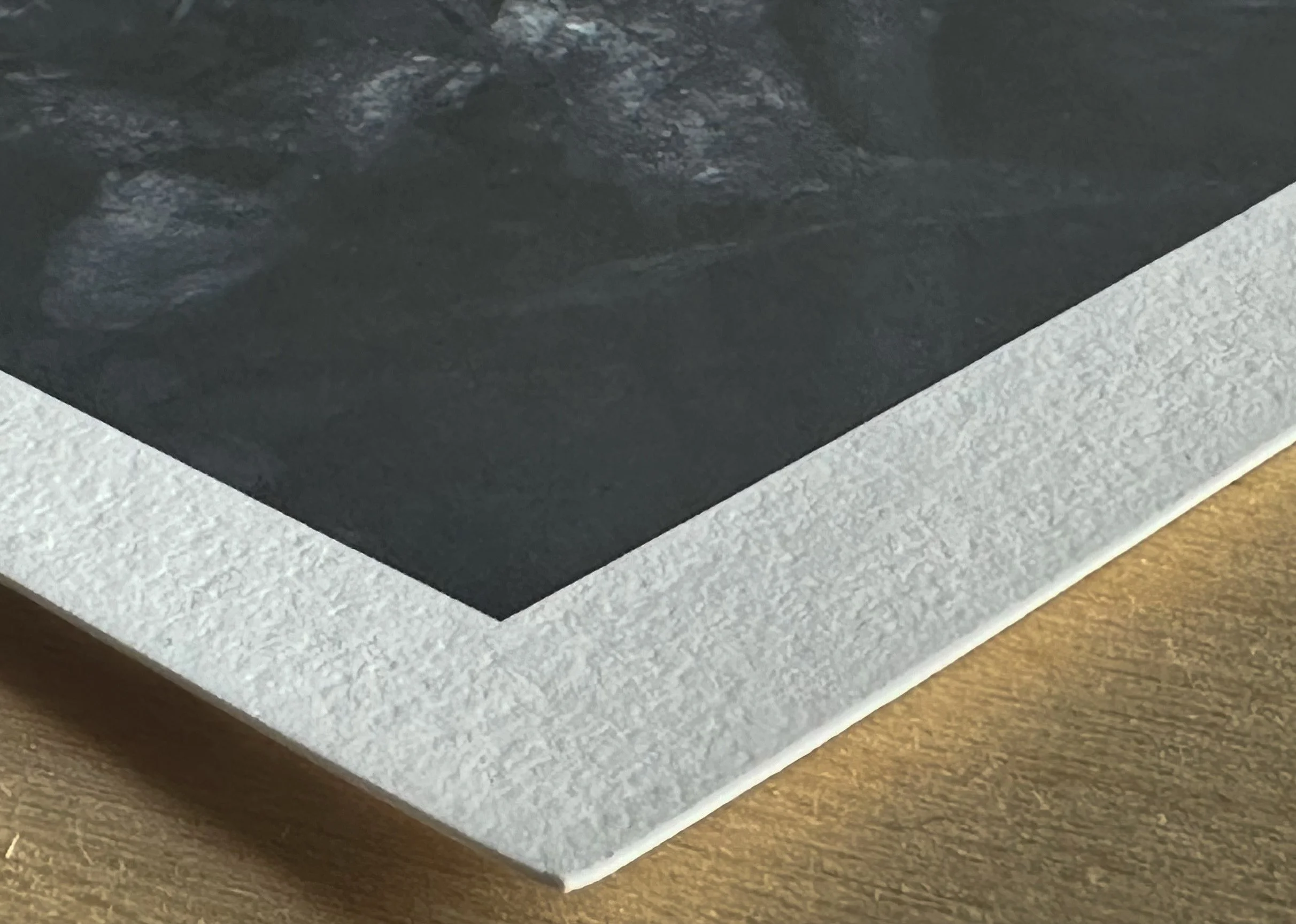
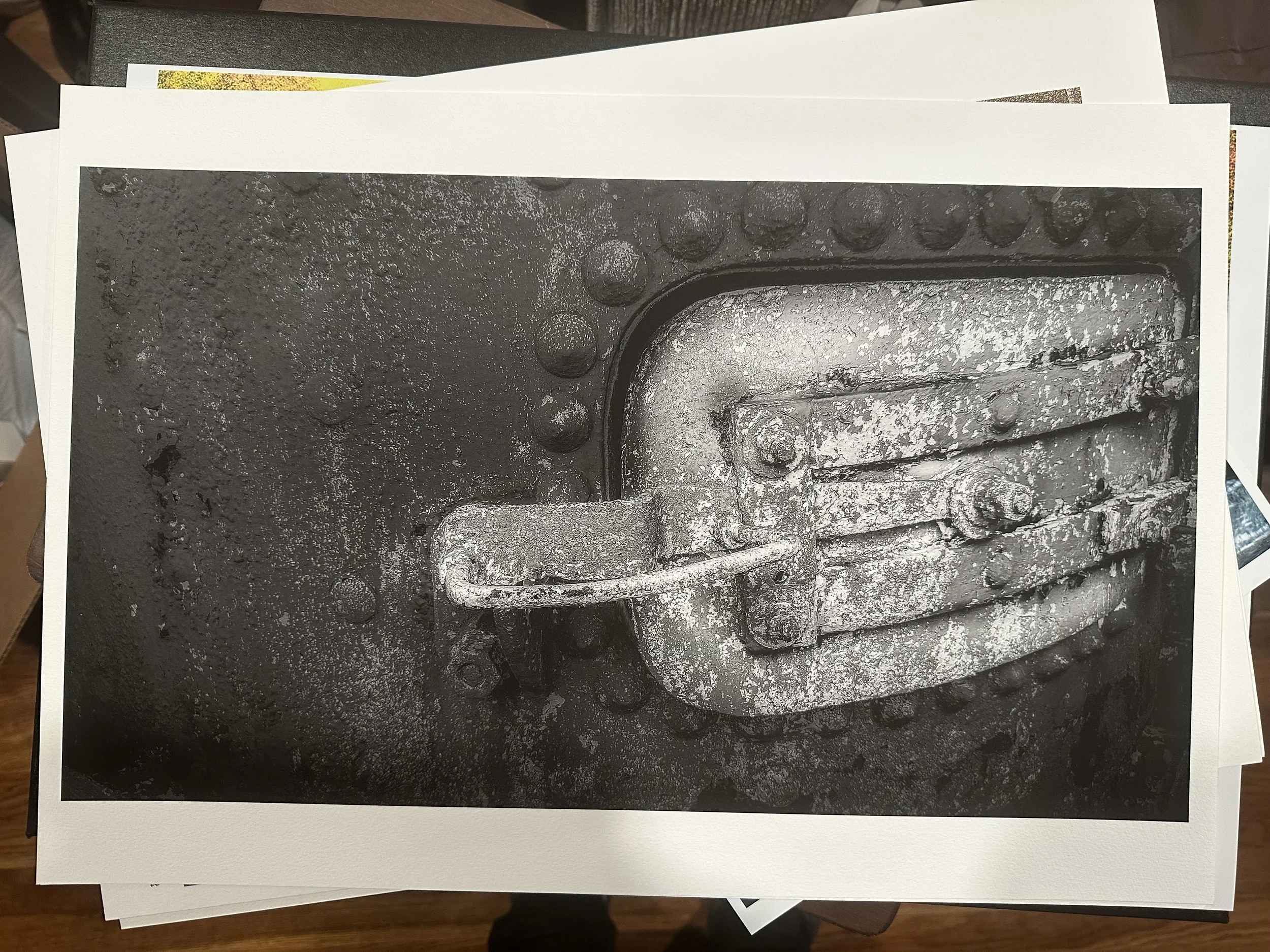
Below is the Museum Etching paper on the left and the William Turner paper on the right. After a thorough comparison, the William Turner paper had the appropriate contrast; it retained detail and depth in dark and shadowy areas and allowed the colors in the image to stand out more than in the Museum Etching paper, as shown in the pictures below. It emerged as the clear winner for me. I did a black-and-white to be sure of my final decision.

Part 2: Canon imageprograf Pro-1100
Now that the printer was still securely stored in the box, I found myself needing to order something with the appropriate width and depth that would allow it to sit on top of it comfortably. Although several options I explored online were aesthetically pleasing and well-designed, they didn’t seem practical for the specific purpose

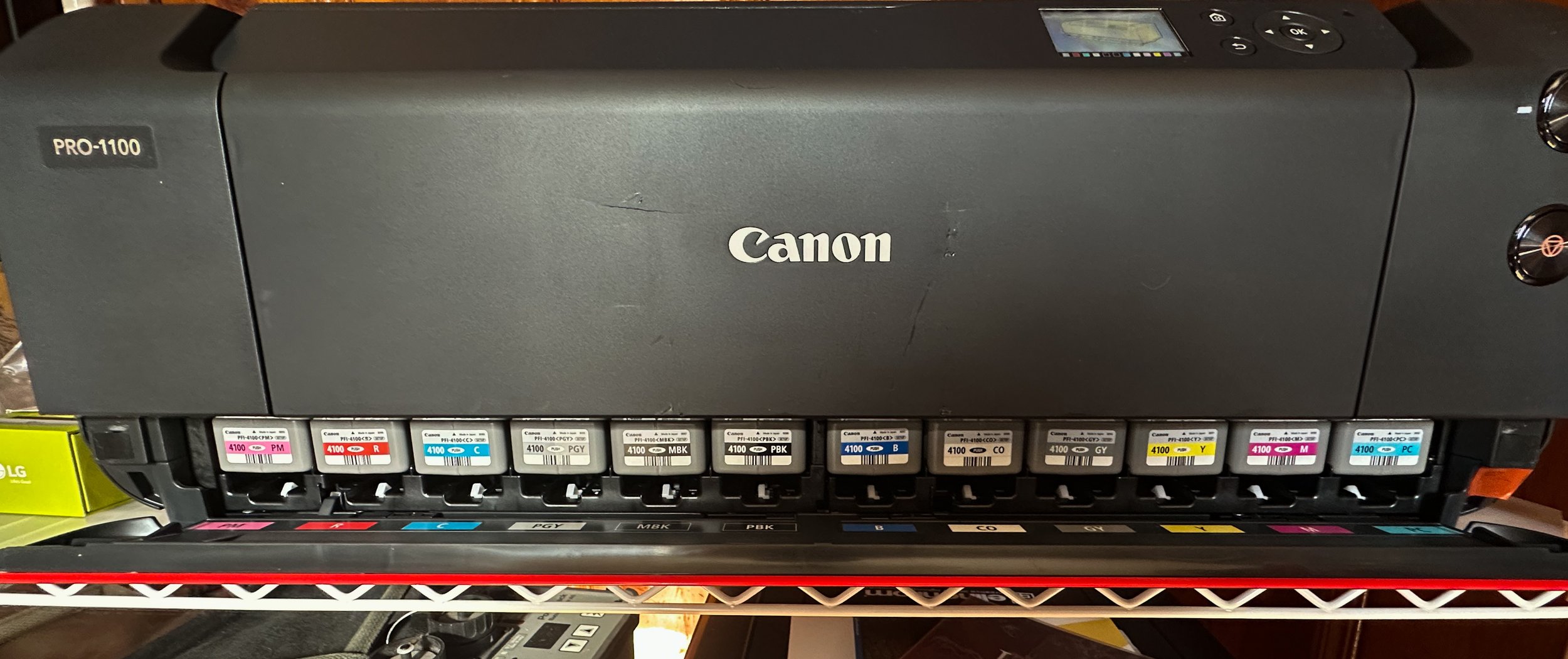
Now that the printer was still securely stored in the box, I found myself needing to order something with the appropriate width and depth that would allow it to sit on top of it comfortably. Although several options I explored online were aesthetically pleasing and well-designed, they didn’t seem practical for the specific purpose I had in mind. After deliberating, it took another two weeks to order and receive the shelving unit successfully. Upon its arrival, I was genuinely delighted and relieved, as I was also able to neatly organize a lot of my gear on it, which made everything feel much more organized. One amusing aspect I stumbled upon was some of the videos I had seen of others who were taking their printers out of the box; they removed the bag that the printer was packed in and just lifted it out. However, I found the easiest way for me was to carefully use the sturdy handles of the bag to lift it out smoothly. Trust me, I only lifted it by the handles a few inches before moving it to the shelves, as I had my trust issues with such delicate equipment.
Setup and test prints (uncalibrated).




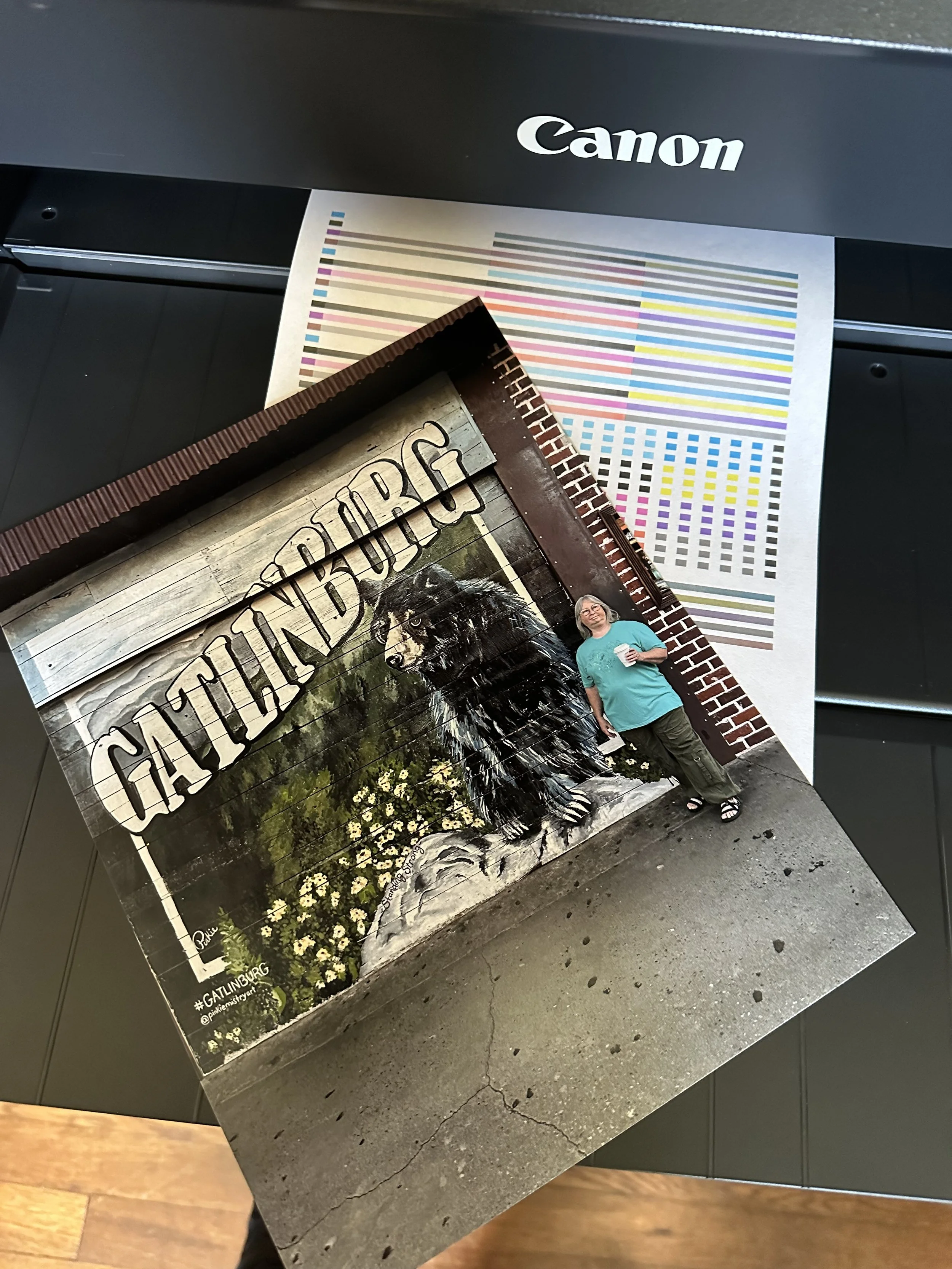

Calibrating my monitors, Troubleshooting the Wifi connection & more printing
The two YouTubers who significantly influenced my decision to start printing were Keith Cooper and JToolman Rodriguiz. They each provide a mountain of valuable information on their respective channels that covers printers, printing techniques, and calibration processes thoroughly. I will leave a link to their channels at the bottom of this page for anyone interested in exploring their content further.
Now, whenever the subject of calibrating my monitors comes up in conversation, I have always approached traditional color calibration as a task that my eyes can manage effectively without relying on the conventional methods and tools offered by companies like Datacolor or Calibrite. However, I must admit, I was ever so wrong in that assumption. It truly was an eye-opening experience seeing how off I was in my past edits.


Initial setup and print jobs were intended to be conducted wirelessly. Late in April, a strong thunderstorm rolled through our area, and as a result, we lost power. I didn’t think much of it at the time; after all, we’ve experienced power outages before, and I was confident that it would be restored shortly. Eventually, power was restored, and we were able to enjoy our gadgets once again, thanks to our internet service provider, Optimum. However, I soon realized that everything had returned to normal except for one significant issue: it was the first time I encountered a problem with the printer connection since setting up the Wi-Fi connection.
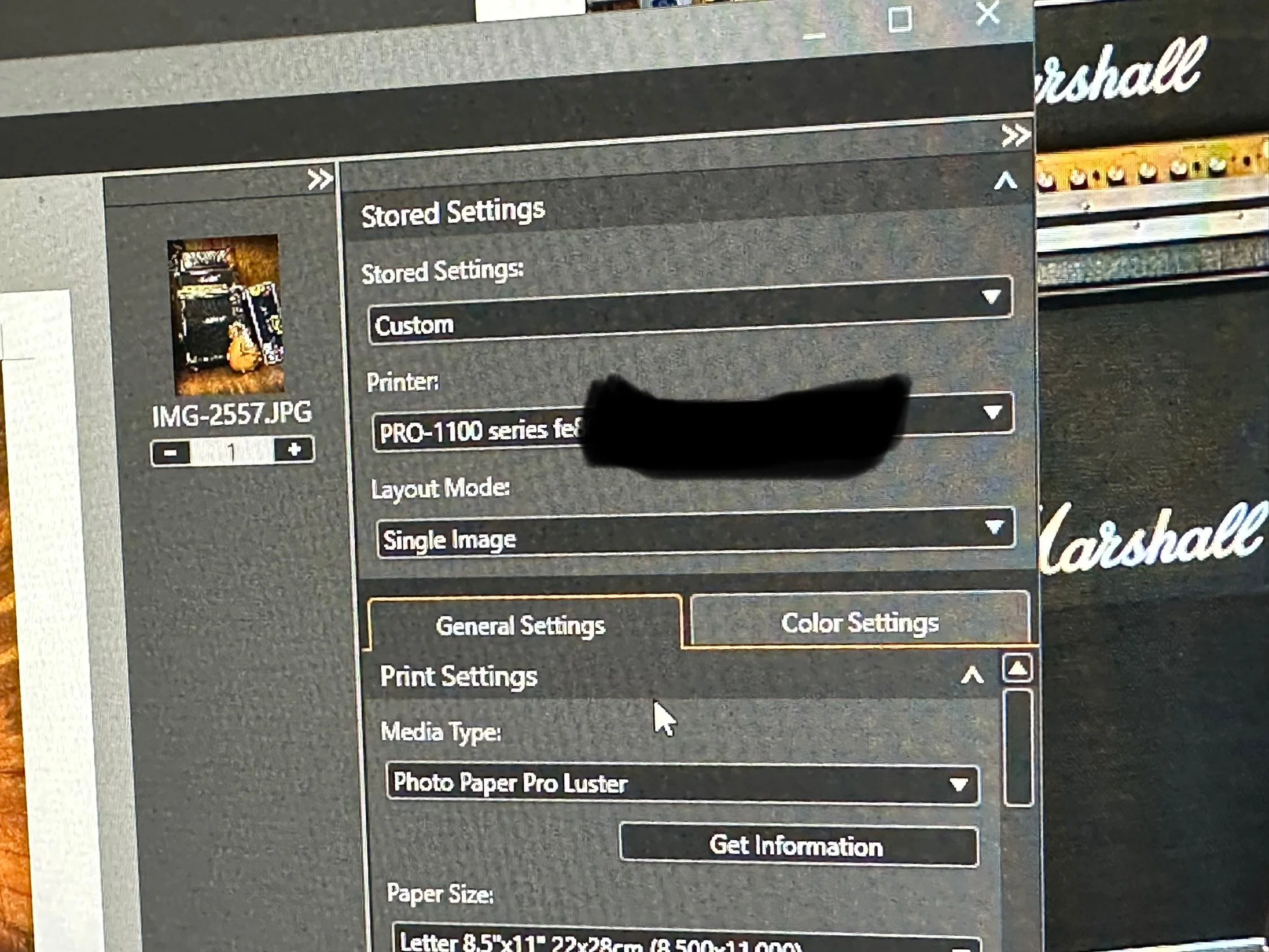
We were paying for the high-speed connection, as it was their best package available, and I expected nothing but optimal performance. I was trying to print using Canon’s Professional Print and Layout tool, which clearly indicated that the printer was recognizing the assigned IP address. However, to my surprise, I discovered through the printer’s utility program, “Canon Wi-Fi Connection Assistant,” that the printer was receiving only between 54-56% signal strength via Wi-Fi. It was no wonder I was unable to complete my print jobs; the link quality of Optimum’s signal was simply unacceptable. Seeking a solution, I found relief in a Facebook group called JToolman, where the members provided helpful advice. Following their recommendations, I connected the printer through a USB connection, and I was relieved to find that I was back in business once again.


Helpful Links
Part 1: Canon Imageprograf Pro-1100 — Brian Cade Photography: Collective Works
Shop Canon Pro imagePROGRAF PRO-1100 | Canon U.S.A, Inc.
Facebook page: Jtoolman Photo Printing Techie
YouTube Channel: Jose Rodriguez Photo Printing Techie
YouTube: Keith Cooper
New/Old Gear: Toyo 45G II Large Format Camera
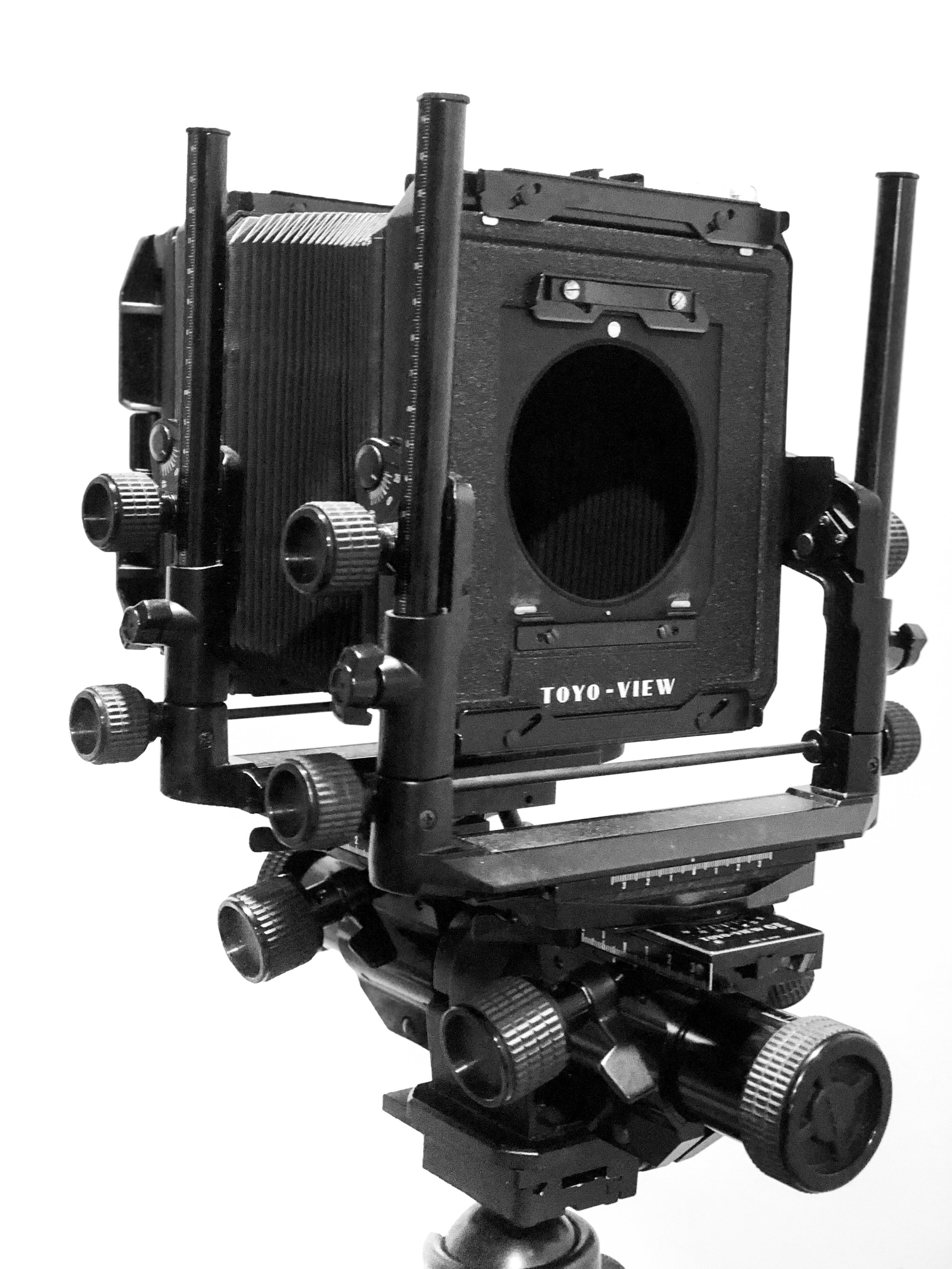
Well, I just added a new addition to my gear box; the Toyo 45G II 4X5 large format camera. I had always entertained the idea of buying a large format for years, within the past month I started looking at the Sinar F and P series, the Horseman 450 series and lastly the Toyo G series.
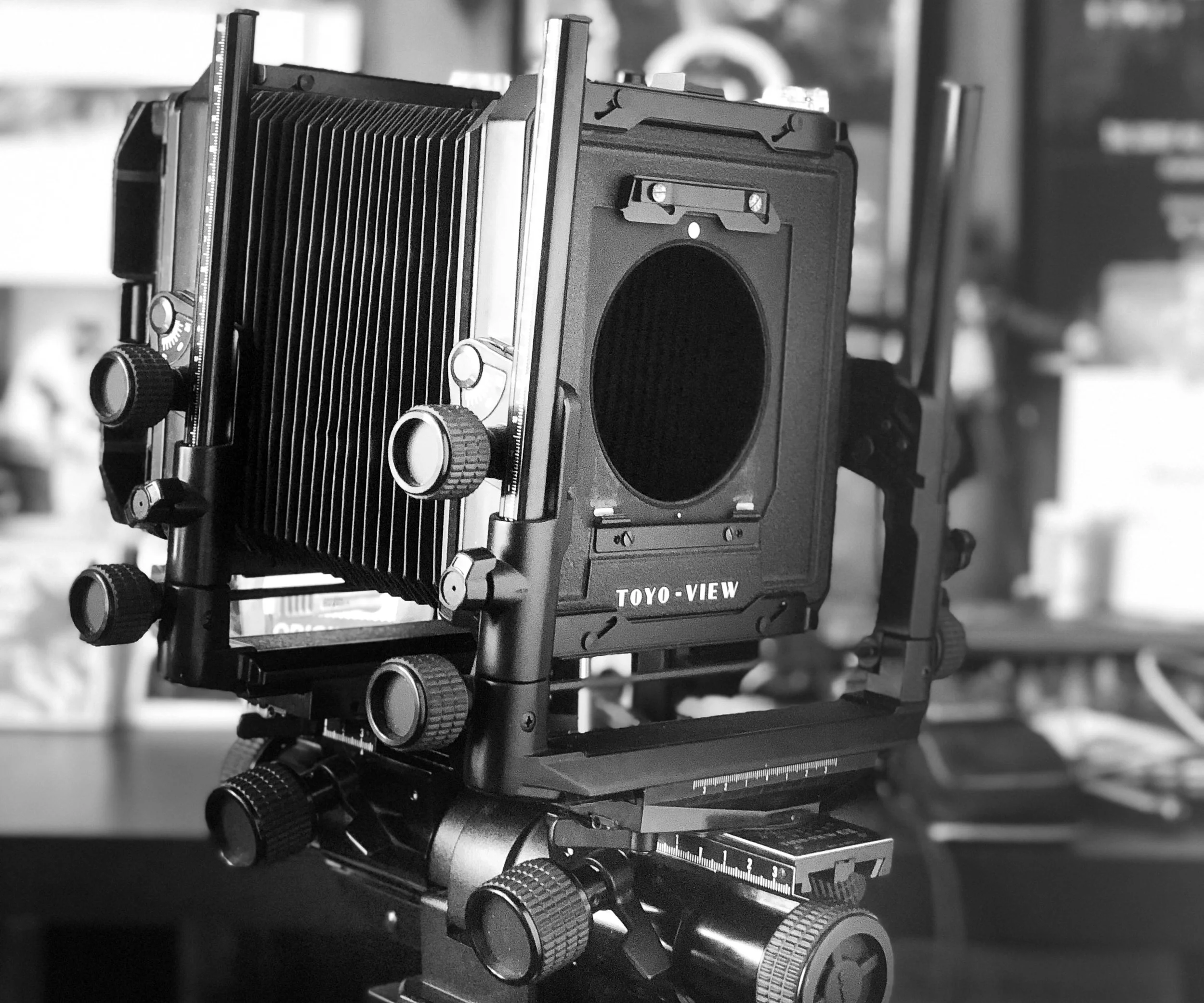
Well, I just added a new addition to my gear box; the Toyo 45G II 4X5 large format camera. I had always entertained the idea of buying a large format for years, within the past month I started looking at the Sinar F and P series, the Horseman 450 series and lastly the Toyo G series. All amazing cameras, the Toyo G II won in the end, Price and durability were key points in my purchase. Some other key points included:
> Rubberized knobs,
> Metal construction
> Super bright etched fresnel ground glass [ can’t wait to get a lens for it ]
> Revolving non vigneting film back
> Geared fine focus.
> Geared front and rear with fluid axis level
> Independent locks on all movements; front and rear standards, shift, swing and focus knobs
These are just a few of the stand out features that caught my eye.
Next I will be ordering some Ilford HP5+ Film from one of my favorite camera stores; B&H PHOTO in New York. Then next on the list is too research some lenses for the type of work I plan to use the GII for, mainly portraiture. I have 3 brands in mind; Schneider, Rodenstock , and Nikkor W series, something in the 180mm and 210mm focal lengths.
I can already see that I am going to have lots of fun with this large format camera.
Until next time.