
Hahnemühle Fine Art Paper: William Turner Paper and Museum Etching Paper Comparison
The two contenders for the paper I planned to use were both from a Hahnemühle sample pack I purchased from B&H Photo a few months earlier. While I won’t claim to know everything about fine art papers, I want to express how excited I was with the final results I achieved
In my last blog entry, I revisited an image I created over a decade ago. While I used Adobe Lightroom to finalize the image, I also utilized Topaz Gigapixel and Photoshop Generative AI to enhance the detail by tightening and sharpening the pixels. These tools helped me achieve a more painterly, detailed, and visually appealing final result.
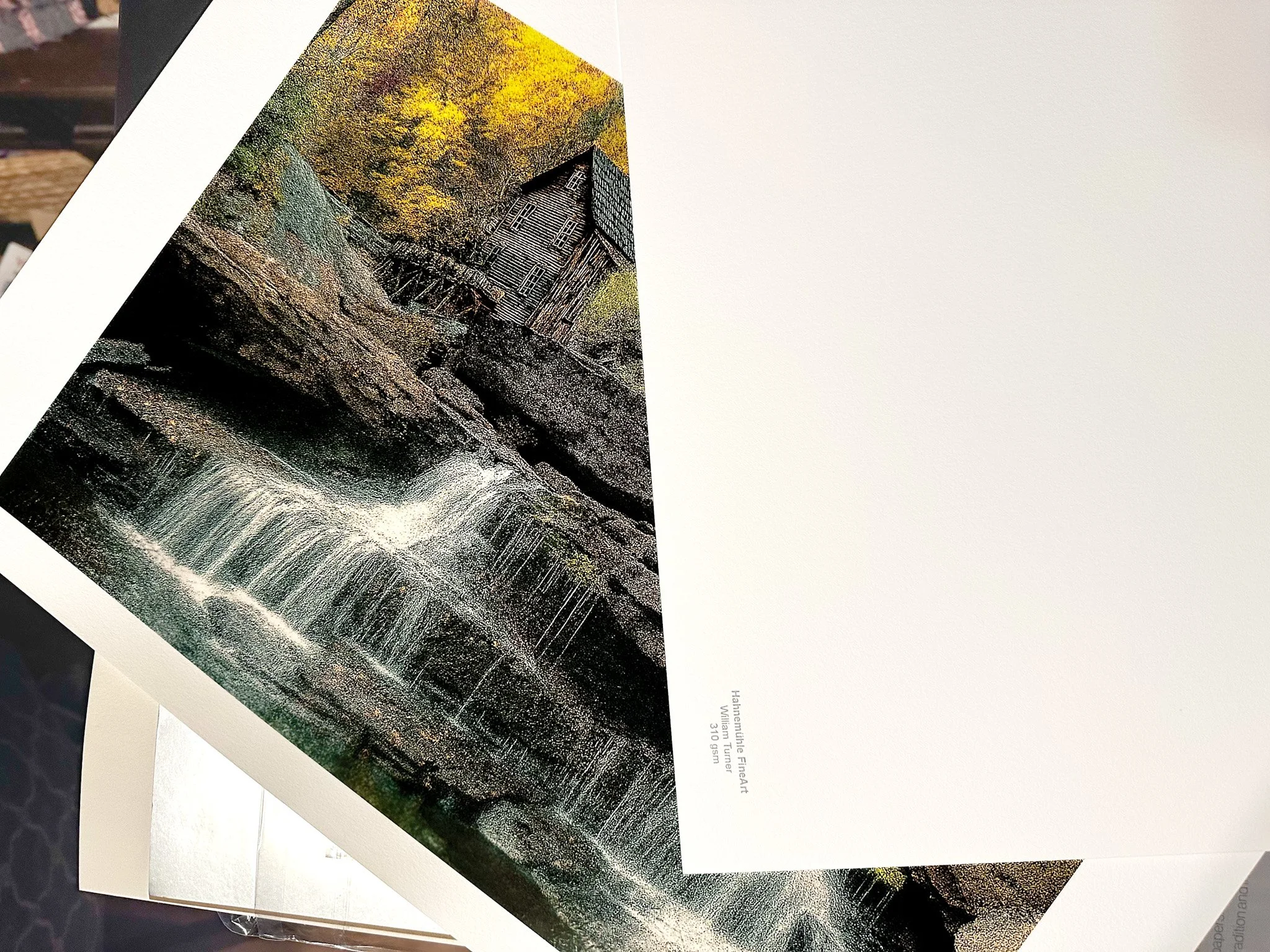
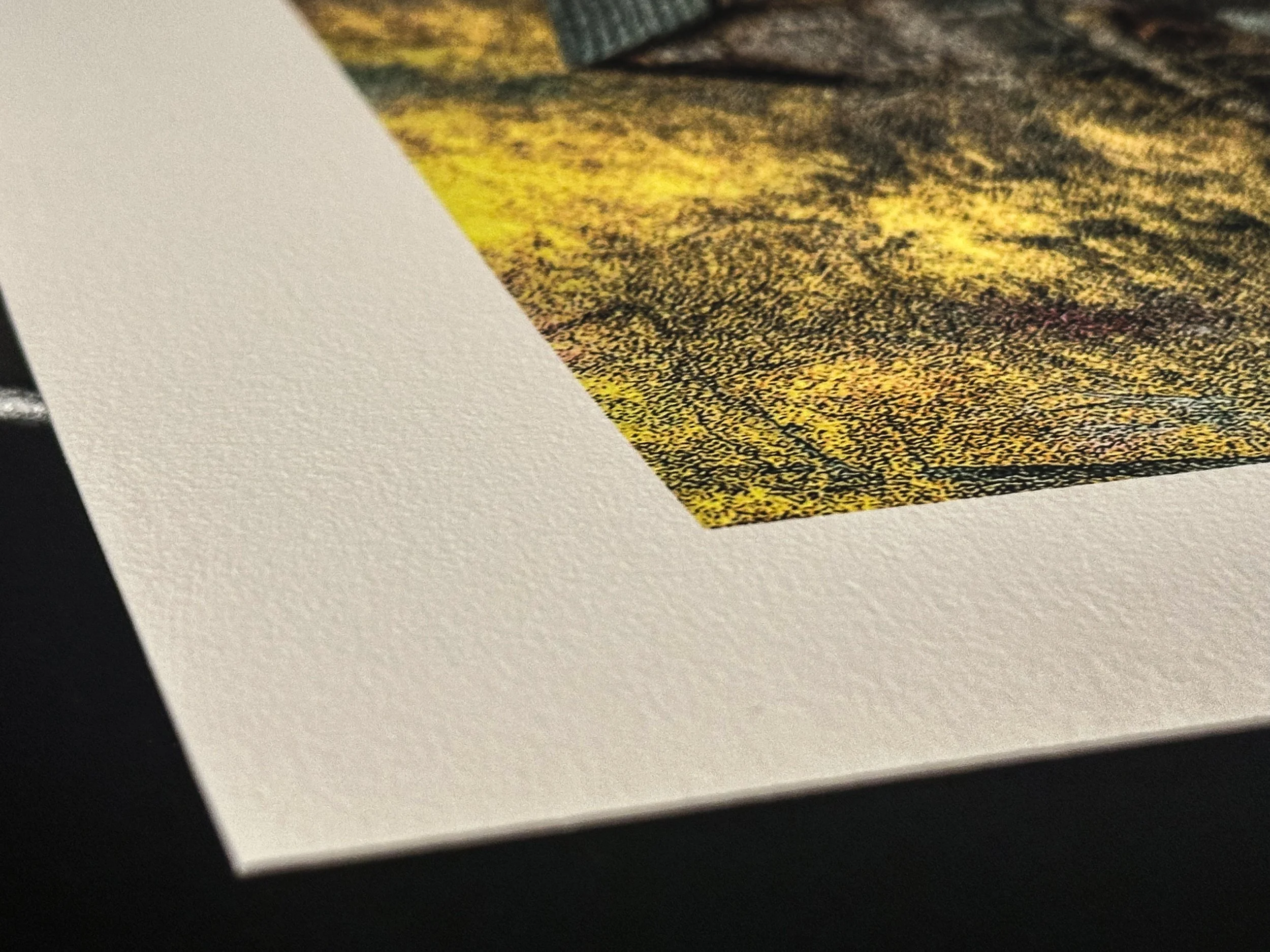
The two contenders for the paper I planned to use were both from a Hahnemühle sample pack I purchased from B&H Photo a few months earlier. While I won’t claim to know everything about fine art papers, I want to express how excited I was with the final results I achieved using Hahnemühle Museum Etching paper and William Turner paper. Both are excellent fine art papers made from 100% cotton rag, with one key difference: their weight. The Museum Etching paper weighs in at 350 gsm, while the William Turner paper is 310 gsm.
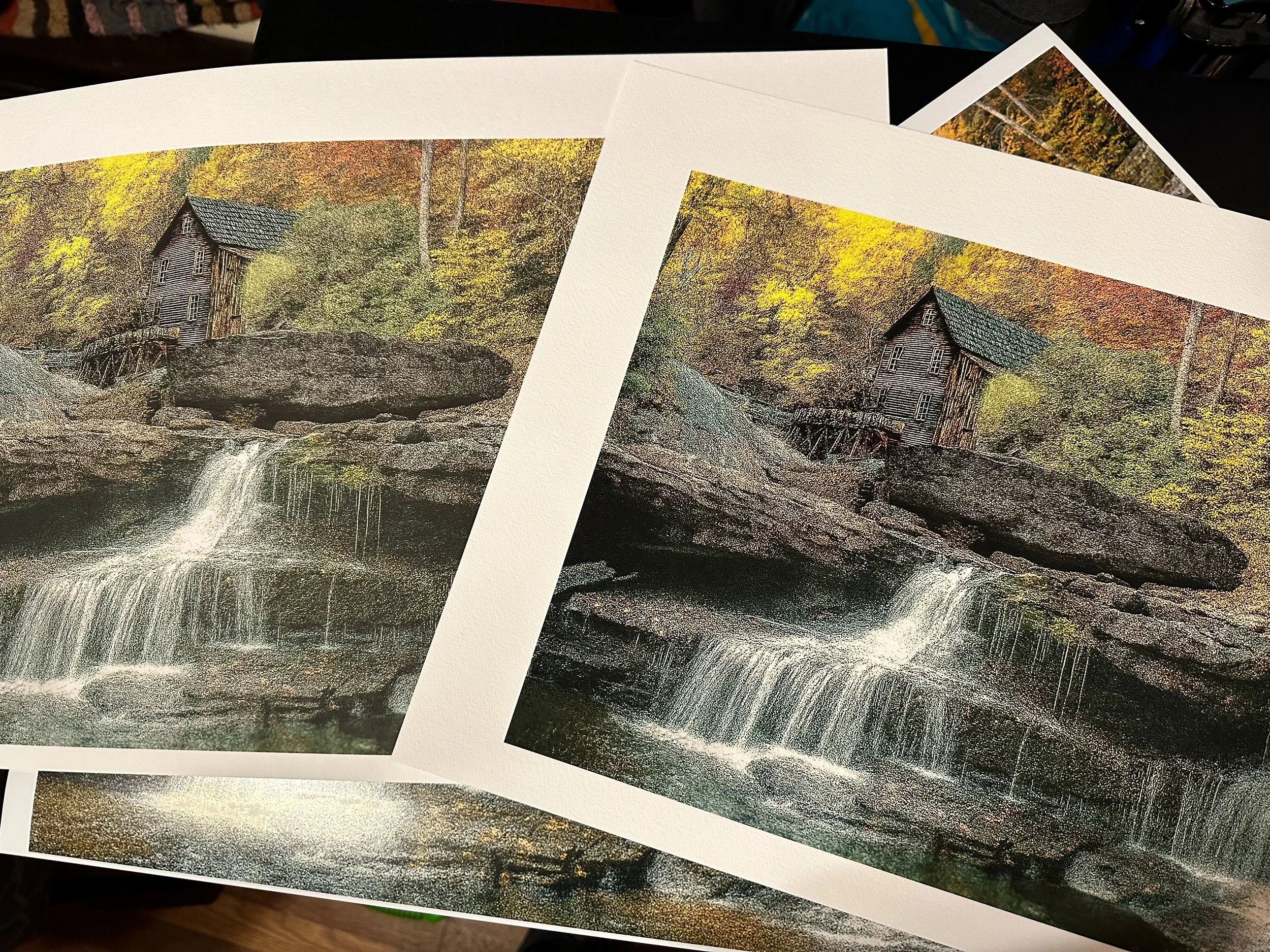
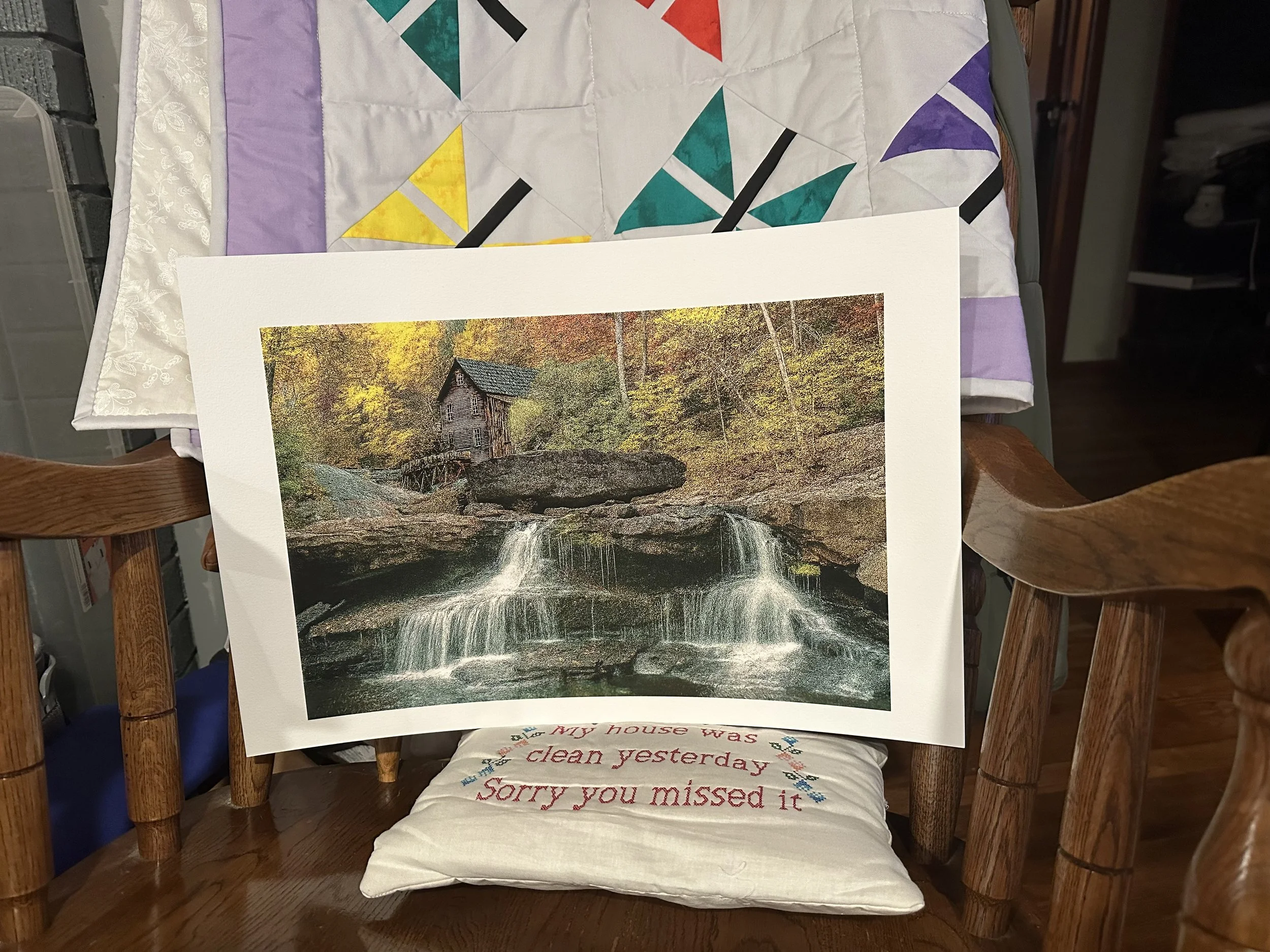
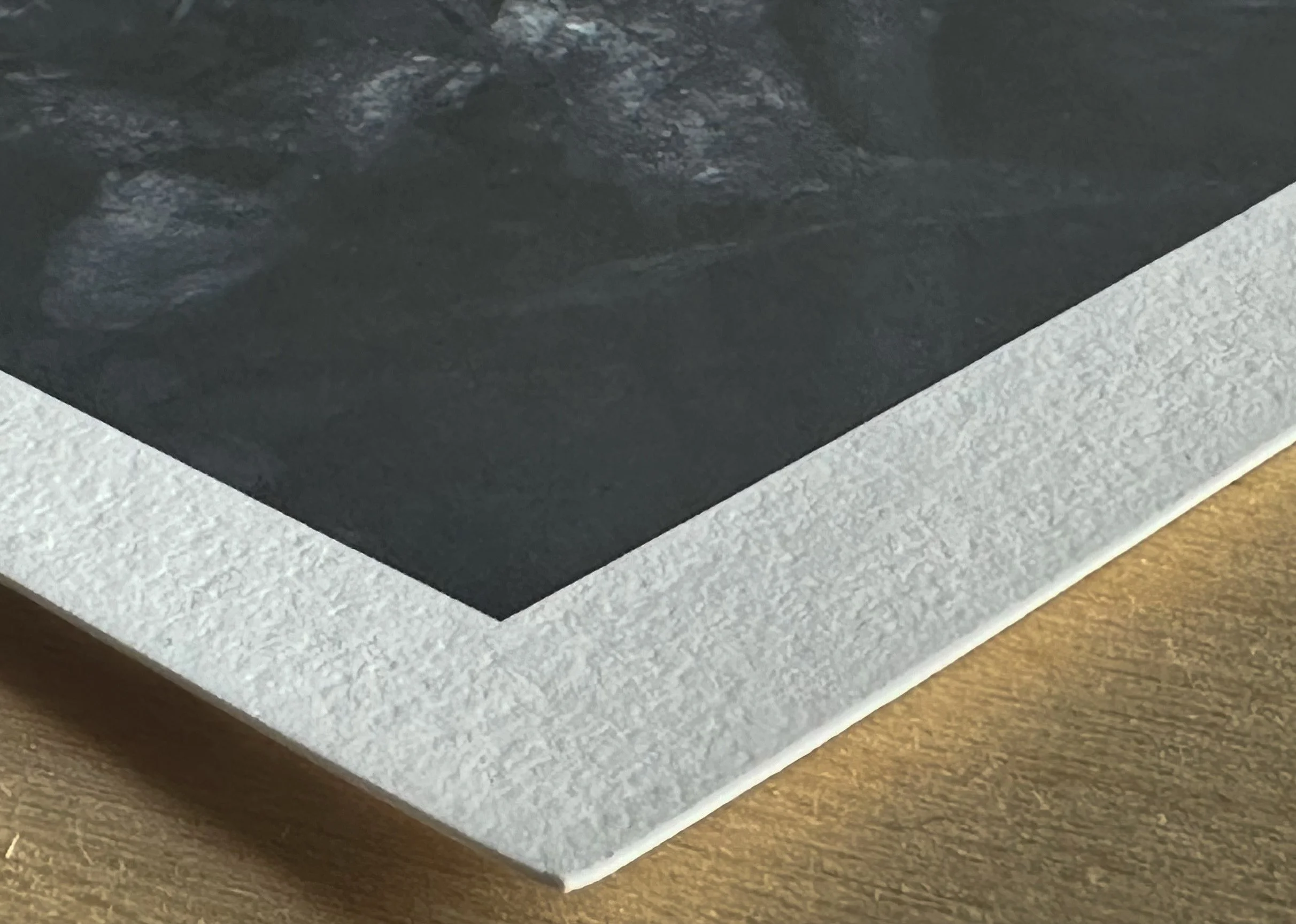
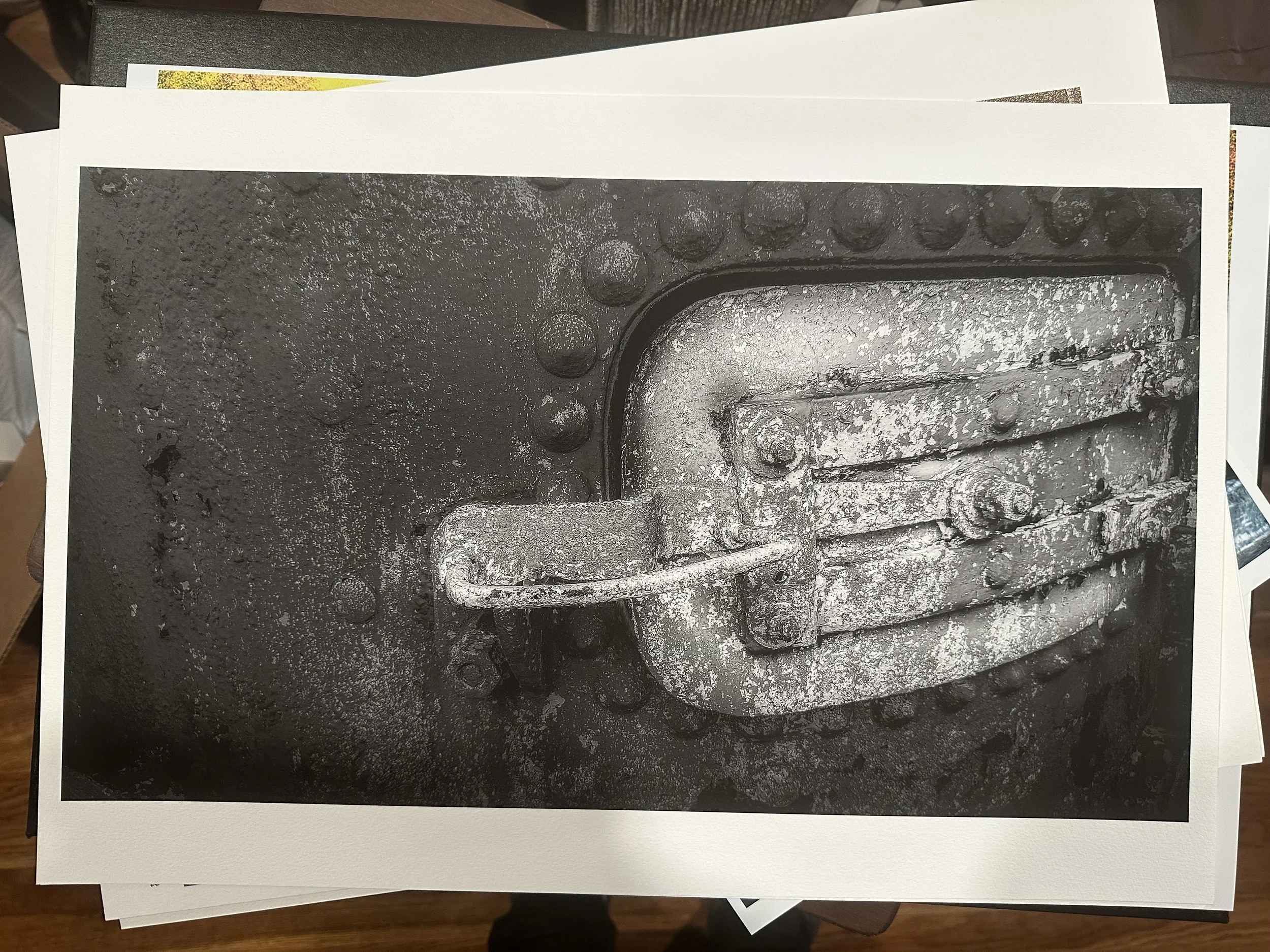
Below is the Museum Etching paper on the left and the William Turner paper on the right. After a thorough comparison, the William Turner paper had the appropriate contrast; it retained detail and depth in dark and shadowy areas and allowed the colors in the image to stand out more than in the Museum Etching paper, as shown in the pictures below. It emerged as the clear winner for me. I did a black-and-white to be sure of my final decision.

First Impressions: Hahnemühle Fine Art Papers
We have loaded new inks into our Canon Pro-1100 and replaced the maintenance cartridge. Now it's time to do some test prints.
First, I prepared the 2 images for print. These photos were taken with the LG G5 for the flower and the iPhone XS Max for the town image between 2016 and 2020. Their file sizes were between 1.4 and 2 megabytes. So to rid the images of any pixelation I used Topaz Gigapixel to enhance them for enlargements, which increased their sizes to about 30 and 45 megabytes. After that, I edited the images in Adobe Lightroom and Capture One.
I chose to test Hahnemühle fine art papers, focusing on their textured and Baryta stock. I picked Hahnemühle because it is one of the oldest paper companies, and its reputation among my peers influenced my decision. I bought four sample packs, each containing two sheets of each paper type. So far, I have tried three of the papers, and I'm impressed with the results. The first prints featured a flower on a steel table. I printed a large 17x22 image on Canon Pro Luster paper as my reference. The two 8.5x11 images were printed on Hahnemühle Fine Art Baryta gsm 300 with a satin finish. This paper is thicker than I am used to; it feels like cardstock. It held together well, especially in the blacks and shadows.
Next, I decided to try the Hahnemühle 13x19 papers, specifically choosing the matte fine art/textured option. The decision wasn’t straightforward, as each paper had a watercolor surface made of 100% cotton, which produced similar whiteness in the images, ranging from 87% to 88.5%. The difference was not significant. I narrowed my choices down to the William Turner and the Museum Etching paper, ultimately selecting the Museum Etching paper for this round. I have to admit that when I first held my image printed on this paper, I felt somewhat withdrawn. The colors appeared muted, and the blacks seemed muddy. I had to come to terms with the fact that this was my first experience seeing my work on a paper that wasn’t a luster finish, and I am still learning how to print my images at home. After a couple of days of observing my image from a distance and up close, using my loupe to carefully examine different parts, I began to appreciate what this paper had to offer. In the end, it won me over.
Now that I had tested the Hahnemühle Baryta and the Museum Etching paper, it was time to test one that was close to the Canon Pro Luster paper, but not a luster paper, if that even makes sense. I printed my target image on the Canon paper, as I did with the flower image. Then I looked at what the next sample pack had to offer; there were 2 types of the matte fiber papers, a glossy, a luster, and lastly a pearl surface. I went with the Hahnemühle Pearl, and let me say, it knocked me out. I found something special in this paper. I was drawn to the overall look of the image, with its bright whites and exceptional shadow retention. This was going to be my go-to fine art paper for this surface. The only thing I would want to test and compare is Red River's Arctic White paper.
Self-printing has been an incredibly rewarding experience for me since I started printing my images at home since April. I'm eager to experiment with several more sample papers from Hahnemühle, and I can't wait to share the outstanding results.
Here’s a link to the Hahnemuhle sample packs that B&H Photo offers.
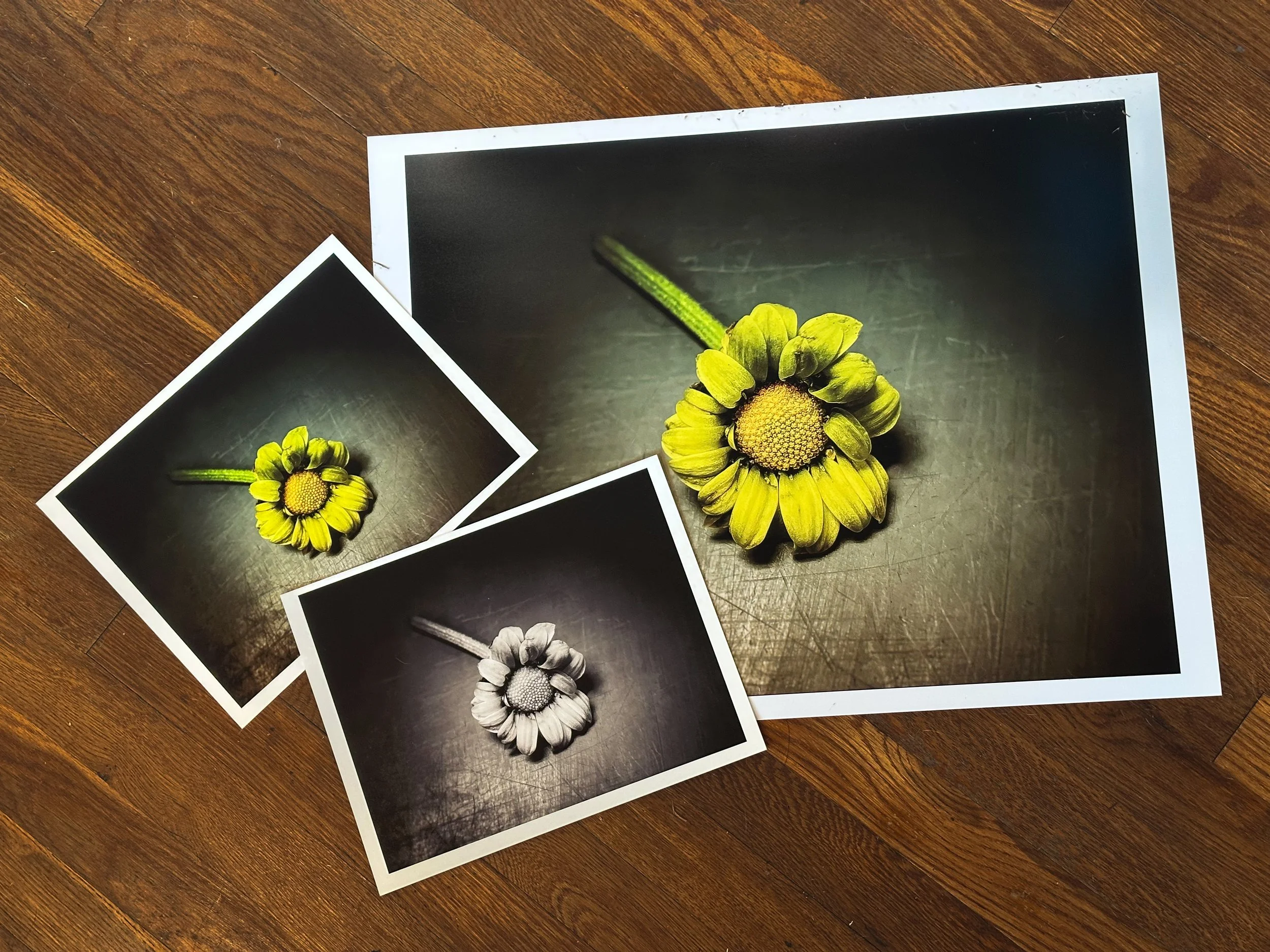
Above (L-R) (8.5×11) Hahnmühle Fine Art Baryta Satin 300 gsm , (17×22) Canon Pro Luster 260 gsm
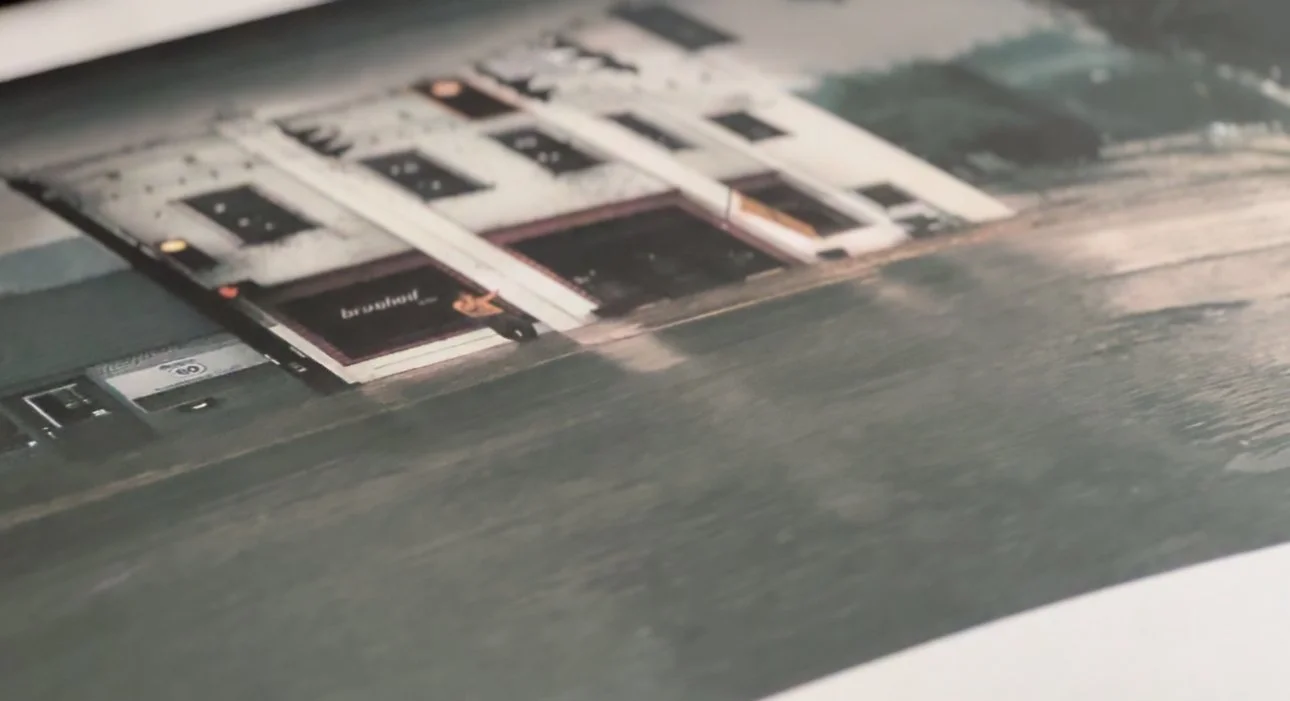
Below (L-R) Hahnmühle Museum Etching 350 gsm, Hahnemühle Pearl 310 gsm , Canon Pro Luster 260 gsm
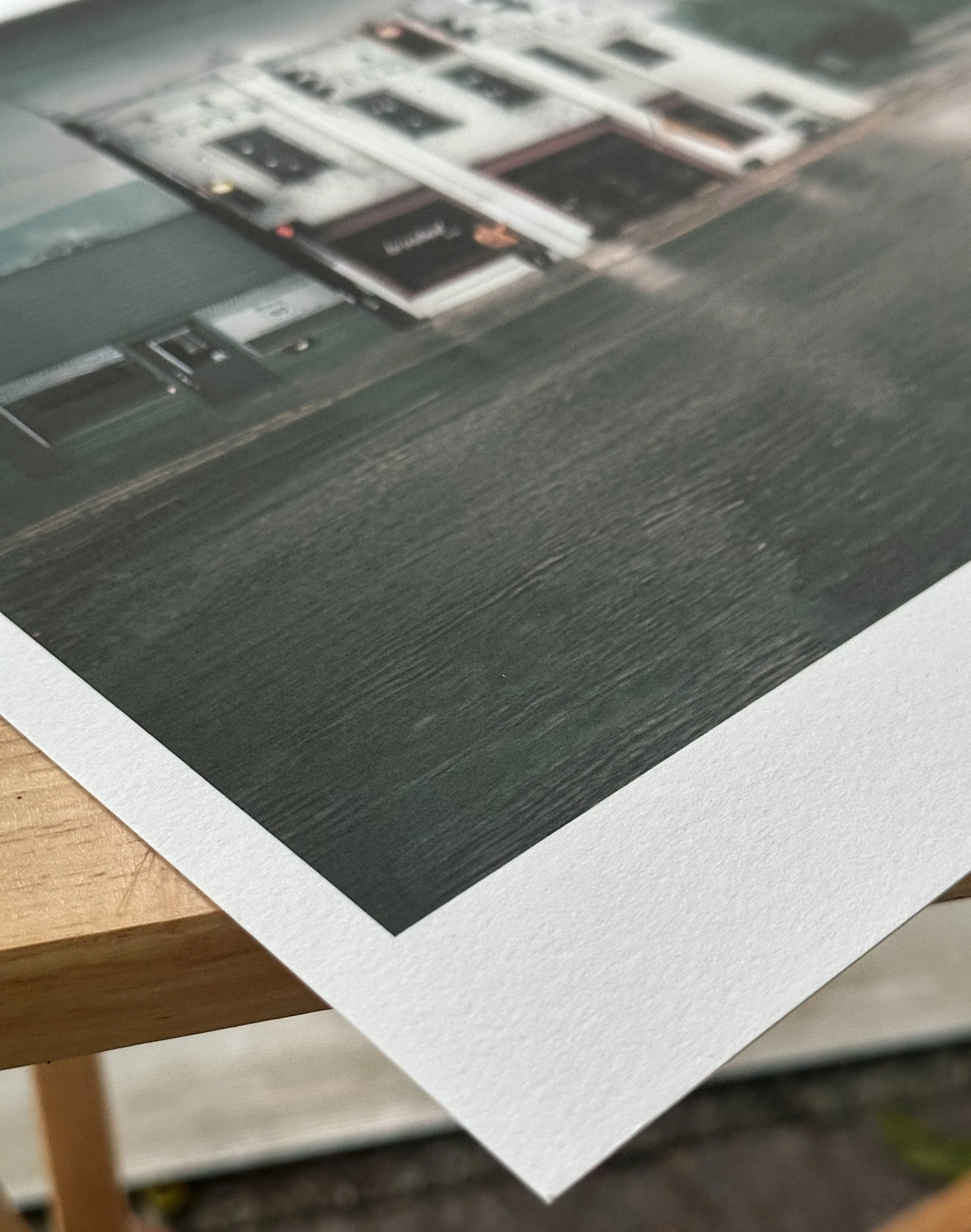
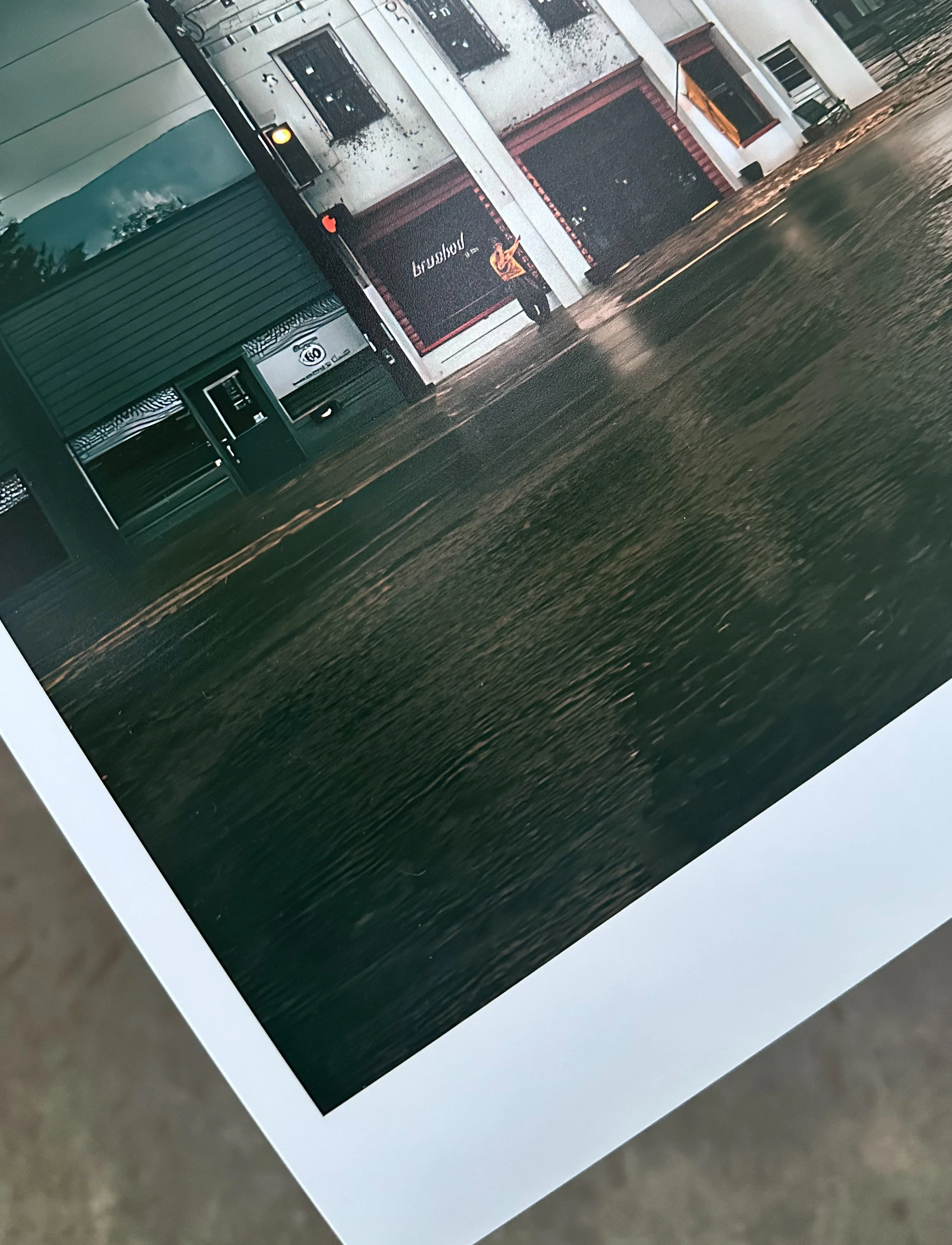
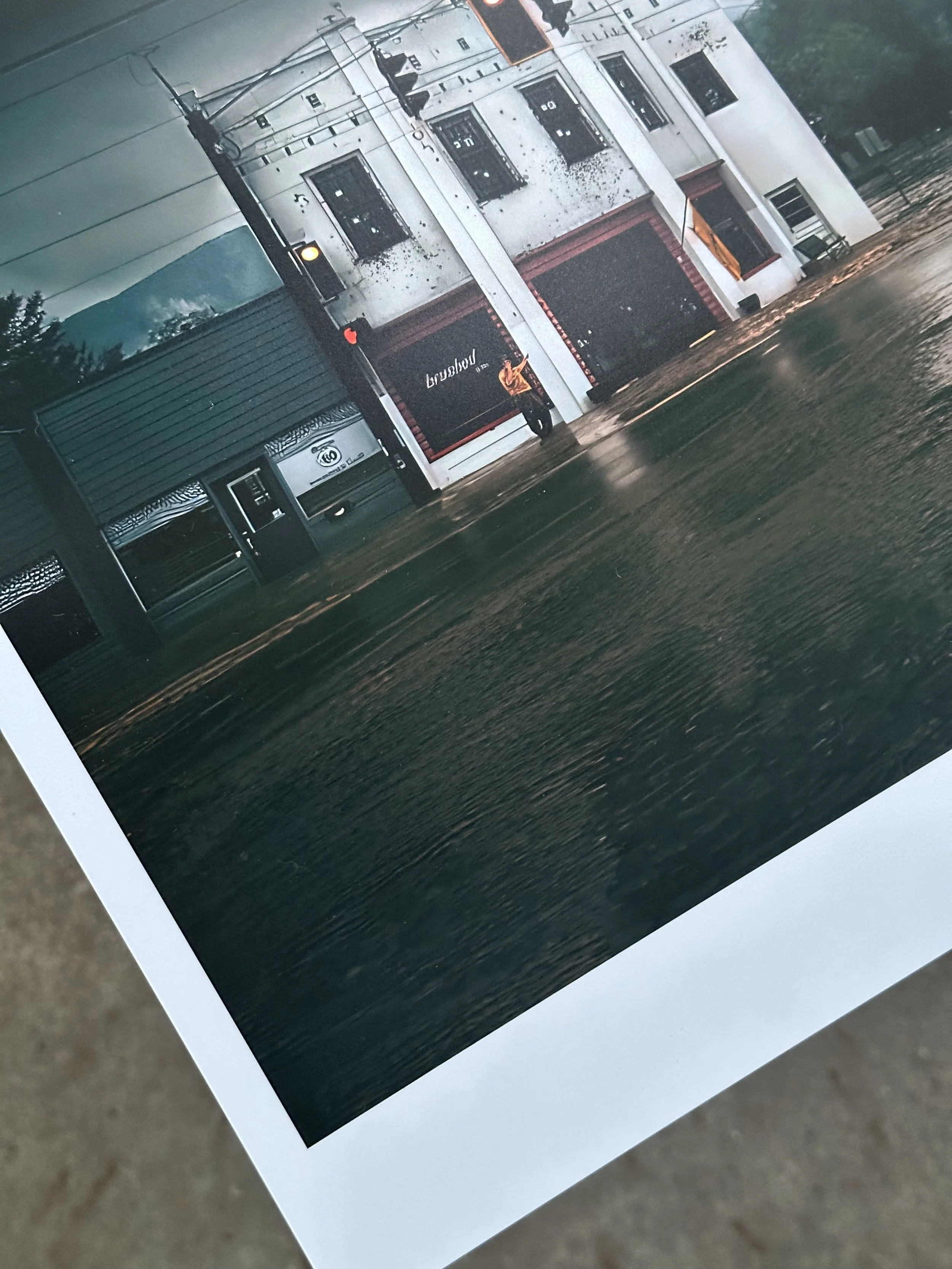

Left: Hahnemühle Museum Etching Paper 350 gsm Right: Hahnemühle Pearl 310 gsm

Part 3: Canon imageprograf Pro-1100, 90 Days Later
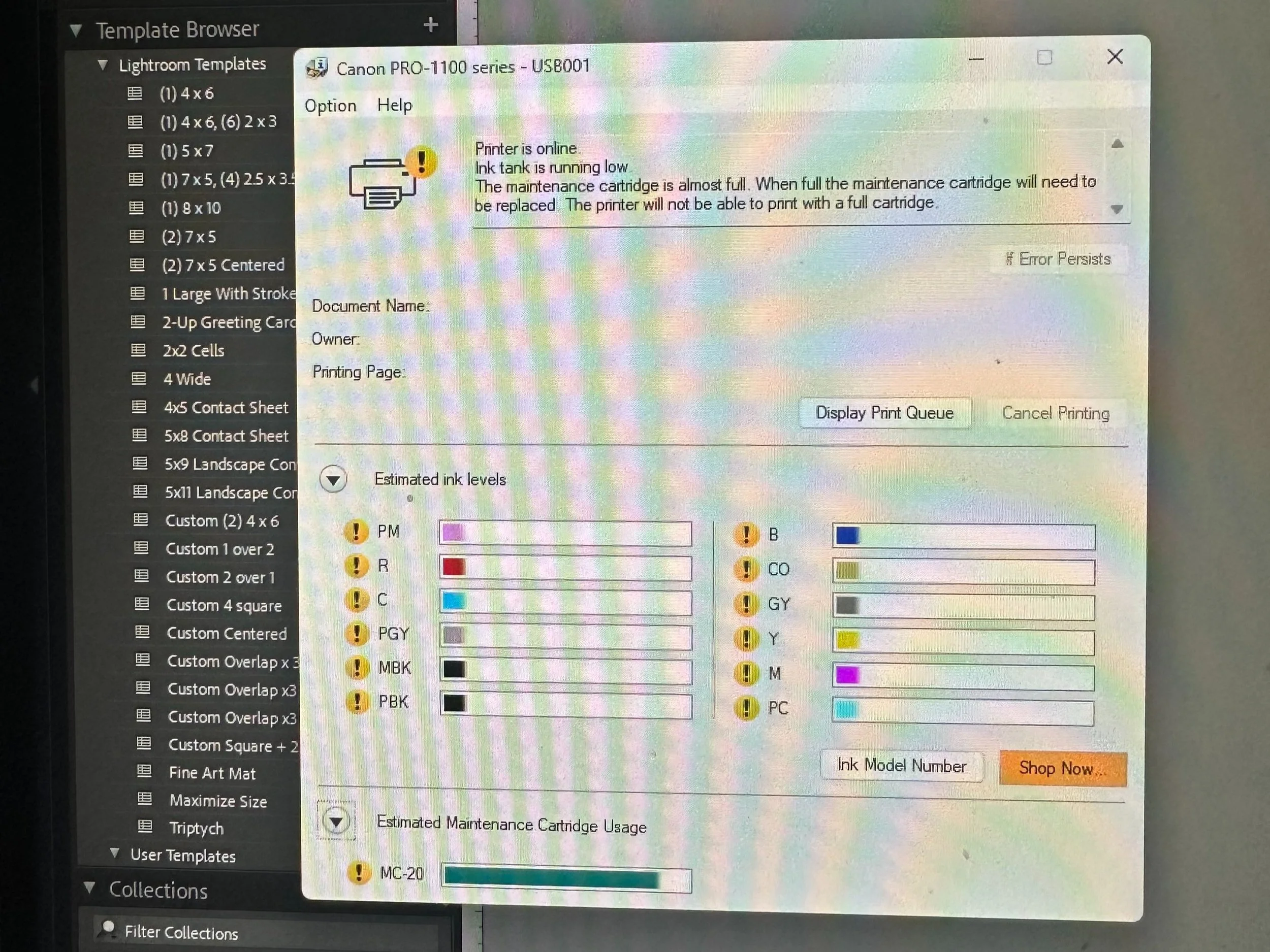
It’s been approximately three months since we purchased the Canon Pro-1100 printer, and during that time, we have experienced several power outages—three within the last two weeks of June alone. Two things that the printer does not handle well are being powered off and power outages
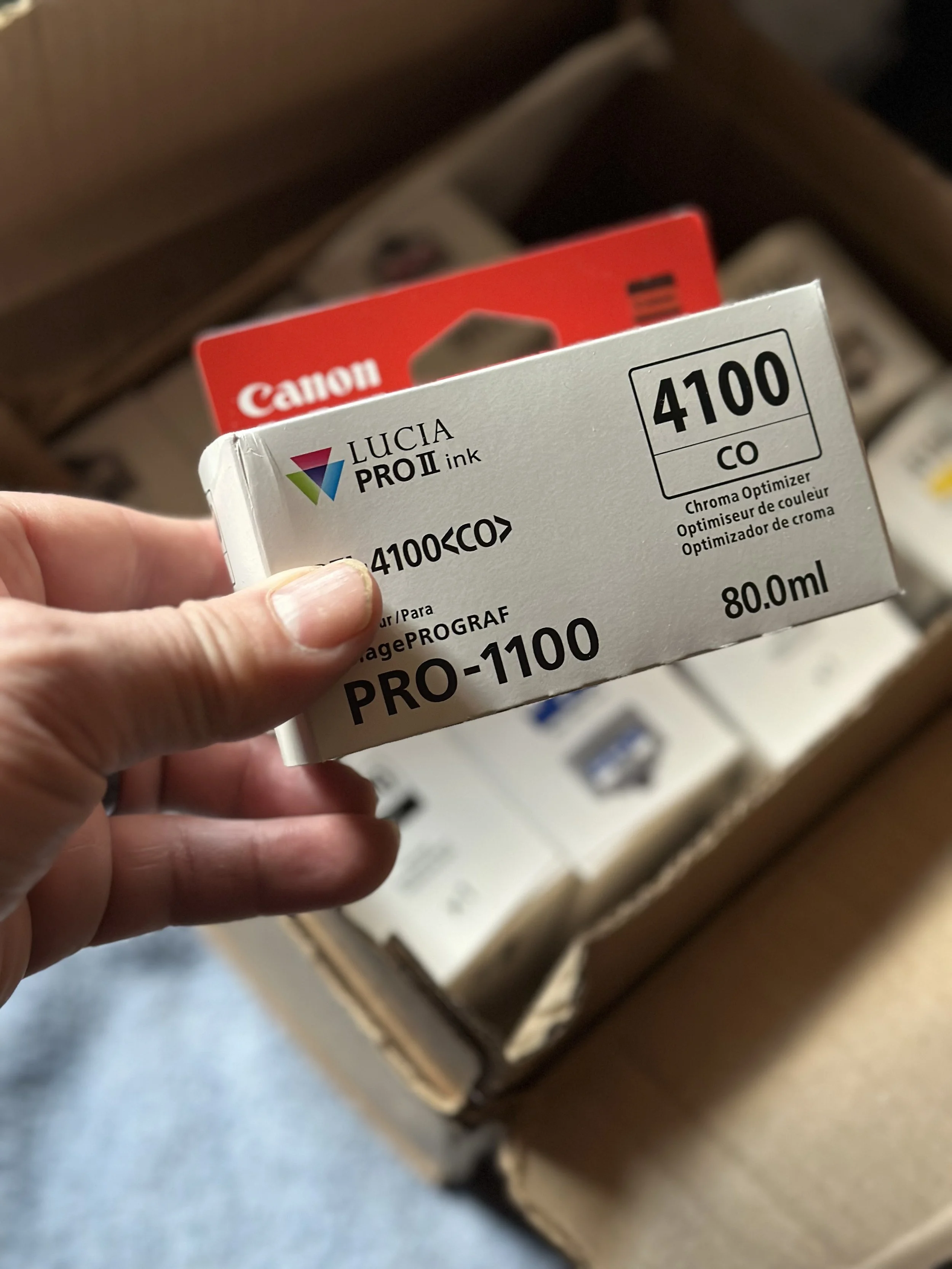
I bought the Canon Pro-1100 printer three months ago. Since then, I've faced several power outages—three in the last two weeks of June. The printer doesn't handle power loss well. When the power goes out, it automatically cleans itself and uses a lot of ink, sending it to the maintenance cartridges. After the first outage, I noticed that my Chroma Optimizer (CO) was low, but I ordered a replacement without worrying. The second outage affected my Photo Black (PBK) ink. Instead of ordering a new cartridge right away, I decided to see how long I could print with it being nearly empty. After the third outage, I realized I had critical ink levels for all my colors, and the maintenance cartridge was almost complete.
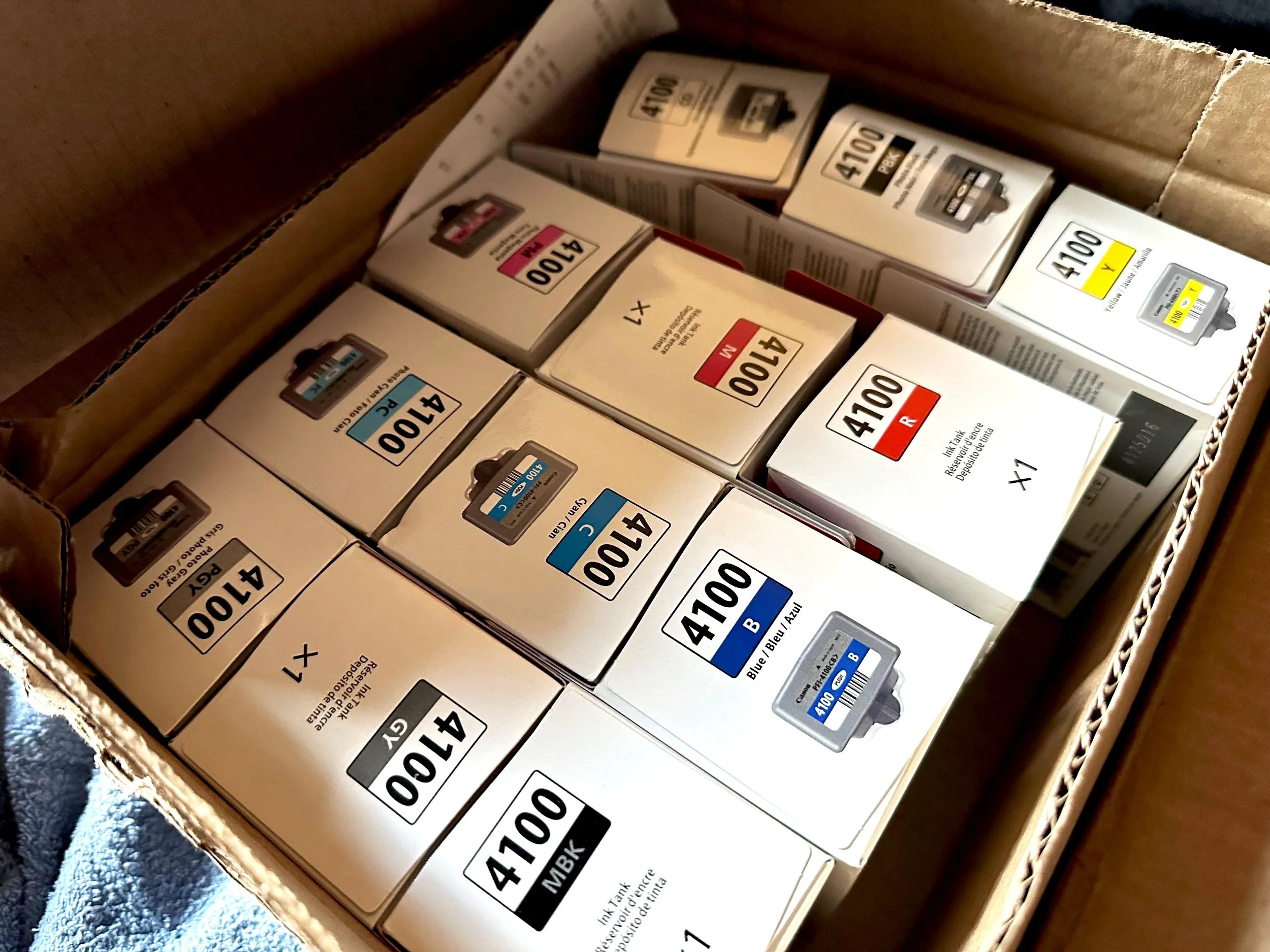
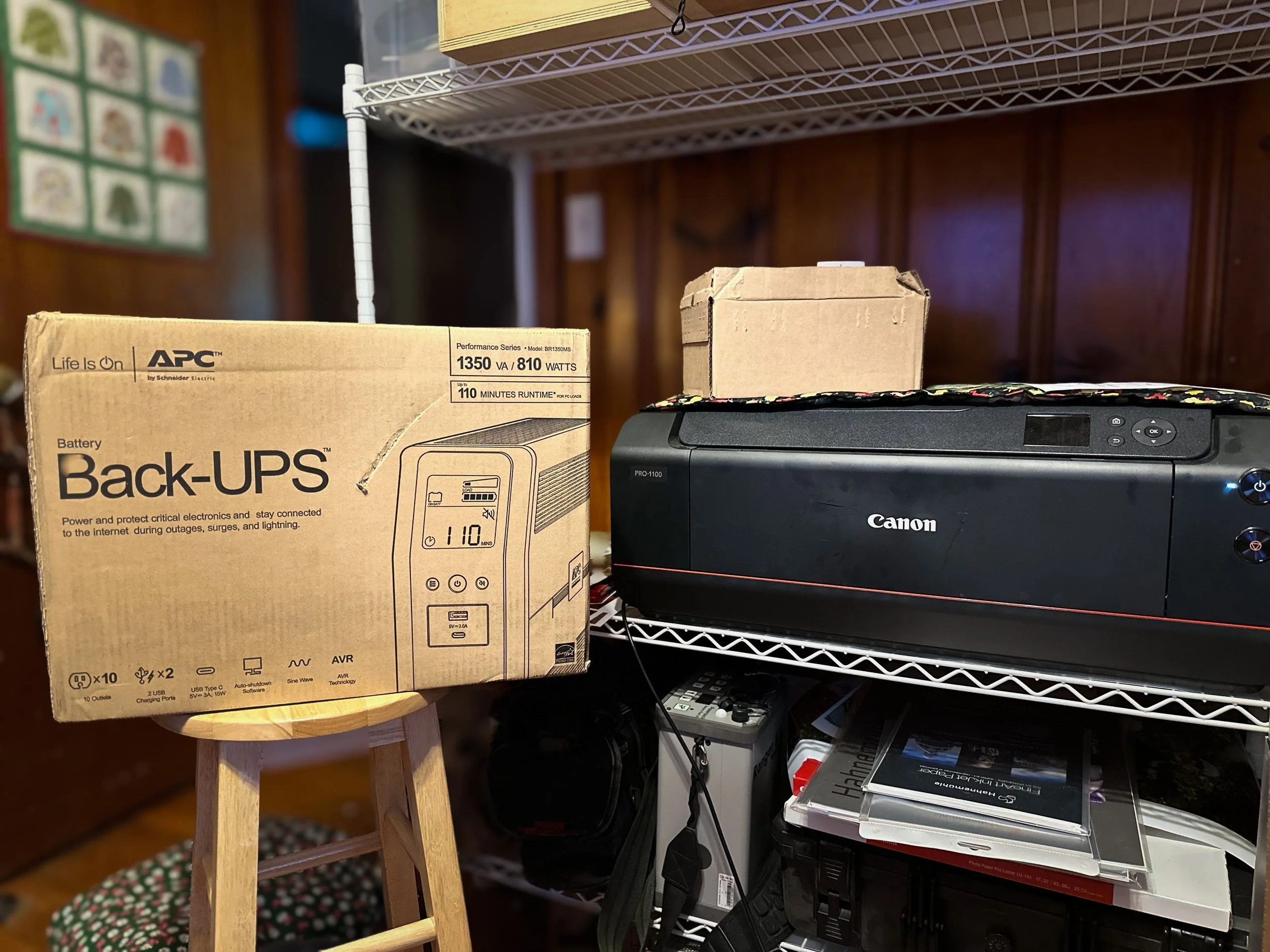
I ended up going back to B&H to order the other 11 inks and a maintenance cartridge. I also started looking into battery backup units from APC and CyberPower to avoid future problems. With so many choices, I chose the APC 1350VA battery backup for our printer. It's an 810-watt unit, which may be more than I need, but I thought it was better to have extra power. Since the last outage on June 23, I discovered from the Canon forums that when this printer is in standby mode, it draws 1.1 watts of power. I feel prepared for whatever comes next.
Final Thoughts
I have printed around a dozen 13x19 prints using the original ink that came with my printer, and it is still functioning well despite the critical ink levels. I have new ink cartridges on standby, along with a new maintenance cartridge.
On days when I don't print, I still perform a nozzle check, a tip I learned from Jtoolman's Photo Printing Techie and Keith Cooper's YouTube channels. Keeping the printer on helps prevent the deep cleaning cycles that waste ink. A safeguard would be investing in a battery backup; you won't regret it.
After using this printer for more than 90 days, I'm happy with it. The deep blacks and vibrant colors caught my attention, as well as the 17" wide prints. There's something special about holding your work in your hands; it feels equally as satisfying as seeing the images before editing. I'm also considering gathering a group for a portrait project that combines film and digital photography. I want to provide my clients with enlargements of their sessions, and the Canon Pro-1100 will help me achieve that.
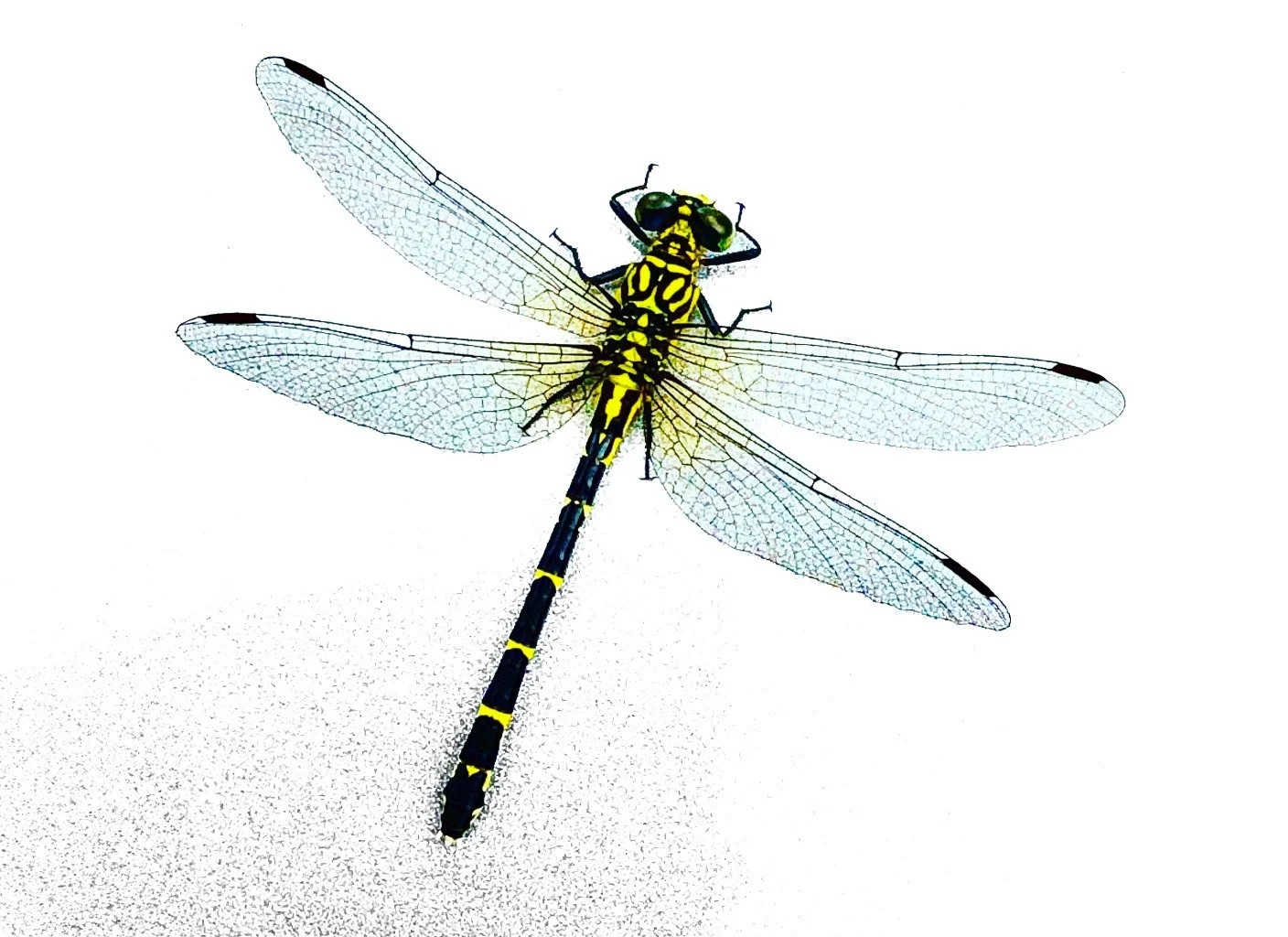
Randomness, Dragonfly on a wall. shot with my iPhone 14 Pro Max
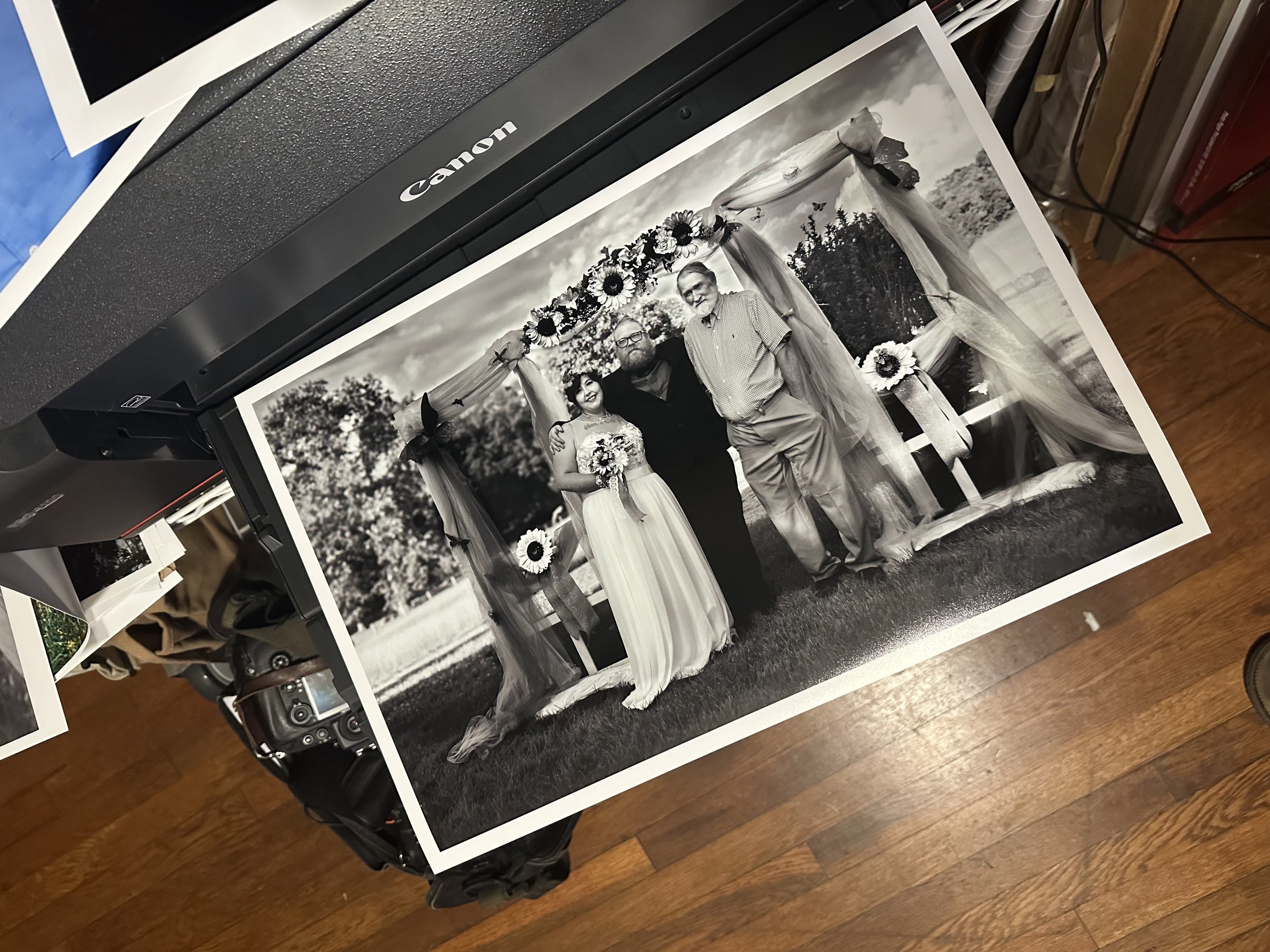
Friend’s wedding, Nikon D200
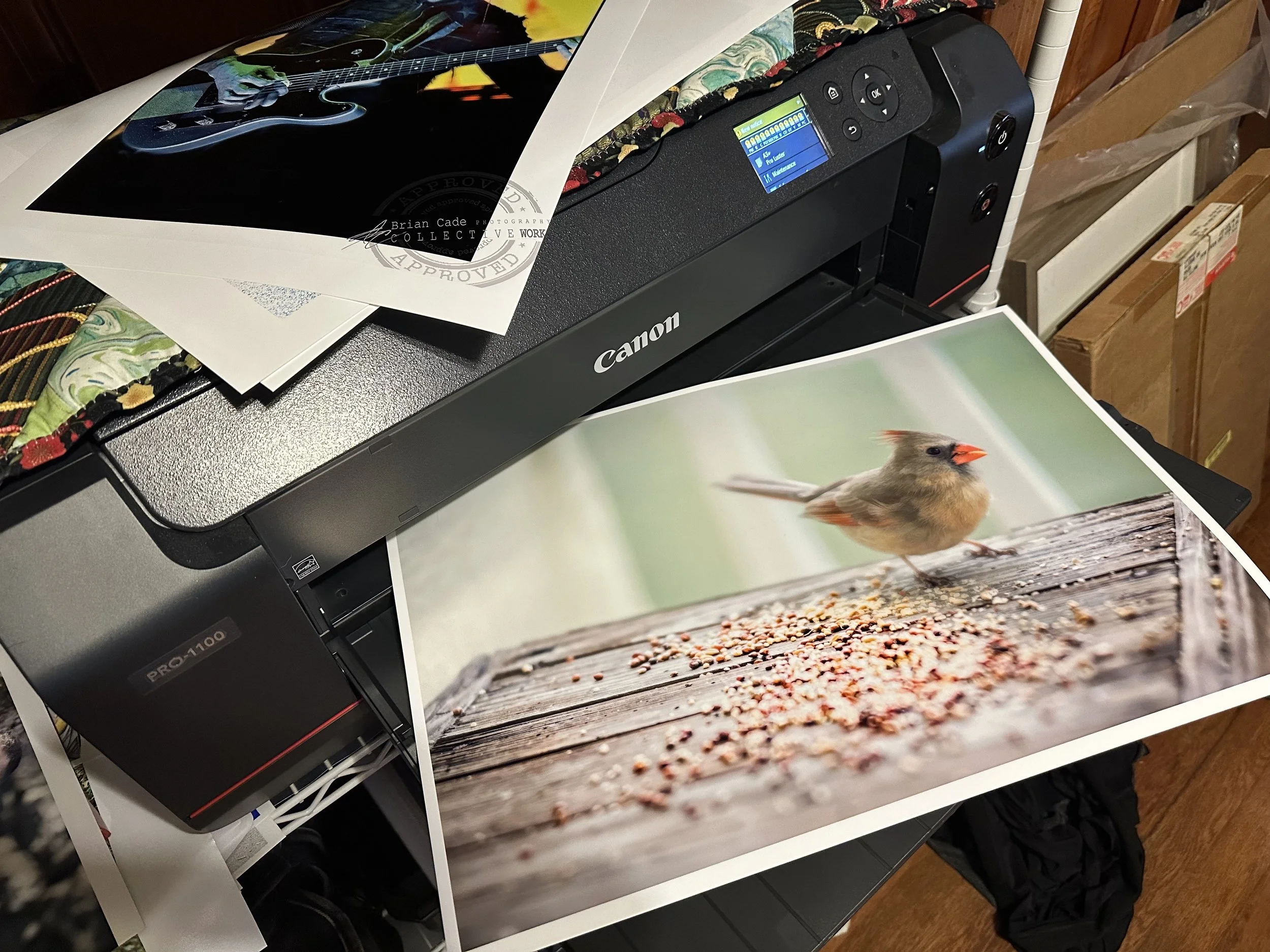
Randomness, Sony 7RII w/135mm G master
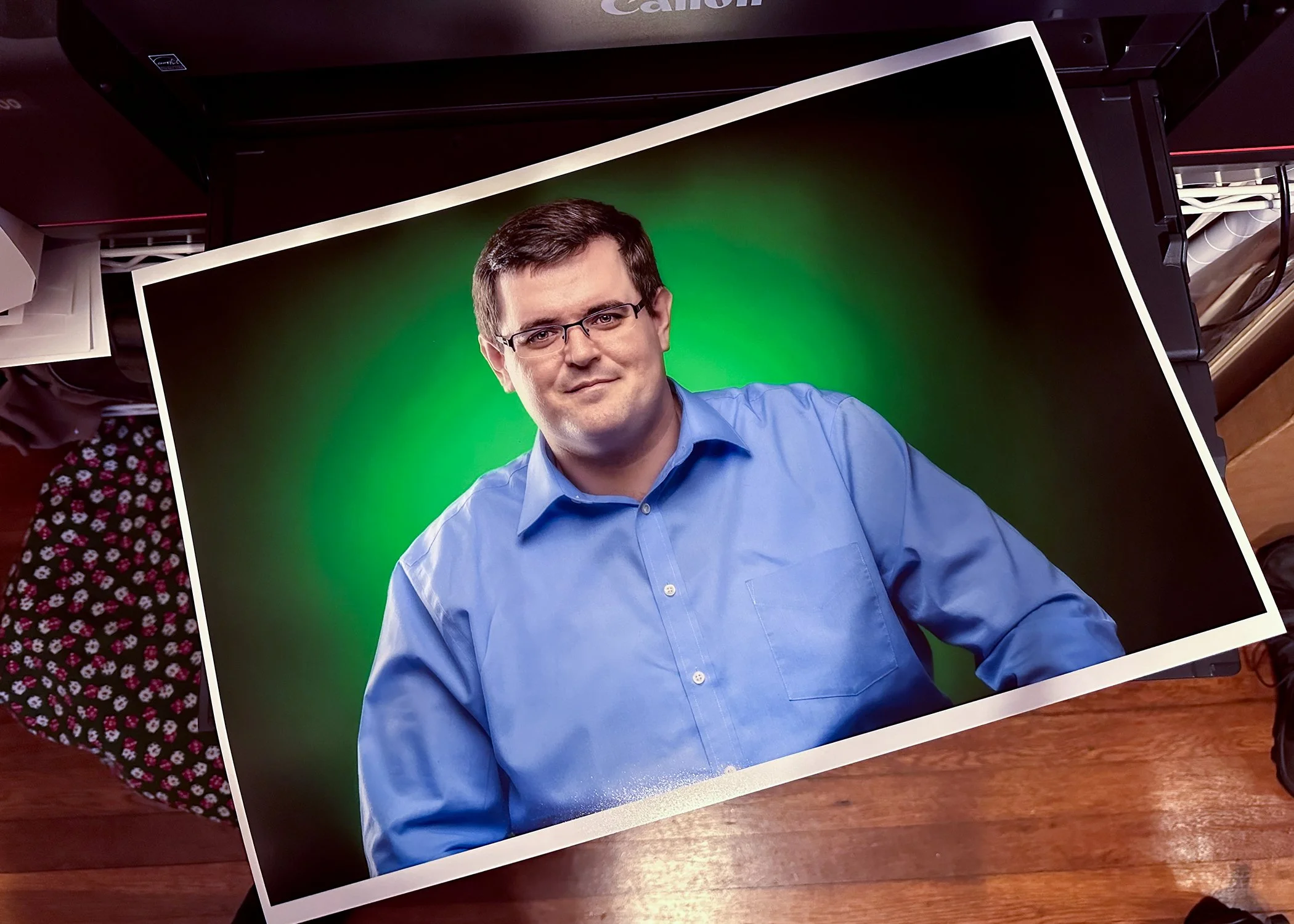
Shot with a Nikon D800.
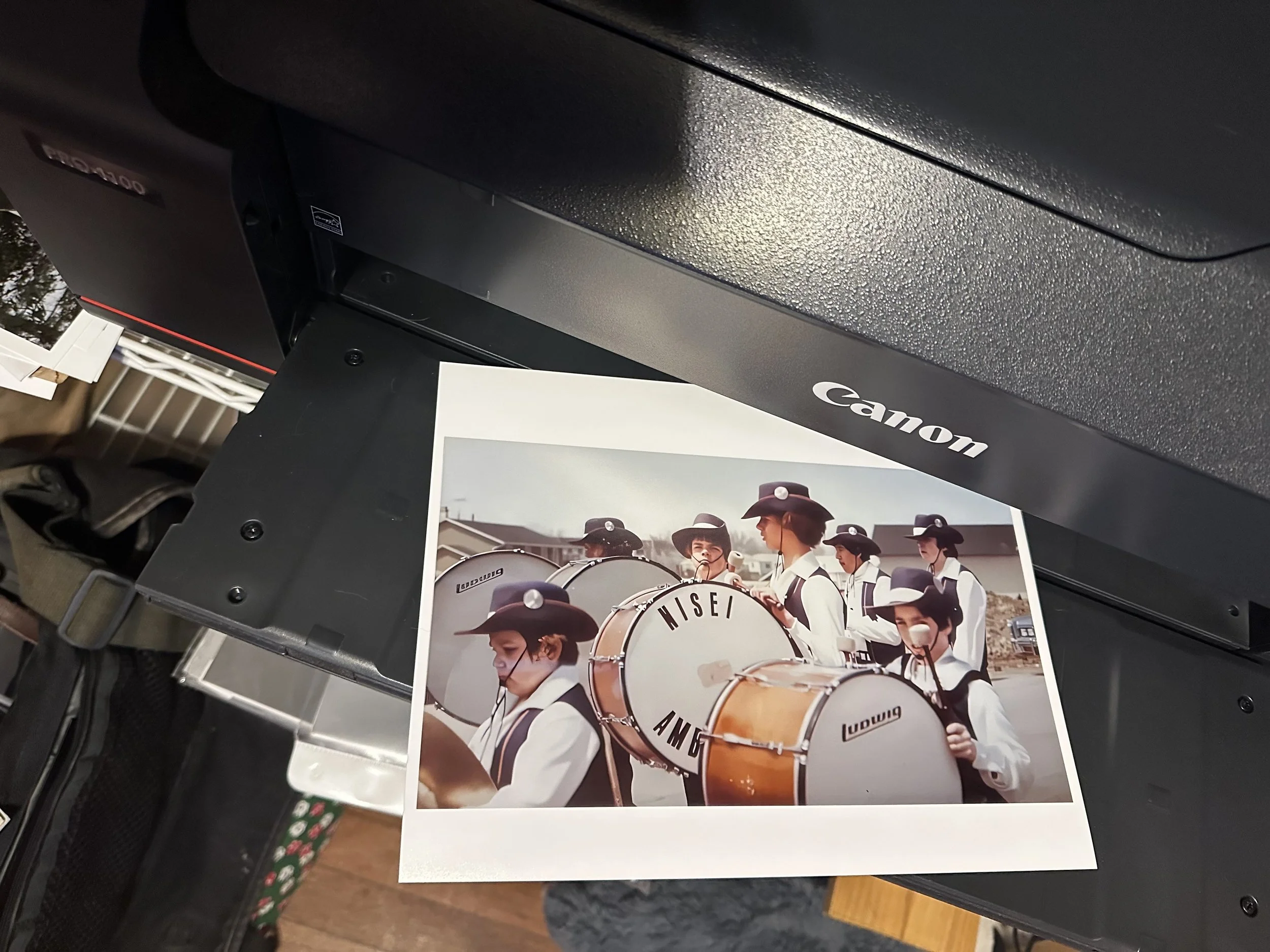
This is me around 1975 (Chicago) , Nisei Ambassadors drum and bugle corp. taken by staff.
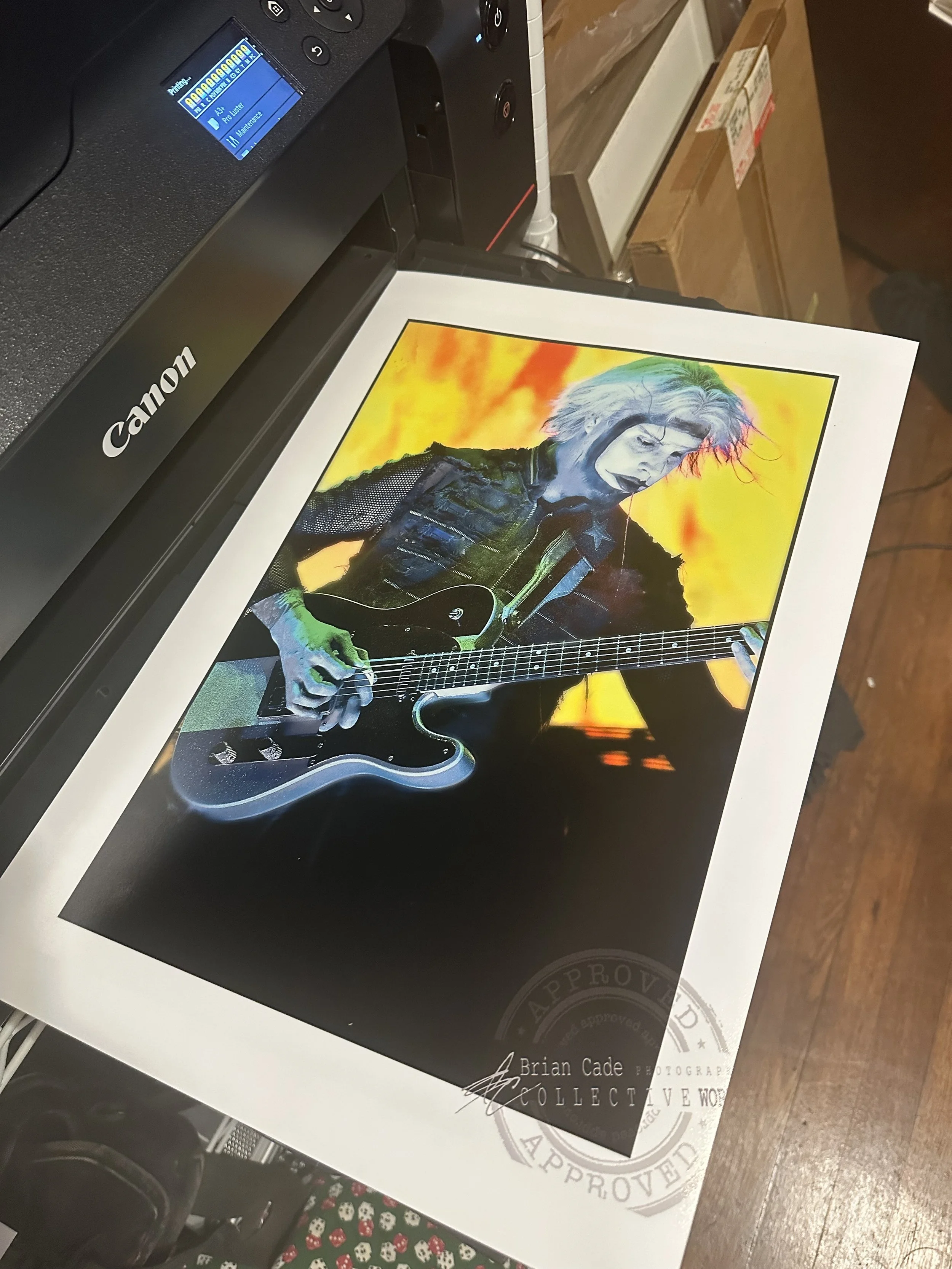
John 5, Mayhem fest in Raleigh, NC, Nikon D200