Test: Pocket Light Meter App For iPhone X Pt 2 of 2
First a little back history on my RZ67, I bought this camera “as-is” last year, the electronics didn’t work, but the camera was still usable at the emergency shutter speed of 1//400th of a sec,

You live and you learn, sometimes the hard way. When I had decided to test the Pocket Light Meter App for iPhone X against my Sekonic L-358 light meter, I also decided to pair it with one of my medium format cameras had not tested; The Mamiya RZ67 Pro.
First a little back history on my RZ67, I bought this camera “as-is” last year, the electronics didn’t work, but the camera was still usable at the emergency shutter speed of 1//400th of a sec, The bad news is that since the cameras electronics were not operable, there is no warning that the dark slide was still in the film back, and unlike my other “manual” medium formats; the shutter button can not be engaged if the dark slide was still in the film back. So during the test, there were a lot of missed shots, I mean a whole lot of missed shots.
My test included the following:

Mamiya RZ67 Pro camera body
Mamiya Sekkor 50mm C lens
Mamiya RZ67 Pro II 120 film back
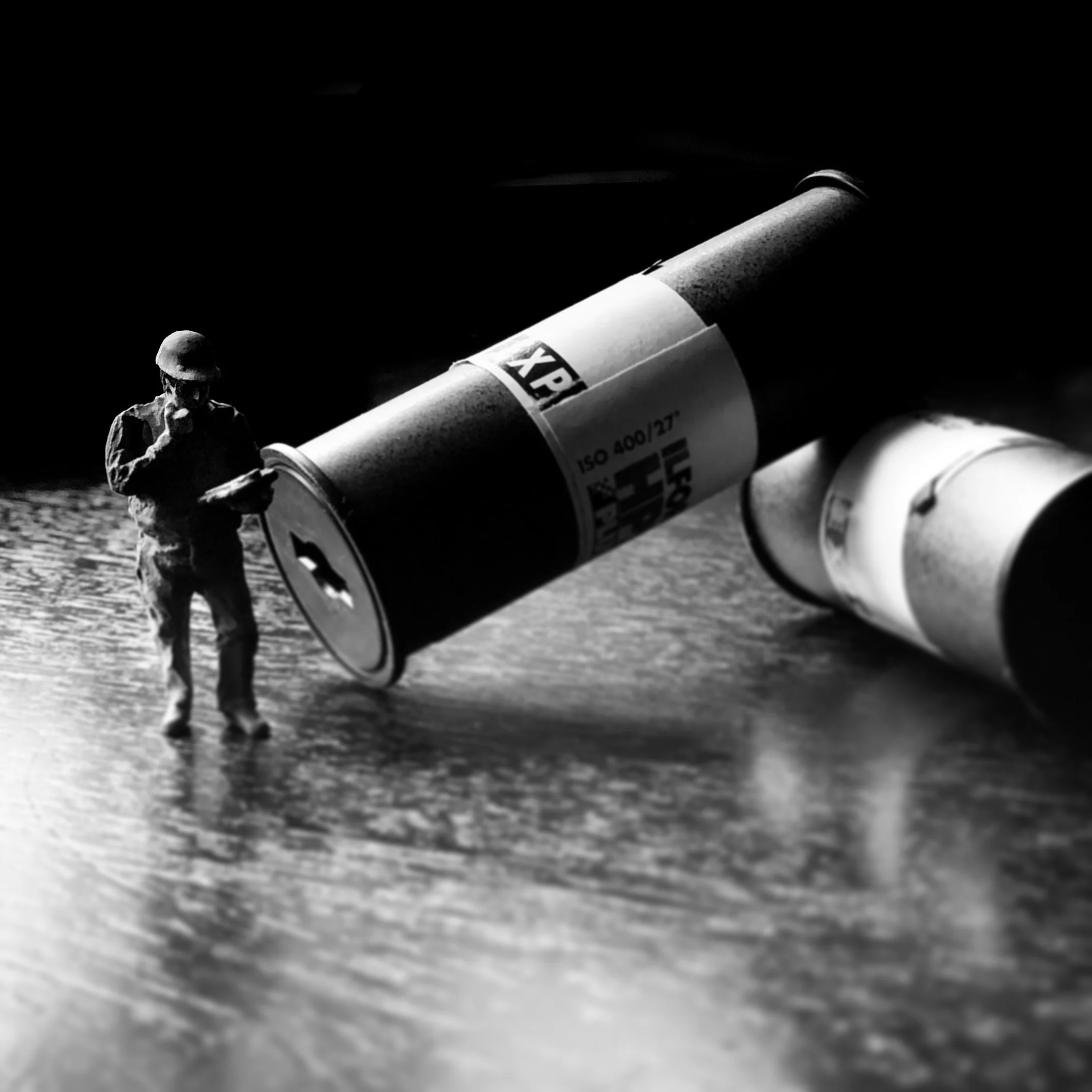
ilford HP5+ black and white 120 film
Pocket Light Meter for iPhone X
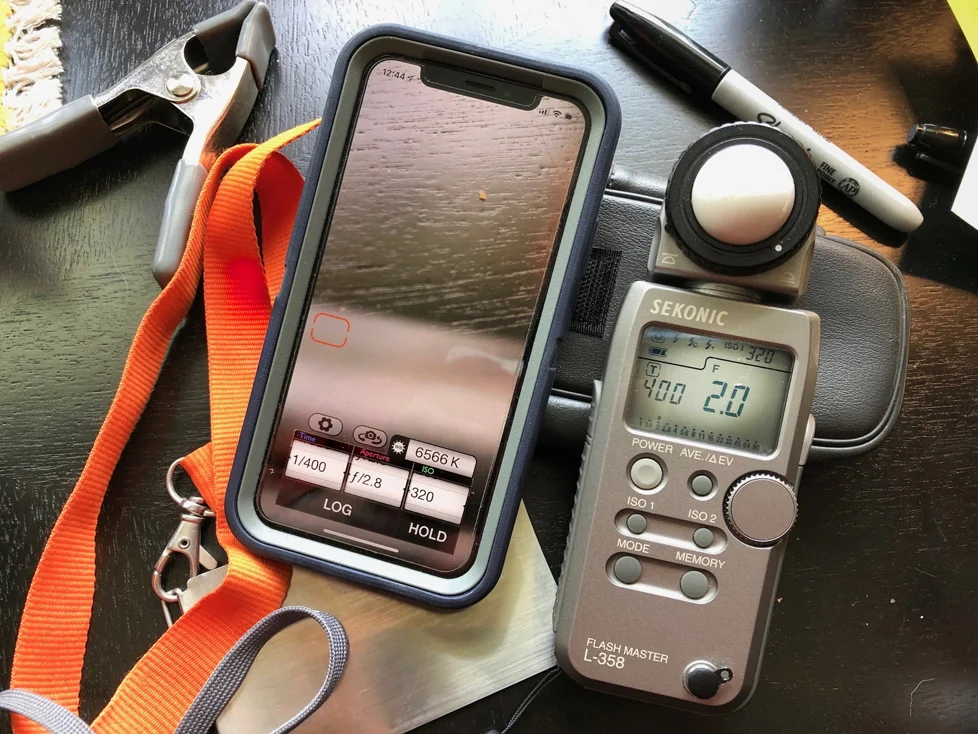
Sekonic L-358 light meter
For the most part of my test. the iPhone app pretty much kept up my handheld meter (Sekonic L-358) The readings for the highlights were point on, the Shadow readings were for the most part about a third off, no game killer though.
As stated above, the test would have been more in depth if I had not forgotten to remove the dark slide from the film back, resulting in many missed opportunities.
Will I trust this app for any future shoots: The short answer is Yes and No. If the shoot is for a client, I would always opt for my trusty handheld meter, personal projects on the other hand, I would switch between this app and my Sekonic.
The next time I plan to use this app will be when I shoot some 4x5 film in the next week or so. I’ll post the results from that shoot soon.
Test: Pocket Light Meter App For iPhone X Pt 1 of 2
So recently I purchased another photography app for my Apple iPhone X; The Pocket Light Meter Nuwaste studios ($10.99). Since I always have my phone with me, I thought it would be a great companion for my gear
So recently I purchased another photography app for my Apple iPhone X; The Pocket Light Meter Nuwaste studios ($10.99). Since I always have my phone with me, I thought it would be a great companion for my gear since I have been known to forget my traditional light meter at home from time to time,
Right out of the gate I noticed setting the ISO, shutter speed and aperture were a breeze on this app. it handled much like my old Minolta spot meter, the downside of the app version is it can’t take 2 separate readings for a combined exposure as in the Minolta spot meter had done. The other thing I noticed was comparing light readings between the app and my traditional light meter fell between a 3rd of a stop for the most part, not a deal breaker, but noted throughout these tests.
I am running some test paired with my Sekonic L-358 meter. Part 2 of this blog will have the final images from these test. As for the gear I will be using; Mamiya RZ67 Pro camera with a Mamiya RZ67 Pro II 6x7 film back, Mamiya Sekor C 50mm f/4.5 lens and Ilford HP5 + 120 film.
I hope to have my film ready to process in the next week or so, and part 2 of this blog written shortly there.