Story Two: Minor Photo Restoration(s)....Why Not
Story Two:
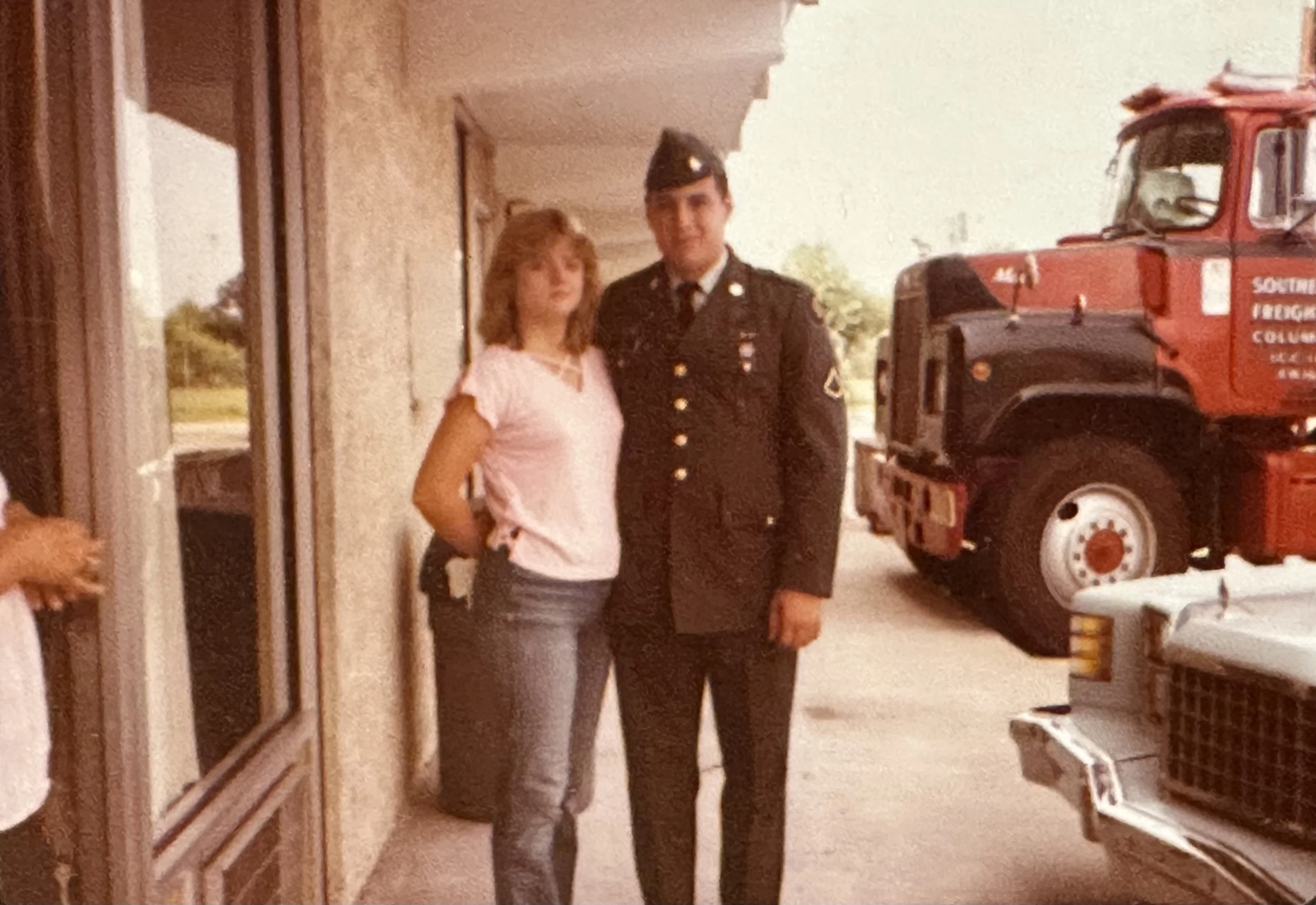
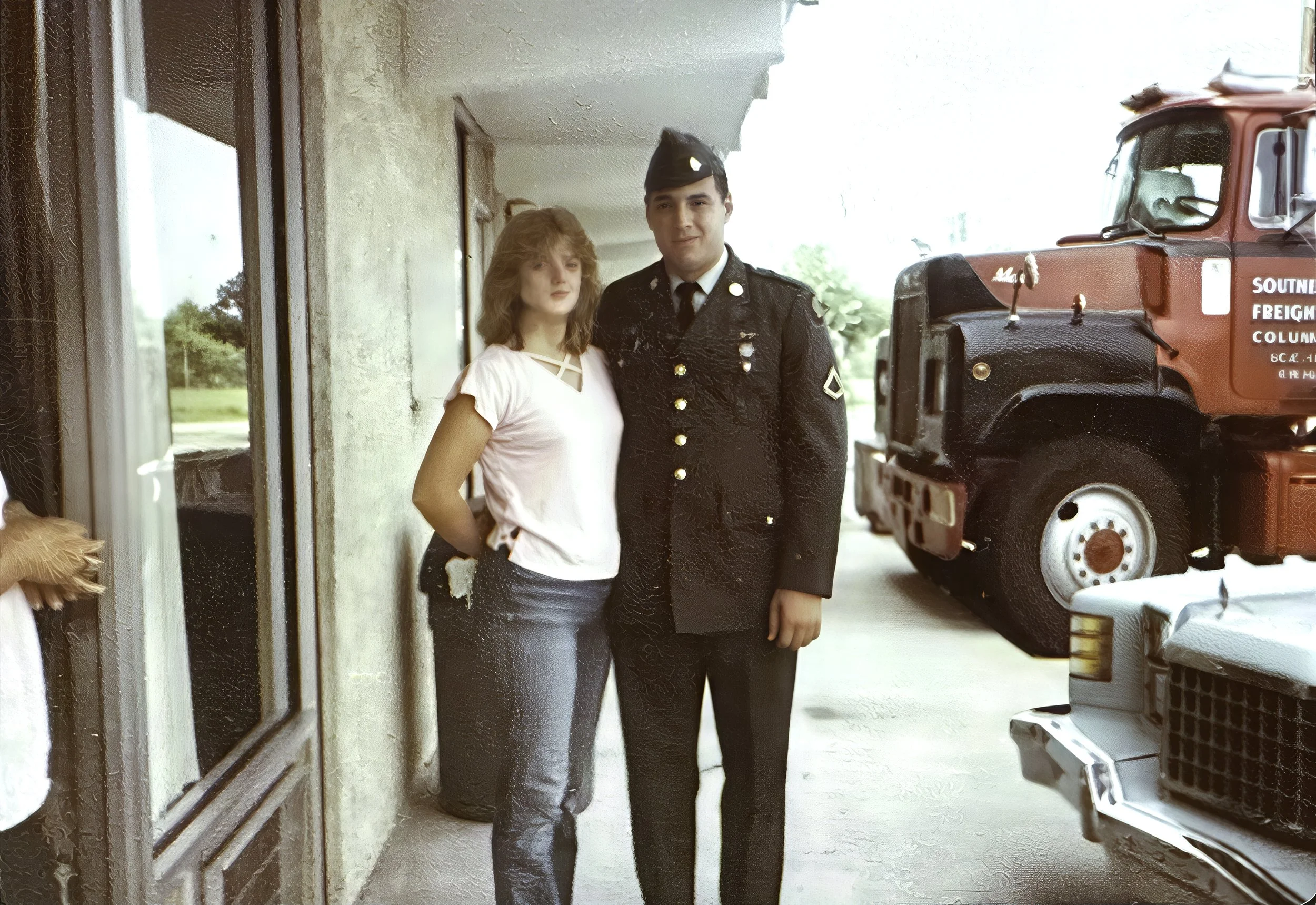
My in-laws asked if I could bring out more detail and color in a dark snapshot. I used Topaz Gigapixel to sharpen the image before editing it in Adobe Lightroom Classic. For the final print, I used Photoshop’s High Pass filter and Liquify tool to add some punch and fix areas that Gigapixel AI had distorted.
The original photo was 4x6, but the largest I could make the final print was 8x10. My in-laws didn’t mind and were happy to see their image restored.
Below, the top image is the original from my in-laws, and the other is my final edit. I printed them using a Canon imagePROGRAF 1100 on Canon Pro Luster 260 GSM 8x10 paper and Moab Entrada Rag Bright 300 GSM 5x7 paper.