New Gear : Nikon D800 and Tether Tools
At the time when I had blogged my decision to switch, I was still using my trusty Nikon D200 and D2x, both cameras were not supported by Adobe Lightroom for tethered shooting, Capture One did support my gear. As the months passed, I decided to sell off my Nikon D200, convincing myself I really didn’t need 2 DSLR’s anymore: I was still leaning into the Capture One for tethered shooting;
It’s been well over a year since I had written and decided to switch to Capture One software; I have since had a change of heart.
At the time when I had blogged my decision to switch, I was still using my trusty Nikon D200 and D2x, both cameras were not supported by Adobe Lightroom for tethered shooting, Capture One did support my gear. As the months passed, I decided to sell off my Nikon D200, convincing myself I really didn’t need 2 DSLR’s anymore: I was still leaning into the Capture One for tethered shooting; I still had my Nikon D2x.
Well, I thought I was going to keep my D2x until about 2 weeks ago when an had opportunity had crossed my desk that I could not pass up, I found a Nikon D800’s at a very reasonable price and low shutter actuations, around 31k,
Sure the D800’s was a full frame camera with a whopping 36.0 mp, with dual memory card ports and much higher dynamic and color range versus my crop sensor D2x, the main selling point for me was it was compatible with Lightroom cc. So I listed my D2x on eBay the next morning and by that evening it sold; I placed my order for the D800, and headed over tho Tether Tools web site to place my order for my tether cable and a few other accessories.
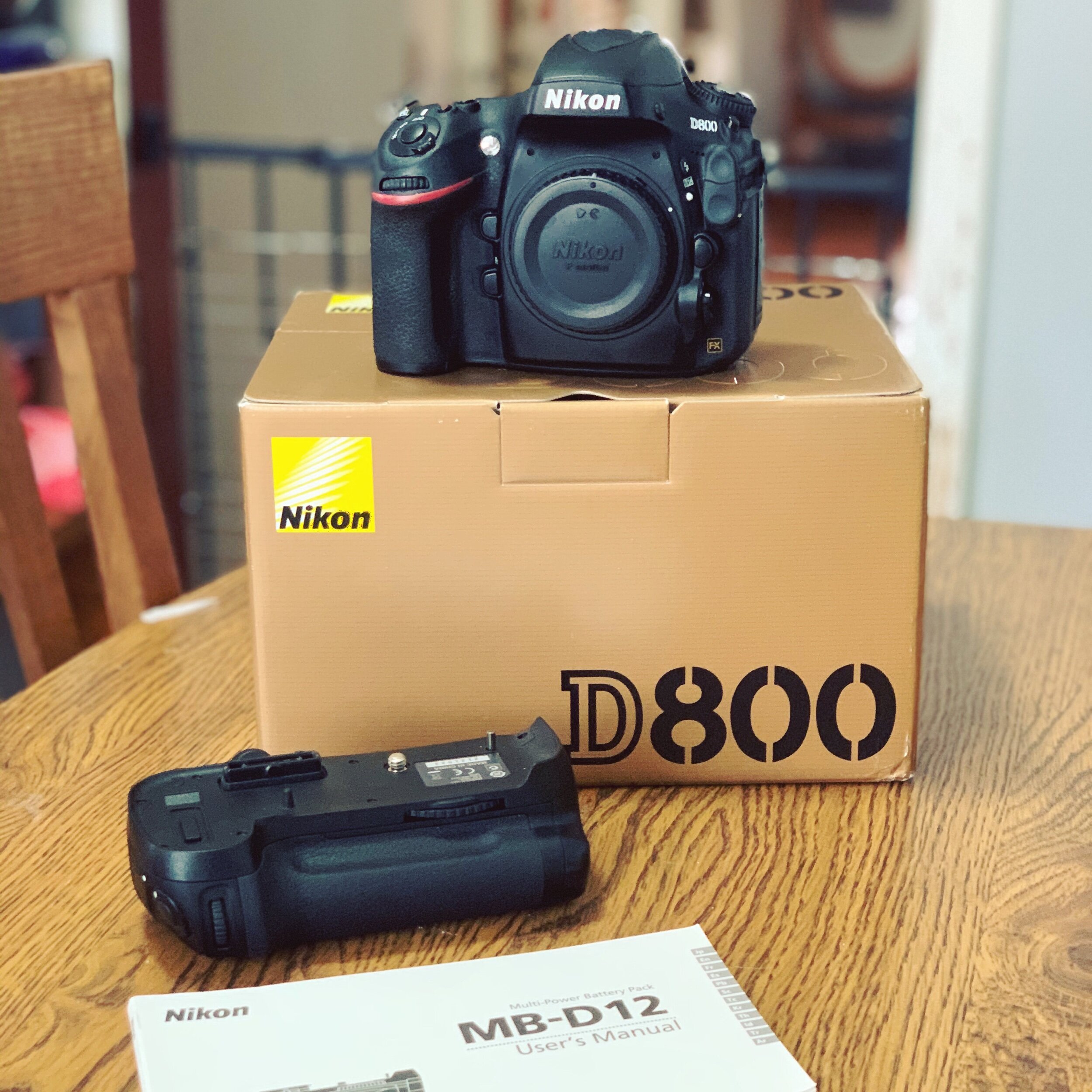
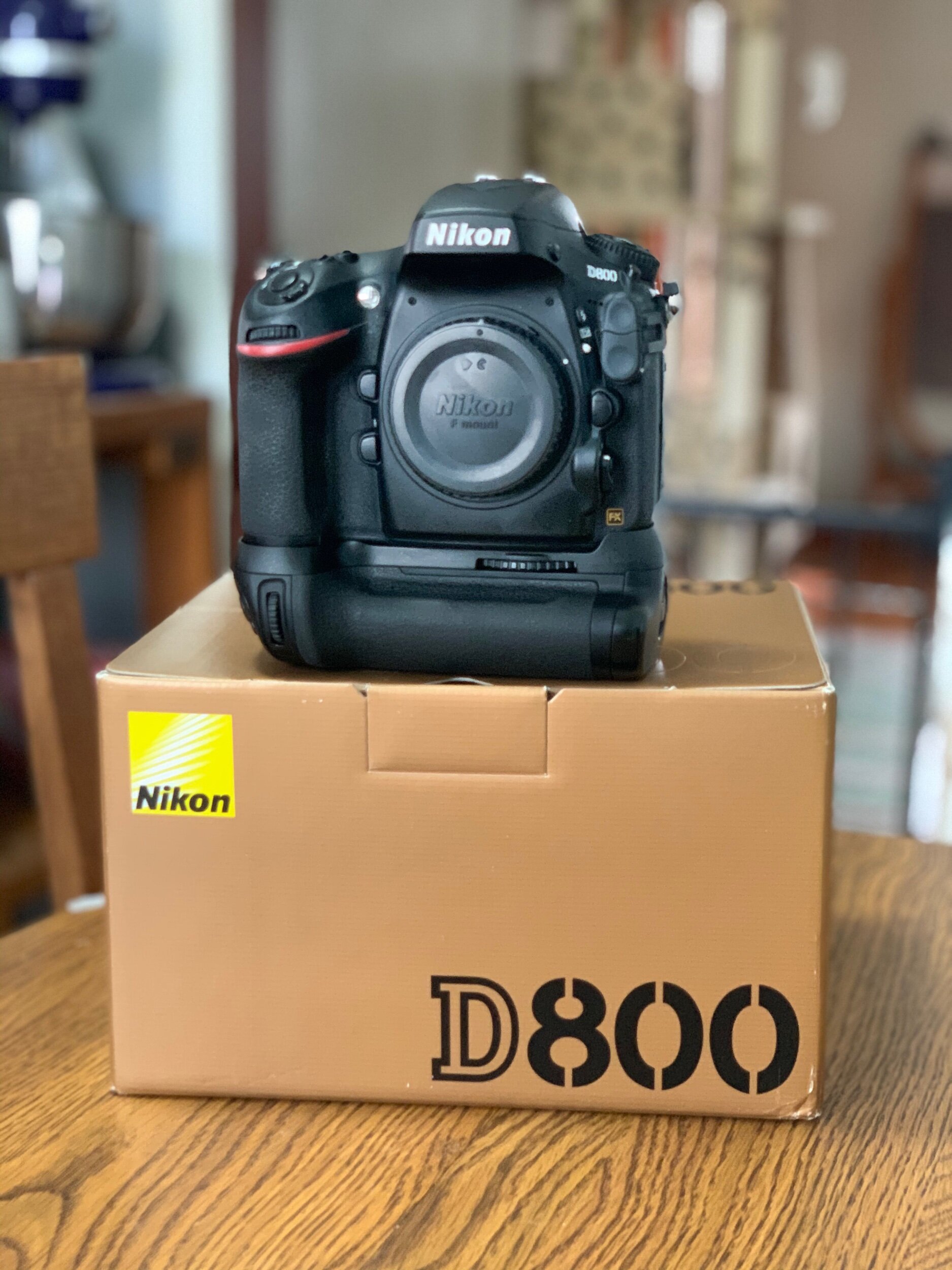
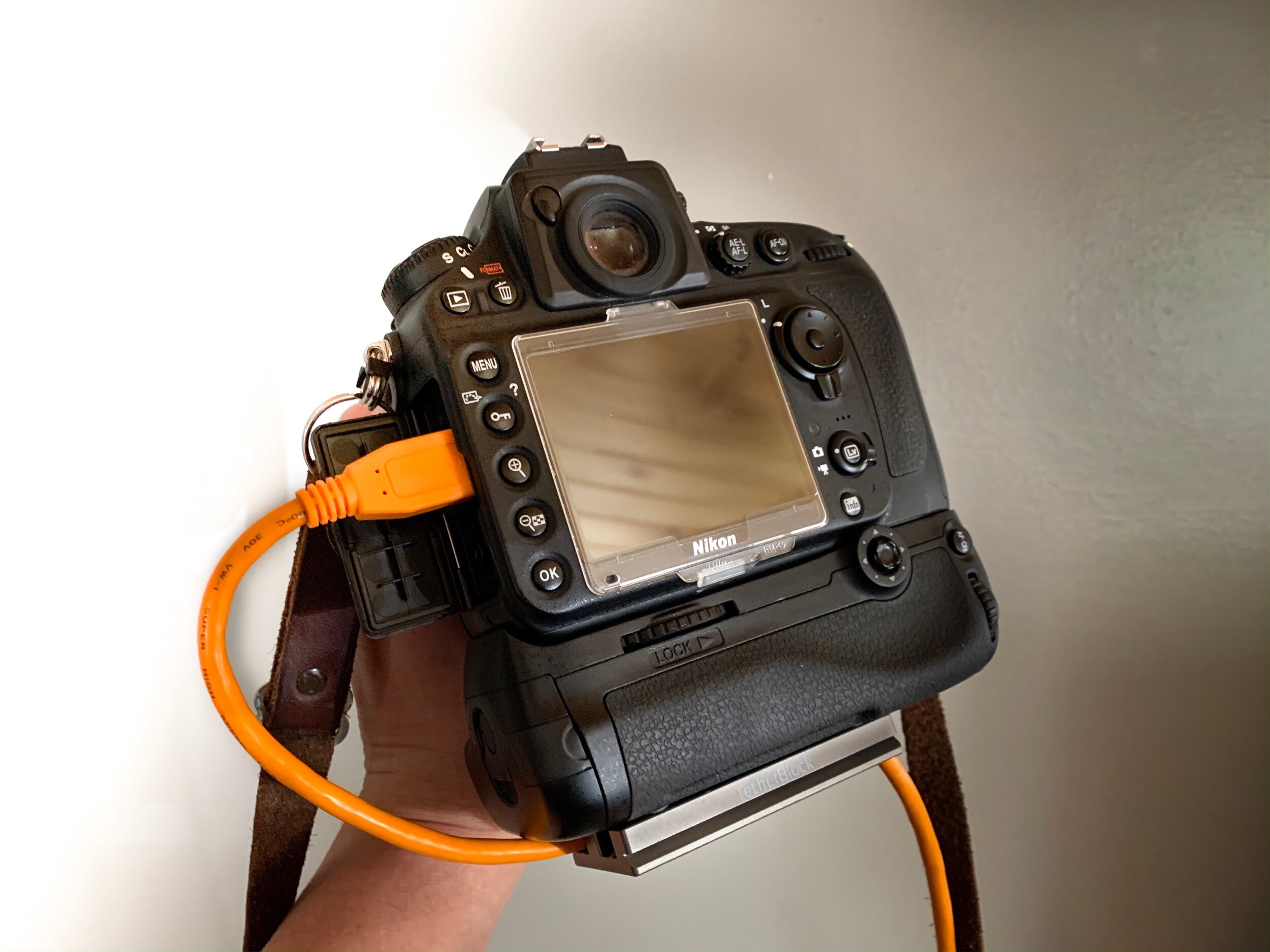
The D800 arrived first, followed by the tether cable a few days later, I had already set up my strobes for my first real test shoot, using D800, Adobe Lightroom cc, and the newly acquired tether cable and a tether block. (this secures the cable to the camera body with a plate and mounted on my Arca Swiss B1 monoball on the tripod.) This prevents the cable from being jerked out of the camera and cause damage.
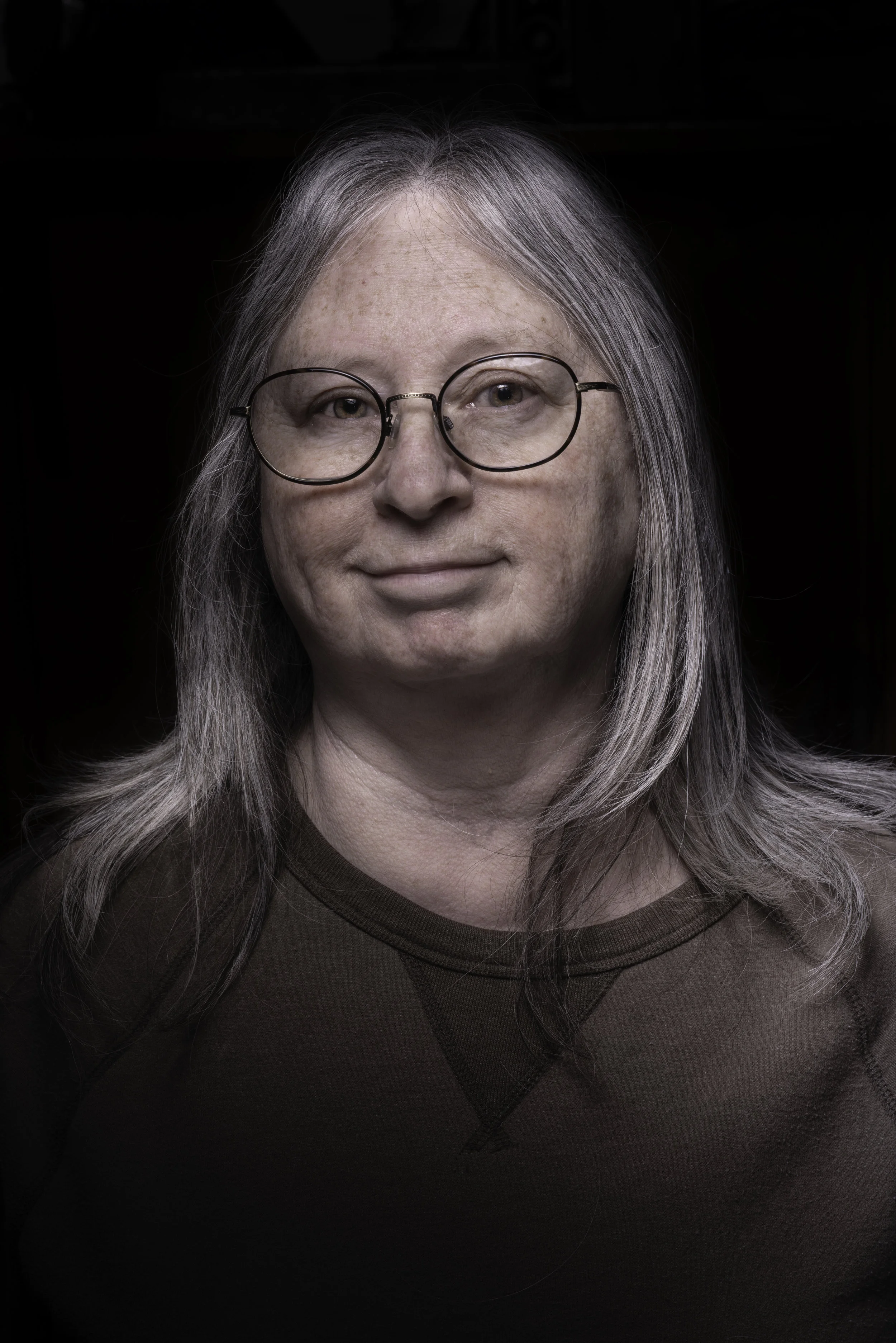
First image I shot with the new camera, non tethered, Equipment used: Elinchrom Quadra w/ 1 head in a 35x140cm strip box with grid, Silver 4x6 reflector panel behind subject., Nikon D800 w/ a Elinchron Skyport HS transmitter , 85mm f1.8 , F16 @1/3200
Now the real test shoot came when I connected the D800 to my laptop per the tether cable. communication between Lightroom cc and the D800 took less than a minute (probably less cause I was looking at the prompts that appeared on the screen) I was ready to shoot.
My lovely wife sat for me for this test shoot, which by the way is part of a personal project I have been wanting to do for quite some time. During our session I was quite pleased with what I was seeing on the laptop, I was able to make better decisions on adjusting the amount of light, posing and critical focus.
The 2 images below are from the tethered session, Both images had basic yet minor adjustment done in Lightoom, with the exception of the second image I decided to slightly desaturated just for effect. I kept my set up simple and took full advantage of the high sync on the D800 and Elinchrom'; we shot at F16 with a shutter of 1/3200, using 1 Elinchrom pack and strobe with a socked 17” beauty dish.


And there we have it, this blog was not about one editing software being faster or better than the other, but more about using what I already had with a more updated camera. That’s not to say I wouldn’t want to give Capture one a spin around the block. Who knows, that might be a future blog; Lightroom cc versus Capture One.

Why Capture One Pro?
The choice was easy when I decided I wanted to tether my photo sessions to my laptop, Capture One Pro supports both my older Nikon cameras, the D200 and the D2x.

Recently I started to explore the possibilities of shooting tether during photo sessions; For those that don’t know, Tethering is the ability to connect the camera to the computer via USB cable and using software to view each and every image as you shoot.
Phase One’s Capture One Pro 11 imaging software became a possibility for me. Why would I switch from Adobe Lightroom? First and foremost,the obvious, tethering options for both my Nikon D200 and D2x that are not supported with Lightroom, they’re however supported through Capture One .
Though I have been an avid Adobe photoshop user for many years, jumping over to Adobe Lightroom Classic CC within the past year or so. The idea of viewing each of my shots on a larger display, being able to tweak the RAW file as I shoot, showing a prospective client the process and make any changes that would become more visible per a larger presentation other than the small LCD on the back of my camera. Capture One Pro has became exactly what I think I need.
Sure I’ve had a few friends tell me to just upgrade to a newer, more recent model camera, a full frame camera, and just stay with Lightroom, why should I? For what I do and plan to do, and for what I need. my Nikon D200 and D2x are more than enough to take on what I put them through, if its not broke, don’t fix it is what I go by and secondly, the camera is nothing more than a tool, an extension of the artist. Adding Capture One software to my workflow just ups the ante when it comes to making each and every image count, this will allow me to fully dig deep into my vision, cause in the end, the image starts and ends with me.